FilterPixel
Overview
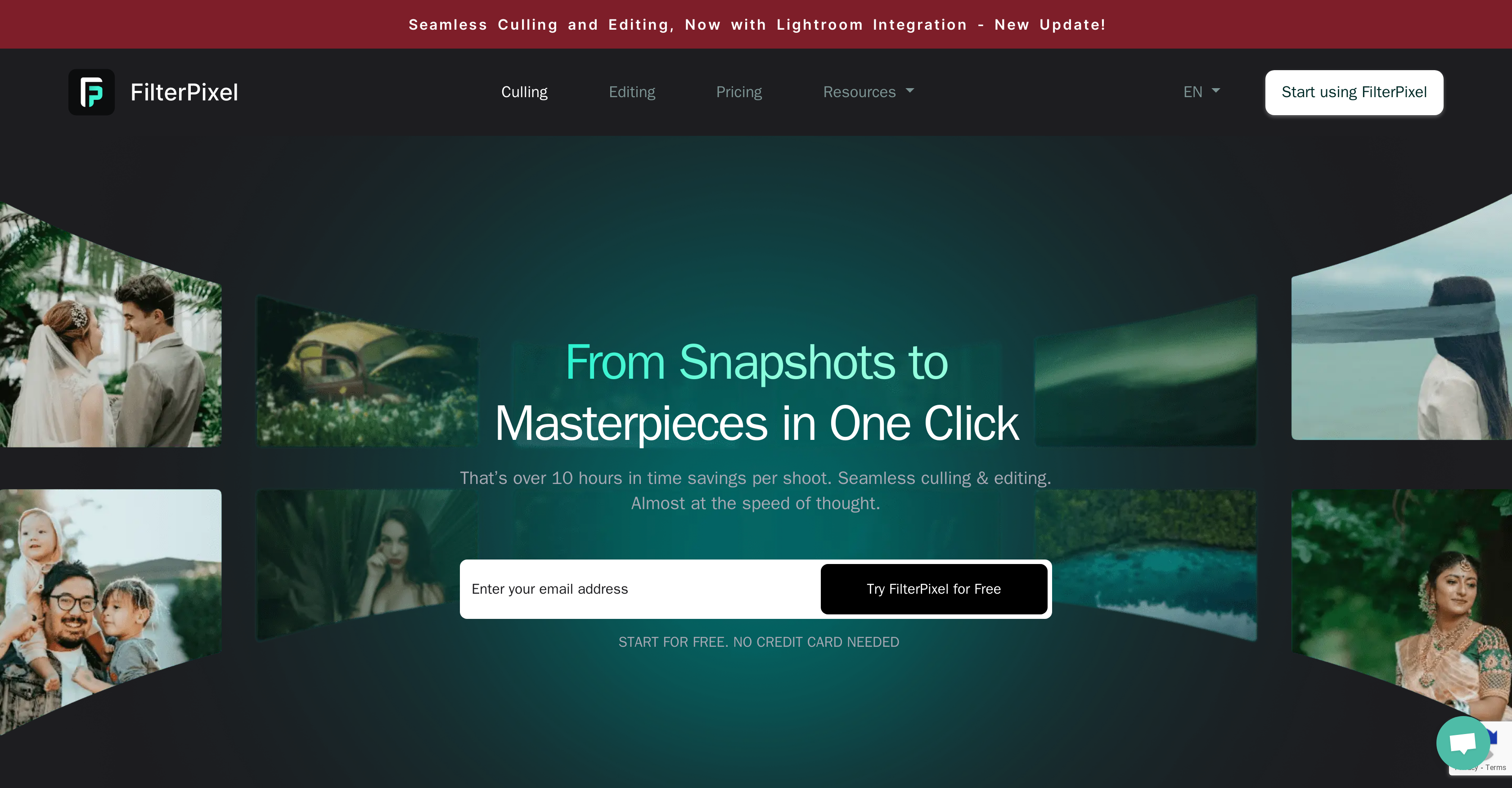
- Eliminate hours of manual photo sorting with AI that automatically identifies your best shots and flags potential issues
- Apply your unique editing style automatically across entire shoots with personalized AI profiles that learn your cropping and exposure preferences
- Never miss a perfect shot with intelligent categorization that groups similar photos and selects the best from each set
- Maintain complete workflow continuity by exporting edited images directly to Lightroom, Capture One, and Photo Mechanic in RAW, DNG, or JPG formats
- Process multiple albums simultaneously without switching contexts, dramatically accelerating your post-production workflow
- Ensure consistent quality across any photography genre with AI trained to adapt to different shoot types and styles
- Keep your original images completely private with local processing that never shares your data and maintains GDPR/CCPA compliance
Pros & Cons
Pros
- Windows and Mac availability
- Photo culling automation
- Potential issues identification
- Applicable to various genres
- Supports RAW, DNG, JPG
- Multiple album import capability
- Personalized editing profiles creation
- Exports to Lightroom, Capture One
- Privacy guaranteed
- GDPR compliance
- Educational blogs support
- Dedicated helpdesk
- Adapts to user's style
- Handles different shoots differently
- Identifies best shot among similar
- Lightroom integration
- Time-saving tool
- Backups creation
- Allows simultaneous culling and editing
- Supports global community of photographers
- Improves productivity and workflow
- Exports to Photo Mechanic
- Photographer genre learning capability
- Culls at the speed of thought
- Guarantees no missed desired shot
- Effortless export options
- Fast and easy editing
- Supports seamless workflow
- Provides photography workflow transformation
- Various editing styles exploration
- Chosen by professional photographers
- Memory card direct import
- Offers culling efficiency tips
- Supports all leading RAW formats
- Free 30 days trial available
- Fast delivery of wedding photos
- Quick tips on photo editing
- Multiple export format options
- FAQs section for queries
- First 10,000 photos free
- 14-day free trial availability
- Personalised photo editing
Cons
- Can't edit video
- Requires learning user's style
- Limited seamless platform integrations
- Supports only three formats
- Lack of advanced features
- Can't manually select best
- No mobile or tablet support
- No offline functionality
- Single user profile
Reviews
Rate this tool
Loading reviews...
❓ Frequently Asked Questions
FilterPixel is an AI-powered photo culling and editing tool. It automates the process of sorting through photos, identifying the best shots and flagging potential issues. It caters to various photography genres and can create personalized editing profiles for each user.
FilterPixel can be operated on both Windows and Mac platforms.
FilterPixel supports various formats such as RAW, DNG, and JPG.
FilterPixel uses AI to sort through photos by identifying the best shots, flagging potential issues, and categorizing similar photos. It ensures that no desired shot is missed and reduces substantial time spent on photo selection.
Yes, FilterPixel has the ability to import multiple albums simultaneously, thus leading to further efficiency in workflow.
FilterPixel's AI has the capability to imitate the user's editing style, from cropping to exposure adjustment.
Yes, users can export their edited images to different platforms such as Lightroom, Capture One, and Photo Mechanic in various formats.
FilterPixel ensures user-controlled data privacy by not sharing user data. It guarantees privacy and GDPR compliance.
Yes, FilterPixel can adapt to various photography genres ensuring accurate results for every type of photoshoot.
FilterPixel's AI categorizes similar photos and identifies the best one from every set. This feature ensures that no desired shot is missed.
FilterPixel is trusted by a global community of photographers hailing it for its efficacy in transforming their workflows and improving their productivity. Notable testimonials mention faster editing, quicker delivery times, and a tool that learns your preferences over time.
FilterPixel offers a wide range of support options including educational blogs and a dedicated helpdesk. It also provides various learning resources ranging from culling efficiency tips to mastering the software.
Yes, FilterPixel allows users to create personalized editing profiles. It uses AI to imitate a user's editing style from cropping to exposure adjustments.
Yes, FilterPixel is GDPR compliant. It guarantees privacy and does not share user data.
Yes, FilterPixel integrates with Lightroom, among other platforms like Capture One and Photo Mechanic.
Educational resources and tips for using FilterPixel can be found on their dedicated blogs offering a variety of topics from culling efficiency tips to in-depth knowledge of the software and its features.
Yes, FilterPixel supports photo culling. The tool automates the process of sorting through photos, identifying the best shots and flagging potential issues.
FilterPixel impacts the workflow of a photographer by reducing the substantial time spent on photo selection. It automates various processes such as sorting, flagging, and categorizing photos leading to efficiency in workflow and improved productivity.
Yes, FilterPixel guarantees your data privacy. It is GDPR and CCPA compliant and does not share your original images.
FilterPixel offers seamless export options allowing users to export their edited photos to platforms such as Lightroom, Capture One, and Photo Mechanic in various formats.
Pricing
Pricing model
Free Trial
Paid options from
$360/year
Billing frequency
Yearly
Refund policy
Refunds are available for new monthly subscriptions within 7 days and for new yearly subscriptions within 14 days of payment, while charges from auto-renewals are non-refundable.
Related Videos
Create Your Culling Assistant in 24 hours | FilterPixel Assist Tutorial
FilterPixel•215 views•Dec 20, 2022