
Overview
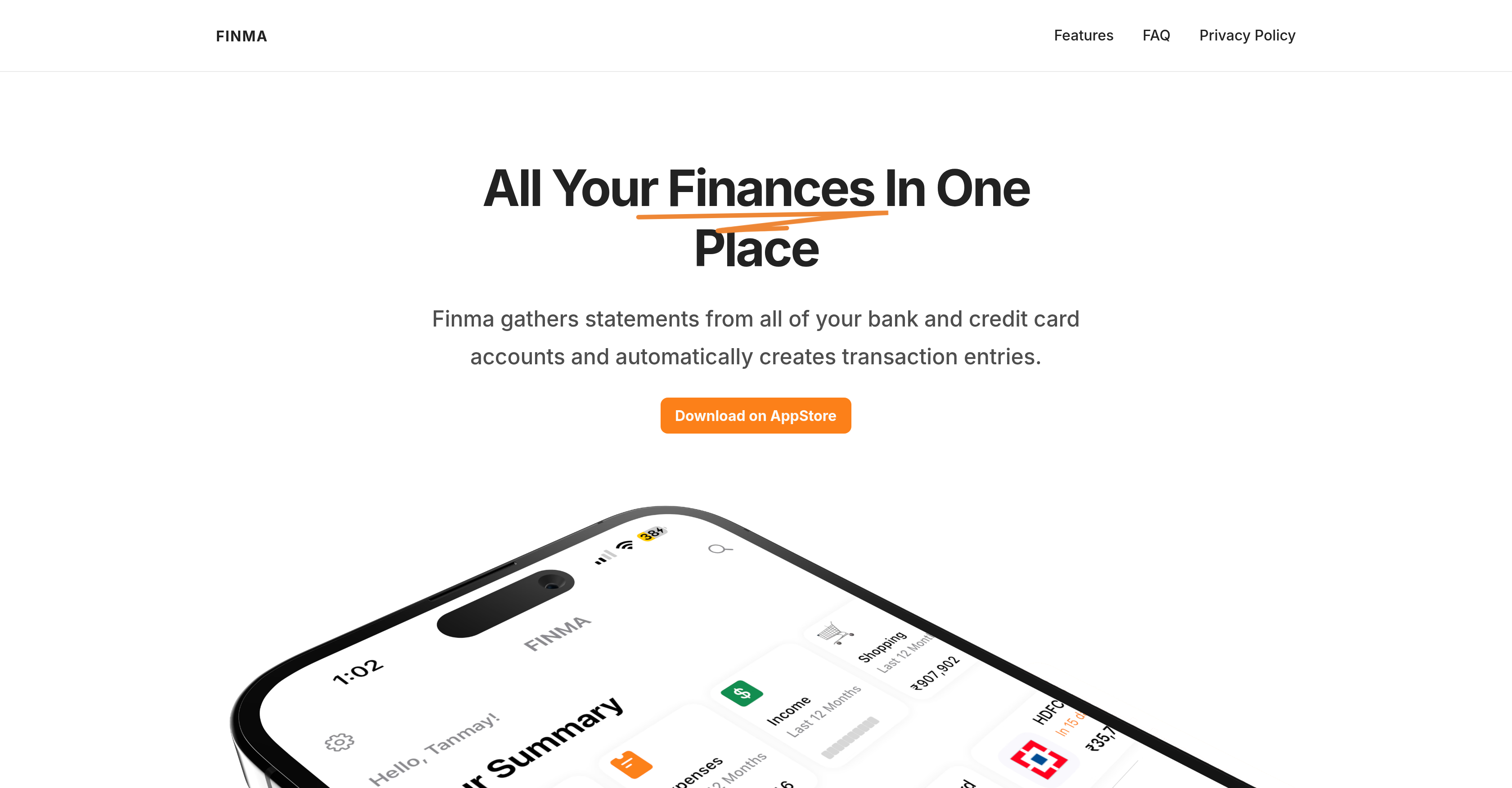
- See your complete financial picture by automatically gathering statements from all your bank and credit card accounts into one comprehensive overview
- Prevent overspending with category-specific budget alerts that notify you the moment you cross your set spending thresholds
- Effortlessly organize your finances using rule-based auto-tagging that automatically categorizes new transactions based on your custom rules
- Never miss a payment with automated reminders for upcoming credit card dues, helping you avoid late fees
- Understand your financial health at a glance with a cash flow widget that compares your income and investments over any period
- Quickly find specific transactions or analyze spending patterns using visual filtering and interactive charts for clear insights
- Manage your entire financial life with one hand using the unique 'Pull to Reach' mechanism, designed for easy navigation on tall phones
- Get a quick financial snapshot directly from your home screen with customizable widgets that display your most important details
- Automatically track expenses from your email inbox by connecting popular services like Gmail, Outlook, and iCloud for complete transaction capture
- Keep your financial data completely private with local on-device processing that ensures no transaction data ever leaves your iPhone
Pros & Cons
Pros
- Comprehensive financial overview
- Automatically creates transactions
- Processes statements on-device
- Doesn't share transaction data
- Budget alerts feature
- Rule-based auto-tagging
- Dues reminder setup
- Visual filtering feature
- Interactive spending charts
- Unique Pull-to-Reach mechanism
- Cash flow widget
- UI customization
- Email expense tracking
- Supports multiple email services
- Dark theme option
- All finances viewable in one place
- User-friendly navigation
- Single-handed usage feature
- Supports financial health maintenance
- Quick finance overview via widgets
- No external data sharing
- Privacy-focused operations
- Gesture-controlled interface
- Financial tracking via email
- Automatic tracking of due payments
- Layout customization
- Home screen expense widgets
Cons
- Only for iPhone users
- Local processing requires storage
- Limited email services integration
- Manual expense entry cumbersome
- Rule-based auto-tagging complex
- No Android version
- No desktop or web version
- Dependent on email for expense tracking
- No multi-device sync
- Limited customization options
Reviews
Rate this tool
Loading reviews...
❓ Frequently Asked Questions
Finma is a finance management app exclusively designed for iPhone users. It offers a plethora of features to effectively manage and track finances including automated transaction entries by gathering all statements from a user's bank, credit card accounts, and email receipts.
Finma manages your finances by providing a comprehensive overview of all your financial data in one place. It tracks expenses by gathering all your bank and credit card account statements and creating transaction entries. The app also allows you to set budgets and provides alerts when thresholds are crossed. Moreover, you get to categorize your transactions using rule-based auto-tagging and visualize your data with interactive charts.
Finma is currently exclusively designed for the iPhone platform.
Finma processes all your financial statements locally on your iPhone. It does not share transactional data externally.
No, Finma does not share or sell your financial data. The app processes all your financial statements locally on your device and no transaction data ever leaves your device.
'Pull to Reach' in Finma is a unique mechanism designed for single-handed use. It allows users to swipe down to traverse across buttons on top and initiate actions - making navigation particularly convenient in tall phones.
The cash flow widget in Finma helps you understand your overall financial health by providing an easy comparison of income and investments over a specified period. This widget allows you to quickly skim through previous months to get a clearer perspective on past financial performance and to plan better for the future.
Yes, Finma offers a customizable user interface. Your finance dashboard can be tailored to what matters most to you with the help of widgets, enabling you to quickly glance at important financial details.
Yes, Finma supports widget functionality allowing you to keep an eye on your expenses directly from your iPhone's home screen.
Yes, Finma can track expenses via email by automatically searching your email for new financial statements and transactions.
Yes, with Finma, users can set category-wise budgets and receive alerts when they cross set thresholds. This feature is especially useful to avoid overspending and maintain better oversight of individual category expenses.
Finma supports expense tracking for most of the popular email services including Gmail, Yahoo, Outlook, and iCloud.
Finma categorizes your transactions using a rule-based auto-tagging feature. A rule can be a simple text matching any text within the transaction description or a regex matching a pattern for more advanced categorization.
Yes, Finma is optimized for single-handed use. It even features a unique mechanism called 'Pull to Reach' that allows users to easily navigate across the app with one hand.
Finma's rule-based auto-tagging feature simplifies the process of categorizing transactions. Users can create specific rules which then automatically categorize new transactions based on text within the transaction description or by using advanced regex matching patterns.
Yes, Finma tracks upcoming dues on all your cards and provides reminders to settle them on time. You can also set custom alerts to get timely reminders up to a week in advance of due dates.
Yes, Finma allows tracking expenses from multiple bank accounts. It gathers statements from all of your bank and credit card accounts, thereby providing a comprehensive financial overview.
Yes, Finma offers a dark theme functionality allowing users to manually choose their preferred theme.
Pricing
Pricing model
Freemium
Paid options from
$2.99/month
Billing frequency
Monthly