
Flickify
Overview
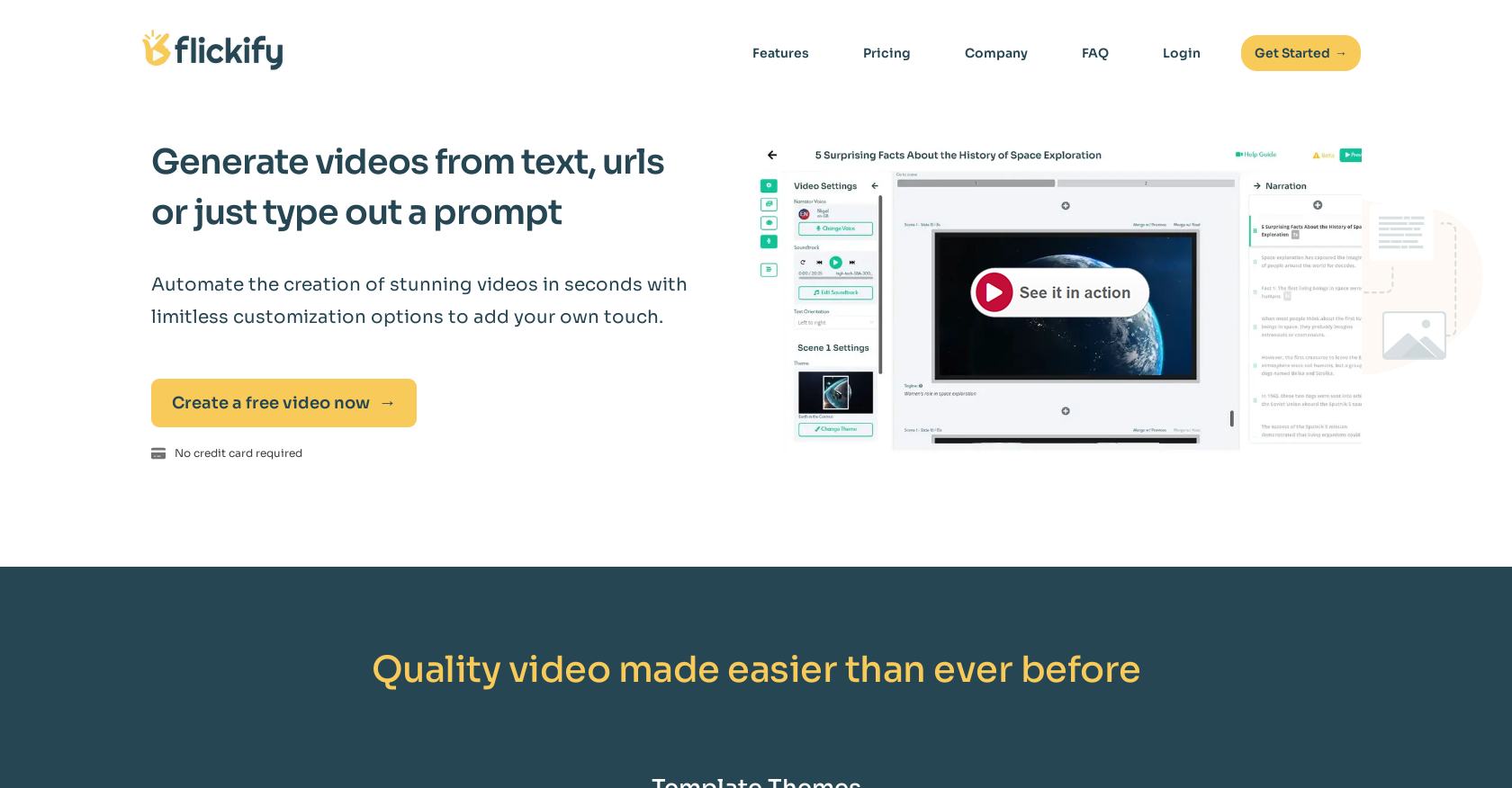
- Convert existing articles and blog posts into professional videos instantly using URL-to-video conversion
- Add realistic human presence without appearing on camera through human-like avatars
- Maintain brand voice consistency across videos with AI voice cloning that replicates your vocal patterns
- Generate complete video scripts from brief prompts with the auto-generation feature
- Access professional narration without hiring voice actors through diverse, studio-quality narrator voices
- Publish directly to multiple platforms from the tool to expand your content reach
- Save 74% of video production time through automated creation from text and URLs
- Increase viewer engagement by up to 87% with personalized, avatar-driven video content
Pros & Cons
Pros
- Converts text to video
- Converts URLs to video
- Video generation from prompts
- Customizable video options
- Human-like avatar integration
- Variety of narrator voices
- Professional voice actor quality
- Script auto-generation
- Efficient 3-step interface
- Publishing and sharing features
- Increases viewer engagement
- Cost-effective option
- Improved revenue growth
- Enhanced time savings
- Significant cost savings
- User-friendly for beginners
- Transforms content into videos
- No special training required
- Wide range of themes
- Automated narration and media
- High-quality video scripts
- Diverse avatar options
- Increases content accessibility
- Improved content interaction
Cons
- Limited avatar personalization
- No multi-language support
- Limited narrator voices
- No offline functionality
- No video quality choice
- Lacks manual script editing
- No team collaboration feature
- No free plan available
- No third-party integrations
- No video length control
Reviews
Rate this tool
Loading reviews...
❓ Frequently Asked Questions
Flickify is an AI-powered tool that transforms text into professional-quality videos. It allows users to generate videos from text, URLs, or by typing out a prompt, and offers a range of customization options including adding human-like avatars and choosing from a variety of narrator voices. Additionally, Flickify uses advanced AI for voice cloning to capture vocal patterns and replicate the user's voice for video creations.
Flickify uses AI technology to convert text into video. Users can enter the text they desire to transform and Flickify will create an engaging video from that content. It handles the entire video creation process, making it a simple task for the user.
Yes, Flickify offers the feature to add human-like avatars to your videos. This provides a more personalized and engaging experience for the viewers, making your videos stand out.
Flickify offers a variety of narrator voices that sound like professional voice actors. This feature allows you to add personality and character to your videos.
Yes, Flickify can generate videos from URLs. Users simply provide a URL of an article and Flickify will instantly turn the content into an engaging video.
Flickify's auto-generation feature creates high-quality video scripts based on a short prompt provided by the user. It brings your vision to life by automatically generating a script for your video.
Flickify's voice cloning feature uses advanced AI to capture your vocal patterns and creates a perfectly replicated version of your voice to use in your videos. This feature is particularly helpful for those who want to add narration to their videos but are concerned about recording their own voice.
Flickify provides a simple interface for customizing and editing your video. After choosing a creation method, you can customize any detail and automate the process with narration, stock media selection, AI media creation, and more. The tool also allows you to publish and share your newly made video on various media platforms.
Yes, Flickify is user-friendly. It provides a simple three-step process to create videos: pick a creation method, customize and edit, and publish and share. No special training or software is required to use Flickify.
To get started with Flickify, you simply need to access their platform via their website. You can start generating videos from text, URLs, or by providing a prompt. No credit card is required to get started and the tool offers various customization options to add a personal touch to the videos.
No, no special training is required to use Flickify. The tool is designed to be user-friendly and easy to navigate, making it accessible to users regardless of their technical expertise.
Yes, Flickify can increase viewer engagement. The tool transforms text or URLs into engaging videos, and also allows for custom avatars, diverse narrators, and voice cloning to provide a more personalized experience for viewers. Creators have seen viewer engagement increase by up to 87% using Flickify.
Yes, Flickify is a time-saving tool. With Flickify, digital creators have saved a significant amount of time creating videos. Its automated video creation and easy-to-use interface make the process efficient and effortless.
Yes, Flickify enables users to publish and share their videos on various media platforms directly from the platform. This feature increases the reach and engagement of their videos.
Flickify offers a range of templated themes to help with video creation. Some of the themes include soft focus backgrounds, sports stadium, dreamy earth in space, finance, homestead, and vacation.
Yes, Flickify does not require credit card information to get started. You can make your first video without any cost.
Flickify can transform a wide range of content into videos including articles, blogs, text, and URLs. Users can enter their desired text or provide a URL of the content they wish to convert into an engaging video.
Yes, Flickify can replicate user's voices for the videos. Flickify's voice cloning feature uses advanced AI to capture vocal patterns and replicate the user's voice for video creations.
The process of creating a video with Flickify involves three steps. First, users pick a creation method by entering text, providing a URL, or generating an AI script. Second, users can customize details and automate the process with AI-assisted tools. Lastly, users publish and share their newly created video on different media platforms.
Creators using Flickify have seen impressive results including revenue growth of 27%, time savings of 74%, cost savings of 81%, and increases in viewer engagement of 87%. In addition, creators have reportedly saved a total of 39,150 minutes creating videos with Flickify.
Pricing
Pricing model
Freemium
Paid options from
$18/month
Billing frequency
Monthly
Related Videos
Flickify and Google Analytics Integration
Flickify - Video Automation•7 views•Feb 16, 2024