

Overview
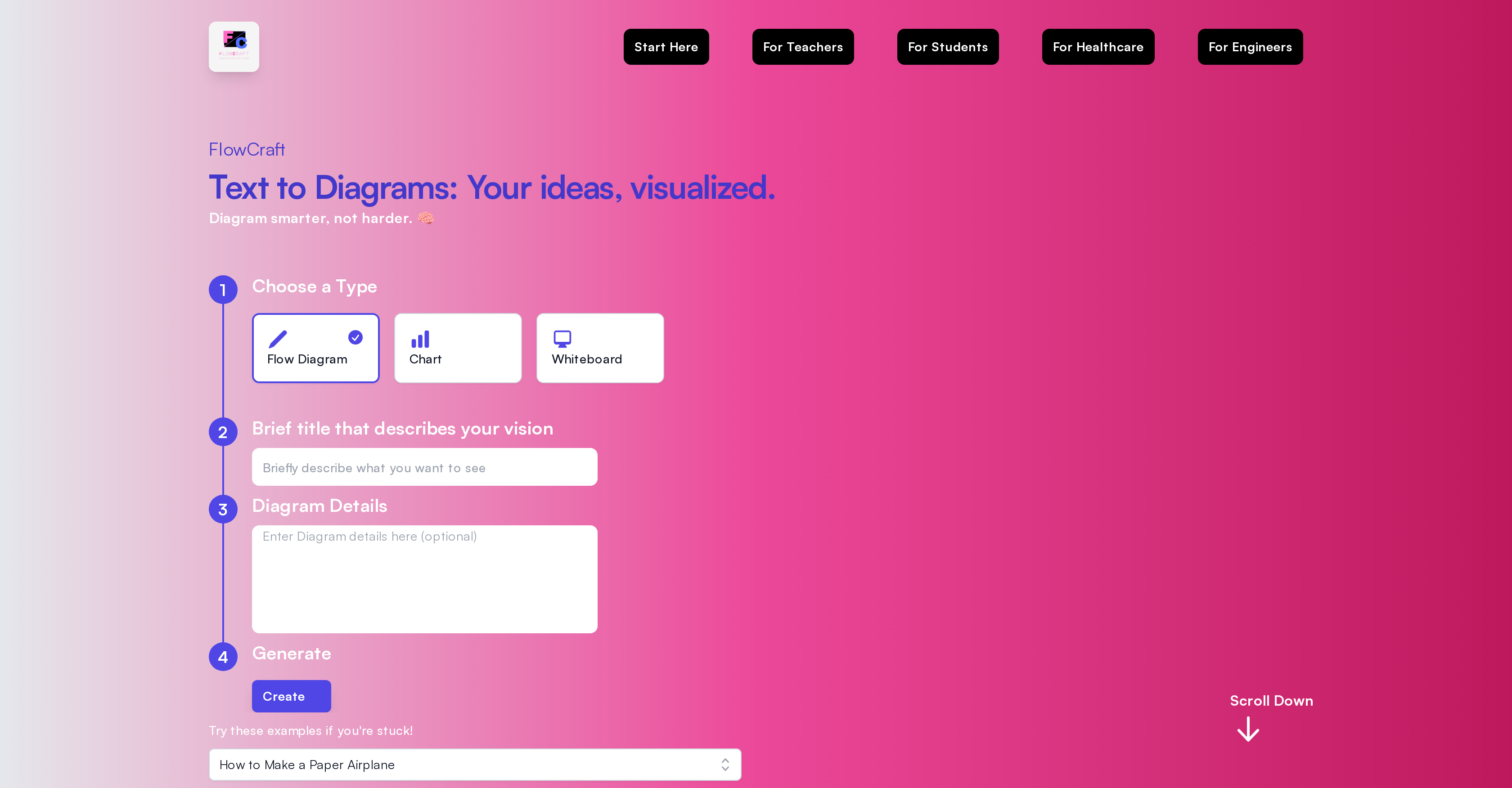
- Generate complete diagrams in seconds instead of hours using AI automation that eliminates manual dragging and dropping
- Transform complex concepts into clear visual explanations using intelligent diagram generation from simple text descriptions
- Create professional-looking flowcharts and whiteboards without design skills through automated layout and styling
- Customize every diagram to your exact specifications with built-in editing tools after AI generation
- Visualize healthcare processes, engineering concepts, and educational materials with specialized diagram types for different professions
Pros & Cons
Pros
- Creates diagrams efficiently
- Intuitive user interface
- Customizable outputs
- Variety of diagram types
- Editable diagrams post-creation
- Applicable for diverse professions
- Saves time
- Eliminates manual tasks
- Diagram examples provided
- Text-to-diagram conversion
- Visualizes complex concepts
- Simple title and description input
- Process visualization
- Suitable for educational use
- Applicable in healthcare
- Useful for engineers
- User-friendly
- Allows for process diagrams
- Aids in data representation
- Streamlines diagrams creation
- Offers balance of automation/customisation
- Enhances information presentation
- Direct image download
- Interactive navigation
- Easy node selection and deletion
Cons
- No offline functionality
- Limited diagram types
- No multi-user collaboration
- No desktop version
- Limited customization options
- No API available
- Missing version control
- No integration with other tools
- Weak customer support
- No data security features
Reviews
Rate this tool
Loading reviews...
❓ Frequently Asked Questions
FlowCraft is an AI-powered software tool designed to simplify the process of creating diagrams, charts, and whiteboards.
FlowCraft works by automating the diagram creation process. Users choose a diagram type, give it a title, describe the details, and FlowCraft generates the diagram for them.
FlowCraft offers features such as choosing a type of diagram, adding a brief title, detailing the vision, and generating the diagram. Additionally, it offers the feature to edit the diagrams, if required.
A wide range of users from various professional fields, including teachers, students, healthcare practitioners, and engineers, can use FlowCraft.
FlowCraft can be utilized in educational, healthcare, and engineering fields. It can be used by teachers, students, healthcare practitioners, and engineers.
With FlowCraft, users can create a variety of diagrams like flow diagrams, charts, and whiteboards.
FlowCraft uses AI to automate the process of diagram creation. Based on the user's brief title and details, it generates the diagram on its own without the need for manual dragging and dropping.
Yes, FlowCraft does allow users to edit their diagrams.
Yes, FlowCraft is user-friendly. It eliminates the need for manual dragging and dropping, making diagram generation efficient and easy for users.
FlowCraft helps in education by providing a streamlined, user-friendly platform for creating visual aids like diagrams, charts, and whiteboards. Teachers and students can use it to visualize complex concepts and present information in an easy-to-understand format.
Yes, healthcare practitioners can benefit from FlowCraft. They can use it to create, for example, visual representations of healthcare processes or patient journeys.
Yes, engineers can use FlowCraft for their projects. They can use it to create diagrams to visualize engineering concepts or processes.
FlowCraft can help visualize complex concepts by generating diagrams based on the user's details and description. It can bring the user's vision to life in the form of an easy-to-understand diagram.
To create a diagram on FlowCraft, you choose a diagram type, provide a title that describes your vision, detail the specifics of the diagram, and then generate the diagram.
Yes, FlowCraft is an efficient tool for creating diagrams and whiteboards. It eliminates the need for manual dragging and dropping, streamlining the process of diagram creation.
The steps to generate a diagram with FlowCraft are: choosing a Type, like a Flow Diagram, Chart, or Whiteboard; providing a brief title that describes your vision; detailing the specifics of the diagram; and lastly, generating the diagram.
Yes, you can personalize the diagrams created in FlowCraft. While the tool offers automated diagram generation, it also allows users to edit their diagrams, ensuring personalized outputs.
Yes, FlowCraft does support diagrams related to healthcare and engineering processes. A wide range of users from these professional fields can make use of FlowCraft for their specific needs.
Yes, FlowCraft can be used to present information in an easy-to-understand format. By visualizing complex concepts or processes in the form of diagrams, the tool allows users to present information more effectively.
FlowCraft's innovation in creating charts lies in its artificial intelligence power. It automates the chart creation process based on the user's brief title and details, thus eliminating the need for manual dragging and dropping from scratch.
Pricing
Pricing model
Paid
Paid options from
$5/month
Billing frequency
Monthly









