
Overview
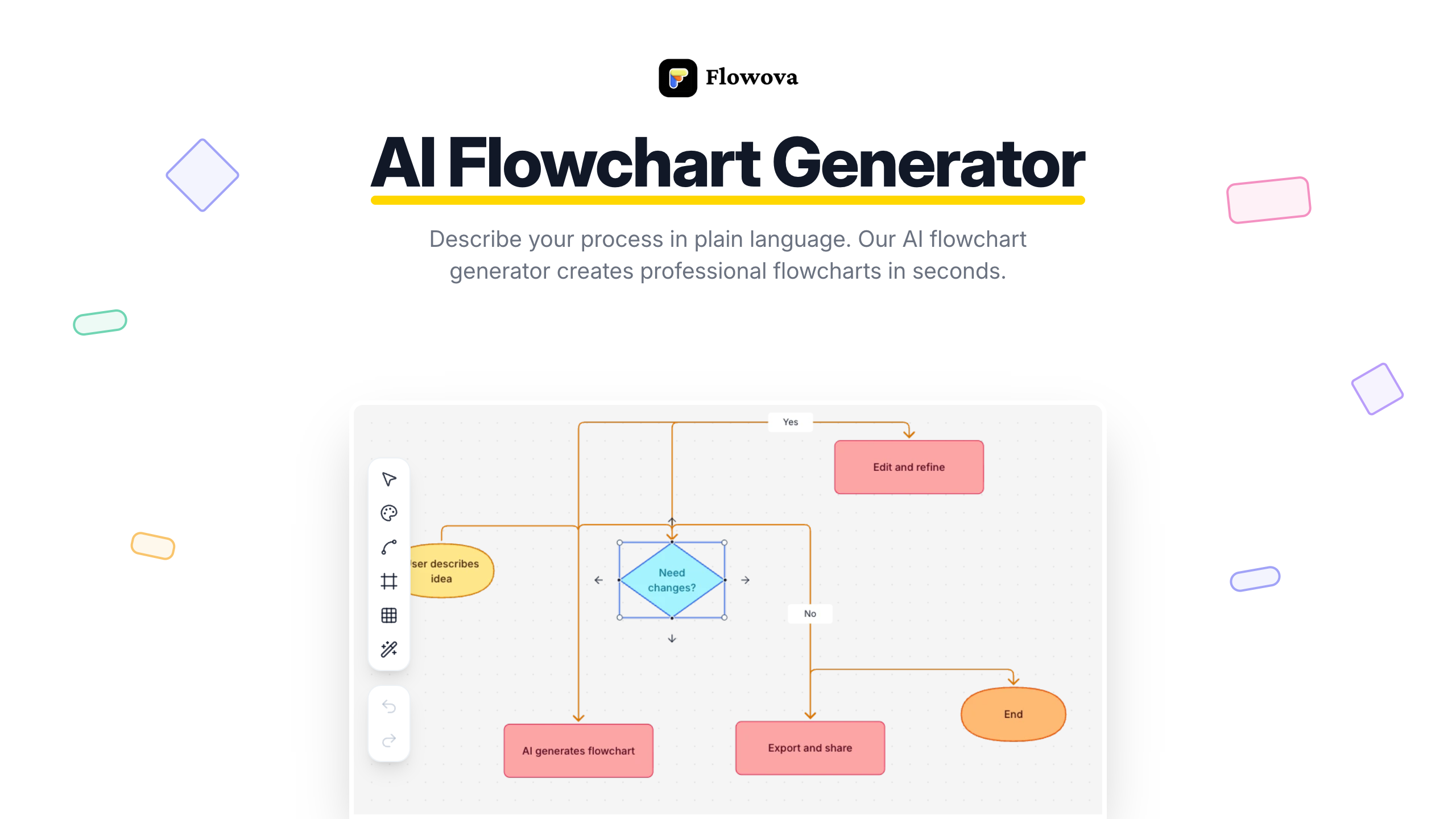
- Transform any description or document into a structured flowchart in real-time with AI-powered generation, eliminating manual diagramming.
- Create presentation-ready visuals from messy inputs like screenshots, PDFs, Word docs, or hand-drawn sketches using multi-format AI interpretation.
- Instantly apply a professional look with one-click access to 40+ color themes and smart auto-layout for organized diagrams.
- Export to the exact format you need: PNG for slides, infinitely scalable SVG, or Mermaid code for Notion, GitHub, and developer workflows.
- Maintain work continuity across devices with automatic cloud saving and syncing, ensuring you never lose progress.
Pros & Cons
Pros
- Generates from text inputs
- Interprets uploaded images
- Interprets PDFs
- Interprets documents
- Smart shape selection
- Automatic connections and flow logic
- Real-time flowchart preview
- 40+ color themes
- Exports in PNG
- Exports in SVG
- Exports in Mermaid code
- One-Click Auto Layout
- Cloud Sync
- Auto Save
- Keyboard shortcuts
- Frames and grouping
- Full Mermaid code support
- Different format support
- Drag-and-drop node editing
- Fine-tuning flowchart details
- 18+ shapes
- 5 edge styles
- Unlimited undo/redo
- Work continuity
- Optimal diagram organization
- Enhanced usability
- Organized presentations
- Vibrant & monochrome themes
- Instant theme preview
- Supports multiple file uploads
- Mixes different input formats
- PNG for presentations
- SVG for infinite scaling
- Mermaid for docs
- Efficient features
- 40+ Free Templates
- Multiple flowchart roles
- Professionally designed templates
Cons
- Requires internet connection
- No real-time collaboration (coming soon)
- Limited to flowchart diagrams currently
- No desktop app yet
- No dark mode
Reviews
Rate this tool
Loading reviews...
❓ Frequently Asked Questions
Flowova AI Flowchart Generator is a tool powered by artificial intelligence that generates professional flowcharts. Based on the description in plain language provided by the user, or the content of uploaded images, PDFs, and documents, Flowova creates a structured flowchart with appropriate shapes, logical connections, and a clean layout. This tool doesn't require any particular design or technical skills and can be used by professionals across different industries.
Flowova interprets text inputs by understanding context from any format provided. Users can describe their process in plain language, and Flowova's AI flowchart generator converts this description into an organized flowchart. The algorithm behind Flowova allows for smart selection of shapes for each step type and generates process connections and flow logic automatically.
Yes, in addition to text inputs, users can upload images, PDFs, and documents to Flowova. It supports PNG, JPG, GIF, WebP images, TXT, Markdown, JSON, CSV text files, PDF documents, and even Word or PowerPoint files. The AI flowchart generator then interprets the content and uses it to create the flowchart.
No, Flowova does not require users to have any specific technical skills. It's designed with straightforward usability in mind. Users only need to describe their process in plain language or upload the appropriate files. The AI takes care of the rest, handling the generation and layout of the flowchart.
Flowova's Smart Shape Selection feature intelligently identifies the best shapes to represent each step type in your flowchart. Based on the context of your text descriptions or uploaded content, it automatically selects the appropriate shapes to accurately visualize your work process.
Yes, Flowova provides a real-time preview feature. This means you can watch your flowchart's creation and development as it happens. The AI flowchart generator creates the flowchart instantly from your input, allowing you to witness the transformation of your descriptions into a structured flowchart in real time.
Flowova presents users with several customization tools and options once their flowchart is ready. Users can fine-tune details, select from 40+ professional color themes, and even use drag-and-drop editing for nodes. Moreover, they can export their flowchart data in multiple formats such as PNG, SVG, or Mermaid code.
The One-Click Auto Layout feature in Flowova is designed to optimally organize diagrams. When your diagram appears messy or disorganized, a single click initiates the auto layout process and transforms your diagram into a clean, professional layout.
Despite a loss of internet connection, your work in Flowova is secure because it supports automatic saving and cloud syncing. These features allow continuity of work across devices and ensure that progress isn't lost even if the internet connection is interrupted.
Flowova supports various keyboard shortcuts for enhanced usability. Users can use shortcuts for undo, redo, copy, paste, delete functions to speed up their work process and optimize their interaction with the platform.
Yes, Flowova supports full round-trip support for importing and exporting Mermaid code. This means that you can import existing Mermaid code, edit it visually within Flowova, then export it back into Mermaid code.
Flowova's target users are professionals from a wide range of industries. This includes but not limited to software architects, developers, business analysts, UX designers, data scientists, product managers and DevOps Engineers.
Flowova assists software architects in designing system architecture by helping them visualize their systems. They can describe their systems in plain language or upload relevant documents, and Flowova automatically generates visuals that clearly represent the system architecture.
Flowova can assist developers in debugging code logic by turning complex, text-based logic into a visually comprehensible form. Developers can input descriptions of their code logic and Flowova will generate a flowchart representation of the logic for easier understanding.
Flowova supports exporting the flowchart data in multiple formats to suit various needs and applications. You can export it as a PNG image for compatibility with various devices, as SVG for infinite scaling without losing quality, or as Mermaid code for further use in a more programming-oriented environment.
Flowchart generation with Flowova involves three steps. First, you describe your process in plain language or by uploading images, PDFs, and documents. Second, the AI flowchart generator creates a flowchart from your input. Third, you customize the AI-created flowchart by fine-tuning details, applying color themes, and exporting it in your desired format.
Yes, Flowova AI Flowchart Generator is designed to handle descriptions in any language. Irrespective of the language used, Flowova's sophisticated AI can interpret the user's instructions and create accurate and detailed flowcharts.
Yes, Flowova provides over 40 professionally designed templates for the AI flowchart generator. Users can choose from a wide variety of templates that cater to different roles and industries, including software architect, developer, data scientist, UX Designer and many more.
Yes, Flowova includes features for cloud syncing and auto-save. This means that your work automatically gets saved and synced to the cloud. You can access your work from any device, ensuring that you never lose progress.
Flowova assists in workflow visualization through its AI-assisted layout and auto-organizing features. Users simply input data through text or uploaded files, and the intelligent system translates this data into a visual, organized, and logically connected flowchart that clearly represents the described workflow.
Flowova is an AI-powered tool designed to create professional flowcharts based on textual inputs. It is able to interpret language and context from different types of documents and images provided by the user. Through this interpretation, Flowova can generate flowcharts with appropriate shapes and logical connections in a clean layout. These capabilities make it useful for varied professionals across industries to visualize their specific workflows.
Flowova uses a three-step process to create flowcharts. The first step, 'Describe', involves the user providing their process description in plain language or uploading relevant images or documents. Once this input is provided, the AI takes over in the 'Generate' stage, creating a flowchart by employing smart shape selection for each step type and establishing automatic connections and flow logic. Finally, in the 'Customize' stage, users can fine-tune the output with various editing, style, and export options.
Flowova supports a wide array of inputs. Users can describe their process in any language or format, including text, images, screenshots, PDFs, and documents. The AI flowchart generator is capable of understanding contextual information from any provided format. It also supports PNG, JPG, GIF, WebP images, TXT, Markdown, JSON, CSV text files, PDF documents, and Word, PowerPoint, Excel files.
Yes, non-textual inputs are fully supported by Flowova. Users can upload images, screenshots, diagrams, and PDFs. Flowova's AI technology is capable of interpreting the content of these non-textual inputs and using it to generate professional flowcharts.
Flowova supports descriptions given in any language. Its AI technology is capable of understanding the context and semantics of the language used, allowing users from diverse linguistic backgrounds to use the tool effectively.
Yes, once a flowchart is generated on Flowova, users are presented with various customization tools and options. These options include drag-and-drop editing, fine-tuning of details, selection from over 40 professional color themes, and the optimization of shapes from a selection of 18+ variant. Users can also choose from 5 edge styles to match their design preference.
Flowova offers exporting options in several formats such as PNG, SVG, or Mermaid code. It ensures compatibility and ease of use across different platforms.
Yes, Flowova has a feature called One-Click Auto Layout that helps adjust and organize diagrams optimally. Just a click can transform a messy diagram into a clean, professional layout.
Indeed, Flowova comes with automation features such as cloud syncing and auto-save, which ensure your work is saved continuously even across multiple devices. You never have to worry about losing your progress.
Flowova does offer keyboard shortcuts to enhance usability. It includes all the standard expected shortcuts, like undo, redo, copy, paste, and delete.
Mermaid code import and export in Flowova is a feature that allows users to import existing Mermaid code into Flowova, edit it visually, and export it back, thus ensuring full round-trip support.
Flowova caters to a wide variety of professionals such as software architects, developers, data scientists, business analysts, UX designers, and many more. Its flowchart generation capabilities can prove useful across different industries.
With Flowova, users can visualize a diverse range of workflows. These include, but are not limited to, designing system architecture, debugging code logic, mapping business processes, designing user flows, documenting data pipelines, visualizing user journeys, and mapping hiring pipelines or patient intake flows.
Yes, Flowova can parse text files to interpret process descriptions and generate corresponding flowcharts. The AI technology employed by Flowova can comprehend context from textual descriptions and transform it into structured flowcharts.
Yes, Flowova does offer professionally designed templates. Users can choose from over 40 templates to jumpstart their flowchart creation process.
Fine-tuning of details in Flowova can be achieved through drag-and-drop editing. Once the AI generates the flowchart, users have the flexibility to adjust every detail of it, choose from over 40 color themes, change shapes and edge styles, and export in multiple formats.
Yes, Flowova allows users to mix different formats freely. Users can upload multiple files at once, regardless of their formats. Flowova's AI flowchart generator can comprehend and incorporate information from all provided formats.
Yes, Flowova provides unlimited undo and redo actions through keyboard shortcuts, adding to the ease and convenience of flowchart creation and customization.
Flowova offers five edge styles that users can choose from to match the design aesthetic of their flowchart. The variety of styles adds flexibility to the visual representation of the flowchart.
Yes, Flowova allows users to group related nodes together using its Frames & Grouping feature. This feature can help in organizing the flowchart and managing complexity, especially when dealing with larger, more complex workflows.
Pricing
Pricing model
Freemium
Paid options from
$5/month
Billing frequency
Monthly