

Overview
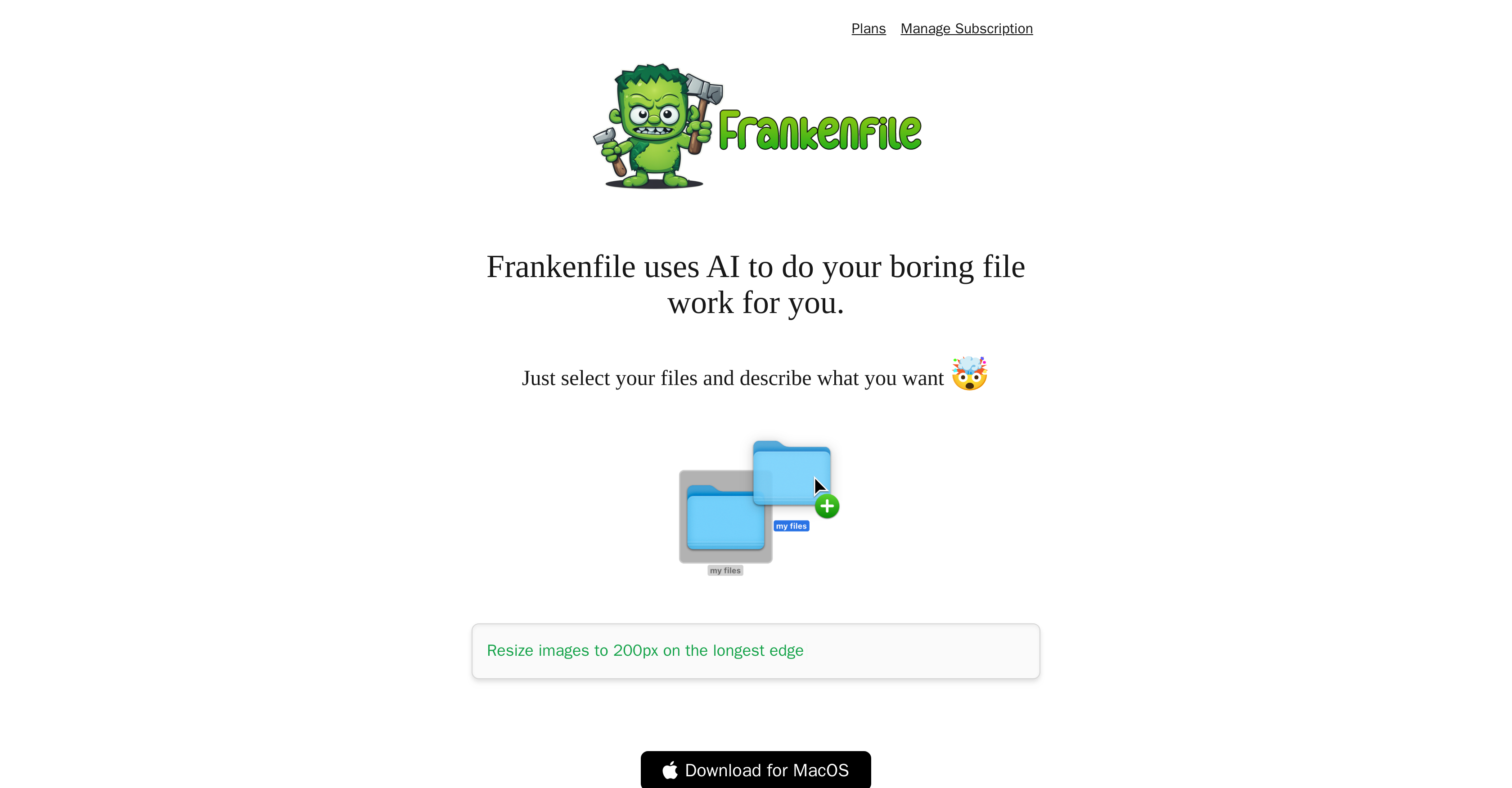
- Process hundreds of files simultaneously with batch operations for renaming, sorting, and conversion
- Transform images instantly with resizing, watermark overlays, and thumbnail generation for web development
- Edit videos effortlessly by trimming clips, separating audio tracks, and converting between MP4, MOV formats
- Manipulate PDF documents by splitting large files, merging multiple pages, and converting formats
- Maintain complete file privacy with local-only processing that never uploads your data to the cloud
- Automate complex workflows using simple text instructions instead of learning complicated software interfaces
Pros & Cons
Pros
- Supports diverse file types
- Automates routine tasks
- Re-sizes images
- Converts file formats
- Overlays watermarks
- Trims clips videos
- Separates audio from video
- Supports PDF editing
- Enables batch processing
- Generates image thumbnails
- Categorizes files
- Runs locally
- File privacy guaranteed
- User-friendly interface
- Allows user-specific instructions
- Supports file renaming
- Supports sequential file sorting
- Clip selection for videos
- Format support for common video types
- Splitting and Merging of PDFs
- Designed for web developers
- Designed for social media managers
- Streamlines web development tasks
- Streamlines social media management tasks
- Handles expenses, receipts categorization
- Download availability for MacOS
Cons
- Only available on MacOS
- No cloud support
- Limited video formats supported
- Complex for beginners
- No API for integrations
- No multi-device sync
- Lacks version control
- No real-time collaboration
- No file-sharing features
- Doesn't support all file types
Reviews
Rate this tool
Loading reviews...
❓ Frequently Asked Questions
Frankenfile approaches file conversions by following user-specified instructions. It can handle various types of files, including images, videos, and pdfs, and perform operations such as resizing or conversion.
Yes, Frankenfile can resize images as per user-defined instructions.
Frankenfile has a feature for audio separation from videos. It can extract the audio track from a video file on users' instructions.
Yes, Frankenfile has the ability to overlay watermarks on images according to the instructions specified by the user.
Frankenfile can handle various video editing tasks. These include trimming, resizing, audio separation, and format conversion.
Frankenfile can convert several file formats. For images, it supports png, jpg, gif, etc., and for videos, it supports mp4, mov, amongst others.
Frankenfile performs multiple functions with PDF files. Users can split, merge, and convert PDF files as needed.
Frankenfile does offer a batch processing feature for files. This allows many files to be processed simultaneously with operations like renaming, sorting sequentially into specific categories or even resizing and conversion tasks.
Yes, Frankenfile can help generate thumbnail images, proving very useful for web developers and social media managers.
Frankenfile works locally, meaning users' private files remain on their device and are not uploaded anywhere else. This provides a higher level of privacy and security for the user's data.
Frankenfile is a locally operated tool. It processes all operations on the user's device, ensuring a high level of data security.
Frankenfile is designed to be user-friendly even for new users. Its interface allows users to simply describe what they want to be done to their selected files, and the tool completes the task on its own.
Yes, Frankenfile supports batch renaming of files. This feature allows users to rename multiple files simultaneously following a pattern.
Frankenfile does allow for sorting of files into different categories such as 'expenses' and 'receipts'. The categories, however, are based on user preferences and instructions.
Frankenfile performs several tasks with video files including trimming, resizing, audio separation, and converting the formats of the videos.
Frankenfile offers robust support for mp4 and mov video file formats. Other file formats are also supported by Frankenfile.
Yes, Frankenfile possesses the ability to split and merge PDF files on user command.
Web developers can significantly benefit from using Frankenfile. It can generate image thumbnails, resize images, and convert file formats among other tasks, which can streamline their workflow.
Frankenfile can automate a variety of tasks including: image resizing, file conversion, overlaying watermarks on images, clipping and audio separation for videos, splitting, merging, and converting PDF files, running batch renaming or sorting files sequentially into specific categories, and generating thumbnails for images.
Pricing
Pricing model
Freemium
Paid options from
$4.95/month
Billing frequency
Monthly
Related Videos
Using Frankenfile AI to edit a video file
Frankenfile•28 views•Nov 28, 2024


