

GrammarBot App
Overview
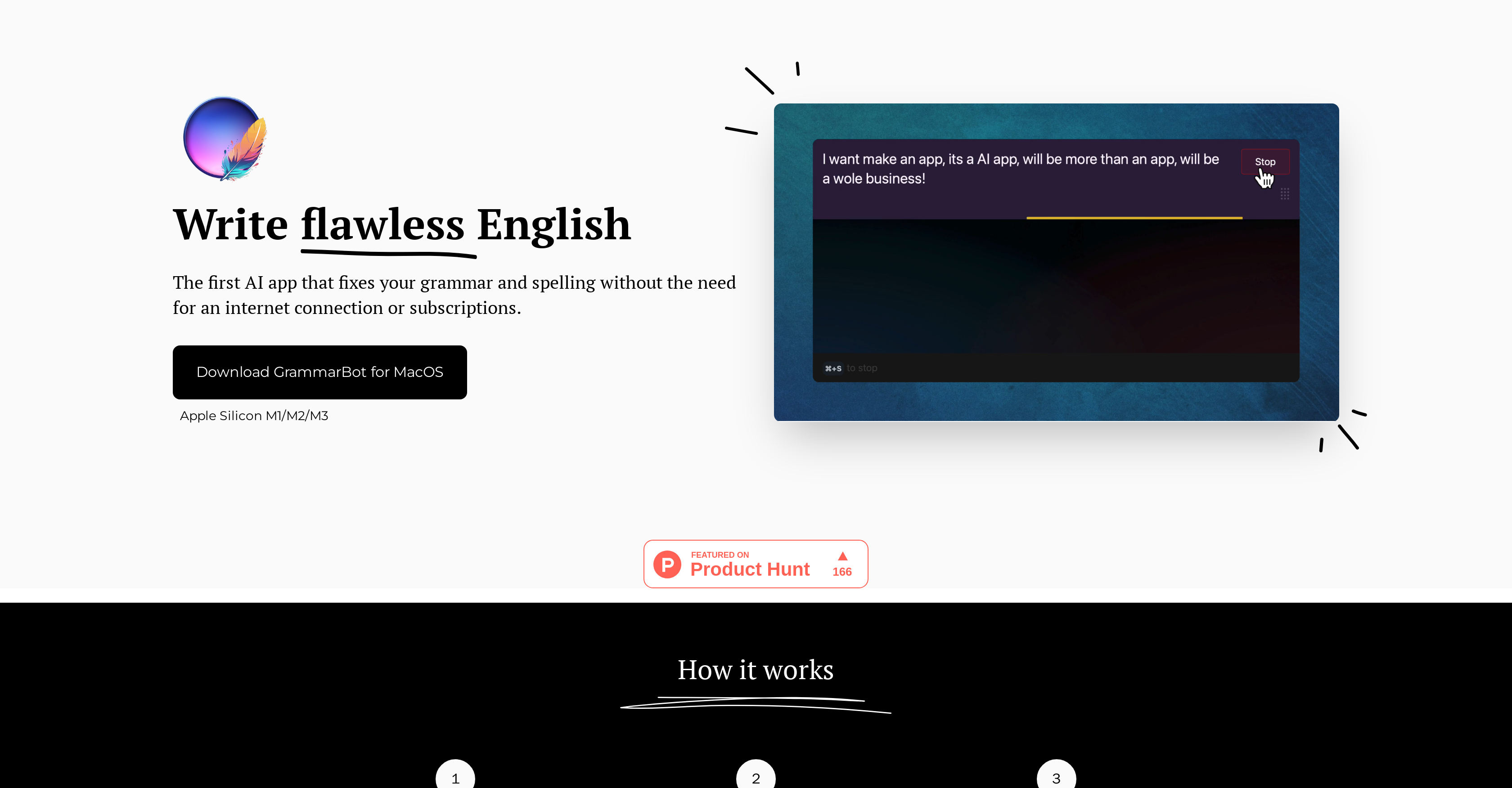
- Polish your writing instantly with custom hotkeys that trigger AI grammar correction while you type in any application
- Ensure complete privacy as all text processing happens locally on your device—no data ever leaves your computer
- Work anywhere without internet dependency after downloading the 4GB AI model for permanent offline access
- Pay once and use forever with lifetime access that eliminates recurring subscription fees for grammar checking
- Get reliable English correction specifically optimized for MacOS systems with M1/M2/M3 chips and 8GB RAM
- Maintain professional communication with AI-powered spelling and grammar fixes for emails, LinkedIn posts, and text messages
Pros & Cons
Pros
- Offline functionality
- No subscriptions needed
- Lifetime usage
- MacOS M1/M2/M3 compatible
- Hotkey setup
- User friendly
- Privacy-focused
- Local LLM
- Functions like ChatGPT
- Email, LinkedIn, text optimization
- One-off purchase
- 1-year updates
- Email support
- No outgoing data
- Language improvement
- Writing enhancement
- Spelling correction
- Grammar correction
Cons
- Only for MacOS users
- Requires M1/M2/M3 chips
- Initial download required
- Large model size (4GB)
- Needs minimum 8GB RAM
- No Windows or Linux compatibility
- Only English language support
- No real-time updates
- Limited support channels
- License required
Reviews
Rate this tool
Loading reviews...
❓ Frequently Asked Questions
GrammarBot is an AI-powered tool designed for spelling and grammar correction in English. The tool functions without relying on internet connection or subscriptions, offering its services on a one-off purchase basis.
GrammarBot functions without an internet connection by using a downloaded AI model. This model is used locally for grammar correction and does not require internet to work.
GrammarBot is currently compatible only with MacOS platforms, specifically with Macs that have M1/M2/M3 chips.
A Large Language Model (LLM) in the context of GrammarBot refers to AI models that understand and create natural language. GrammarBot utilizes a local LLM to perform its grammar and spelling correction tasks.
GrammarBot ensures user privacy by implementing a design where all correction and language processing is done locally on the user's device. This means no typed or checked text leaves the user's device.
Yes, GrammarBot can assist with improving the English for LinkedIn posts as well as for other written tasks.
Key features of GrammarBot include grammar correction, spell check, offline functionality, lifetime usage after a one-off purchase, one-year updates, and email support availability.
To set up GrammarBot for use, first, the AI model is downloaded, then a hotkey of the user's choice is set up, after which the user can start using GrammarBot to improve their English.
Yes, GrammarBot can be used for both emails and text messages, helping to correct grammar and spelling errors before sending.
GrammarBot provides updates to its users for a period of one year.
GrammarBot is not a subscription-based model. Users pay once for a lifetime usage of the tool.
GrammarBot operates akin to a chat GPT, which implies that it can understand and generate natural language, improving grammar and spelling in a conversational way.
Yes, GrammarBot requires Macs with M1/M2/M3 chips to function.
GrammarBot is designed for English language correction. There is no information provided about its compatibility with other languages.
GrammarBot can be downloaded from its website 'grammarbot.app'.
The size of the AI model for GrammarBot is around 4GB.
For support and queries about GrammarBot, one can directly reach out to them via email at '[email protected]'.
GrammarBot requires a system with 8GB or above of RAM for optimal functioning.
Data security is high in GrammarBot as no typed or checked text ever leaves the device. All language processing tasks are done locally on the user's device.
Lifetime usage for GrammarBot users means that after making a one-time purchase, they can use the tool for as long as they want.
Pricing
Pricing model
Paid
Paid options from
$12
Billing frequency
One-time


