Overview
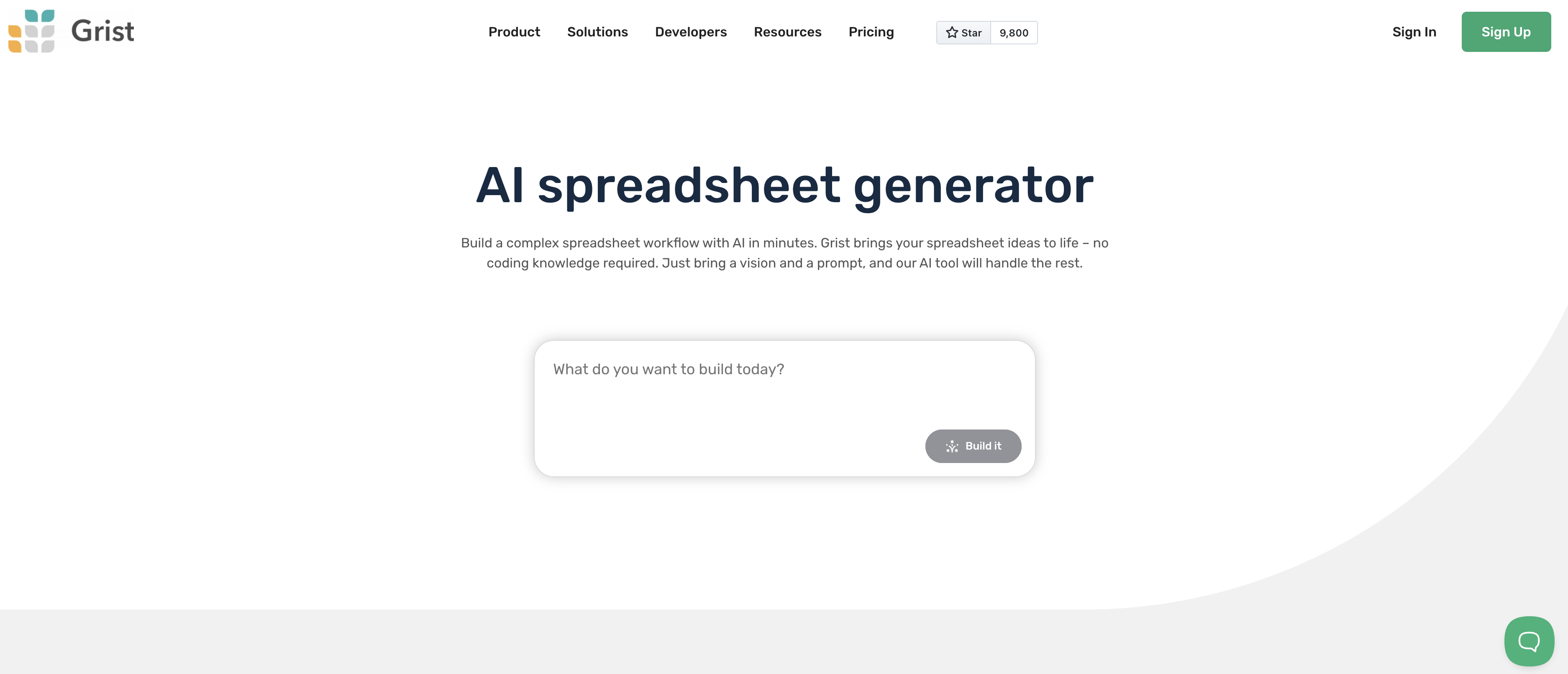
- Create structured spreadsheets instantly from simple prompts without coding knowledge using AI-powered generation
- Jumpstart projects with pre-built templates for event planning, finance, and CRM that eliminate setup time
- Transform raw data into actionable insights through interactive dashboards with charts, graphs, and card views
- Build fully customized workflows with Python integration while maintaining standard Excel formula compatibility
- Maintain complete data ownership and privacy through open-source architecture and local hosting options
- Adapt the platform to unique business needs through custom widgets, webhooks, and API integrations
Pros & Cons
Pros
- Complex spreadsheet workflow
- No coding knowledge required
- Automatically creates elements
- Pre-built custom templates available
- Event planning, finance compatibility
- Merges spreadsheet, database, app builder
- Graphic dashboard with data presentations
- Broadens data analysis options
- Python support for customization
- Supports standard Excel formulas
- Open-source approach
- Respects data ownership
- Focus on user privacy
- Encourages local hosting
- Adaptable to unique use case
- Part of wider ecosystem
- Active user community
- Workflow optimization
- Free to use
- Resources for learning
- CSV Viewer
- Attachments with flashcards
- CRM templates
- Drag and drop dashboards
- Visual data representation
- Conversation-based data modification
- Build custom apps
- Templates for beginners
- Blends spreadsheet, database, app features
- Self-hostable and locally runnable
- Open-source and privacy-focused
- Updates via conversation flow
- Smart formula generation
- Ease in replacements for Excel, Google Sheets
- Good for data-driven applications
- Structured data handling
- Solutions for small to large teams
- Improves workflow and communication
- Relational database sharing simplified
Cons
- Limited language support
- Complex for non-technical users
- Dependent on reliable internet connection
- Doesn't support mobile devices
- Lacks real-time collaboration
- No offline mode
- Not suitable for large data
- Limited third-party integrations
- Restricted customization options
- Requires local hosting
Reviews
Rate this tool
Loading reviews...
❓ Frequently Asked Questions
Grist AI Spreadsheet Generator is an innovative tool designed to simplify and optimize the process of building complex spreadsheet workflows. This tool guides users through the creation of structured spreadsheets, automatically generating necessary elements from basic components to advanced formulas based on user prompts. It particularly appeals to a variety of application scenarios through its selection of pre-built custom templates.
Grist AI Spreadsheet Generator works by accepting user prompts and automatically creating the necessary elements for a spreadsheet. It combines aspects of a spreadsheet, database, and app builder to create structured and optimized workflows. The tool can generate both basic spreadsheet components as well as advanced formulas as per user's requirements.
With Grist, users can create structured spreadsheets without needing any coding knowledge. Based on the provided prompts by the user, Grist will automatically generate the necessary components, including advanced formula generation. It effectively merges a spreadsheet, database and an app builder, allowing creation of structured spreadsheets easily and efficiently.
Grist offers a variety of pre-built custom templates to help users get started quickly. These templates are suitable for different applications, such as event planning and finance. Examples include Event Planner Template, Lightweight CRM template, Spreadsheet Invoice Template, Investment Spreadsheet Template, Digital Sales CRM, and Flashcards.
Grist is useful for event planning and finance by offering pre-built custom templates that cater directly to these functions. Users can leverage these templates to simplify and optimize their tasks, for example, to manage budgets, make financial forecasts, track event planning workflows, or record and analyze financial data.
Grist integrates a spreadsheet, database, and app builder's features by adopting an intuitive, no-code approach. It allows for the creation of structured spreadsheets, along with advanced formula generation. Grist's drag-and-drop dashboards offer data visualisations like charts and graphs, cards and other views for data analysis, providing a balance between spreadsheet functionalities and app building capabilities.
Grist's graphic dashboard offers comprehensive data presentation options, including visualizations such as charts and graphs, cards, and other views for data analysis needs. Users can update, modify, and analyze their data through these interactive UI elements.
Yes, Grist supports Python to create fully customized workflows. Apart from standard and natively supported Excel formulas, users can take advantage of Python's flexibility and power to develop complex, customised spreadsheet workflows.
While the exact details of the standard and natively-supported Excel formulas in Grist are not specified, we can infer that Grist supports a wide range of these formulas, facilitating a seamless transition for Excel users and enabling them to perform various calculations and data analysis tasks effortlessly.
Grist supports data ownership and privacy by adopting an open-source ethos. It allows users to own their data with no lock-in, and encourages local hosting, which offers improved privacy and security. The open-source nature of Grist respects users' data ownership and rights to their data.
Local hosting with Grist offers several benefits, including improved data security and privacy since users maintain physical control over their data. Local hosting also allows users to tailor the Grist environment, providing adaptability to unique use cases. Furthermore, the local hosting capability respects the users’ data ownership and privacy.
Grist offers a high degree of flexibility to adapt to unique use cases. Its support for Python allows users to create fully customised workflows. In addition, Grist’s open-source ethos and option for local hosting provide users with the flexibility to modify and adapt the tool to their specific needs.
Grist is part of a wider ecosystem of AI tools, APIs and resources. It supports various integrations, such as webhooks and custom widgets, and boasts an interactive API console. In addition, Grist has an active community of users and contributors providing constant support and learning resources.
Yes. Based on user prompts, Grist is able to automatically generate advanced formulas. This feature significantly simplifies and optimizes the process of building complex spreadsheet workflows, thereby reducing the need for advanced coding knowledge.
Yes, according to the information on Grist's website, users can freely use its AI Spreadsheet Generator. It offers free usage with no mention of necessary trials or credit card requirements.
Yes, users can utilize Grist without any coding knowledge. Its intuitive, no-code platform is designed to guide users through the process of generating structured spreadsheets, even if they lack programming experience.
Grist offers a range of automation capabilities through its AI-enabled features. These include automating the creation of spreadsheets based on user prompts, automatic advanced formula generation, and other features that eliminate the need for manual tasks and simplify complex spreadsheet workflows.
Grist aids with workflow optimization by guiding users through the creation of efficient and structured spreadsheets. It also significantly reduces the time and effort required to build complex spreadsheet workflows by automatically generating necessary spreadsheet components and advanced formulas based on user prompts.
Grist caters to data analysis needs by providing a graphical dashboard that features comprehensive data visualisations like charts and graphs. This allows users to quickly assess and analyze their data in a user-friendly and visual manner.
Yes, there is a community where users can learn more about using Grist. An active community of contributors is mentioned on the Grist website. The community includes forums, Discord channels, GitHub resources and more, which provide a platform for Grist users to discuss, learn and share their experiences.
Pricing
Pricing model
Freemium
Paid options from
$8/month
Billing frequency
Monthly
Related Videos
Grist: Free Open Source Spreadsheet Software
Elestio•3.9K views•Sep 12, 2025