

Overview
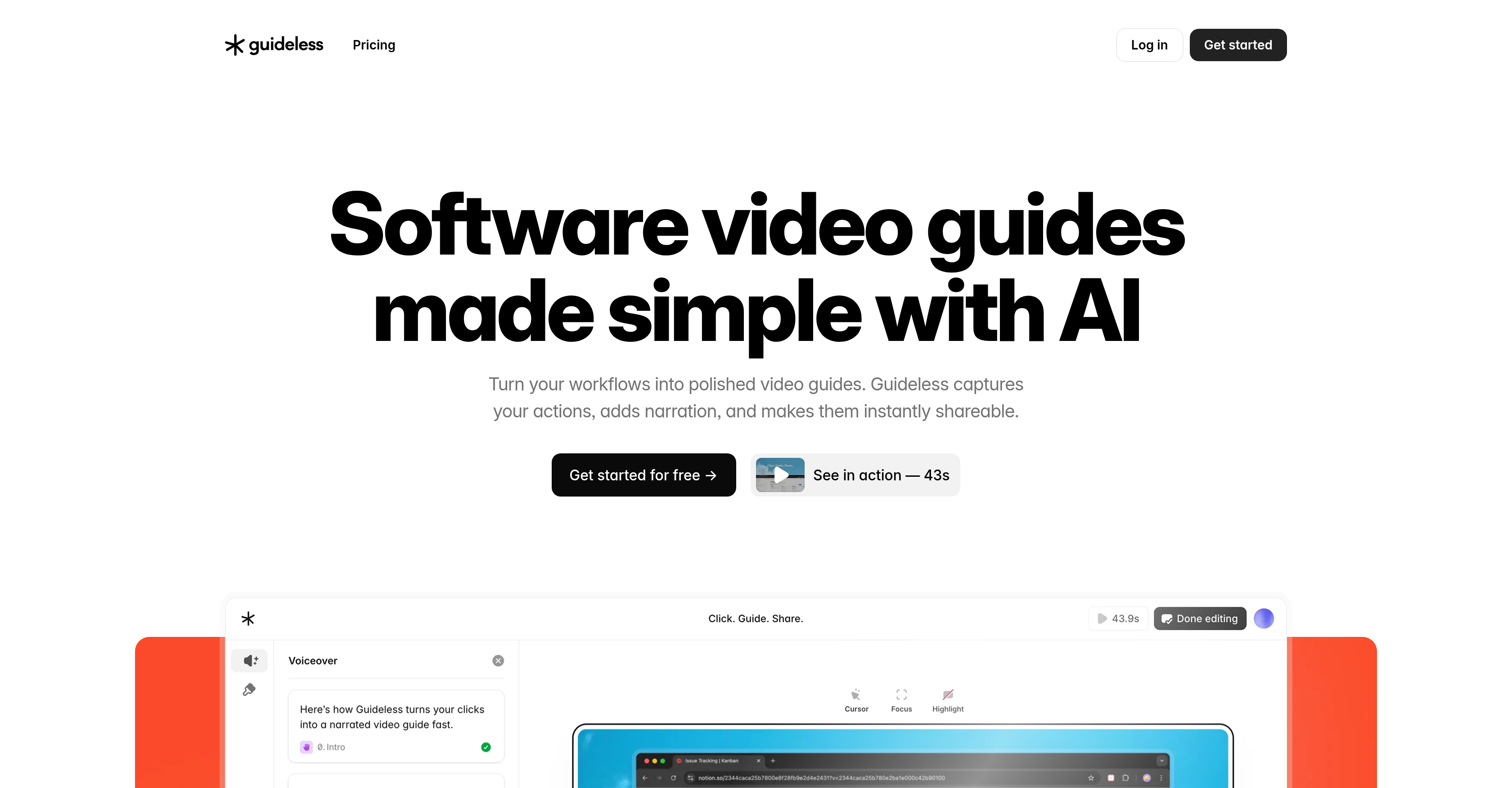
- Create professional video guides in minutes instead of hours by simply clicking through your workflow as normal with automated capture
- Eliminate video editing entirely with AI-generated narration and natural voiceover that explains each step clearly
- Ensure viewers never miss important details with smart zooms and highlights that automatically emphasize key actions
- Make guides accessible to all audiences with built-in captions that require no additional setup
- Maintain brand consistency across all training materials with automatically polished, professional-looking videos every time
- Share knowledge instantly through embeddable links or downloadable MP4 files that work across any platform
- Protect sensitive information with encrypted recordings that are never used to train AI models
Pros & Cons
Pros
- Instant AI-narrated video guides
- No screen recording or editing needed
- Automatic step capture
- AI-written narration & voiceover
- Smart zooms & highlights
- Built-in captions
- Consistent, on-brand output
- Share-ready instantly
- 10× faster documentation
- Privacy & security by design
- Perfect for onboarding & training
- Reusable content library
- Embeddable across platforms
- Supports e-learning & visual knowledge sharing
- Boosts productivity & reduces support load
- Automates documentation
- Interactive, visual learning
- Ideal for product managers & SaaS teams
- Supports export to MP4 for social media sharing
- Ready to share or embed
Cons
- No offline access
- Limited language support
- Limited user feedback system
- Limited platform integration
- No collaborative features
- No analytics features
Reviews
Rate this tool
Loading reviews...
❓ Frequently Asked Questions
Guideless uses AI to simplify the creation of documentation by recording user's activities and transforming them into narrated video guides for optimal knowledge sharing. This automation saves time and ensures a consistent, reusable, and accurate resource.
Guideless records your activities and converts them into video tutorials. It can capture work processes or system navigation flows and turn them into dynamic, easy-to-understand videos.
Guideless video tutorials can be shared or embedded across various platforms or communication channels for high-quality, accessible knowledge dispersion.
You can use Guideless to record your workflow by allowing Guideless AI to monitor your activities. The AI will then process your actions and turn them into a narrated video guide.
Yes, Guideless specializes in creating narrated video guides. It uses AI technology to narrate your activities into video tutorials.
Guideless video guides can be shared or embedded on a wide variety of platforms and communication channels, expanding possibilities for knowledge dispersal.
No, using Guideless does not require any prior knowledge in video editing or AI. It has been designed to be user-friendly, managing the complex processes behind the scenes.
Guideless improves communication efficiency by creating clear, concise, and easily understandable video guides. It reduces misunderstandings and fosters a more efficient communication process.
Yes, Guideless can be used to create e-learning videos. It can turn workflows into narrated video guides, making the learning process more engaging and effective.
The difference is in the automation and AI-use. Guideless automates the process, cutting down on time spent manually compiling instructions and footage and provides consistency and accuracy, unlike manual video guide creation.
Guideless supports knowledge management by allowing the creation of consistent, reusable, and accurate video guides from user activities. These guides can facilitate learning and knowledge sharing among both internal and external users.
Yes, Guideless can be used to create how-to videos. It can capture your work process or system navigation flow and turn it into a tutorial or guide.
Yes, Guideless supports quality control in video guides by ensuring consistency and accuracy with the use of AI technology.
Guideless contributes to process optimization by automating the creation of guides. This automation streamlines the communication and information-sharing process, resulting in a more efficient workflow.
Yes, Guideless is suitable for creating training materials. It can capture workflows and processes, convert them into video guides, and help trainees learn more efficiently.
Guideless ensures consistency in its video guides by using AI technology, which provides uniformity in capturing user activities and translating them into video guides each time.
Yes, Guideless can turn system navigation flows into video tutorials, facilitating the understanding of how a particular system works.
Guideless contributes to educational technology by turning workflows into easy-to-understand, narrated video guides, optimizing the learning process.
Yes, Guideless does offer user support. It provides a user-friendly interface and assistance for optimal usage.
Guideless can be used in technology training by capturing workflows and converting them into narrated video guides, facilitating training and understanding of different technology tools or processes.
Guideless is an AI-based tool that simplifies the creation of documentation and video guides. It records user activities and transforms them into narrated video guides, which facilitate optimal knowledge sharing.
Guideless works by recording user activities and utilizing advanced AI technology to transform these actions into narrated video guides. These guides articulate work processes or system navigation flows in a dynamic and easy-to-understand manner.
Yes, Guideless records user activities as part of its guide creation process.
Yes, Guideless can be used for sharing knowledge. It transforms user activities into video guides, which can be shared or embedded across various platforms or communication channels.
Guideless articulates your work processes by recording your activities. Through AI-enhanced algorithms, these recorded actions are then transformed into narrated video guides that clearly explain the steps involved in completing a task.
Yes, Guideless can be utilized for system navigation flows. It can record and translate these flows into clear, narrated video guides, enhancing understanding among users.
Yes, Guideless does facilitate the creation of video guides. It records user's workflows and transforms them into narrated videos, allowing for easier guide construction.
Guideless automates the process of guide creation by observing and recording users' activities and then transforming these actions into interactive video guides with automated narration, saving time and effort usually spent on manual guide creation.
Yes, Guideless video tutorials can be readily shared across different platforms or communication channels for optimal knowledge dissemination.
Guideless contributes to improving user comprehension by presenting instructions and workflows in a visual and interactive format. By viewing the actual processes visually and listening to the narration, users are likely to understand and retain the information more effectively.
Yes, Guideless assists in creating visual and interactive forms of knowledge transfers. Its AI-driven technology enables it to transform user actions into dynamic, easy-to-understand video guides, which can significantly increase understanding and retention for users.
Yes, Guideless can be used for software tutorials. Its ability to record user actions and transform them into video guides makes it a viable solution for creating software tutorials.
Yes, Guideless can be used for the onboarding process as it simplifies the creation of guide videos which can streamline the onboarding process for new employees.
The benefits of using Guideless for guide creation include time savings, increased productivity, enhanced knowledge sharing, improved user comprehension, and ease of disseminating guides through various platforms or communication channels.
Yes, using Guideless can save time and increase productivity. By automating the process of guide creation, Guideless streamlines a task that otherwise could be time-consuming and labor-intensive.
Guideless employs advanced AI technology to record the user's workflow and turn it into narrated video guides. This AI-driven process enables Guideless to deliver automated, high-quality, and easily understandable guides.
Yes, Guideless is a productive tool for educators. Its ability to transform workflows into shareable video guides can enhance the teaching process and optimize knowledge transfer.
Yes, Guideless can be used for product demonstrations. Its ability to transform user actions into video guides makes it an efficient tool for creating and sharing product demonstrations.
Guideless enhances interactive learning by turning workflows into visual, narrated video guides. These guides provide a more engaging learning experience compared to traditional text-based instructions.
Yes, Guideless content can be embedded onto other platforms, providing a versatile solution for sharing and disseminating information.
Pricing
Pricing model
Free Trial
Paid options from
$24/month
Billing frequency
Monthly
Refund policy
30-Day Money-Back Guarantee
Related Videos
How to Instantly Create Product Walkthroughs with AI (No Editing Needed)
Guideless•36.0K views•Oct 28, 2025















