Overview
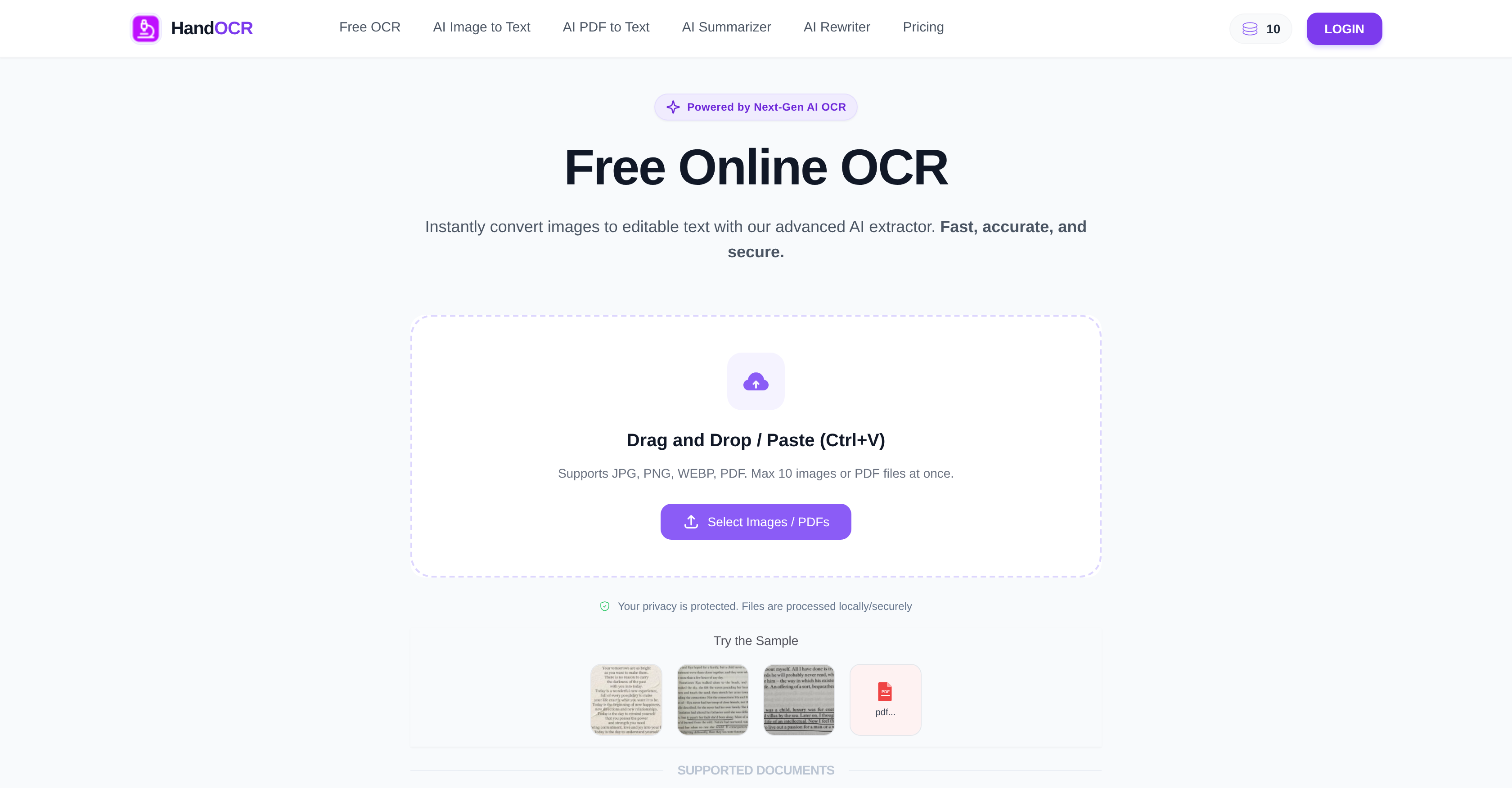
- Digitize physical documents and images into editable text in seconds by uploading or dragging and dropping JPG, PNG, WEBP, or PDF files into your browser.
- Process up to ten images or PDFs at once with a single upload to save time on batch document digitization.
- Achieve error-free text extraction from complex layouts and diverse font styles through advanced AI character recognition.
- Convert screenshots, invoices, and scanned documents into extractable text without needing to install any software.
- Maintain complete privacy and security as uploaded files are never logged, shared, or stored on the server.
- Support research and thesis writing by accurately extracting citations and text from multiple image sources in one session.
- Handle large volumes of transactional documents for e-commerce workflows by converting multi-file batches into editable output.
- Preview, copy to clipboard, or download extracted text as a file immediately after processing for seamless integration into your work.
Pros & Cons
Pros
- Supports multiple file formats
- Processes multiple files simultaneously
- Supports complex layouts
- Can recognize diverse fonts
- Browser-interface
- No installation required
- Easy to use
- Multi-language support
- Fast, efficient processing
- Estimated completion time
- Strong emphasis on privacy
- Automated data removal
- Multi-purpose: Professionals, students, e-commerce
- Instant text extraction
- Supports batch processing
- Advanced accuracy and consistency
- User-friendly
- Accessible from any device
- Secure data processing
- Supports handwritten notes
- Can convert own image files
- OCR conversion for character recognition
- Can preview output
- Allows copy and download
- Supports document digitization
- Facilitates citation and thesis writing
- Can process transactional documents
- Secure user data, not shared
- Automated ID verification
- Automated form automation
- Automated business card organization
- Processes screenshots
- Flexible input: paste or drag-drop
Cons
- Limited to 10 files at once
- Lacks API for integration
- No mobile app
- Unknown extraction speed
- Limited file format support
- Unknown character limits
- No offline functionality
- No handwriting support mention
- Potential accuracy issues unclear
Reviews
Rate this tool
Loading reviews...
❓ Frequently Asked Questions
HandOCR is an AI-powered tool that extracts and converts text from images accurately and swiftly. Its primary capabilities include the conversion of various file formats including JPG, PNG, WEBP, and PDF to text, recognition and extraction of text from images, and the digitization of documents such as screenshots, invoices, etc. Its target users are students, professionals, researchers, and e-commerce businesses.
HandOCR leverages advanced AI algorithms to extract text from images. Users simply upload the image or PDF file to the platform, after which HandOCR initiates the OCR conversion for character recognition and data extraction. This empowers the tool to convert images or PDF files into editable, extractable text.
HandOCR supports various file formats including JPG, PNG, WEBP, and PDF.
HandOCR is capable of simultaneously processing up to ten images or PDF files.
Yes, HandOCR can effectively digitize physical documents, converting images or scanned documents into editable and extractable text.
Yes, HandOCR operates directly in the user's browser, so there's no need to install any additional software.
HandOCR is very user-friendly. The OCR process involves a few simple steps - upload or drag and drop your image or PDF, initiate the OCR conversion, then preview, copy, or download the output.
Yes, HandOCR supports multiple languages, having the capability to accurately recognize text in different languages.
HandOCR places a strong emphasis on user privacy and data security. Files are processed securely, and user data is not logged or shared.
No, HandOCR does not store user data or files. All files are regularly removed from the server, ensuring users' privacy.
Yes, HandOCR can be used for document digitization. Its advanced AI model allows for the quick and accurate transition of physical documents into digitized, editable text.
Yes, HandOCR can be used for citation and thesis writing. The tool enables students and researchers to quickly and accurately extract text from various sources.
Yes, HandOCR can process large volumes of transactional documents. This makes it a beneficial tool for e-commerce businesses which often have to handle several transactional documents daily.
Yes, HandOCR can instantly convert images to editable text utilizing its advanced AI extractor.
HandOCR's OCR conversion boasts high accuracy. It uses advanced AI and algorithms to ensure a consistent, accurate text extraction every time.
Yes, HandOCR recognizes different font styles. It can accurately extract text even from images with diverse font styles.
While the exact time may vary, HandOCR offers fast and efficient processing of multiple files with an estimated completion time that is provided to the user.
Yes, HandOCR can recognize and extract text from images with diverse or complex layouts.
Yes, after HandOCR completes the OCR conversion, users can preview the result, copy the text directly to their clipboard, or download it as a text file.
Yes, HandOCR is designed to provide error-free text extraction. It uses advanced AI and algorithms to ensure accurate, consistent results, regardless of the complexity of the layout or font style.
Pricing
Pricing model
Free Trial
Paid options from
$9.99/unit
Billing frequency
Pay-as-you-go
Related Videos
Text Scanner. Handwritten OCR
GBSoftware.BIZ•690 views•Oct 24, 2021