Overview
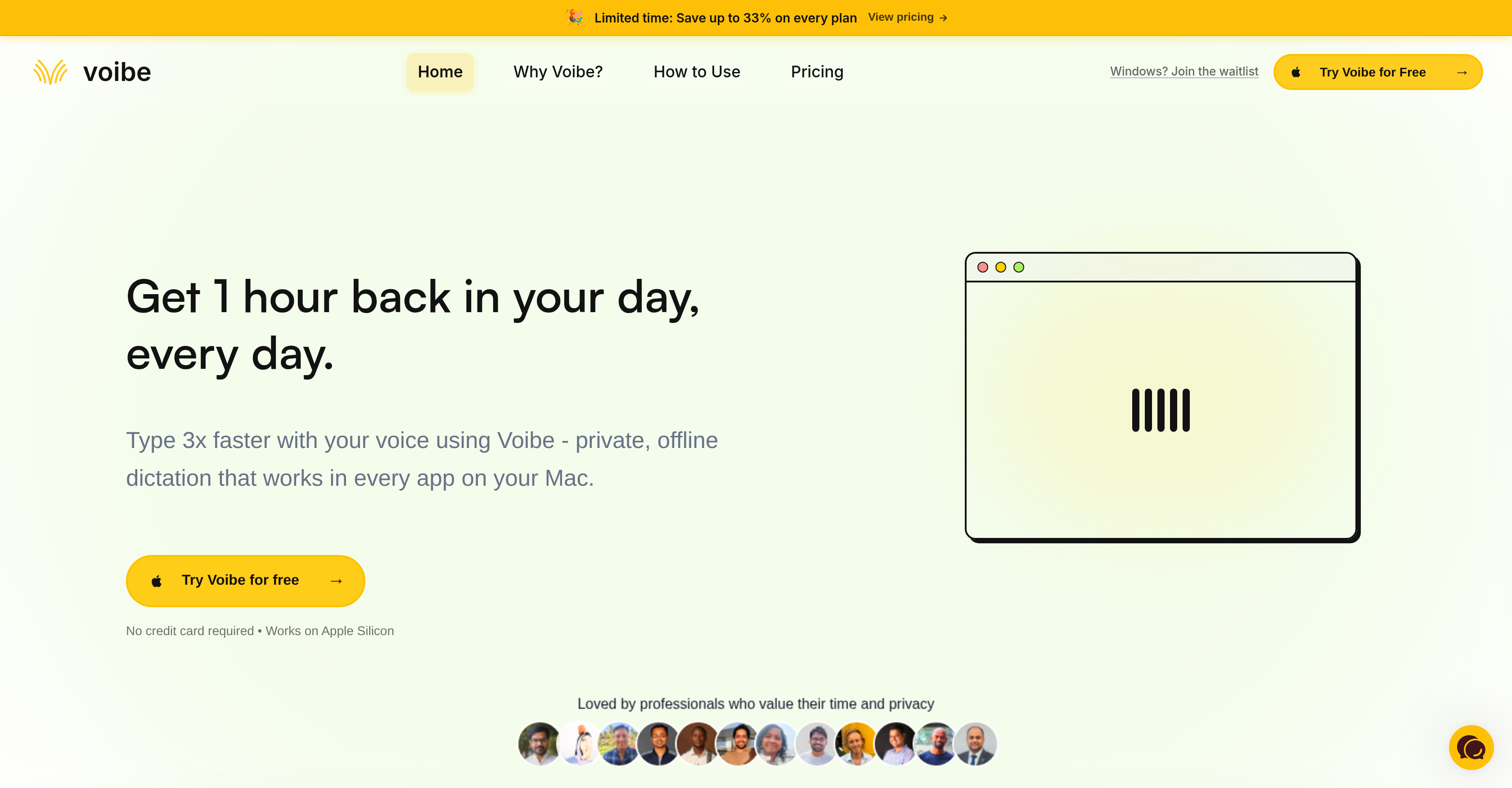
- Type three times faster by dictating naturally into any Mac app — just hold a hotkey, speak, and release for instant transcription.
- Keep every word confidential with fully local voice to text processing — no internet required, no data ever sent to the cloud.
- Capture ideas without interruption using zero-latency dictation — powered by Apple Silicon, transcription appears the moment you stop speaking.
- Work anywhere without connectivity constraints — offline dictation means you can write in planes, trains, or remote locations.
- Reduce your carbon footprint with on-device AI — no server farms or cloud energy consumption, just sustainable voice typing.
- Draft code and technical content effortlessly — the engine handles file names, syntax, and technical jargon in VS Code and Cursor.
- Maintain complete creative flow with a single hotkey action — press to speak, release to write, no menus or switching contexts.
Pros & Cons
Pros
- Offline operation
- MacOS specific
- Full operation across Mac apps
- Hotkey activation
- Instant voice to text transcription
- Quantized model use
- Runs on Apple Silicon
- Optimized for better performance
- Enhanced data privacy
- Instant deletion of audio data
- Three times typing speed
- Doesn't require internet
- Background operation
- Speed, privacy prioritization
- Server-grade accuracy
- No latency
- Environmental sustainability
- Writes in various apps
- Dictates at natural speech pace
- Supports professional workflows
- Optimized for text-heavy workflows
- Works in any text editor
- Designed for technical terms
- No data sent to cloud
- Zero Data Retention
- No necessary network connectivity
- Safe for sensitive work
- Automatic transcription
- Zero data center energy waste
- No third-party data retention
- No downtime during outages
- Compatible with developer tools
- Changeable hotkey
- Suitable for regulated industry professionals
- No audio data storage
- Affordable pricing plans
Cons
- Only compatible with macOS
- Optimized for Apple Silicon only
- Doesn't support Intel Macs
- Requires holding hotkey
- No online version
- Lack of integration with Windows
- No mobile version
- May have potential battery implications
- Inability to change hotkey settings
- Requires macOS 13 (Ventura) or later
Reviews
Rate this tool
Loading reviews...
❓ Frequently Asked Questions
Voibe's key functionality is the ability to convert spoken words into written text. This happens instantly and offline without requiring internet connectivity. Users simply hold down a selected hotkey while speaking and once they release the key, the spoken words are instantly transcribed into text in their chosen app.
Voibe ensures data privacy by processing all voice to text translations locally on the user's Mac device. No data is sent to the cloud or stored elsewhere. Once the transcription process is complete, all audio data is immediately deleted, ensuring maximum privacy and no risk of data leakage.
No, internet connectivity is not required to use Voibe. The application is designed to work fully offline, providing maximum privacy and convenience for the user.
Voibe converts voice to text almost instantaneously. By running quantized models on the Apple Silicon chip, it achieves near real-time speeds, thereby improving productivity and ensuring there's no lost train of thought for the user.
Voibe supports macOS platforms specifically, making full use of the Apple Silicon chip for efficient operation.
Yes, Voibe can be used in any Mac application. It works seamlessly across various applications ranging from content writing tools, email and messaging platforms, coding and development programs, and other AI-enhanced tools.
Voibe operates by utilizing the power of an AI engine, resident on the user's local device. It runs quantized models on the Apple Silicon chip, leading to efficient operations and near real-time transcription speeds. Its operation is triggered when the user presses and holds a hotkey to initiate speech recognition and transcription. When the key is released, the transcription appears in the chosen app.
No, Voibe does not store any user voice data. All audio data used for transcription is processed locally on the user's device and is deleted immediately after transcription, ensuring maximum privacy.
The Apple Silicon chip plays a vital role in Voibe's operation by running quantized models directly. This ensures consistent performance, elimination of network latency, and real-time transcription speeds.
The target audience for Voibe includes professionals who have text-heavy workflows and need a tool that prioritizes speed, privacy, and flow. It can also cater to developers, content creators, and individuals who often draft emails or other written content.
Voibe can significantly improve productivity in writing and content creation by allowing users to draft their ideas quickly by dictating them. The tool transcribes the user's speech immediately, enabling them to capture their thoughts as soon as they come, which can streamline the writing process and increase productivity.
Voibe contributes to environmental sustainability by working entirely on-device and not relying on cloud-based services. Since it doesn't require massive data centers and the resulting energy expenditure to process words, it significantly reduces the carbon footprint.
Voibe, by operating locally and utilizing the Apple Silicon chip, eliminates network latency, which is often a limitation of other cloud-based dictation tools. This allows it to offer instant transcription, making it faster than other dictation tools that require internet connectivity and server processing.
Yes, Voibe operates offline. It does not require an internet connection to function and all its data processing and transcription is done locally on the device.
Yes, Voibe can handle technical language for coding and development purposes. It has been designed to work with a wide range of applications, including development tools like Cursor and VS Code, and can resolve technical terms and file names effectively.
To ensure data security, Voibe processes all transcription locally on the user's machine and discards the audio data immediately after the transcription is complete. This process guarantees no third-party data retention or potential data leaks since no data is ever uploaded or logged.
Voibe handles voice to text conversion by utilizing an AI engine that is activated when the user presses and holds a hotkey. The user can then speak naturally, and when the key is released, the application transcribes the spoken words into text almost instantaneously.
Yes, Voibe can be used in many different Mac applications. It offers wide application compatibility from content drafting tools to email and messaging programs, to coding and development software.
Voibe doesn't specify any special permissions for use. The dictation process only requires the user to press and hold a chosen hotkey while speaking. The tool, however, always respects the user's privacy and only listens when the hotkey is pressed, rendering any special permissions unnecessary.
Voibe's AI integration is unique in the way it offers private, offline, real-time dictation. By leveraging advanced models and being optimized for the Apple Silicon chip, it provides fast, accurate transcription, handles natural speech, accents, and technical jargon effectively. Furthermore, it operates sustainably by running entirely on the user's device.
Pricing
Pricing model
Free Trial
Paid options from
$7.50/month
Billing frequency
Monthly
Refund policy
No Refunds
Related Videos
Dictation Apps Compared: Mac vs Windows vs Voibe
Voibe•3.0K views•Sep 26, 2025