

Ito - Ai Voice Dictation
Overview
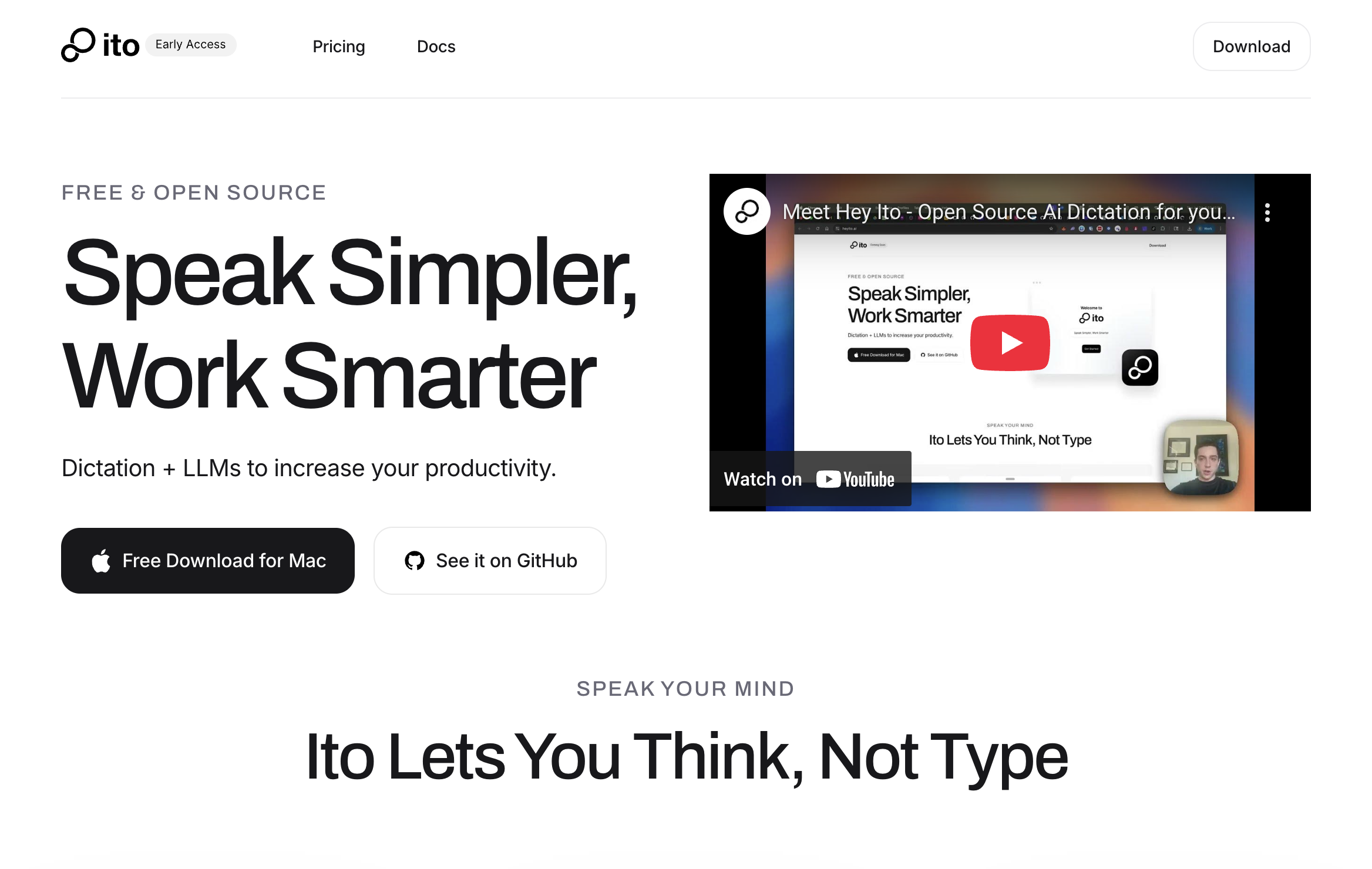
- Write emails and documents without touching your keyboard using universal text box compatibility across Slack, Notion, and Google Docs
- Generate complete drafts from single verbal instructions instead of typing each word with smart text generation
- Maintain your unique writing style as Ito learns from previous conversations and adapts to your vocabulary
- Navigate apps and send messages completely hands-free with customizable hotkeys and voice-driven navigation
- Protect sensitive work conversations with privacy-first data handling that keeps your information secure
- Access professional writing assistance for coding, product briefs, and meeting agendas without subscription fees through open-source development
Pros & Cons
Pros
- Universal compatibility with text boxes
- Hands-free operation via hotkey
- Boost productivity
- Enables creating content vocally
- Generates full content from single instructions
- Customizable vocabulary and hotkeys
- Learning capabilities
- Emphasizes on accessibility
- Voice-driven navigation across apps
- Open-source allows community contributions
- Adapts to user style
- Privacy-first approach
- Available for free download
- Lightweight and efficient
- Integration with Slack, Notion, Google Docs
- Ability to draft emails
- Assists in writing code
- Can create social media posts
- Generates smart, polished text
- Versatile use cases
- Can formulate meeting agendas
- Customizes based on user conversations
Cons
- Only for Mac users
- Requires hotkey activation
- No explicit offline functionality
- Learning period required
- Dependent on user's clear speech
- Custom setup necessary
- No mobile app support
- Potential privacy concerns with open-source
- Relies heavily on community contributions
- Undisclosed data handling details
Reviews
Rate this tool
Loading reviews...
❓ Frequently Asked Questions
Hey Ito is an AI-powered tool that converts voice into text tailored for Mac users. It operates across all text box applications, churning out smart, polished text content from verbal instructions. It comes with a hotkey activation for hands-free operation and is designed with a focus on productivity, allowing users to speak their thoughts instead of typing. Ito is ideal for writing emails, coding, product briefs, Slack messages, meeting agendas, and social media posts. It is capable of drafting full content from a single verbal instruction. Users can customize Ito by adding custom vocabulary and configuring hotkeys to suit their preferences. It learns and matches a user's style over time. It is accessibility-friendly, open source, and privacy-first.
Hey Ito uses Artificial Intelligence to convert voice into text. Detailed information about the technical workings of the AI voice-to-text conversion process isn't stated, but it is capable of understanding user's intent from spoken words, which it uses to craft smart, polished text content. It is capable of generating full drafts from a single verbal instruction.
Hey Ito is compatible with all text box applications. This includes, but is not limited to, applications like Slack, Notion, Google Docs, and Cursor.
Yes, Ito has the unique feature of drafting complete content from a single, complex instruction given by the user.
You can activate Hey Ito for hands-free operation by using a hotkey. The specific hotkey isn't mentioned, but it is configurable according to user preferences.
Hey Ito is designed to boost productivity by allowing users to express their thoughts verbally instead of having to type. It ensures efficient handling of tasks like writing emails, coding, making product briefs, Slack messages, meeting agendas, and social media posts. By generating smart, polished text from a single verbal instruction, it reduces the time spent on manual typing.
With Hey Ito, you can create various types of documents and content, including but not limited to emails, code, product briefs, Slack messages, meeting agendas, and social media posts.
Yes, Ito is customizable. Users can add a custom vocabulary and configure hotkeys according to their preferences.
Yes, Ito has built-in learning capabilities. It improves and matches a user's style based on their previous conversations, thereby providing a more personalized user experience over time.
For accessibility, Ito uses voice-driven navigation. This feature empowers users to switch apps, navigate messages, and more, just by using their voices.
Yes, Hey Ito is an open-source tool, which means it's free to use, modify, and distribute.
The community has a significant role in the development of Hey Ito. Being an open-source offering, the community can contribute to its development, allowing the tool to evolve according to user needs.
Hey Ito is privacy-first, which means it respects user data privacy. The specifics of how it protects user data aren't specified, but the tool assures that it handles user data with the appropriate safeguards.
Hey Ito is available for free download on the Mac.
Yes, Hey Ito can be used for various types of professional writing tasks like drafting emails, writing code, creating product briefs, Slack messages, and meeting agendas. It can also craft polished and contextually relevant social media posts.
Yes, Hey Ito supports integration with Google Docs and Slack. It can be enabled in any text box within these applications.
Hey Ito supports voice-driven navigation, a feature that allows users to switch between applications, navigate through messages, send drafts, and more - all using voice commands.
Yes, users can utilize their own vocabulary in Hey Ito. The tool allows users to add custom vocabulary according to their unique needs.
The Smart Text Generation feature of Hey Ito works by understanding the user's verbal intent and transforming it into smart, polished text content. It is capable of creating an entire draft from a single spoken instruction.
Yes, Hey Ito offers numerous features specially designed for Mac users. It is a lightweight, efficient voice-to-text solution that's designed to increase productivity and simplify work for Mac users. It supports universal compatibility across text box applications on Mac, including Slack, Google Docs, and Notion. It can be activated via a hotkey for hands-free operation and subscribers have the option to customize vocabulary and hotkeys according to their preferences. Ito also respects user data privacy, is open-source, and is available for free download for Mac users.
Pricing
Pricing model
Free
Paid options from
Free
Related Videos
Why Ito? Open Source Voice Dictation
Ito•226 views•Aug 21, 2025


