
Overview
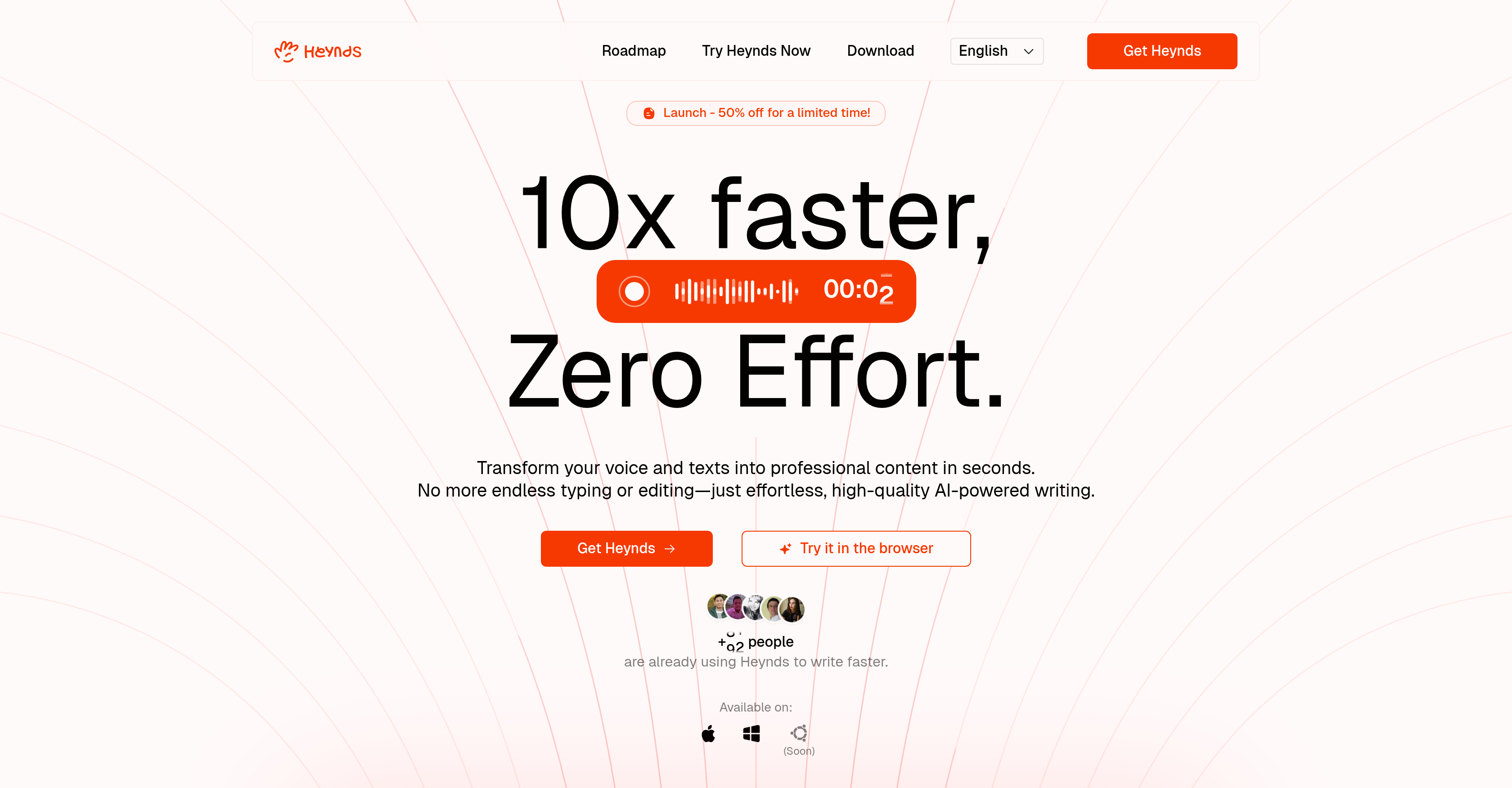
- Convert your spoken words into perfectly formatted text instantly with real-time voice dictation
- Refine any message for maximum impact using AI-powered paraphrasing and rewriting tools
- Create custom prompts and commands that adapt to your unique writing style with Infinite Customization
- Generate professional content across 100+ languages for seamless international communication
- Maintain complete privacy with software that only activates when you choose and stores nothing on servers
- Work seamlessly across your preferred devices with full cross-platform compatibility
Pros & Cons
Pros
- Desktop application
- Enhances writing productivity
- Voice dictation
- Real-time editing
- Writing assistance
- Voice-to-text conversion
- Generates professional content
- Customizable prompts
- Custom commands
- Instantaneous text reform
- Supports numerous languages
- Enhances communication capabilities
- Designed for data privacy
- Secured data handling
- Works cross-platform
- MacOS compatibility
- Windows compatibility
- Anticipated Linux compatibility
- Professional context usability
- Helps in content creation
- Enhances writing speed
- Tailored for individual needs
- Real-time transformation
- Text reformatting
- Optimized individual writing processes
- Suits business owners
- Benefits content creators
- Aides students
- Developers' tool
- Improves overall productivity
- Markdown rich-text formatting
- Exports to multiple formats
- Works in most apps
- Overcomes writer's block
- Speeds up communication
- Community access
- Lifetime updates
- Supports over 100 languages
- Free trial available
- Offers flexible plans
- GDPR and CCPA compliant
- Own API keys support
- User-end encryption
- Customer support available
- Report bugs via email
- Efficient in-app help centre
- Grammar correction
- Translation capabilities
- Custom solutions for teams
Cons
- No mobile version
- Limited annual updates
- Paid product, no freemium
- Registration required for trial
- Renewal payment after first year
Reviews
Rate this tool
Loading reviews...
❓ Frequently Asked Questions
Heynds is an AI-powered desktop application engineered to boost productivity in writing tasks. It provides voice dictation and writing assistance, instantly transforming voice or text into professional content. By offering real-time editing and voice-to-text functionality, users can conveniently convert their oral speech into written content. Furthermore, it extends an AI writing assistant that fines tunes user's messages and hones their words for the desired impact.
Heynds offers functionalities such as voice-to-text transformation, real-time editing, and an AI writing assistant. Heynds includes an 'Infinite Customization' feature where users can create custom prompts and commands tailored to their unique writing processes. Heynds also has the ability to refurbish text on the spot to meet specific needs.
Heynds utilizes an advanced voice-to-text transformation feature where users can speak naturally, and their spoken words are accurately transcribed into written text in real-time. The emphasis is on providing seamless and real-time conversion to boost productivity and reduce the need for typing.
Without a doubt, Heynds exhibits a multilingual supportive structure, thereby being a great fit for non-native English speakers. It supports numerous languages, hence catering to users across various regional borders for effective and easy communication.
The 'Infinite Customization' feature in Heynds allows users to formulate custom prompts and commands that are optimized to their personal writing processes. This high level of personalization offers improved and tailor-made results to every user, thereby enhancing their writing experience.
Heynds is designed to reform text instantaneously to match specific needs. From revamping blog posts to social media updates and other forms of written content, the unique feature ensures that your content is always at its best.
Yes, Heynds is made for cross-platform usage. It is currently compatible with MacOS and Windows, plus it is expected to be compatible with Linux soon.
Heynds can prove beneficial in several professional spheres including founders, product managers, business owners, content creators, students, and developers. It equips professionals with the tools to generate professional content more swiftly, thereby hiking their productivity.
Heynds prioritizes privacy and ensures optimal security. The software only begins listening when activated and does not store any user data on the company servers. This design provides a user-friendly environment that respects and protects user privacy.
Yes, a free trial of Heynds in the browser is available without requiring account registration. Additionally, a paid Explorer plan facilities a one-month experience of Heynds with freedom to decide later.
Absolutely, Heynds integrates the 'Infinite Customization' feature that allows users to create and store custom prompts that are aligned with their specific writing needs.
Heynds incubates AI-powered writing assistance that aids in content creation. It can help create refined messages with an impactful choice of words. It also supports real-time editing, saving users valuable time in editing their text. Features like Infinite Customization and instant transformation of voice to text also facilitate content creation.
Heynds enhances productivity by offering tools to speed up the writing process. Its voice-to-text transformation allows users to rapidly convert spoken words into written content, reducing the time spent typing. The real-time editing feature enables instant correction and revision of text. Its custom prompts and commands tailored to individual writing tendencies contribute to a more efficient workflow. Finally, multi-platform support means users can use Heynds on their preferred device.
Heynds assists with voice dictation by enabling users to transform their voice into perfectly formatted text in real-time. This allows users to generate content simultaneously with their speech, resulting in a streamlined and efficient process.
Heynds offers cross-platform compatibility, which implies it operates smoothly on different operating systems. Currently, it is available on MacOS and Windows, and Linux support is expected in the near future. This allows users to utilize Heynds on their device of choice, regardless of the operating system.
Students can definitely utilize Heynds to enhance their productivity in writing tasks, be it note-taking, essay writing or project documentation. The software's capabilities to transform spoken words into written form, offers real-time editing and has an AI-powered writing assistant to refine their content.
Heynds extends support to over 100 languages. This means not only can you translate any text to any language using the AI writing assistant feature, but also articulate perfectly with individuals internationally.
Currently, Heynds is designed to be functional on MacOS and Windows platforms. Unlike these platforms, Linux support is being actively developed and is expected to be rolled out soon.
Business owners can benefit from using Heynds in a number of ways. It can facilitate the drafting of business proposals, creating marketing materials, and managing social media content with an AI-powered writing assistant. Additionally, the real-time editing and voice-to-text feature can make communication more efficient.
Developers can use Heynds to document their code more swiftly and accurately. The voice commands can serve as a game-changer, allowing them to dictate codes and relevant notes, which the software then transcribes into text in real-time. This can significantly boost writing speed and efficiency in a developer's daily tasks.
Pricing
Pricing model
Free Trial
Paid options from
$49
Billing frequency
One-time
Refund policy
30 Days Money Back Guarantee
Related Videos
Heynds - Installation Tutorial
Pierro•64 views•Apr 4, 2025