

Overview
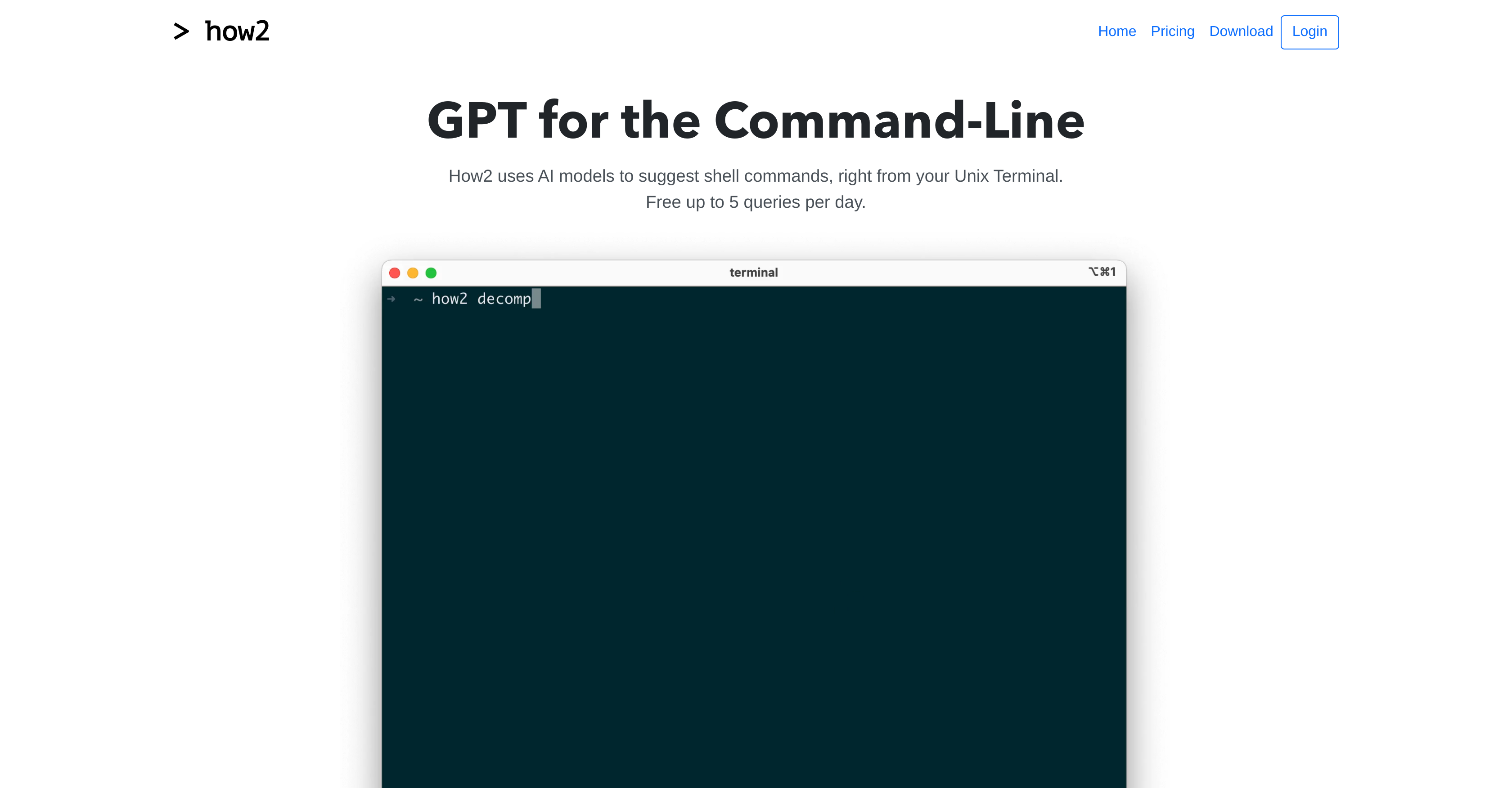
- Find the right shell commands instantly without leaving your terminal using AI models specifically trained on Bash and Zsh commands
- Create optimized Bash scripts faster by adding 'BASH SCRIPT' or 'ONE LINER' to your prompts for context-aware suggestions
- Access StackOverflow solutions directly from command line by simply adding the -s option to your query
- Work safely with zero execution risk since the tool only suggests commands and never runs them automatically
- Get PowerShell-compatible suggestions that understand your current shell context and adapt recommendations accordingly
- Prevent code injection attempts with built-in safety measures that automatically reject suspicious queries
Pros & Cons
Pros
- Bash/Zsh commands training
- Shell commands suggestions
- Bash scripts creation
- Prevents code injection
- Inputs optimization through rewording
- Ability to search StackOverflow
- PowerShell compatibility
- Cross-platform (MacOSX, Ubuntu/Debian, Windows)
- Usable via NPM package
- Five free queries daily
- Subscription option for extras
- User safety focus
- Commands execution prevention
- Likely rejection of misuse
- Context-within understanding capability
Cons
- Limited free queries
- Subscription required for extra benefits
- Possible keyword confusion ('FOR LOOP', 'BASH SCRIPT', etc.)
- StackOverflow search requires manual activation
- Doesn't execute commands
- Potential rejection of valid commands (misinterpretation as code injection/misuse)
- Queries optimization by rewording needed
- Doesn't support all Linux versions
Reviews
Rate this tool
Loading reviews...
❓ Frequently Asked Questions
How2 is an AI tool specifically designed to assist users by providing code-completion for the Unix Terminal. It suggests shell commands using AI models retrained on Bash/Zsh commands to help users quickly create Bash scripts.
No, How2 does not run the commands it suggests. It only proposes options for the user to input, ensuring a safe experience while using the tool.
How2 prioritizes user safety above everything else. It never runs a command for the user. It only suggests possible commands. Additionally, it takes extra measures to prevent misuse or code injection. Some queries may be rejected if they are deemed to be an attempt at code injection.
Yes, users can refine their search results on How2 by adding extra keywords at the end of prompts like 'FOR LOOP', 'BASH SCRIPT', or 'ONE LINER'. This allows the AI models to better understand the context and suggest relevant Shell commands.
How2 offers five free queries per day.
If a user needs more than five queries per day on How2, they have the option to subscribe for additional benefits.
Yes, How2 can search StackOverflow. This capability is activated when an '-s' option is passed.
How2 is compatible with multiple platforms including MacOSX, Ubuntu/Debian, and Windows. It can also be downloaded and installed through an NPM package.
Users can download and install How2 on MacOSX, Ubuntu/Debian, and Windows via the links available on the website. For MacOSX, users can install it using brew. For Ubuntu/Debian, users can use wget and dpkg. For Windows and other Linux versions, the binaries can be downloaded directly. Additionally, How2 can also be installed via an NPM package.
The benefits of How2 include code-completion suggestions for the Unix Terminal, quick creation of Bash scripts, refining search results with extra keywords, compatibility with PowerShell, and the ability to search StackOverflow. Additionally, How2 emphasizes user safety and never runs a command, which helps prevent code injection or misuse.
How2 employs several AI models that have been retrained on Bash/Zsh commands to suggest possible Shell commands for the Unix Terminal. These suggestions help in quickly creating Bash scripts.
How2 is ideal for users who frequently work with the Unix Terminal and find themselves often in need of Shell command suggestions or quick creation of Bash scripts.
How2 is designed to identify and reject attempts at code injection. It never runs a command on its own, thus preventing any possibility of code injection. Any query that might be an attempt at code injection is likely to be rejected.
How2 understands the context when it is used with PowerShell, allowing it to provide appropriate command suggestions. It integrates smoothly with PowerShell.
Yes, How2 can assist in the creation of Bash scripts. If the tool doesn't provide the answer you were looking for, you can add 'BASH SCRIPT' at the end of your prompt for better results.
Retraining the AI models on Bash/Zsh commands helps How2 get a deeper understanding of commonly used structures and pragmatics in the Unix Terminal. This enables it to make more accurate and relevant command suggestions.
To pass the '-s' option in How2, you include it in your query. This signals How2 to search StackOverflow via Google.
Yes, How2 can be installed via an NPM package. If installed without SUDO, then How2 should be run with NPX.
What sets How2 apart from other coding help tools is its ability to provide shell command suggestions right from the Unix Terminal. It uses AI models retrained on Bash/Zsh commands for this. In addition, How2 is safe, never executing a command but only suggesting options. How2 can refine search results using extra keywords, is compatible with PowerShell, allows for custom creation of Bash scripts, searches StackOverflow when prompted, and leverages advanced measures to prevent code injection or misuse.
Pricing
Pricing model
Freemium
Paid options from
$9/month
Billing frequency
Monthly










