
Imagable | AI Image Editor
Overview
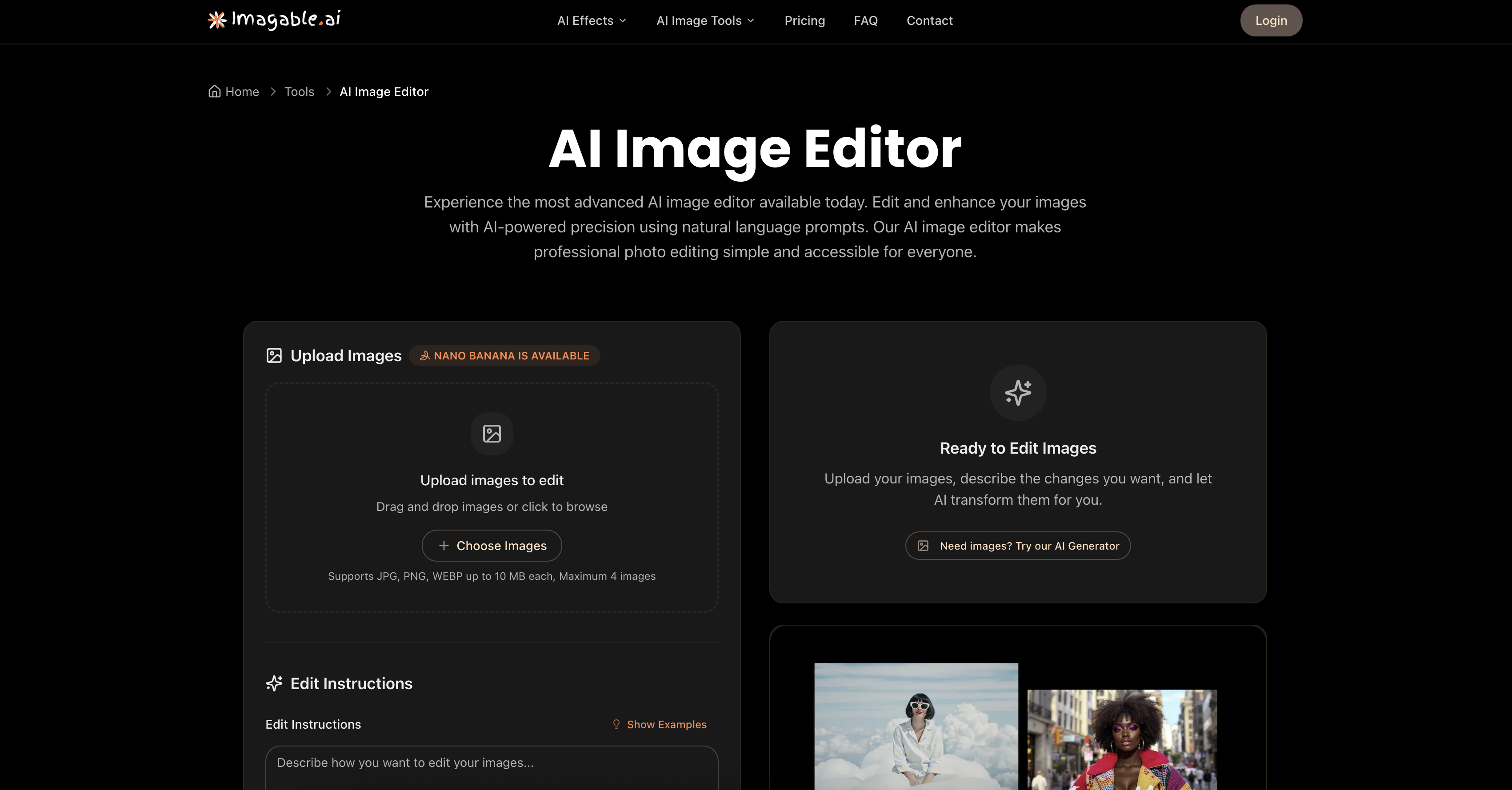
- Edit photos instantly using plain English instead of complex tools with natural language processing
- Remove unwanted objects and adjust colors precisely without manual selection with AI-powered object removal
- Transform image styles completely for branding or social media with aesthetic alteration capabilities
- Apply identical edits to multiple photos simultaneously to maintain visual consistency with batch processing for 4 images
- Generate multiple versions of your edited photo in one click to explore creative options with variation generation
- Refine your edits until they match your exact vision without starting over with the retry function
- Create consistent character avatars across different scenes for storytelling with character consistency tools
- Visualize interior design concepts by adding furniture to room photos with space visualization AI
- Produce professional product shots for e-commerce without photography studios with product enhancement AI
Pros & Cons
Pros
- Edits via natural language
- Supports JPEG, PNG, WebP
- Performs batch processing
- Generates multiple image variations
- Retry function for refinement
- Useful for diverse applications
- Handles color adjustments
- Performs object removal
- Enables style changes
- Turns ordinary photos professional
- Streamlined, intuitive interface
- Fast processing and results
- No technical knowledge needed
- Encourages unlimited creativity
- Removes background
- Suitable for storytelling
- Helpful for branding
- Useful for interior design
- Enhances e-commerce product shots
- Supports up to 4MB
- Creates aesthetic transformations
- Download individual or batch
- Professional quality output
- Secure processing
- Offers smart suggestions
Cons
- Limited to 4 images
- Reliant on precise language
- Retry function indicates unpredictability
- Not mentioned supported resolution
- Credits per generated image
- Unclear handling of layers
- Prompt character limitations
- No batch download mentioned
- No raw format support
- Limited edit instructions examples
Reviews
Rate this tool
Loading reviews...
❓ Frequently Asked Questions
With Imagable's AI Image Editor, you can request specific types of image edits including adjustments to color tones, object removal, and changing the overall style and aesthetic of an image. These instructions are provided to the tool using natural language, making it a versatile and intuitive editing option for your image editing needs.
Yes, Imagable's AI Image Editor supports batch processing. The tool can handle up to 4 images at once, which makes it efficient and versatile for editing multiple images with the same instructions.
With Imagable's AI Image Editor, you can provide instructions using natural language. In your instructions, you can include details about the style, color, mood, and composition of the edits you want to make. This tool is designed to understand and implement these instructions, creating a simplified and intuitive editing experience.
Imagable's AI Image Editor supports multiple image file formats. Specifically, the tool accepts JPEG, PNG, and WebP file formats.
Imagable's AI Image Editor supports batch processing of up to 4 images at a time.
Yes, with Imagable's AI Image Editor, you have the flexibility to request multiple variations of an edited image in a single command. This allows you to choose the best result that aligns with your visual needs or preferences.
The retry function of Imagable's AI Image Editor allows users to refine their instructions or alter settings if the initial outcomes do not meet their expectations. This feature is designed to ensure user satisfaction and to provide the most optimal editing outcomes.
Yes, Imagable's AI Image Editor can be used for interior design visualization. The tool's AI capabilities allow for the creation of realistic space visualizations, including the addition of furniture and decor to room photos.
Imagable's AI Image Editor's features make it suitable for e-commerce in multiple ways. The tool can transform ordinary photos into high-quality professional images, helping to create ideal product shots. With its natural language processing, users can effectively describe the editing needs specific to their product images for optimal results.
Imagable's AI Image Editor can certainly be used for branding and storytelling. Users can create consistent avatars and characters across multiple scenes using the editor, making it a useful tool for digital storytelling and brand consistency.
The use of natural language prompts with Imagable's AI Image Editor allows you to directly communicate your image editing requirements to the tool in a manner that is intuitive and simple. This provides a more streamlined and personalized editing process, as compared to traditional image editing tools.
Imagable's AI Image Editor uses artificial intelligence to achieve professional imagery and image enhancement. The tool recognizes and implements user instructions provided in natural language to alter and enhance images precisely according to user needs, producing high-quality professional images as a result.
Imagable's AI Image Editor demonstrates high versatility in catering to a wide range of editing needs. Its capabilities range from adjustments of color tones and object removal to changing the overall style and look of the image. It also accepts multiple file formats and supports batch processing of up to 4 images. Therefore, whether it is subtle changes or complete image transformations, Imagable's AI Image Editor is equipped to handle it.
Imagable's AI Image Editor offers batch processing to provide a more efficient way for users to edit multiple images at once. With it, similar edits can be applied to up to 4 images simultaneously, saving time and easing the editing workflow for users.
AI plays a critical role in Imagable's AI Image Editor. It uses AI-powered precision to interpret and implement user-provided instructions in natural language, thereby simplifying professional photo editing. From understanding specific editing requirements to generating multiple variations of an edited image, AI is the core behind the tool's operation and effectiveness.
Generating multiple variations of an edited image with Imagable's AI Image Editor provides users with a choice in the final selection. This allows users to compare outcomes and select the variation that best aligns with their vision or preferences.
Yes, Imagable's AI Image Editor has the capacity to adjust color tones in photos. By simply including a specific instruction about color adjustment in your natural language prompt, the AI will implement the necessary changes.
Yes, with Imagable's AI Image Editor, it is possible to remove objects from images. Users can provide instruction in natural language for object removal and the AI will execute the task.
Yes, Imagable's AI Image Editor is capable of changing the overall style and aesthetic of an image. Whether it's incorporating a specific style or atmospherically altering the image, the tool can handle it based on the instructions provided in natural language.
Yes, Imagable's AI Image Editor allows users to modify images according to their personal preferences. By utilising its natural language processing capabilities, users can instruct the AI on how they want their image to be altered, offering a customized editing experience.
Pricing
Pricing model
Free Trial
Paid options from
$8/month
Billing frequency
Monthly