

Overview
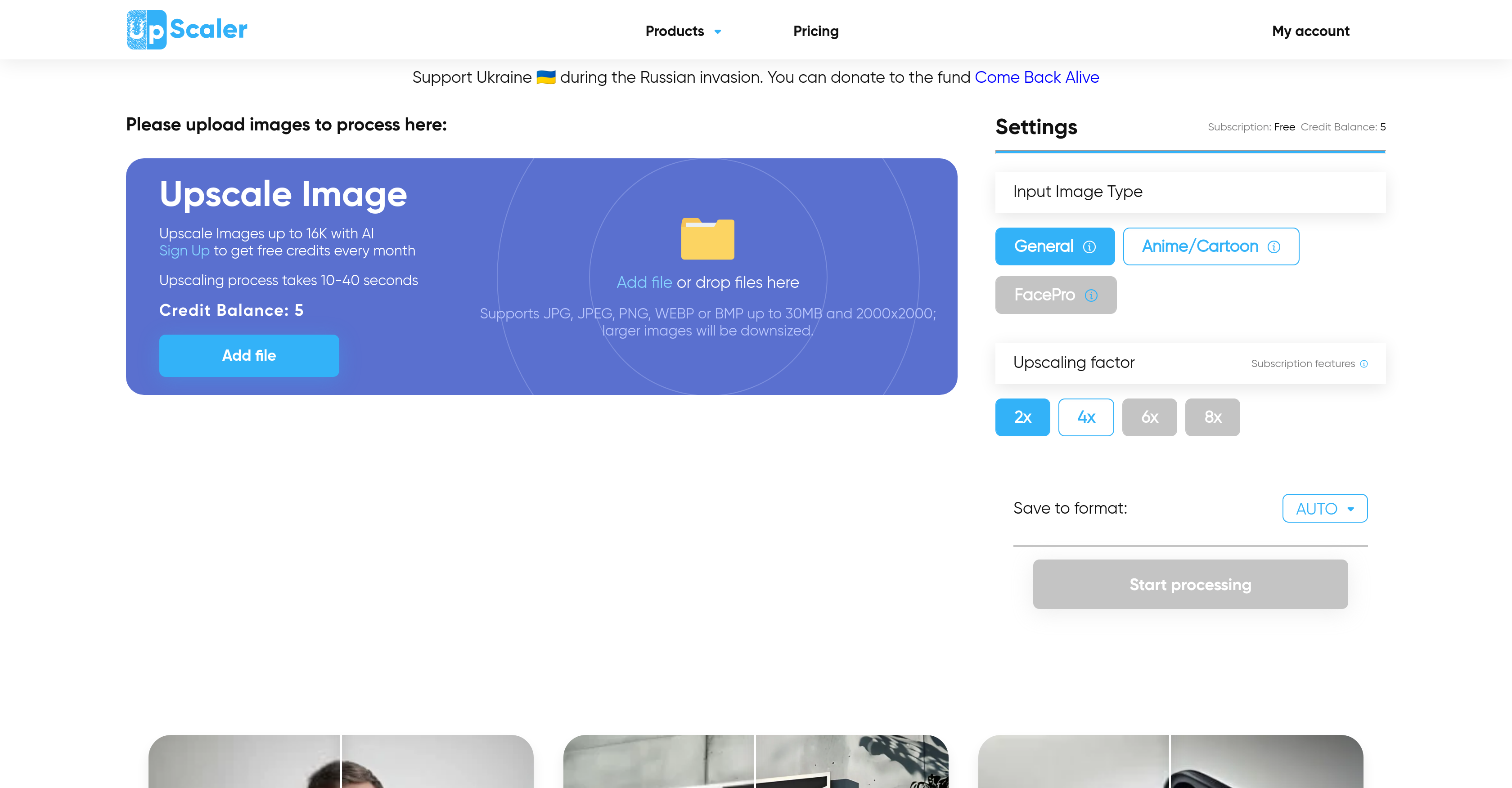
- Transform low-resolution images into crisp 16K masterpieces without pixelation using advanced AI upscaling
- Fix blurry photos and restore sharp details instantly with the dedicated Unblur tool
- Create unique AI-generated images for blogs, websites, and social media content using trained GAN networks
- Convert regular videos into engaging animated content with the Video Cartoonizer feature
- Protect privacy in group photos by automatically blurring faces while maintaining image quality
- Generate cartoon and anime versions of your photos for creative projects and social media
- Remove backgrounds cleanly from any image without manual editing using the Remove BG tool
- Process up to five images monthly without creating an account through the free plan
- Choose precise enlargement levels with 2X, 4X, 6X, and 8X scaling options for optimal results
- Convert photos into sketch-style artwork for artistic projects and design work
Pros & Cons
Pros
- Preserves image quality
- Analyses pixels in low-resolution
- Predicts and replicates image details
- Upscale up to 16K
- Multiple features e.g Deblur, Cartoonizer
- Assists with blog content creation
- Helps in web development
- No account necessary for use
- Free monthly plan
- Offers 2X, 4X, 6X, 8X upscale
- Results in accurate upscaling
- High precision prediction
- Image quality preservation
- Image Deblurring
- Photo to Anime transformation
- Face Blur feature
- Social media usage assistance
- Supports JPG, JPEG, PNG, WEBP, BMP
- Upscales faces optimally
- Output to various formats
- Transforms printed images
- Upscales product photos
- Upscales images up to 16K
- Images multiplied up to 16k
- Different upscaling methods
- Can increase resolution for free
- Saves to multiple formats
- Helps upscale security camera footage
- Enhances e-commerce product photos
- Upscales for design and educational materials
- Unblurs unclear images
- Different upscaling factors
- Automatic monthly plan on sign-up
- Upscales images of 2000x2000
- Can downsize and upscale larger images
- Achieves 4k, 8k and 16k upscaling
- High upscaling speed of 10-40 seconds
- Supports several image formats for upscaling
- Free monthly upscaling credits
- Upscales any images
- Can upscale blurry images
- Can work with images of 30MB and 2000x2000
- Option to select image type during upscaling
- Supports upscaling of medical images
- Helps upscale photos for printing
Cons
- Requires high-quality input
- Downsizes larger images
- Paid subscriptions required
- Limited free trials
- Processing time of 10-40 seconds
- May not improve blurry images
- Feature overload can be confusing
- Limited upscale options
- Size limitation on input files
Reviews
Rate this tool
Loading reviews...
❓ Frequently Asked Questions
The maximum resolution ImageUpscaler can enhance to is 16K.
No, the ability of ImageUpscaler to enhance images to 16K is dependent on the initial size of the image. If the image size is less than 2000 pixels, it can be upscaled to a larger size using the available upscaling factors.
While ImageUpscaler can process any image, the best results are seen on high-quality images that were not previously upscaled. It shows better results on logos, cartoon pictures, animes, or any other synthesized images.
Yes, ImageUpscaler has an 'Unblur' feature that can be used to enhance the clarity of blurry images.
Yes, the 'Photo to Anime' tool on ImageUpscaler can turn your photos into anime.
Yes, apart from image upscaling, ImageUpscaler assists with the creation of AI images, which can be used in blogs, websites, business profiles, or social media.
Non-login users are entitled to a free plan that lets them increase the resolution of up to five images every month.
ImageUpscaler provides processing options for 2X, 4X, 6X, and 8X upscale operations.
ImageUpscaler employs advanced AI to analyze pixels in low-resolution images. This technology predicts and replicates image details with remarkable accuracy, resulting in a higher resolution image with preserved quality.
Yes, ImageUpscaler does have a feature for face blurring, ideal for ensuring privacy and anonimity in images.
Apart from image upscaling, ImageUpscaler offers multiple features like AI Image Generator, Video Cartoonizer, Deblur tool, Photo to Anime feature, Face Blur tool, and many others.
ImageUpscaler supports upscaling images in JPG, JPEG, PNG, WEBP, and BMP formats.
The upscaling process with ImageUpscaler typically takes between 10 to 40 seconds.
Yes, with the latest AI technology, ImageUpscaler can be used to increase the resolution of printed images.
Yes, ImageUpscaler does offer a 'Photo to Cartoon' feature that can convert regular photos into cartoon-style images.
ImageUpscaler offers a plethora of tools like AI Image Generator, Video Cartoonizer, Photo to Anime, Face Blur etc. that can assist in web development and content creation.
The AI Image Generator on ImageUpscaler utilizes Generative Adversarial Networks (GANs) which have been trained on a massive photo library. When an image is uploaded, the tool scans it, identifies objects and then adds pixels to create a high-quality image.
Yes, there's a dedicated tool on ImageUpscaler called Remove BG which can effectively remove the background from images.
Yes, ImageUpscaler has a 'Photo to Sketch' tool that can convert photos into sketch-style images.
The Video Cartoonizer feature in ImageUpscaler transforms regular videos into animated content. It uses advanced AI to produce cartoon-like visuals from the given input video.
Pricing
Pricing model
Free Trial
Paid options from
$9.90/month
Billing frequency
Monthly


