

Img2Video AI
Overview
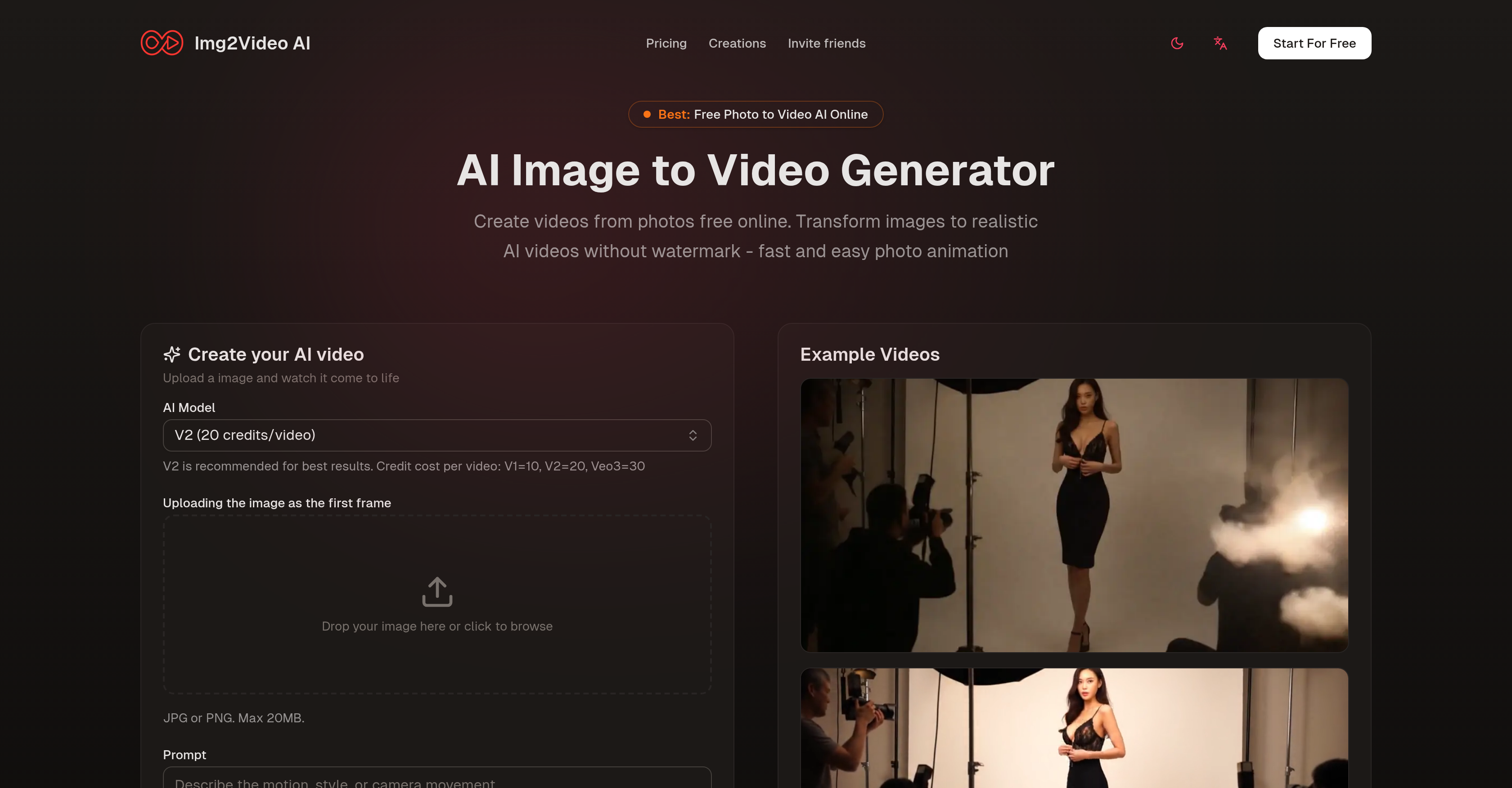
- Create professional animated videos from any image instantly with AI-powered image to video conversion
- Bring static photos to life with realistic motion, facial expressions, and ambient effects using smart animation algorithms
- Download watermark-free high-resolution videos ready for social media, marketing campaigns, and websites
- Animate diverse content types including portraits, cartoons, memes, products, vintage photos, and vehicles with versatile video styles
- Maintain original image quality and character with algorithms that preserve details and color profiles during animation
- Specify custom motion and effects through simple text instructions for personalized animation results
Pros & Cons
Pros
- Transforms images into videos
- Watermark-free outputs
- Supports all image formats
- User-guided animation instructions
- Fast result generation
- Smart image processing
- Maintains image's core character
- Adds individual motion
- Adds ambient effects
- High-resolution video outputs
- Preview before download
- Supports variety of styles
- Creation of diverse content
- Ideal for digital marketing
- Supports storytelling animation
- Online tool
- Offers multiple video variations
- Adjustable elements like color
- Supports professional applications
- Available plans for different user needs
- Positive user reviews
- Turns portraits into lifelike clips
- Works with vintage photos
- Works with product images
- Animated meme creation
- Vehicle showcase video creation
- Photo-consistent video generation
- Quick creative exploration
- Versatile styles from single image
- 360-degree product motion
- Anonymously usable
- Free tool
- Creates video with blink effects
- Generates natural nods effect
- Adds light movement for vehicles
- Produces soft shadows for products
- Annotates text-safe space for products
- Supports commercial use
- 24/7 email support
- Priority processing for paid plans
- Supports multiple video generation
- Processes images up to 20MB
- No complex operations needed
- Creates videos with storyline
- Offers a refund policy
- Creates lifelike clip from cartoons
- No credit card needed for free plan
Cons
- No offline access
- Doesn't support batch processing
- Limited creative control
- Results may vary
- No API for integration
- Dependency on quality of images
- Animation results can be non-intuitive
- Credits required for generating videos
- No enterprise pricing options
- No mobile app available
Reviews
Rate this tool
Loading reviews...
❓ Frequently Asked Questions
Img2Video AI transforms static images into realistic videos. It generates animations from various images and delivers fast results. You can upload images in any format and issue brief directives on how you want the images animated, which could encompass desired motion, effects, or storylines. Img2Video AI processes the image data and creates an animated video that maintains the core character of the original image.
Img2Video AI supports all image formats. Users can upload images in any format to begin the animation process.
You can instruct Img2Video AI by providing brief instructions on how you wish the image to be animated. This could include specifying desired motion, effects, or storylines.
Yes, users can specify the motions and effects for their images on Img2Video AI. These instructions are provided during the image upload stage and can include desired motion, effects, or storylines.
The algorithm of Img2Video AI processes the image data, considering details and color profiles of the source image. This ensures that the videos produced maintain the core character of the original, and can add elements like individual motion, facial expressions, ambient effects, and more.
Yes, Img2Video AI can add elements like facial expressions and ambient effects during the animation process. It considers the details of the source image to produce videos that also include individual motion and more.
Users can preview their AI-animated photo upon completion of the process. The ability to preview allows users to confirm the animation output before downloading.
Yes, Img2Video AI allows users to download and share the animated videos without any watermarks, which are ready to share on any platform.
Img2Video AI can create a variety of video styles. The AI supports the creation of various styles for all sorts of visual content, such as portraits, cartoons, memes, products, vintage photos, and even vehicles.
Yes, the high-resolution outputs that Img2Video AI produces are ideal for marketing, websites, or social media campaigns. Thus, it can be utilized for creating videos for these purposes.
Img2Video AI delivers results quickly. It can convert photos into animations instantly.
Yes, Img2Video AI maintains the resolution of the original image in the generated video. It creates high-resolution outputs which maintain the core character of the original image.
Yes, Img2Video AI can add individual motion to the elements in the animated video. This forms part of the AI's image processing, where it considers the details of the source image to create animations.
During the second step of Img2Video AI's processing, the tool processes the image data that has been uploaded, creating an animated video. It considers the details and color profiles of the source image to produce a video which resembles the core character of the original image.
Yes, Img2Video AI creates both animated photos and high-resolution videos. After the AI animates the photo, users can download a high-resolution video.
Yes, you can create animations of vehicles using Img2Video AI. The AI supports the creation of a variety of visual content, including vehicles.
Yes, Img2Video AI does accept all image formats. Users are free to upload images in any format they have for the animation process.
Yes, you can use Img2Video AI to create animations of vintage photos. Alongside other types of visual content, it supports the generation of animations from vintage photos.
Yes, Img2Video AI can animate photos for any platform. Once animated and transformed into high-resolution videos, these animations can be downloaded and shared on any desired platform.
Yes, Img2Video AI can transform cartoons into realistic videos. The tool supports animation from a variety of visual content types, including cartoons.
Pricing
Pricing model
Freemium
Paid options from
$5.99/month
Billing frequency
Monthly
Refund policy
Users can request a full refund within 7 days of purchase if they are not satisfied by emailing [email protected].












