

iMyFone VoxBox
Overview
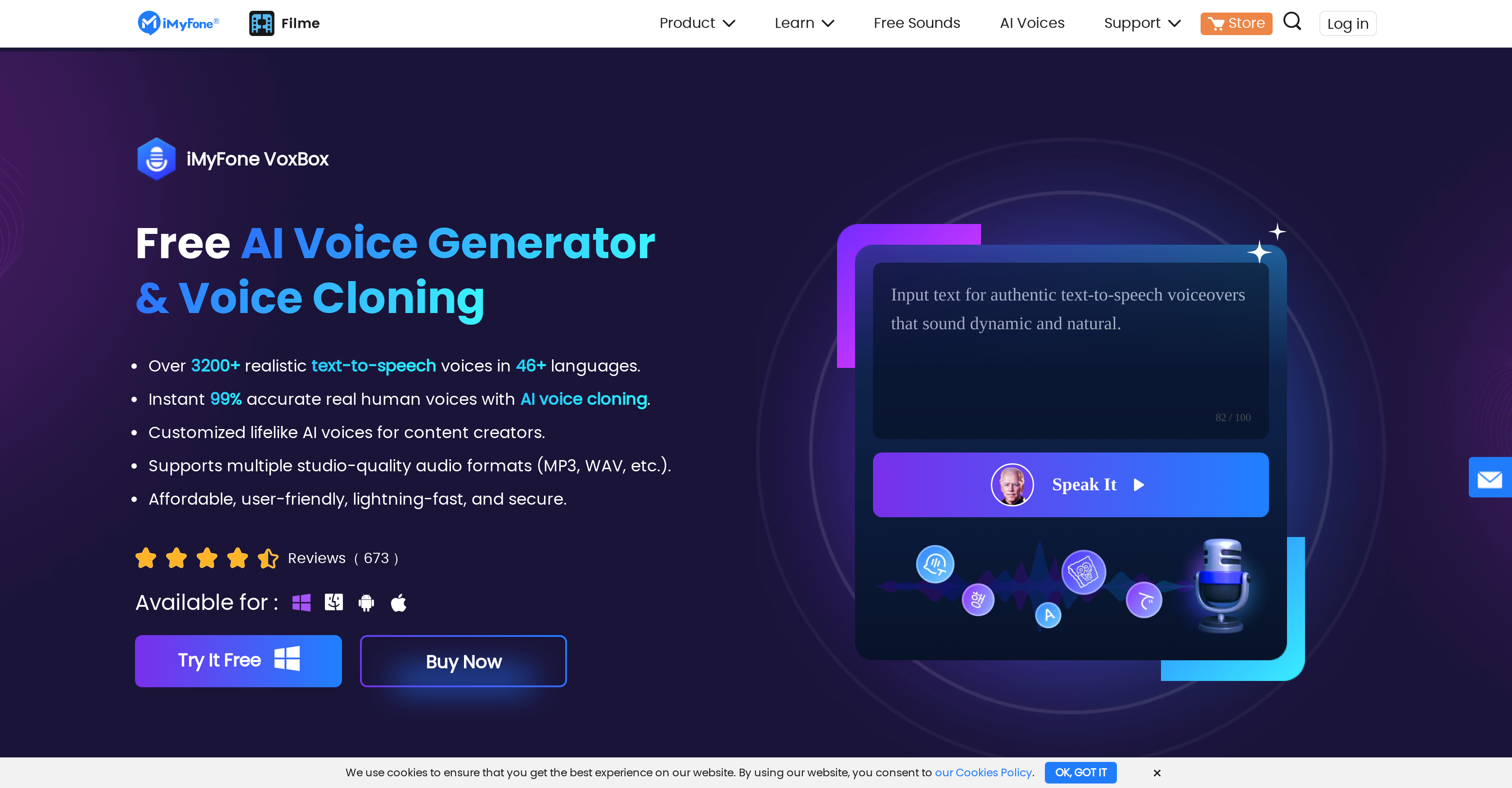
- Replace expensive voice actors with your own AI voice clone using just 20 minutes of source audio for infinite script performances
- Generate professional voiceovers in minutes with 3200+ AI voices across 46+ languages without recording equipment
- Transform existing audio into different voices instantly with voice conversion technology for quick content repurposing
- Create engaging character voices for animations and games using specialized AI character voice library
- Produce studio-quality audio files in MP3 and WAV formats with built-in recording and editing tools
- Transcribe speech to text automatically for creating captions and documents from audio/video content
- Record and edit audio directly within the platform with intuitive tools for merging, deleting, and modifying files
Pros & Cons
Pros
- Supports 46+ languages
- Offers 3200+ voices
- Voice cloning with 20 recordings
- Multiple functionalities in one platform
- Supports MP3 and WAV formats
- Intuitive and user-friendly interface
- Fast and secure
- Consistently positive user reviews
- Can extract text from images
- Text-to-speech conversion
- Speech-to-text conversion
- Voice recording function
- Built-in audio editing
- Supports both computer and mobile terminals
- Multiple video file format conversion to audio
- Real-time recording feature
- Generate infinite script performances
- Diverse use case application
- Supports daily recording
- Text extraction from pictures and documents
- Audio file transliteration
- Immediate output in 20 minutes with cloning
Cons
- Requires 25 minutes for cloning
- Requires 20 recordings for cloning
- No offline usage
- Available only on App Store
- No Linux support
- No direct cloud support
- Limited input and output formats
- No automatic subtitles generation
- Limited integrated editing tools
Reviews
Rate this tool
Loading reviews...
❓ Frequently Asked Questions
iMyFone VoxBox is an AI-powered tool offering text-to-speech and voice cloning functionality. It enables users to generate AI voiceovers for their content, removing the need for manual recording. With iMyFone VoxBox, users can create dynamic human voices, dub their content in a variety of languages, and experiment with a wide range of voices. It combines a variety of features like text-to-speech (TTS), speech-to-text (STT), cloning, conversion, recording, and editing, making it a comprehensive platform for voice-related tasks.
iMyFone VoxBox's voice cloning feature is an advanced functionality that enables users to create unique human voices. The process requires only 20 recordings and 25 minutes of material. With this, users can generate an infinite number of script performances from a single recording. This feature is particularly useful for creating dynamic roles in advertisements, IVR systems, and character voices.
iMyFone VoxBox supports 46+ languages and offers 3200+ voices. This multi-language and multi-voice support enables users to dub their content in various languages and voices. The wide range of voices includes character voices as well as regular human voices, providing users with diverse options for their projects.
Yes, iMyFone VoxBox can convert speech to text. This feature allows users to create documents using their voice or other audio. It supports the transcription of audio and video to include captions, improving the experience and reach of the content.
iMyFone VoxBox can convert text to speech. Users can type or paste their scripts and within minutes, convert the text to high-quality audio. The tool offers a host of powerful text-to-speech voices, allowing users to generate natural and expressive audio.
iMyFone VoxBox supports multiple input and output formats. Particularly, it supports MP3 and WAV formats, making it an adaptable tool that can cater to various project requirements.
iMyFone VoxBox ensures user data protection and is safe to use. It prioritizes speed and security, facilitating efficient work while maintaining the privacy and integrity of user data.
There are virtually unlimited applications for iMyFone VoxBox. Education, Business, Conversation-Systems, Voice Studios, Audiobooks and Broadcast production, and Social Media Videos are just a few examples. Teachers can use it to make voiceovers for PowerPoint presentations, while businesses can use it for professional voiceovers for news reports and film explanations.
iMyFone VoxBox has an intuitive and user-friendly interface. Users can easily navigate through its features and functionality, making it an easy-to-use tool for both beginners and professionals.
Yes, iMyFone VoxBox can be used as a voice recorder. It allows users to record daily activities and also supports the recording of third-party platform music.
iMyFone VoxBox can be used for audio editing. It provides easy editing tools where users can delete, merge, and modify audio files as per their needs.
iMyFone VoxBox's cloning functionality works by transforming a single recording into infinite script performances. It uses AI voice clones to analyze given data, and exhibit different emotions depending on the use case such advertisements, IVR, or character voices in games and animation.
iMyFone VoxBox has a vast voice capacity with the ability to produce 3200+ AI character voices. This allows iMyFone VoxBox to cater to diverse project needs, ranging from straightforward text-to-speech transformations to complex voice cloning tasks.
In iMyFone VoxBox, the voice conversion process involves transforming a piece of audio into the audio of any chosen voice. This allows users to quickly and easily modify a recording into the selected voice.
To create a voice clone with iMyFone VoxBox, users need to upload audio files or do real-time recording with the text provided by iMyFone VoxBox. Once the recordings have been uploaded and detected in the recording environment, iMyFone VoxBox can create the voice clone within 20 minutes.
Yes, iMyFone VoxBox allows users to generate voiceovers for their video content. By using the latest hot-topic voices and the tool's ability to customize intonation and accents, users can create engaging and high-quality voiceovers.
Using its advanced text-to-speech technology and voice cloning functionality, iMyFone VoxBox can generate unique and dynamic human voices. This allows users to create voiceovers with a level of realism and expressiveness that enhances the listener's experience.
iMyFone VoxBox stands apart with its powerful combination of features like text-to-speech, speech-to-text, and voice cloning, all on a single platform. This tool not only allows users to create natural and realistic voiceovers but additionally offers voice cloning to create dynamic and unique human voices. Its support for a wide range of languages and voices along with its user-friendly interface make it a comprehensive tool in the field of AI voice generation.
Users have praised iMyFone VoxBox for its versatile features and performance. One freelancer found it to be incredibly helpful for professional voiceovers for news reports and film explanations. Another user noted that iMyFone VoxBox is useful for mothers wanting to speak stories for their children, and saves a lot of time by allowing the user to choose hot cartoon voices for storytelling. It has been praised for its crisp clarity after recording and a variety of editing tools that help in modifying recordings.
Pricing
Pricing model
Freemium
Paid options from
$15.95/month
Billing frequency
Monthly
Refund policy
Refunds are available within 30 days for duplicate purchases, technical issues without resolution, missing order info, unauthorized auto-renewals within 7 days, or accidental add-on purchases.
Related Videos
How To Use iMyFone VoxBox Text To Speech AI Software 2024
Tutorialboxx•2.4K views•Dec 8, 2023


