Infinite Talk AI
Overview
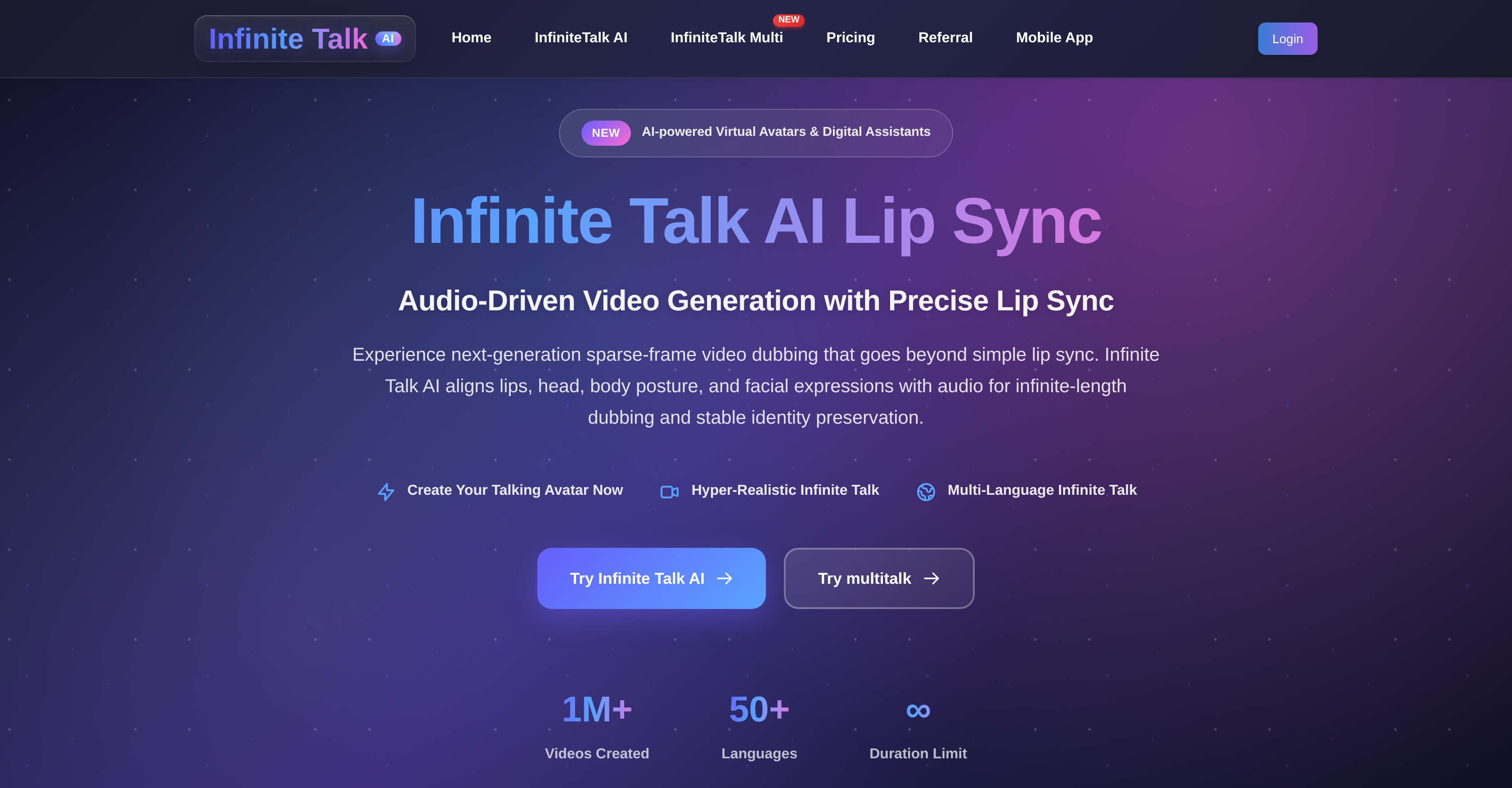
- Produce professional talking avatar videos of any length without time limits, using infinite-length generation for podcasts, lectures, and long-form content.
- Create realistic lip-synced portraits from a single image and audio file, with advanced audio synchronization for perfect rhythm and timing.
- Dub existing videos with your own voiceover, using sparse-frame video dubbing to sync head turns, body posture, and expressions naturally.
- Maintain a consistent avatar identity throughout any video length, ensuring reliable representation for product demos and corporate communications.
- Guide your avatar's performance with text prompts to add specific expressions, emotions, or gestures without manual animation.
- Export videos in multiple resolutions (480p to 1080p) to balance quality, rendering speed, and accessibility for your audience.
- Run high-quality generation efficiently on standard hardware, powered by optimization features like TeaCache acceleration and smart quantization.
- Deliver content globally using the same avatar, with multilingual support for localized marketing and training modules.
Pros & Cons
Pros
- Generates lip-synced videos
- Allows creation of dubbed content
- Useful for long-form educational content
- Enables creation of animated hosts
- Allows lip-synced talking portrait
- Supports multiple input modes
- Multi-lingual support
- Supports high-quality, lip-synced videos
- Sparse-frame video dubbing
- Flexible prompt control
- Multiresolution export
- Stable identity preservation
- Support for various industries
- Allows professional corporate communication
- Can turn images into animations
- Two different operation modes
- Supports audio to image conversion
- Supports audio to video conversion
- Precise lip sync
- High stability
- Seamless dubbing
- Resolution flexibility
- Optimization features for different hardware
- Superior lip accuracy
- Multi-input support
- Unlimited-length generation
- Memory-based processing
- TeaCache acceleration
- APG (Adaptive Parameter Grouping)
- Smart quantization
- Open-source availability
- Supports accurate lip synchronization
- Supports expressive facial animation
- One-time credit system
- User owns created content
- Perfect for creators, educators, marketers
- Turns static images into dynamic, expressive digital humans
Cons
- High computational requirements
- Color shifts in long videos
- Significant VRAM requirement
- Complex initial setup process
- Limited camera movement control
- Potential need for post-processing
- No free subscription model
- Uses credit-based payment system
Reviews
Rate this tool
Loading reviews...
❓ Frequently Asked Questions
Infinite Talk AI is an audio-driven lip-sync and dubbing tool that generates realistic talking videos from user-provided images or existing footage. It supports accurate lip synchronization, expressive facial animation, and long-form video generation.
Infinite Talk AI brings the user's avatar to life by aligning the avatar's lip movements, facial expressions, and body posture with the user-provided audio. This process includes everything from lip-sync to head turns, body posture, and facial expressions that react naturally to the sound, providing talking avatars that feel authentic, expressive, and truly engaging.
Yes, Infinite Talk AI does perform complex video dubbing. It uses advanced synchronization techniques and memory-based chunk processing with overlapping frames to deliver seamless and continuous motion. This makes it a useful tool for video dubbing accessible to creators, educators, and businesses of all sizes.
Infinite Talk AI turns any user-provided image into a talking avatar with perfect lip sync. Users can upload a clear portrait image (PNG/JPG, ≤10MB) and an audio file (MP3, WAV, M4A, OGG, or FLAC) to instantly transform their voice into a realistic lip-synced talking portrait.
Yes, Infinite Talk AI is indeed effective for production of long-form educational content. It offers infinite-length generation, that removes time limits and allows creation of lip-synced videos of any length without sacrificing quality or identity consistency making it ideal for podcasts, interviews, lectures, and other extended educational content.
Absolutely, Infinite Talk AI is suitable for creating animated hosts for live streaming. By transforming static images into vibrant, expressive digital humans of any length, it is perfect for creating animated hosts, virtual characters, and presenters for live streaming sessions, variety shows, and digital concerts.
Yes, Infinite Talk AI can be used effectively for professional corporate communication. With its ability to create reliable, professional talking avatars for product demos, investor updates, and training modules, and support for multiple languages it is an effective tool for business communication.
Infinite Talk AI assists creators, educators, and businesses by making professional-quality video generation accessible. Through its advanced lip-sync and dubbing capabilities, flexible resolution choices, and powerful optimization, it empowers these professionals to generate high-quality talking avatars without the usual limitations.
Creating a lip-synced talking portrait with Infinite Talk AI involves three steps: 1. Upload a clear portrait image and an audio file. 2. Select the resolution (480P / 720P) and optionally, fill in the Prompt to describe actions or expressions. 3. Click 'Generate Video' to use credits and wait for the process to complete.
Yes, Infinite Talk AI supports multiple input modes and resolutions. Users can choose between audio-to-image or audio-to-video modes, creating talking portraits from static images or dubbing existing footage with perfectly matched speech and visuals. Varying resolutions (480p, 720p, 1080p) allow users to balance quality and cost.
Infinite Talk AI handles seamless motion through a feature called memory-based chunk processing. This process uses overlapping frames to deliver seamless, continuous motion, which is particularly beneficial to long videos, enabling avatars to move fluidly without awkward glitches.
For optimization, Infinite Talk AI uses several features like TeaCache acceleration, APG (Adaptive Parameter Grouping), and smart quantization. These features ensure smooth performance and higher efficiency, even on devices with limited VRAM, without compromising on the quality of the results.
Yes, you can create lip-synced avatars with Infinite Talk AI by uploading an image and an audio file. The system will automatically sync the image's lips, facial expressions, and movements with the provided audio to create a realistic talking avatar.
Infinite Talk AI can be used to create persuasive and engaging product demos. It does this by generating a professional talking avatar that can give a detailed explanation of the product's features and benefits, while maintaining identity consistency and ensuring accurate lip synchronization throughout the demo.
To maintain identity consistency in avatars, Infinite Talk AI uses various features like superior lip accuracy and high stability. The lip-sync aligns perfectly with speech rhythm, timing, and intonation providing natural facial expression and thus maintaining identity consistency throughout the video.
Yes, Infinite Talk AI supports audio-driven video dubbing. The users can upload a source video and their voice track to effortlessly dub the footage with accurate lip-sync, natural expressions, and movements that align perfectly with the voiceover.
Infinite Talk AI uses advanced audio synchronization to align spoken audio with an avatar's movements and expressions. This ensures that the avatar's lips, head, body posture, and facial expressions move naturally and in sync with the voice, creating a realistic and fluid speech animation.
Infinite Talk AI supports various file formats for image and audio uploads. For images, it supports PNG/JPG formats, and for audio files, it accepts formats such as MP3, WAV, M4A, OGG, or FLAC.
In Infinite Talk AI, advanced synchronization plays an essential role in aligning not just lip movements, but also the head position, body posture, and facial expressions using advanced sparse-frame dubbing. This provides a natural and expressive performance, perfect for long-form content that requires expressive and natural animation.
With Infinite Talk AI, you can export your videos in multiple resolutions depending on your need. It offers 480P for faster rendering and broader accessibility, and 720P and 1080P for sharper and higher-quality output.
Infinite Talk AI provides a number of functions. Most importantly, it produces lip-synced videos from user-provided audio and imagery or footage. Its use cases are broad and varied, including: producing long-form educational content, digital concerts, and professional corporate communication, creating animated hosts for live streaming, producing talking avatars for product demonstrations or investor updates, and making complex video dubbing accessible. It also offers a feature called sparse-frame video dubbing and supports export in multiple resolutions.
Yes, with just an image and an audio file, Infinite Talk AI can create a realistic talking avatar, with lip-syncing and basic facial expressions aligned to the provided audio. This makes it ideal for generating podcast or narration content.
Infinite Talk AI uses advanced synchronization functionality to align the timing of spoken words to the movements and expressions of the avatars or subjects in the video. It doesn't just synchronize the lip movements but also head position, body posture, and facial expressions through its unique sparse-frame video dubbing feature.
Absolutely. Infinite Talk AI is ideally suited to professional corporate communications. The tool can be used to create talking avatars for a variety of corporate interactions such as product demonstrations, investor updates, or training modules. The hyper-realistic avatars coupled with accurate lip-syncing and the ability to add your voice creates a highly professional output.
For images, Infinite Talk AI accepts clear portrait images in PNG or JPG format, and the file size must not exceed 10MB. For audio, the tool supports files in MP3, WAV, M4A, OGG, or FLAC formats.
Indeed, you can add your own voiceover to a source video using Infinite Talk AI. The tool will smoothly synchronize the voiceover with the motion in the video, creating a natural, believable dubbed video.
Infinite Talk AI provides superior lip accuracy. The AI aligns lip movements perfectly with the rhythm, timing, and intonation of the speech. This creates smooth, distortion-free animations and natural facial expressions throughout the video.
Yes, the avatars generated by Infinite Talk AI maintain identity consistency throughout the video, regardless of the video length. This aids in maintaining a reliable, continuous representation of the avatar throughout the content.
Infinite Talk AI operates in two different modes: Audio + Image mode and Audio + Video mode. The Audio + Image mode entails using a portrait image along with an audio file to generate a lip-synced talking portrait. On the other hand, the Audio + Video mode utilizes a source video along with a voice track to dub the footage with accurate lip synchronization and expressions.
Infinite Talk AI helps several industries such as content creation, entertainment and media, business and corporate communication, accessibility and community, and education and research. It's flexibility helps in creating digital hosts for live streaming, using it for academic research, making training modules, supporting communities through clear audio-visual messages and more.
Infinite Talk AI has multilingual support capabilities. Users can maintain consistent avatars while delivering content in multiple languages. This feature is particularly beneficial for global branding or localized marketing efforts.
Sparse-frame video dubbing is a unique feature in Infinite Talk AI. This feature allows for syncing not just lip movements but also head position, body posture, and facial expressions with the audio. This results in more natural and expressive performances, even for long-form content.
Yes, Infinite Talk AI offers flexibility in resolution. The generated videos can be exported in multiple resolutions such as 480P, 720P, 1080P, depending on the creative needs, cost considerations and hardware capabilities of the user.
Certainly. Infinite Talk AI expertly handles the generation of long-form content. With its ability to create lip-synced videos of infinite length without sacrificing quality, it is ideal for extended content such as podcasts, interviews, lectures, and tutorials.
Yes, Infinite Talk AI is a great tool for creating avatars for product demos or investor presentations. You can turn images into expressive, realistic avatars that maintain stable identities, making them perfect for product demonstrations and investor updates.
In Infinite Talk AI, the prompt control is a flexible feature that allows users to enter text prompts to guide the expressions, emotions, or gestures in the created video. This feature enhances the personality of your videos without the need for intensive manual animation.
The audio synchronization feature of Infinite Talk AI brings avatars to life with advanced audio-driven animation. Every detail, from lip-sync to head turns, body posture, and facial expressions, reacts naturally to sound, resulting in talking avatars that feel authentic and engaging.
Infinite Talk AI possesses an advanced optimization feature utilizing aspects like TeaCache acceleration, Adaptive Parameter Grouping (APG), and smart quantization. These aspects help the system to run smoothly even on devices with limited VRAM, delivering a high-quality outcome with superior efficiency.
Creators, educators, and businesses can significantly benefit from using Infinite Talk AI. The tool makes it easy to generate high-quality, natural-looking talking avatars without requiring sophisticated hardware or software. Moreover, its multilingual capabilities, flexible input options, prompt control feature, and superior lip sync accuracy make it a versatile tool that fits a variety of applications and needs.
Pricing
Pricing model
Free Trial
Paid options from
$9.90
Billing frequency
One-time
Refund policy
No Refunds
Related Videos
"Realistic AI Lip Sync, Body Movements & Multi-Character Scenes | Infinite Talk AI"
Social&Apps•1.1K views•Oct 22, 2025