
LipsyncAI.net
Overview
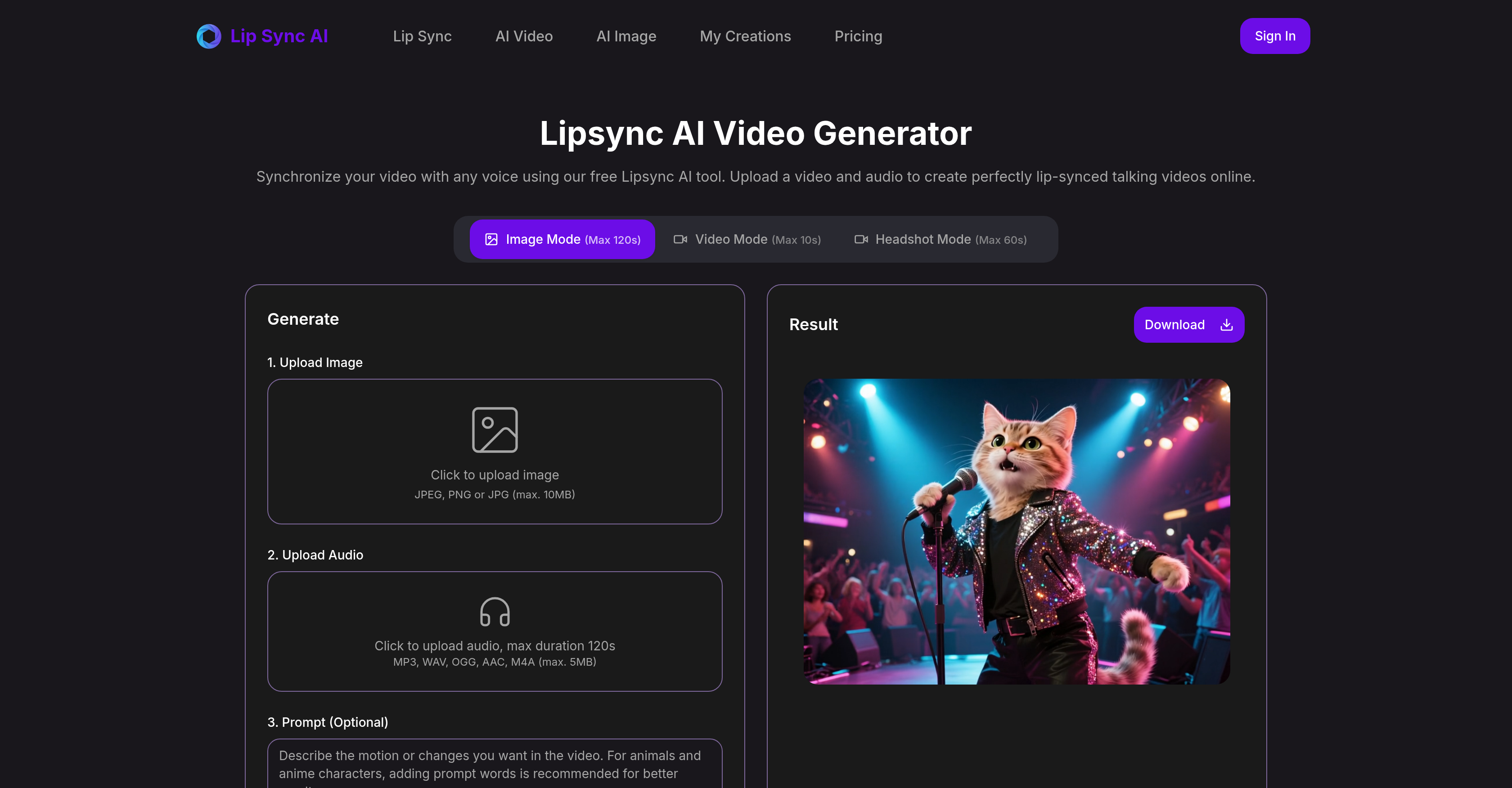
- Create professional talking head videos without filming by uploading any image or clip paired with your audio using image plus audio and video plus audio modes
- Generate realistic mouth movements for any character including cartoon animals using advanced phoneme mapping that ensures natural articulation
- Produce content faster with quick text-to-voice conversion for rapid drafts and streamlined testing-to-publishing workflow
- Maintain perfect sync even with challenging angles through advanced mode that enhances side faces and handles occlusion
- Create longer explainer videos and tutorials with image mode supporting up to 120 seconds and portrait focus for 60-second clips
Pros & Cons
Pros
- Generates lip-synced videos
- Converts media to talking videos
- Different modes (image, video, portrait)
- Supports non-human talking videos
- Ensures natural mouth movements
- Robust face-tracking
- Phoneme mapping capabilities
- Fast turnaround times
- Ideal for social media clips
- Useful for learning material
- Creating product and support updates
- Advanced mode for side faces
- Occlusion enhancement
- Easy prompt-to-voice conversions
- Streamlined from testing to publishing
- Supports synthesis of voice prompts
- Supports conversion of text prompts
- Supports varieties of audio formats
- Simple upload process
- Different time durations per mode
- Credit system for usage
- Supports non-human characters animations
- Good for content creators
- Enhancement of side and occluded faces
- Clear, natural articulation
- Stable lip-sync
- Fast result delivery
- Quality sustained across batches
- Supports different media types
- Can use for cartoon animation
- Efficient media-centric workflow enhancement
- Specific advice for best results
- Alignment of synthesized/ uploaded speech
- Ideal in explaining concepts
- Alignment of mouth motions accurately
- Multiple media and mode options
- Perfect for film production
- User-friendly interface
- Free tool
- Short-timed videos for ads, posts
- Supports JPEG, PNG, JPG formats
- Supports MP3, WAV, OGG, AAC, M4A formats
- Quick draft creation
- Clear front-facing videos
- Non-human image mode
- Prompt based speech edition
- One person video ideal condition
Cons
- Max video mode 10s
- Audio file size limit
- No multispeaker synchronisation
- Limited non-human image support
- Side face enhancement in advanced mode only
- Requires clear, frontal faces
- No mention of language support
- High cost in credits for video mode
- No real-time lip-sync feature
Reviews
Rate this tool
Loading reviews...
❓ Frequently Asked Questions
Lipsync AI Video is a tool designed to generate lip-synced videos by synchronizing uploaded video and audio files. A user can easily convert media and text prompts into talking videos by pairing the media with the prompts.
Lipsync AI Video synchronizes mouth movements with audio by accurately aligning mouth motions with the provided voice or synthesized speech. It utilizes robust face tracking and phoneme mapping abilities that keep timing steady and articulation natural.
Lipsync AI Video provides different modes such as image plus audio, video plus audio, and portrait focus to cater to varying user needs.
Yes, Lipsync AI Video can generate non-human talking videos. It supports the generation of talking videos using images of cartoon animals and other non-human entities.
Lipsync AI Video ensures steady timing and natural articulation through its robust face tracking and phoneme mapping abilities. These features maintain the synchronization of lip movements with the audio, resulting in a natural-looking video output.
Lipsync AI Video offers fast turnaround times. Although the exact speed isn't specified, it's highlighted as a standout feature, suggesting high-speed processing and delivery of the final lip-synced videos.
Lipsync AI Video has various uses. It can be used to create material for social media clips, learning and tutorials, product and support updates, and much more. It's a versatile tool for anyone looking to generate talking videos.
Yes, Lipsync AI Video can work with side faces and occlusion. It comes with an advanced mode that enhances side faces and deals with occlusions using stable lip sync capabilities.
The process for prompt-to-voice conversion in Lipsync AI Video is facilitated to be straightforward. Users can type a prompt to synthesize speech or upload a track, and then the system aligns mouth motion with the synthesized voice or the uploaded track.
Lipsync AI Video supports an efficient testing to publishing workflow by providing a streamlined process. The simplicity of the platform combined with its advanced features allows users to easily go from testing to publishing, making it a valuable tool for any media-centric workflow.
On Lipsync AI Video, users can upload JPEG, PNG, or JPG files for images (max. 10MB), and MP3, WAV, OGG, AAC, or M4A files for audio (max. 5MB).
In Lipsync AI Video, the image mode supports videos up to 120 seconds, video mode supports videos up to 10 seconds, while headshot or portrait focus mode supports videos up to 60 seconds.
Yes, users can use their own voice for lip-syncing with Lipsync AI Video. They have the option to upload their own audio track which the system will then align with the uploaded video or image for lip-syncing.
To achieve the best results with Lipsync AI Video, users should use clear front-facing facial videos with a single person and ensure clean audio with minimal background noise. The subject should be steady in the frame for more natural mouth movements.
Yes, Lipsync AI Video supports face tracking and phoneme mapping. These features aid in keeping the timing steady and the articulation natural.
Yes, Lipsync AI Video can assist users in generating talking videos for social media. It's an efficient tool for producing short talking videos for posts, ads, and reels.
Yes, Lipsync AI Video can definitely be used to generate talking tutorial videos. It has the capability to convert slides or a single image into explainers, making it a great tool for creating e-learning materials or instructional content.
The limitations of Lipsync AI Video aren't detailed, but based on the information available, it could be inferred that the system might struggle with videos where the face isn't clear or the accent isn't distinct. It's mainly designed for clear frontal faces.
Pricing
Pricing model
Paid
Paid options from
$15.90/month
Billing frequency
Monthly
Refund policy
To qualify for a refund a user must request it within 14 days of purchase and have used less than 20% of their credits, emailing [email protected] with account details, order information, and a brief explanation.