

Kalakar
Publish regional-language videos with captions your audience reads correctly, getting up to 97% accurate auto captions in major desi languages generated in seconds.
Listing not yet reviewed by our editors · How we check
Overview
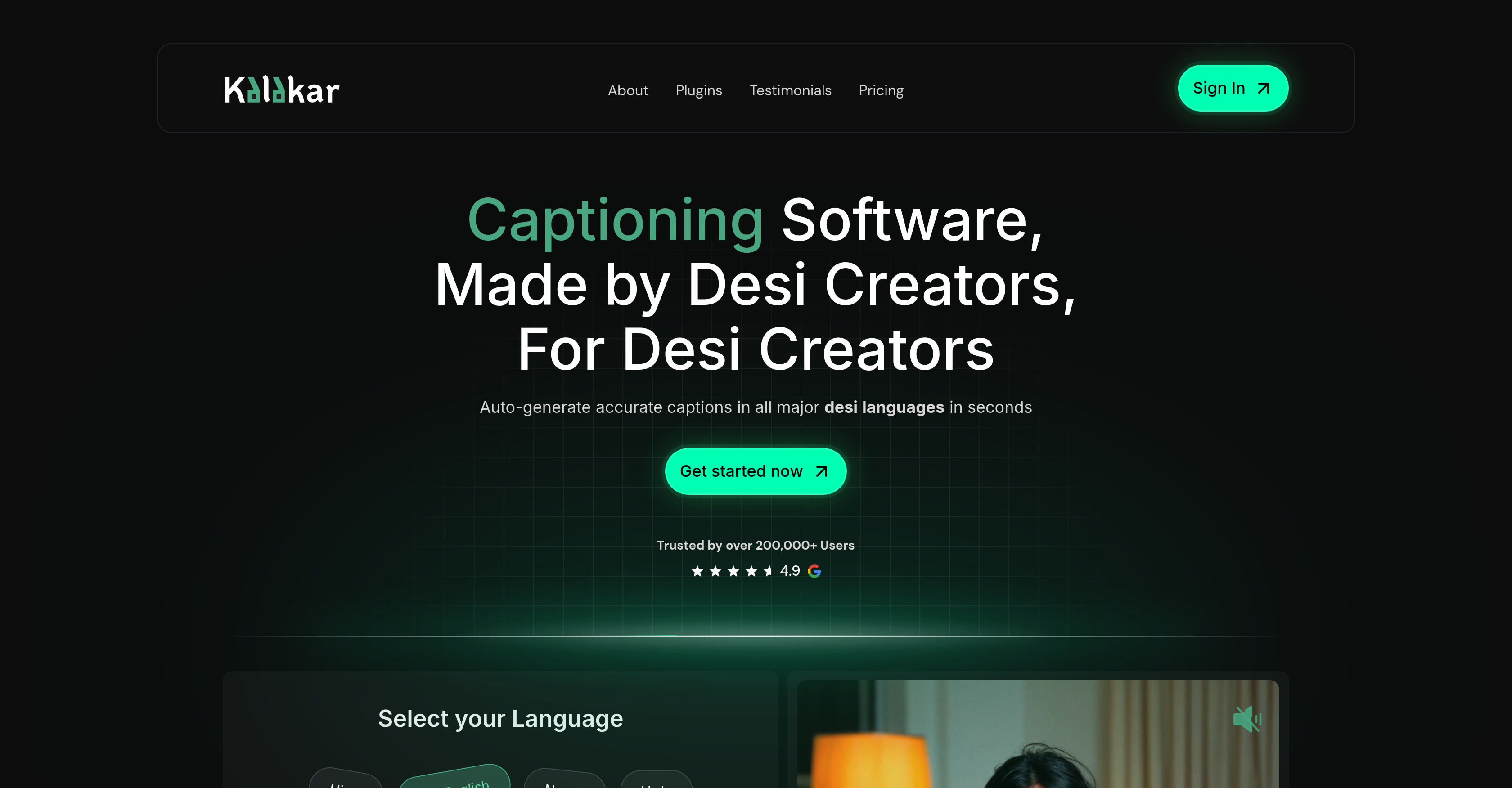
- Publish regional-language videos with captions your audience reads correctly, getting up to 97% accurate auto captions in major desi languages generated in seconds.
- Reach viewers across South Asia and beyond in their own language, with caption and transcription support for Hindi, Urdu, Bengali, Tamil, Telugu, Marathi, Punjabi, Gujarati, Malayalam, Kannada, Nepali, Odia, Assamese, Kashmiri, Sindhi, Pushto, Persian, Arabic, Malay and English.
- Caption without leaving your editing timeline, using a plugin that runs directly inside Premiere Pro and DaVinci Resolve Studio.
- Match the look of top creator channels instantly, starting from dozens of customizable subtitle templates in regional languages, including styles modeled on Ali Abdaal, Alex Hormozi and Iman Gadzhi, plus custom font upload.
- Drop captions into any video editor or platform, exporting subtitles as SRT files or Alpha Channel overlays.
- Save footage shot in traffic, crowds or background hiss, with audio enhancement and noise reduction that cleans up white noise, street sounds and crowd chatter.
- Caption an entire content backlog in one pass, using unlimited batch upload on paid plans.
- Deliver sharp final videos for every platform, rendering captioned output at 1080p/30FPS or up to 4K/60FPS.
- Start free and scale as your channel grows, with plans from $0 to $24.99/month offering up to 12 hours of transcription, 150 GB of cloud storage and 30-minute videos.
Pros & Cons
From the listing; not yet checked by our editors.
Pros
- Supports multiple regional languages
- Instant caption generation
- Premiere Pro and Davinci Resolve compatibility
- SRT and Alpha Channel export
- Audio enhancement feature
- Noise reduction in challenging conditions
- Customizable Templates
- Variety of Pricing Plans
- Cloud Storage
- Batch Upload Support
- Various transcription limits
- Multiple video length options
- Large user base
- 97% Accuracy in major desi languages
- Multiple style Templates
- Customizable caption styles
- Plug-in for Premiere Pro & Davinci Resolve
- Cross NLE support
- Audio Enhancement for traffic, white noise, crowds
- Real-time playback
- Studio Quality Raw Audio
- Various Plan Options
- Translatable captions
- Subtitles in .srt/.vtt format
- Audio only upload support (e.g., .mp3)
- Transcript export (.docx, .txt, .md)
- Alpha Channel Render
- Team collaboration features
- Language to English translation
- Team member addition in shared space
- Community centric development
- Support for 70+ languages translation
Cons
- Limited to Desi languages
- Pricing plan restrictions
- Requires plugin for Premiere/Davinci
- Noise reduction effectiveness varies
- Limited cloud storage
- Varied inaccurate transcription
- Limited batch uploads
- Premium features locked in higher plans
- Limited duration on video length
- Software not standalone
Alternatives to Kalakar
Tools that share the most tags with Kalakar.
- Kaption
Generate accurate subtitles instantly for any video using advanced AI transcription technology
Free
Not listed
Not yet checked
- I Love Captions
Cut subtitle creation time by 75% with AI-powered automatic transcription that eliminates manual typing
Paid · from $9/month
$9/month
Not yet checked
- Zubtitle
Create accessible videos that capture attention with automatic AI transcription that generates accurate subtitles in minutes
Freemium · from $19/month
$19/month
Not yet checked
- Captiwiz
Make videos accessible to all viewers with AI-powered transcription that accurately converts audio to text captions
Not listed
Not listed
Not yet checked
- SubtitleBee
Reach global audiences instantly with automated translation into 120+ languages using AI language detection
Free trial · from $19/month
$19/month
Not yet checked
- RenderCut
Generate perfectly-timed subtitles automatically in seconds instead of hours with AI transcription
Free trial · from $15/month
$15/month
Not yet checked
Reviews
Rate this tool
Loading reviews...
Frequently asked questions
What languages does Kalakar support?
Kalakar supports a variety of regional languages including Urdu, Hindi, Bengali, English, Nepali, Tamil, Malayalam, Gujarati, Punjabi, Telugu, Sindhi, Marathi, Kannada, Pushto, Malay, Assamese, Kashmiri, Persian, Arabic, and Odia.
How accurate is Kalakar in generating captions?
Kalakar provides up to 97% accurate captions generation in major 'desi' languages.
What kind of customizable templates does Kalakar offer?
Kalakar offers dozens of fully customizable templates in various regional languages, including styles named after influencers like Ali Abdal, Alex Harmozi, Iman Gadzhi, and others. Users can select and tailor these templates as per their needs.
Is Kalakar compatible with Premiere Pro and Davinci Resolve Studio?
Yes, Kalakar is compatible with both Premiere Pro and Davinci Resolve Studio through its plugin.
Can I export the captions in SRT or Alpha Channel formats?
Yes, Kalakar allows users to export the generated captions in SRT or Alpha Channel formats.
What is the audio enhancement feature of Kalakar?
Kalakar's audio enhancement feature utilizes complex algorithms and AI techniques to enhance the quality of audio content.
Does Kalakar offer noise reduction in challenging conditions?
Yes, Kalakar offers noise reduction capabilities, making it competent in handling challenging conditions such as traffic, white noise, and crowd noise.
What pricing plans does Kalakar offer?
Kalakar offers multiple pricing plans, including a Free plan, an Editor plan for $6.99 per month, a Creator plan for $9.99 per month, and a Studio plan for $24.99 per month.