
Overview
- Generate accurate subtitles instantly for any video using advanced AI transcription technology
- Customize subtitle appearance completely with various fonts, colors, and sizing options to match your video's style
- Export your finished subtitles in popular formats like SRT and VTT for seamless integration with editing software
- Refine AI-generated subtitles with precision using intuitive manual editing tools for perfect accuracy
- Maintain complete privacy while working since the application collects zero personal data from users
- Enhance video accessibility effortlessly for viewers who are hard of hearing or non-native speakers
Pros & Cons
Pros
- Automatic subtitle generation
- Fast subtitle creation
- Manual editing tools
- Subtitles customization
- Various fonts options
- Different color options
- Multiple sizes options
- Export flexibility
- Alignment with Apple EULA
- Data Privacy policy
- Available on App Store
- Beneficial for content creators
- Beneficial for filmmakers
- Increased video accessibility
- Precise subtitles
- Developed by Mario Garcia
- No data collection
- Designed for iPad
- High user rating
- User-friendly interface
- Save subtitles quickly
- Compatible with iOS
- Enhanced readability
- Bug fixes and improvements
- AMP availability
- English language support
- Developers support available
Cons
- Only available on Apple devices
- No support for non-English languages
- Limited to manual edits
- Doesn't collect user data for improvements
- No specifics on data privacy
- Single developer, potential support issues
- No reference to handling multiple subtitles
- Dependent on Apple's EULA
- Lack of robustness in customization
- No mention of subtitle timing control
Reviews
Rate this tool
Loading reviews...
❓ Frequently Asked Questions
Kaption is an advanced application created to ease the process of generating and customizing video subtitles. It's particularly useful for content creators, filmmakers, and anyone seeking to enhance the accessibility of their video content.
The main features of Kaption include automatic subtitle generation through AI technology, the ability to manually edit and fine-tune these subtitles, offering various customization options such as different fonts, colors, and sizes for subtitles, and providing export flexibility for saving the customized subtitles effortlessly.
Kaption leverages AI technology to swiftly generate high-precision subtitles for uploaded videos. The AI analyses the audio track of the video and transcribes it into text, automating the process of subtitle creation.
Yes, Kaption does provide manual editing tools. This allows users to edit and fine-tune the machine-produced subtitles, improving accuracy and adjusting to the precise nuances of the content.
Kaption offers users a multitude of customization options for their subtitles. Users can personalize their subtitles with various fonts, colors, and sizes to match the style of their videos.
Kaption ensures the accuracy of its subtitles by combining advanced AI technology for automatic generation with manual editing tools. This allows users to fine-tune the machine-produced subtitles, resulting in enhanced accuracy.
While there is not a specific mention of the formats users can export their subtitles in, Kaption does offer export flexibility. This would typically include popular formats like SRT, SSA, or VTT.
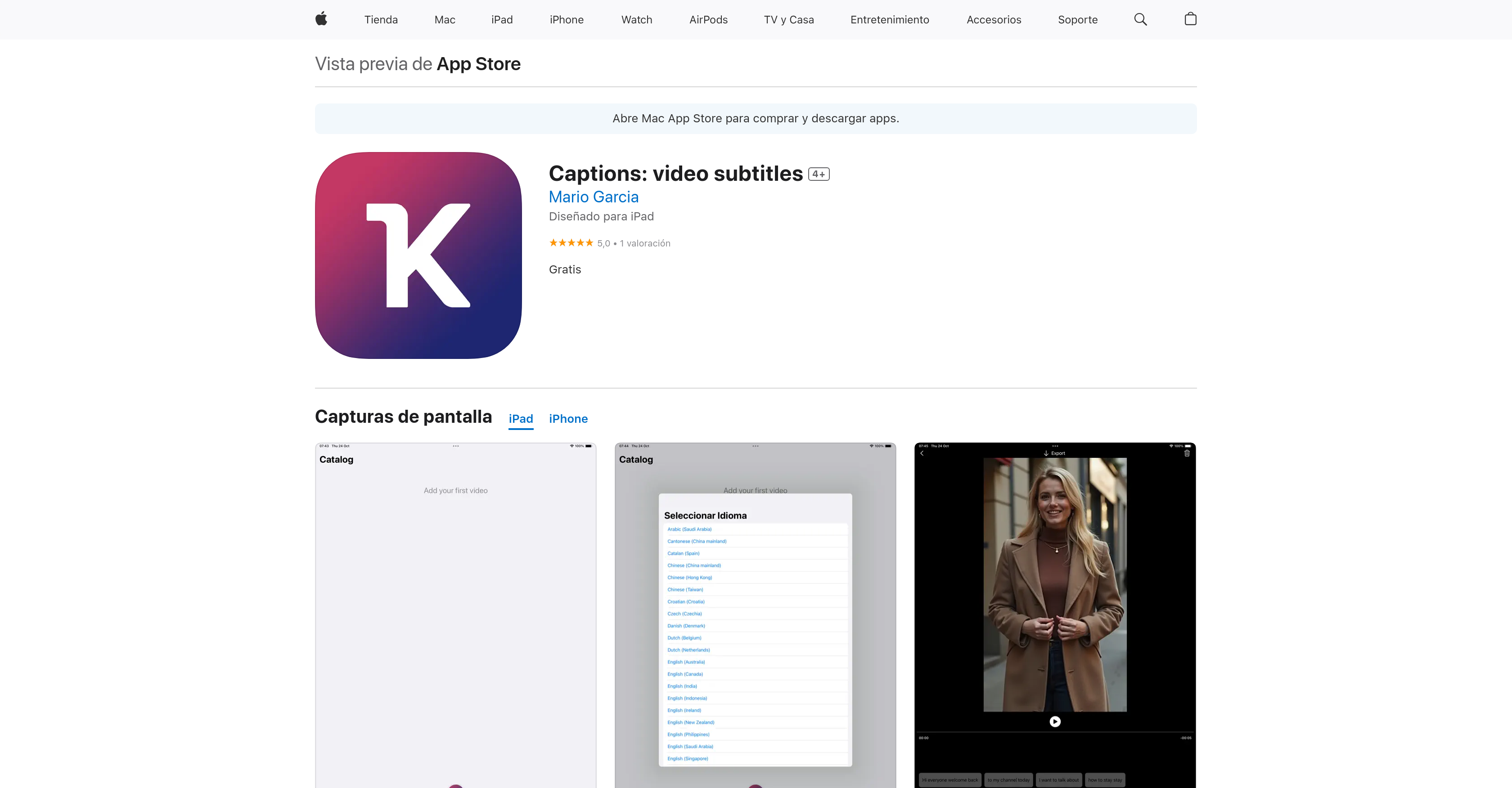
Kaption is available on Apple's App Store. There is no mention of its availability on other platforms.
Kaption aligns with the standard End User License Agreement set by Apple. There is no specific mention of how it complies with this, but the standard practices typically involve respecting user rights, providing clear service terms, and not infringing Apple’s intellectual property rights.
No, Kaption does not collect any personal data from its users. The policy of this application is not to collect data.
Kaption adheres to a data privacy policy that meets industry-standard practices. The core principle of this app is that it doesn't collect any user data, ensuring full privacy.
Yes, Kaption is highly beneficial to content creators and filmmakers. It streamlines the creation and customization of subtitles, making their videos more accessible.
While Kaption undoubtedly has a sophisticated AI technology for generating and customizing subtitles, the available language support is not specifically mentioned on their website.
Kaption enhances the accessibility of video content by automating the generation of precise subtitles. This allows viewers to better understand video content, especially individuals who are hard of hearing or non-native speakers of the videos’ language.
At this time there is no specific mention of Kaption's capabilities in handling subtitles for lengthy videos.
The exact processing time for generating subtitles using Kaption isn't specifically mentioned. However, it's stated that Kaption's AI technology swiftly produces subtitles, implying it is engineered for speed and efficiency.
Yes, the size and color of subtitles can be adjusted on Kaption, along with various other style elements. These customization tools enable users to tailor the subtitles according to their preference or the video's style.
Kaption is listed as a free application on Apple's App Store.
To get in touch with Kaption's developer, Mario Garcia, you can use the listed contact methods. The phone number listed is +34 640159820. Alternatively, you can reach out via email at [email protected].
Kaption’s recent improvements, as of November 19, 2024, in version 1.0.3, include expanded font size options for enhanced readability and user customization, and bug fixes for a smoother, more reliable user experience.
Pricing
Pricing model
Free
Paid options from
Free


