
Overview
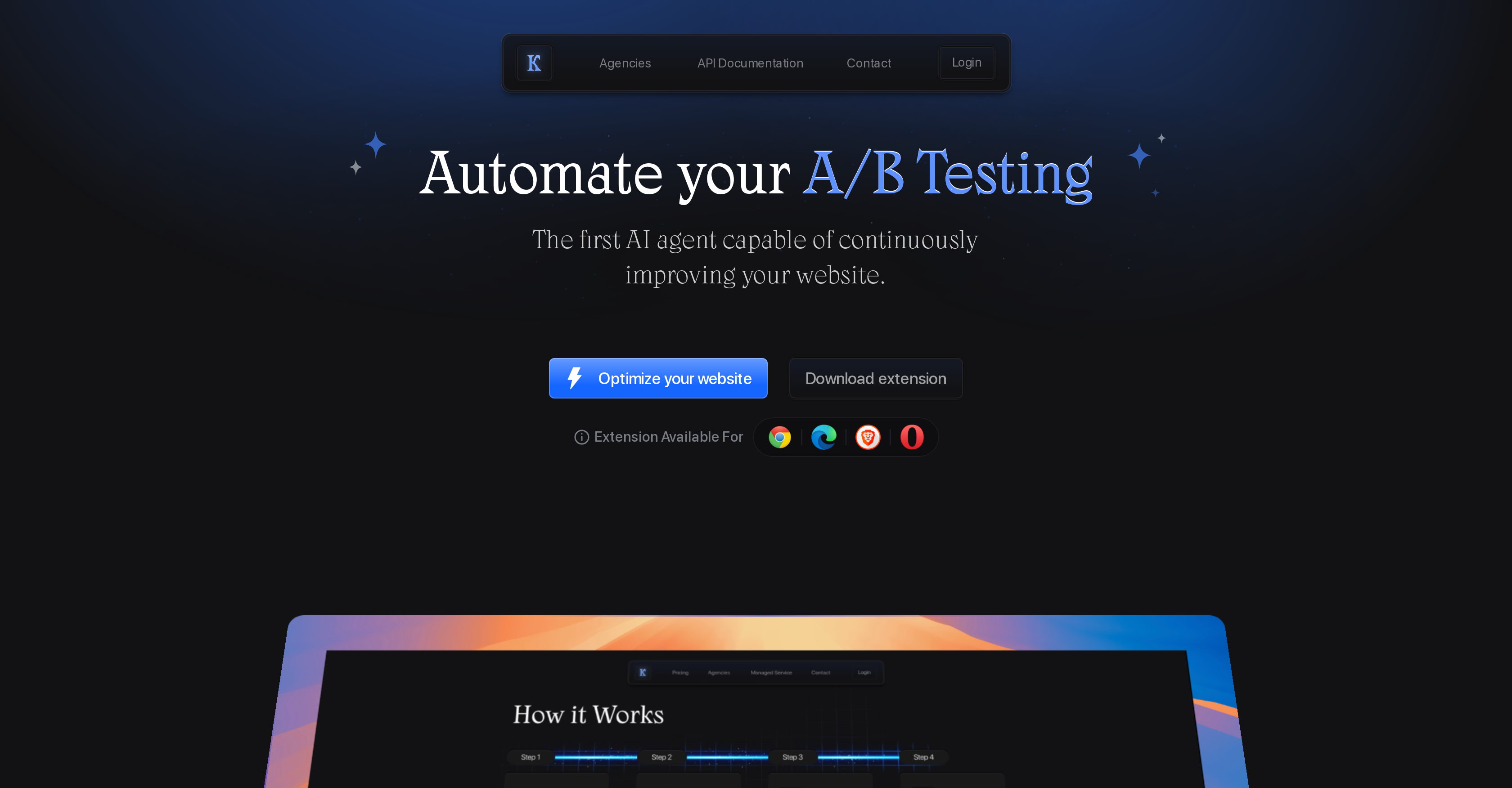
- Launch statistically significant A/B tests without manual setup using an AI model trained on thousands of past tests.
- Run broader experiments, like comparing entire page layouts, with the built-in URL split tester that redirects and measures traffic.
- See your optimization strategy improve over time as the AI retrains itself using data from your own successful tests.
- Maintain full oversight and control with manual options, notifications for every new test, and the ability to toggle autopilot.
- Integrate in minutes with any website, including guided setup for Shopify, WordPress, Webflow, and other major platforms.
Pros & Cons
Pros
- Advanced A/B Testing
- Automatically applies changes
- Cycle of self-improvement
- Website variation generation
- URL split tester feature
- User control
- Accuracy-enhancing notification system
- Effortless website integration
- Streamlined testing process
- Automatic test launch
- Performance tracking
- Click & Generate feature
- Supports text and button changes
- Autopilot for auto learning
- Test data accumulation
- Optional user control over tests
- Split traffic feature
- Compatibility with multiple websites
- Easy script placement
- Performance improvement over time
- Enhances conversion rate
- Keak works everywhere
- Easy extension use
- Efficient dashboard performance tracking
- Event manager feature
- Automates variation generation
- Frequent model refinement
- Allows for large-scale changes
- Manual selection options
- Capability to test images
- Generates multiple website variations
Cons
- May affect webpage load time
- Potential privacy concerns
- Accuracy of A/B tests
- Notifications may be annoying
- Requires periodic model retraining
- Might lead to layout issues
- Limited customization of tests
- Possible conflict with other scripts
- Requires script installation
Reviews
Rate this tool
Loading reviews...
❓ Frequently Asked Questions
Keak is an Artificial Intelligence (AI) powered tool specialized in A/B testing for website optimization. It is designed to help streamline the testing and learning process by generating website variations and tracking their performance.
Keak operates by utilizing an AI model that has been trained on thousands of A/B tests to create personalized solutions. These solutions, once generated, are automatically applied to the website, and A/B tests are launched. Should a test reach statistical significance, Keak uses the accumulated data to refine the AI model, enabling both the website and the AI model to self-improve.
Yes, Keak is capable of automatically generating website variations. The AI model generates these variations and applies them to the website in relation to the A/B tests.
The advantage of retraining Keak's AI model lies in the platform's ability to use accumulated test data to refine its current model. This refinement process makes the model more accurate and effective over time, ultimately enhancing the performance of A/B tests and the optimization of the website.
Yes, Keak has the ability to create larger scale changes for your website. Alongside generating small variations, Keak has a URL split tester feature that can redirect traffic to different pages to measure the distinct outcomes of each page, thereby allowing for broader scale changes.
Keak creates and launches A/B tests. These tests are a method of comparing two versions of a webpage to see which one performs better. Keak takes this process a step further by using an AI model to generate variations for these tests.
Yes, Keak does offer manually adjustable options, offering user control alongside its automated services. Determined to offer user flexibility, Keak has designed its interface in such a manner that provides the user with both automated and manually selectable options.
Yes, Keak has a built-in notification system. Users are updated every time there is a new test or a significant event occurs in the testing process so they always remain up-to-date with the progress of their website's performance.
Keak is compatible with all websites. It provides specific guides for easy installation on platforms like Shopify, Framer, Webflow, Wordpress and Squarespace.
The self-improvement cycle in Keak operates as follows: Initially, Keak's AI model generates website variations and launches A/B tests. Once these tests reach statistical significance, the data accumulated from the tests is used to refine the model. This refined model then generates improved website variations, and the cycle repeats, enhancing both the website's and the AI model's performance.
Yes, Keak has a feature for URL split testing that can redirect traffic to different pages. This feature allows for the comparison of multiple outcomes, thereby permitting larger scale changes and tests.
Keak integrates with your website through a simple installation process. It is designed for effortless integration and even offers specific installation guides for platforms like Shopify, Framer, Webflow, Wordpress and Squarespace.
Yes, Keak utilizes an AI model that has been trained on thousands of A/B tests for optimizing your website. This model is used to generate tailored website variations and automatically launch the appropriate A/B tests.
Yes, Keak is designed to track the performance of the website variations it creates. It continually gathers data from each test and uses that data to further enhance the A/B testing methods and the website's performance.
Keak uses the data collected from the A/B tests it conducts to refine its AI model. When a test achieves statistical significance, the data from that test is used to fine-tune the AI model, thereby improving the effectiveness of future tests.
Yes, one of Keak's advanced features is the automation of A/B testing. This automation includes the generation of website variations, the launching of A/B tests, and the refining of the AI model based on accumulated data.
The URL split tester in Keak is an advanced feature that facilitates larger scale changes on the website. It works by redirecting traffic to different pages and measuring each page's outcome, allowing users to run broader scale tests.
Keak promotes user control by providing manually selectable options alongside its automated services. Autopilot mode is optional and every time a new test is launched, users are notified. This balance of automation and user control provides transparency and flexibility to all users of Keak.
Definitely, once Keak's AI model generates tailored solutions for the website, Keak automatically applies these changes. These modifications are geared towards optimizing the website's performance.
Keak generates new variations and launches A/B tests through its AI model. The model is trained on thousands of A/B tests which enables it to generate improved variations. These variations are then automatically applied, and A/B tests are launched to monitor the impact of these changes on the website's performance.
Pricing
Pricing model
No Pricing