

LanguageTool
Overview
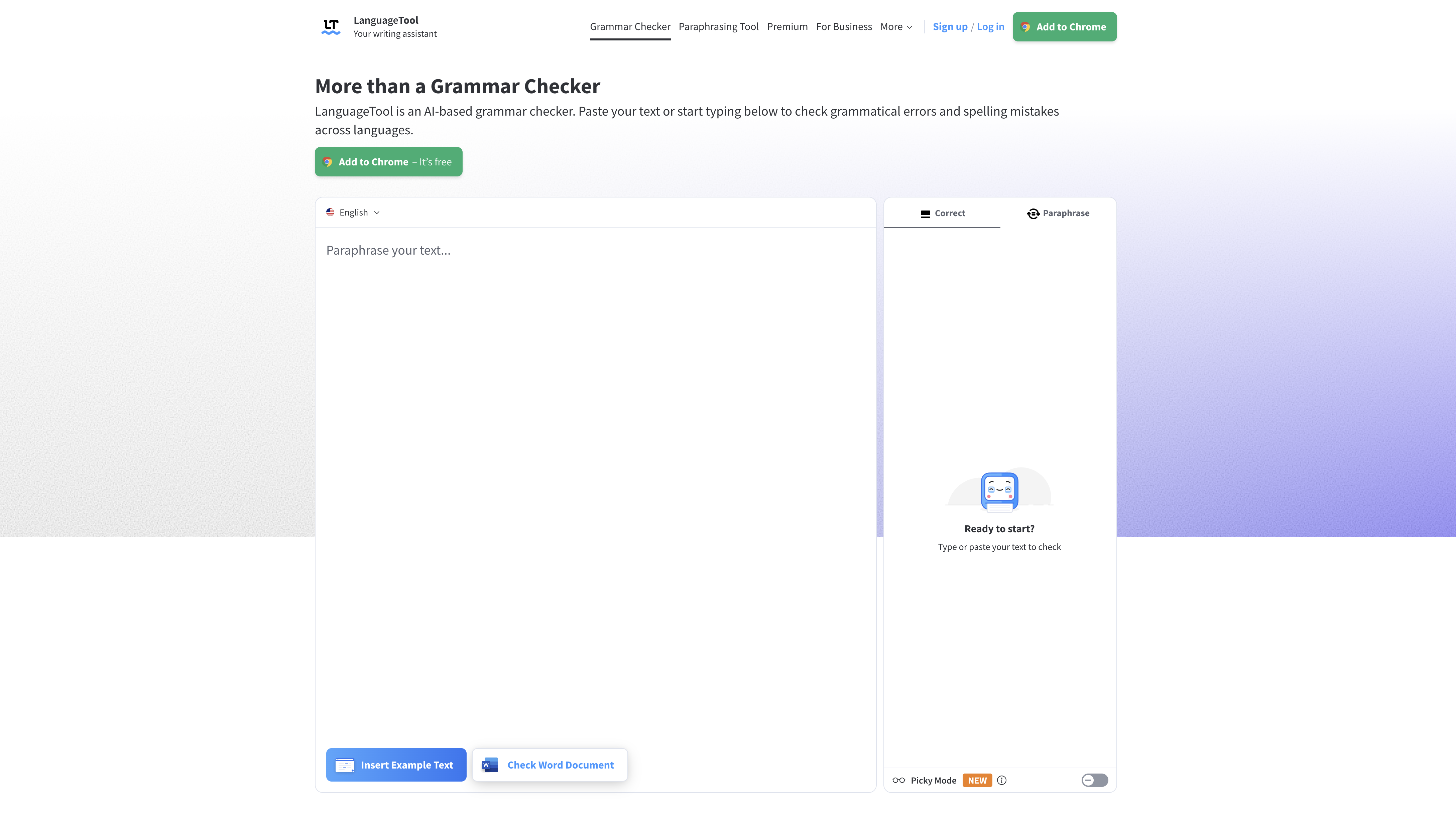
- Eliminate grammar and spelling mistakes across 30+ languages with AI-powered proofreading that adapts to your language needs
- Improve writing style and typography with advanced suggestions from Picky Mode, catching subtle punctuation and formatting errors
- Rephrase sentences for better clarity and tone using the text transformation tool that enhances fluency and formality
- Maintain consistent terminology across all documents with a personal dictionary that recognizes your specific vocabulary
- Check writing quality with scoring that provides objective feedback on your text's overall polish and professionalism
- Write confidently across all platforms with seamless integration for browsers, email, Office applications, and desktop editors
Pros & Cons
Pros
- Supports over 30 languages
- Personal dictionary
- Quality scoring for texts
- Browser add-ons for Chrome, Edge, Firefox, Safari, Opera
- Office plugins for Google Docs, Word, OpenOffice, LibreOffice
- Desktop apps for MacOS, Windows
- Email add-ons for Gmail, Outlook, Apple Mail, Thunderbird
- Editor apps for iOS, MacOS, Windows
- Advanced punctuation suggestions (Picky Mode)
- Style and typography suggestions
- Text rephrasing tool for Premium users
- 20% discount on Premium version
- Respected by reputable organizations
- Spelling and grammar checking
- Instantly detects working language
- Doesn't store user text (privacy)
- Advanced grammar, spelling and style suggestions
- Supports all favourite writing apps
- Coherence and fluency in rewriting sentences
- Helps to avoid embarrassing style, punctuation, grammar mistakes
- Free version available
- Team accounts for companies
- Student discount available
- Analyzes all types of texts
- Fast error detection and correction
- Synonyms suggestion
- Recognizes different English dialects
- Differentiates between optional and required commas
- Comprehensive punctuation check
- Suitable for academic texts
- Casing correction
- Style improvement suggestions
- Overused phrases detection
- Foreign terms detection
- Redundant words detection
- Improper word choice detection
- Professional writing with Premium version
Cons
- Depends on Java 8
- Requires account for rephrasing
- Repasting required for full-document checking
- Some features are platform-specific
- Premium version required for full functionality
- No voice-input option
- Lacks real-time correction feature
- Quality scoring only for registered users
- Lacks mobile support
- Full features not available for beta versions
Reviews
Rate this tool
Loading reviews...
❓ Frequently Asked Questions
BMW Group, Amazon, RingCentral, European Union, Spiegel Magazine, Deutsche Presse-Agentur (dpa), Heise, Bertelsmann Stiftung, Schweizer Radio und Fernsehen (SRF), JetBrains, IP Australia, and Wirtschaftsuniversität Wien place their trust in LanguageTool for their grammar checking needs.
Key features of LanguageTool are its AI-based grammar checker, a personal dictionary, quality scoring for texts, text transformation services like rephrasing, advanced punctuation, style and typography suggestions in Picky Mode for premium users, and compatibility across several platforms as desktop, browser and email add-ons.
Yes, LanguageTool can check grammar in languages other than English. It offers proofreading services in over 30 languages.
Yes, LanguageTool provides browser add-ons for Chrome, Edge, Firefox, Safari, and Opera.
Yes, LanguageTool offers desktop apps for macOS and Windows.
Yes, there is a premium version of LanguageTool that offers several advanced features, such as a rephrasing tool, Advanced Punctuation (Picky Mode), and style and typography suggestions.
Premium users of LanguageTool have access to a rephrasing tool, Picky Mode for advanced punctuation, style, and typography suggestions. They also get to enjoy a distraction-free writing experience, and all their texts are securely stored.
Picky Mode in LanguageTool is an advanced feature offered to premium users that provides suggestions for advanced punctuation, style, and typography to improve the quality of the text.
Yes, LanguageTool can be used with several email platforms. There are email add-ons available for Gmail, Outlook, Apple Mail, and Thunderbird.
Yes, LanguageTool is currently offering a 20% discount on its Premium version.
Yes, LanguageTool offers plugins for Google Docs, Word, OpenOffice, and LibreOffice.
Yes, LanguageTool provides Editor apps for iOS, macOS, and Windows.
LanguageTool provides text transformation services such as rephrasing that helps to reword parts of the text for more fluency, formality, or comprehensibility.
Yes, LanguageTool is free to use but also offers a Premium version with advanced features.
To respect user privacy, LanguageTool doesn't store any text that is checked using the browser add-on.
LanguageTool add-on can be installed on your browser by visiting the appropriate extension store for your browser (i.e., Chrome Web Store for Chrome, Add-ons for Firefox, etc.) and following the standard procedure for adding extensions.
The personal dictionary feature of LanguageTool allows you to add personal and specific terminologies that the system will recognize when checking the text.
Yes, LanguageTool offers a Proofreading API and a specific solution for businesses to support their grammar-checking needs.
Yes, LanguageTool helps you improve the quality score of your texts with its advanced proofreading capabilities, such as AI-based grammar checker, rephrasing tool and the Picky Mode for punctuation, style, and typography suggestions.
Pricing
Pricing model
Freemium
Paid options from
$4.32/month
Billing frequency
Monthly
Related Videos
LanguageTool | Free Open Source Alternative to Grammarly
Elestio•6.7K views•Mar 3, 2023


