

Lightning AI
Launch AI products in days instead of months using pre-built modular components that eliminate building from scratch
Listing not yet reviewed by our editors · How we check
Overview
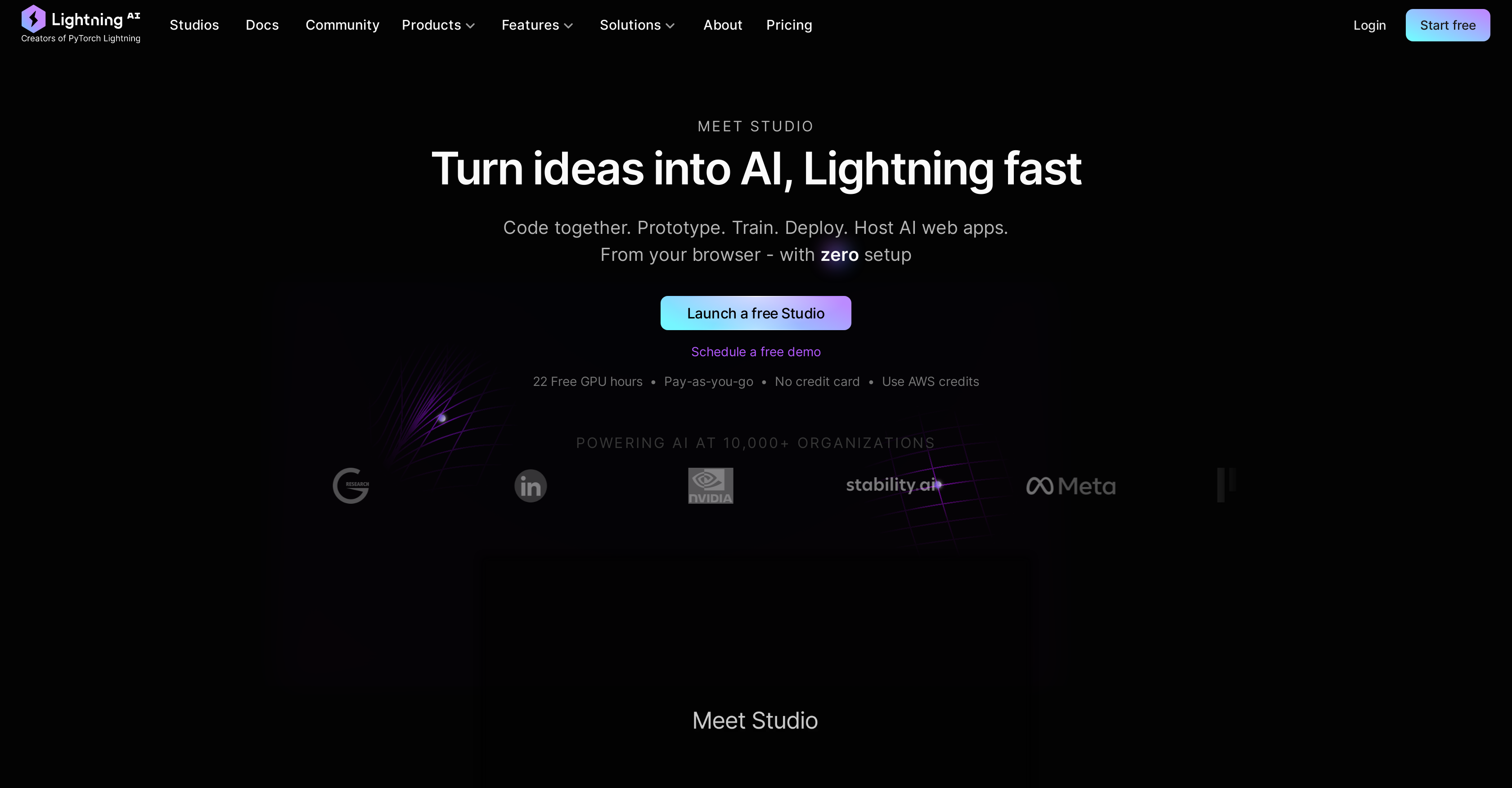
- Launch AI products in days instead of months using pre-built modular components that eliminate building from scratch
- Train and deploy models on any cloud infrastructure without managing servers, costs, or scaling complexities
- Collaborate seamlessly with team members on code, prototyping, and deployment directly from your browser
- Scale AI operations effortlessly with auto-stop optimization for idle machines and support for 50+ cloud machine types
- Prototype and iterate rapidly with zero configuration required and no setup procedures slowing you down
Pros & Cons
From the listing; not yet checked by our editors.
Pros
- Open-source framework
- Modular components
- Fully customizable
- Cloud training
- Cloud deployment
- Infrastructure management
- Cost management
- Auto-stop idle machines
- 50+ cloud machine types
- Observability features
- Monitoring features
- Advanced security
- Muse App integrations
- Collaboration features
- Code prototyping
- Scaling operations
- Zero configuration
- PyTorch Lightning creators
- Requires JavaScript
Cons
- Requires JavaScript
- Only browser-based
- No offline use
- No Infrastructure control
- No custom scaling options
- Limited machine types
- Machine auto-stop only
- Single library dependency (PyTorch)
Alternatives to Lightning AI
Tools that share the most tags with Lightning AI.
- Vertex AI
Launch production-ready AI models faster using pre-built models for classification, regression, and recommendation tasks
Free trial
Not listed
Not yet checked
- LinerAI
Build custom AI models without writing code using a no-code interface for image, text, audio, and video classification
Free
Not listed
Not yet checked
- Dataloop AI
Accelerate AI model deployment with automated pipelines that run models directly in production
Not listed
Not listed
Not yet checked
- Color.ag
Receive the most accurate answer for any question type through intelligent routing to domain-specific AI models
Freemium · from $15/month
$15/month
Not yet checked
- Thinking Machines Tinker
Focus entirely on your data and algorithms while Tinker manages scheduling, tuning, and reliable infrastructure for you.
Not listed
Not listed
Not yet checked
- LLMWise
Instantly compare outputs from GPT-5.2, Claude, Gemini, and other top models side-by-side with a single API call, identifying the best performer for your specific task.
Free trial · from $10/unit
$10/unit
Not yet checked
Related Videos

Lightning AI vs Colab (2025): Which AI Platform Is Better?
Crypto Money · Oct 18, 2025

Lightning AI + Cline + Aider + Supermaven : This 100% FREE AI Editor WITH GPU is AMAZING (w/ Ollama)
AICodeKing · Oct 20, 2024


4 STEPS: Install Stable Diffusion WebUI on FREE Lightning.ai GPU
TechXplainator · Nov 30, 2024
Lightning AI vs. Google Colab: Shocking Results! ⚡
Fumbling Forward · May 13, 2024
Reviews
Rate this tool
Loading reviews...
Frequently asked questions
What is Lightning AIP?
Lightning AIP is an open-source platform and framework designed to expedite AI products' development. It equips users with modular components that are fully customizable and aids in decreasing the time and the cost associated with AI development.
What advantages does Lightning AIP offer for AI development?
Lightning AIP offers several advantages for AI development: it provides users with a library of modular, customizable components, allows for training and deployment of models on the cloud without concerns about infrastructure or cost management, has optimization features like auto-stop for idle machines, supports a wide variety of cloud machine types, provides comprehensive control with easy-to-use features, and enables AI product launching in just a few days.
How does Lightning AIP facilitate collaboration on AI product development?
Lightning AIP facilitates teamwork on AI product development by providing a platform that streamlines AI development. Here, collaboration on code, prototyping, training AI models, scaling operations, and deploying AI solutions can all be done directly from a user's browser. The platform is designed for simplicity, requiring no setup and letting team members work together smoothly.
Can I train and deploy models using Lightning AIP?
Yes, with Lightning AIP, users can train and deploy AI models directly on the cloud. The platform handles infrastructure, cost management, scaling, and technical issues, freeing users from these aspects of model development and deployment.
Does Lightning AIP include optimization features?
Yes, Lightning AIP includes optimization features like auto-stop for idle machines, which helps in managing resources efficiently and saving costs. Additionally, it supports over 50 types of cloud machines, providing users flexibility in choosing the most suitable machine types for their AI tasks.
What types of cloud machines are supported by Lightning AIP?
Lightning AIP supports a broad spectrum of over 50 cloud machine types. Specific machine types are not detailed on their website.
What is the Muse App in Lightning AIP?
The Muse App within Lightning AIP is a tool that helps users rapidly launch their AI products. It makes use of Lightning AIP's modular components to build AI products with efficiency and speed, allowing products to be ready in just a few days.
Can I use Lightning AIP for prototyping AI models?
Yes, Lightning AIP is designed to support prototyping of AI models. It is part of an all-in-one platform that includes collaborating on code, prototyping, training AI models, scaling operations, and serving AI solutions, all from your browser.