

Overview
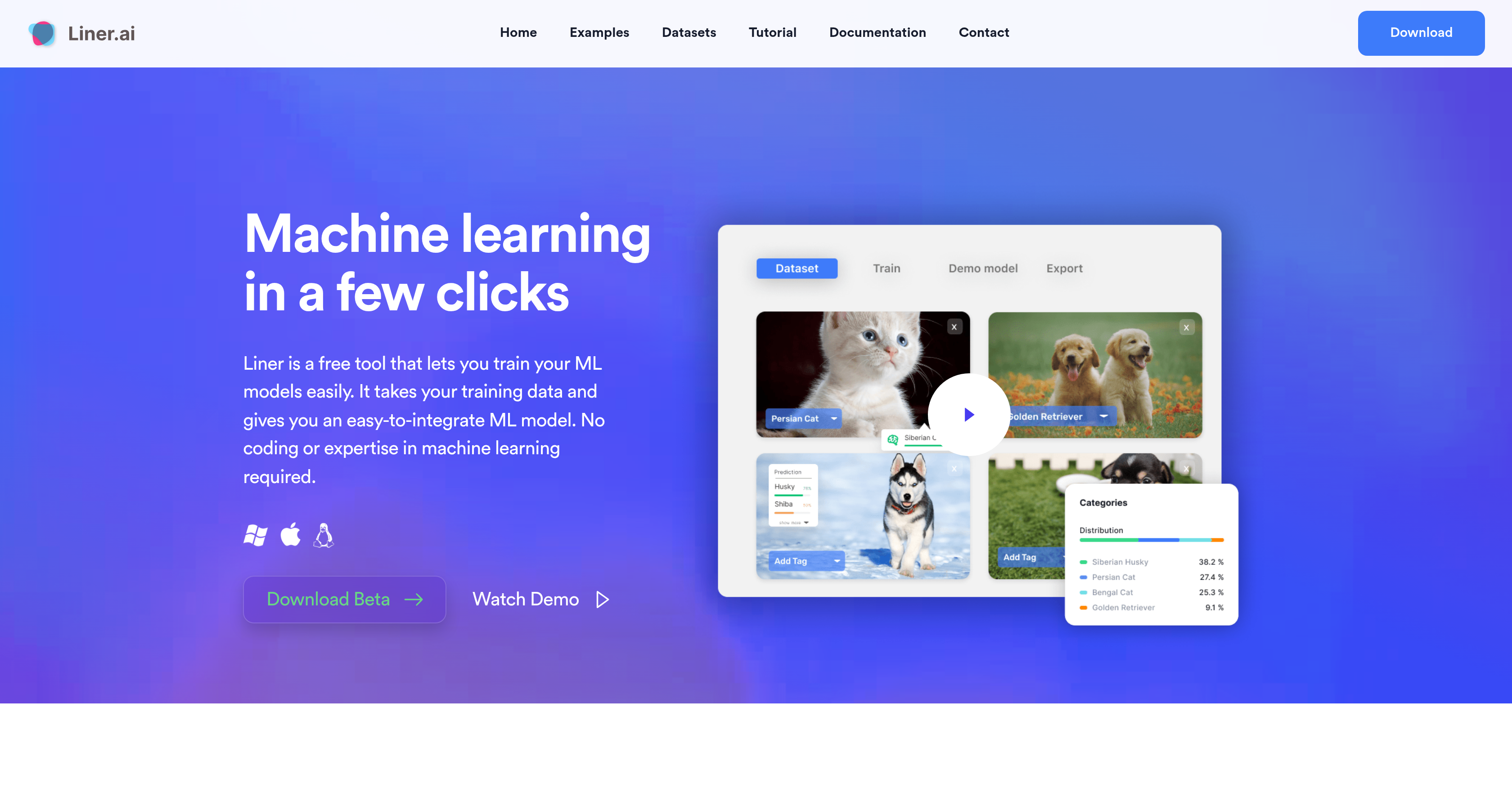
- Build custom AI models without writing code using a no-code interface for image, text, audio, and video classification
- Deploy trained models instantly by exporting to multiple platforms for straightforward integration into your applications
- Keep your data completely private with local training that happens on your computer, not in the cloud
- Train models on any standard computer with CPU-optimized models that require no specialized GPU hardware
- Start projects faster using pre-built templates for object detection, image segmentation, and pose classification
Pros & Cons
Pros
- No-code
- User-friendly
- Auto model selection & training
- Multi-platform model export
- Pre-labeled datasets
- Machine learning operations support
- Data privacy ensured
- No GPU needed
- Standard CPU optimized
- Windows & Mac compatible
- Free to use
- Team management
- Multiple project templates
- File sharing
- Trained models for edge devices
- Community Support
- Local data training
- Machine learning for beginners
Cons
- Local desktop-based processing
- May be CPU intensive
- Network data not utilized
- Limited functionality without coding skills
- Limited support without coded integrations
- Insufficient customization options
- No collaborative cloud-based features
- No built-in data collection tools
- Lack of efficient data management
Reviews
Rate this tool
Loading reviews...
❓ Frequently Asked Questions
No. Liner is designed for non-experts, allowing you to train and deploy machine learning models without writing any code.
All training happens locally on your computer, ensuring your data remains private and secure.
Yes. Liner’s models are optimized to train efficiently on CPUs, so a GPU is not required.
You can train various models, including image, text, audio, and video classification, as well as object detection, image segmentation, and pose classification.
After training, Liner allows you to export your model to multiple supported platforms, making integration with your application straightforward.
Pricing
Pricing model
Free
Paid options from
Free
















