

localscreenshot
Your AI agents read the content that matters, not the clutter: the screenshot API switches off cookie banners, ads, pop-ups, chat bubbles, sticky bars, videos and animations before every capture.
Listing not yet reviewed by our editors · How we check
Overview
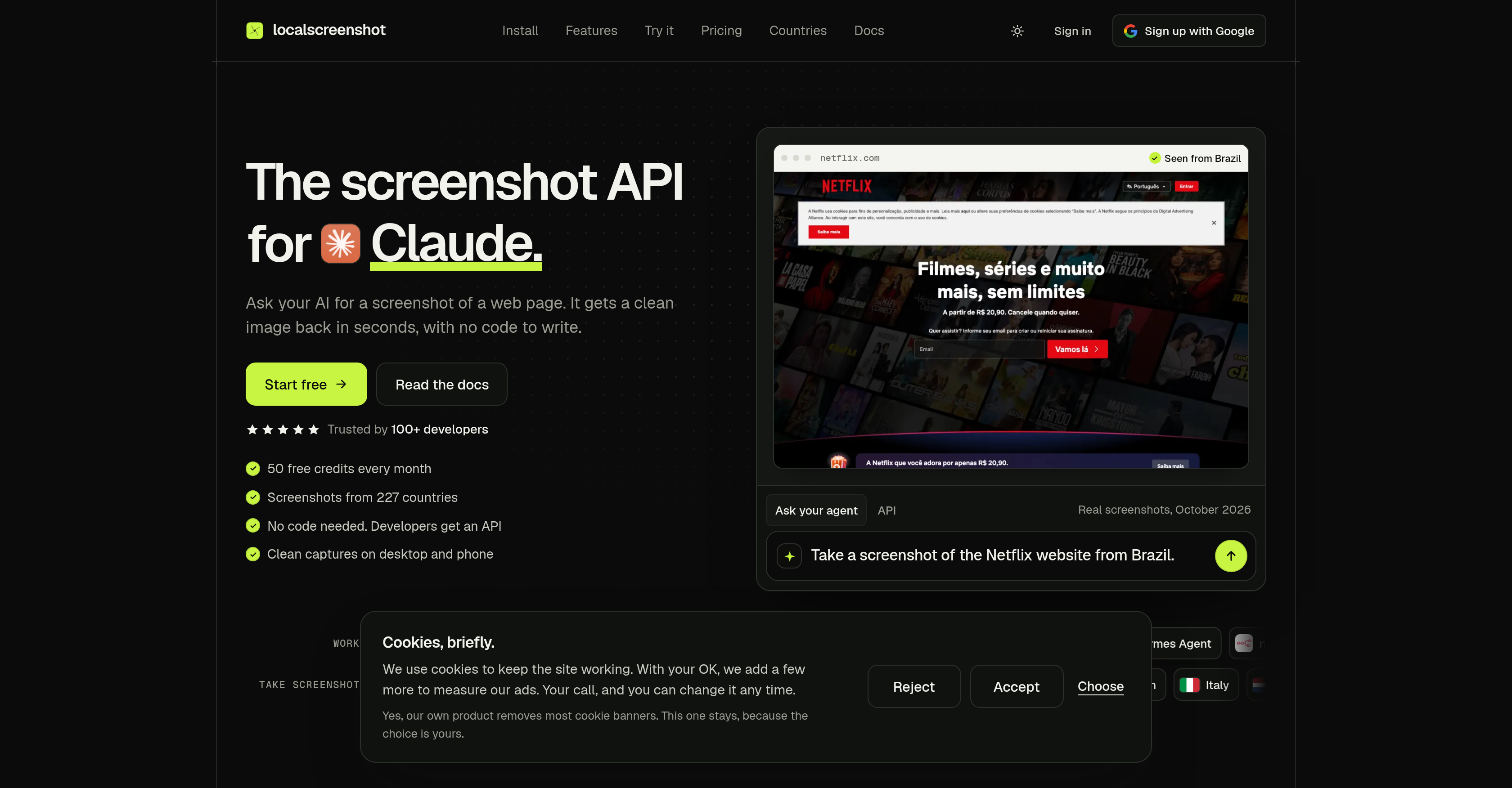
- Your AI agents read the content that matters, not the clutter: the screenshot API switches off cookie banners, ads, pop-ups, chat bubbles, sticky bars, videos and animations before every capture.
- See exactly what visitors in any market see: geo-located website screenshots from 227 countries show region-specific pricing, content and layouts.
- Capture page states hidden behind interactions: built-in browser automation clicks specified elements on a webpage before taking the screenshot.
- Verify how pages look on every device: choose desktop or phone view and set your screen size for responsive layout checks.
- Add visual web capture to the agents you already use: a developer API connects with ChatGPT, Claude, Cursor, Codex, Gemini and other AI agents.
- Test and run small workloads at no cost: 50 free API credits every month cover clean captures, automated clicks and custom screen sizes.
Pros & Cons
From the listing; not yet checked by our editors.
Pros
- Desktop and phone screenshots
- Coverage from 227 countries
- Flexible task execution
- Developer-friendly API
- No cookie banners
- Ad removal capability
- Selectable screen sizes
- 50 free credits monthly
- Pop-up management
- Task automation
- Pre-set viewpoint flexibility
- Country-specific captures
- Single element capture
- Dark mode screenshots
- Hideable webpage elements
- Choice of page appearance
- No code required
- Screenshots in seconds
- Trusted by numerous teams
- Customizable device simulation
- Screenshot from different countries
- Supports various screen resolutions
- Ready-made device options
- Individual element capturing
- Test it before sign-up
- Supports multiple languages
- Real-time screenshot generation
- Straightforward API docs
- Wide variety of formats
- Blocks distracting elements
- Hide chat bubbles
- Hide sticky bars
- Pause videos and animations
- Browser automation
- Hide specific elements
- Clean screenshots
- Size selective screenshot
- Clean image format
- Visible page metadata
- Simple HTTP request
- No additional SDK required
- Adjustable image quality
- Auto error messaging
Cons
- Limited free credits
- No support for paywalls
- Can't bypass CAPTCHAs
- No sign-in functionality
- Limited ad removal
- API Key in header
- Single image format
- Limited device selection
- No clarification on latency
- Limited cookie banner removal
Alternatives to localscreenshot
Tools that share the most tags with localscreenshot.
- Kive
Instantly find any image in your library without remembering filenames using AI that searches visual content like objects, colors, and themes
Freemium · from $12/month
$12/month
Not yet checked
- Keep It Shot
Instantly find any screenshot with natural language search powered by local OCR keyword indexing
Freemium · from $8/month
$8/month
Not yet checked
- Organize with AI
Instantly find any photo by describing it in plain English or 45 other languages using semantic search that understands content, not just filenames
Paid · from $20
$20
Not yet checked
- EasyPic.app
Eliminate manual keyword brainstorming with AI that generates 45-50 highly relevant keywords per image instantly
Free trial · from $1.49
$1.49
Not yet checked
- Tagbox
Find any visual asset in seconds with AI-generated searchable tags and custom filters
Freemium · from $100/month
$100/month
Not yet checked
- Google Photos
Find any photo in seconds by searching for people, places, or things, powered by Google AI that recognizes faces, travel highlights, and events.
Not listed
Not listed
Not yet checked
Reviews
Rate this tool
Loading reviews...
Frequently asked questions
What AI agents is localscreenshot compatible with?
localscreenshot is compatible with a wide range of AI agents, including but not limited to ChatGPT, Claude, Cursor, Codex, and Gemini.
Where can I use localscreenshot?
localscreenshot can be used globally, offering coverage from 227 countries. This makes it possible for users to capture screenshots from diverse geographic perspectives.
What actions can localscreenshot perform before taking a screenshot?
localscreenshot isn't limited to just screenshot capturing. It can also execute specific tasks such as taking a screenshot after clicking certain parts of a webpage, or capturing a screenshot with no cookie banner present.
How can localscreenshot be integrated into my projects?
For project integration, localscreenshot offers an API that developers can use. This enhances its ease of integration into various projects, providing flexibility and convenience.
Can localscreenshot capture screenshots without cookie banners?
Yes, localscreenshot is designed with a feature that allows for the capture of screenshots with no cookie banners present. This ensures a cleaner and uncluttered screenshot.
Can localscreenshot switch off ads and pop-ups when capturing screenshots?
Yes, localscreenshot has the ability to switch off distracting elements like ads and pop-ups when capturing screenshots. This enables it to provide clean images that focus on the essential parts of the webpage.
What screen sizes can localscreenshot capture?
localscreenshot offers a choice of screen sizes for capturing screenshots. Users can specify whether they want to capture screenshots from a desktop or phone perspective.
Do I get any free credits with localscreenshot?
Yes, localscreenshot offers 50 free credits every month for users who wish to use the API.