
EasyPic.app
Eliminate manual keyword brainstorming with AI that generates 45-50 highly relevant keywords per image instantly
Overview
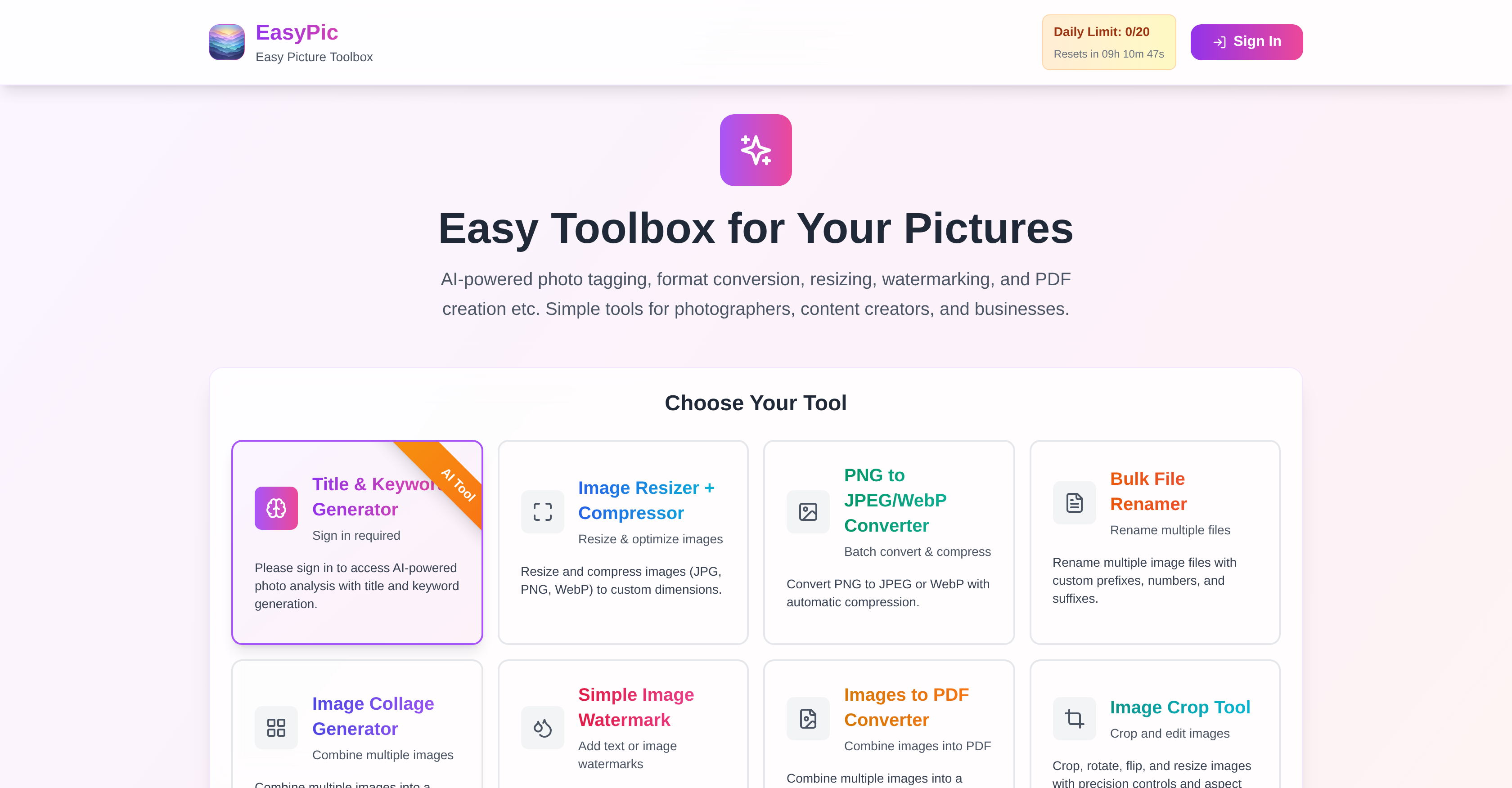
- Eliminate manual keyword brainstorming with AI that generates 45-50 highly relevant keywords per image instantly
- Transform photos into searchable assets with optimized metadata designed specifically for stock platform requirements
- Process multiple images simultaneously to complete hours of tagging work in minutes with batch upload functionality
- Maintain professional presentation standards across all visual assets with consistent, platform-ready title and description formatting
- Start immediately without technical expertise using simple drag-and-drop upload for JPG, PNG, and WebP files
Pros & Cons
Pros
- Automates title and keyword generation with AI
- Produces 45–50 optimized keywords per image
- Provides both a descriptive title and short description
- Saves time compared to manual tagging
- Enhances discoverability on stock photo platforms
- Works directly from uploaded images
- Token-based system for flexible usage
- Simple drag-and-drop interface for bulk uploads
- Reduces repetitive metadata entry work
- Suitable for photographers, businesses, and agencies
- Generates professional-level metadata without extra tools
Cons
- Requires tokens for each analysis
- Quality of keywords may vary depending on image complexity
- Limited to titles, descriptions, and keywords (no advanced IPTC embedding)
- May generate generic keywords if the image is ambiguous
- Internet connection required for AI analysis
Reviews
Rate this tool
Loading reviews...
Frequently asked questions
It automatically generates a descriptive title, a short description, and 45–50 optimized keywords for your image, ready for stock photo platforms or content libraries.
The tool creates between 45 and 50 keywords per analyzed image.
Each analysis consumes 1 token per image. You can buy or use tokens as needed.
Yes. The generated metadata is designed to help make your images more discoverable and properly categorized on stock sites.
No. Simply drag and drop your photos and the tool does the rest.
JPG, PNG, and WebP are supported for upload and keyword generation.
Yes. You can upload multiple images and the AI will generate metadata for each.
Pricing
Pricing model
Free Trial
Paid options from
$1.49
Billing frequency
One-time