Keep It Shot
Instantly find any screenshot with natural language search powered by local OCR keyword indexing
Overview
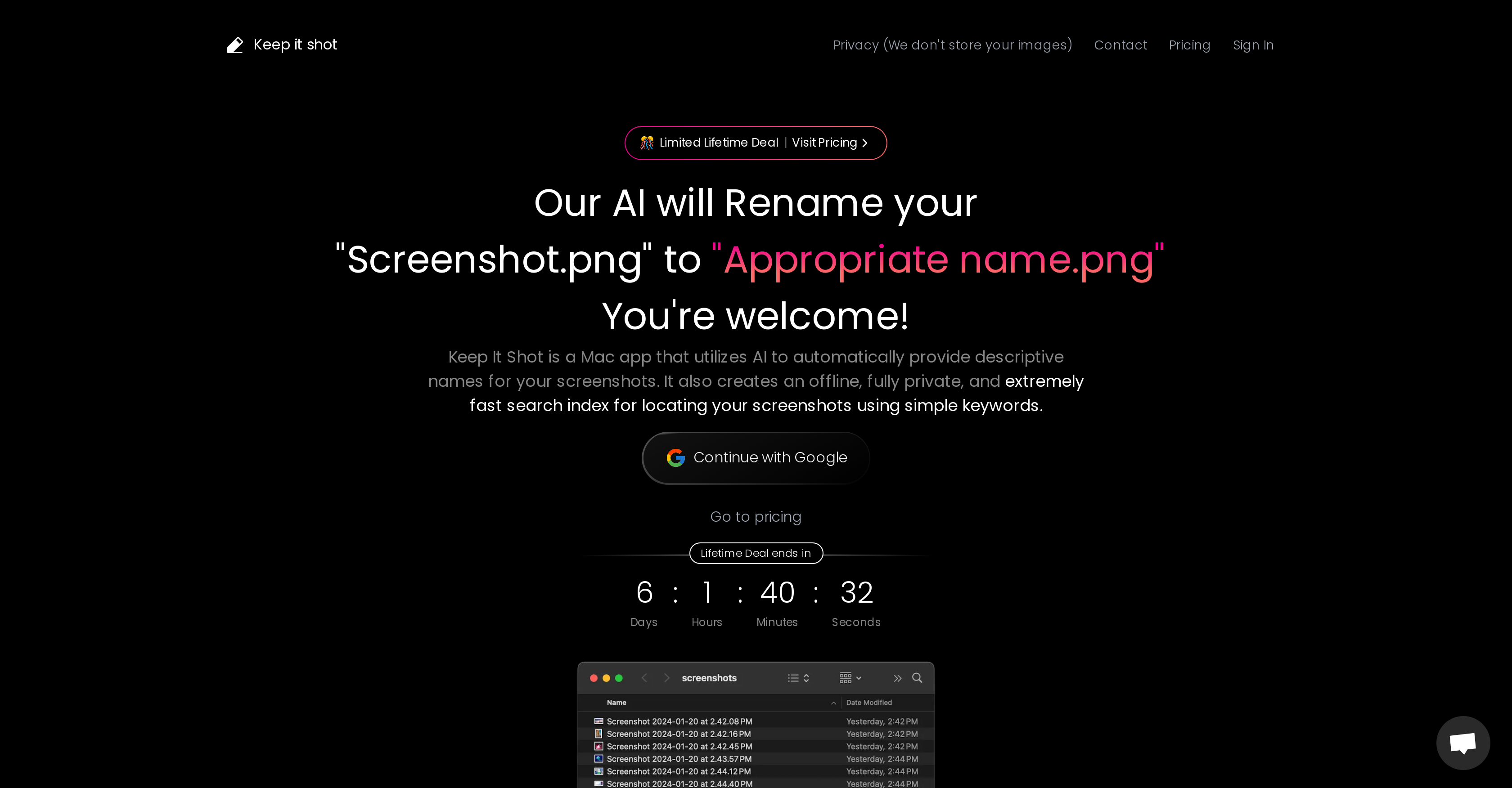
- Instantly find any screenshot with natural language search powered by local OCR keyword indexing
- Automatically transform generic 'screenshot.png' files into descriptive names using AI content analysis
- Maintain complete privacy with fully offline processing that never stores your images externally
- Clear cluttered folders into organized resources through automated batch renaming of existing screenshots
- Customize naming conventions to match your workflow with flexible renaming preferences
- Quickly undo any changes with one-click reversion to original file names when needed
Pros & Cons
Pros
- Mac application
- Screenshot management
- Customizable renaming preferences
- Revert to original names
- Offline search functionality
- OCR image descriptions
- Creates local index
- Fully private search
- Fast search
- Integrated rename progress bar
- Automated renaming feature
- Responsive user interface
- Efficient browsing capabilities
Cons
- MacOS exclusive
- Might misinterpret screenshot content
- Limited renaming customization
- No cross-device synchronization
- No online backup
- Offline-only search
- No multi-language OCR
- No image editing features
- May clutter with inappropriate names
- Reverting names requires action
Reviews
Rate this tool
Loading reviews...
Frequently asked questions
Keep It Shot is a Mac application that uses artificial intelligence to rename and manage your screenshots effectively. It turns 'screenshot.png' into an 'appropriate descriptive name', based on the content of the screenshot. It's a screenshot management tool with additional features such as generating short image descriptions and keywords, and provides a fast, private, offline search capability.
Keep It Shot optimizes screenshot management by using AI to automatically rename screenshots based on their content, thereby eliminating the need for manual intervention. It simultaneously generates short image descriptions and keywords through OCR, which creates a local index for improved search capabilities. The tool also maintains an uncluttered user interface by keeping files organized and easily searchable.
Using artificial intelligence, Keep It Shot analyzes the content of the screenshot and generates a relevant descriptive name for it. This process goes beyond simply assigning an arbitrary name and, instead, provides a unique, meaningful designation based on the screenshot's specific contents.
Optical Character Recognition (OCR) in Keep It Shot is used to generate short image descriptions and keywords from your screenshots. This process allows the software to 'read' the text within the screenshot, which then contributes to the renaming process and aids in creating the local search index. This OCR functionality makes searching through your screenshots swift and efficient.
Keep It Shot maintains a clutter-free user interface by automating the process of renaming and managing screenshots. This AI-driven process reduces manual effort, keeps files properly named and arranged, and allows users to quickly find what they need using an effective search function.
Yes, Keep It Shot can generate short image descriptions and keywords. It utilizes its OCR function to 'read' the text within a screenshot, from which it generates these short descriptions and relevant keywords, improving the searchability and organization of your screenshot catalog.
Yes, Keep It Shot features an offline search functionality. The program creates a local index based on the descriptive names, short descriptions, and keywords generated through OCR. This index allows for an extremely fast and fully private offline search, enabling users to locate any screenshot quickly and efficiently using on a few keywords.
Keep It Shot's browsing and search capabilities work through its automated renaming process and its OCR functionality. The tool automatically renames screenshots, provides short image descriptions, and generates relevant keywords, all of which contribute to a local index. This index aids in the speedy, offline search function which only requires a few keywords to pinpoint the desired screenshot.
Pricing
Pricing model
Freemium
Paid options from
$8/month
Billing frequency
Monthly