

Overview
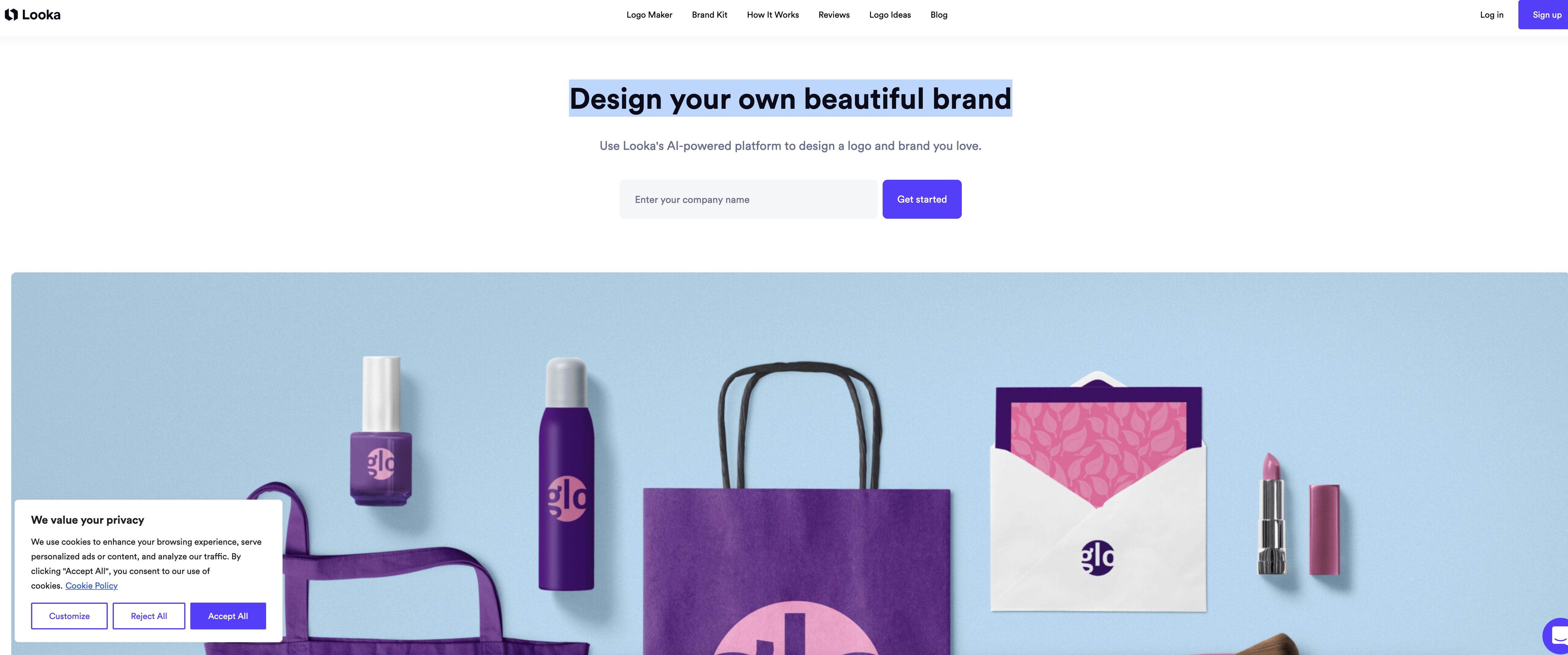
- Launch with a professional logo immediately without design experience using AI that generates hundreds of custom mockups from your simple input
- Maintain perfect brand consistency everywhere with high-resolution logo files (SVG, PNG, EPS, PDF) and variations for different backgrounds
- Instantly generate all your marketing materials in one click through the Brand Kit that automatically applies your logo, colors, and fonts to business cards and social profiles
- Customize every detail of your brand identity with an easy editor that lets you tweak colors, symbols, and sizing on all designs
- Get social media ready instantly with platform-optimized logo versions for Facebook, Twitter, and YouTube profile and cover photos
Pros & Cons
Pros
- Custom brand identity creation
- Hundreds of logo mockups
- Easy customization options
- Instant generation of brand materials
- Wide range of templates
- Social media ready logos
- Multiple high-res file types
- Logo usage guides
- Live chat and email support
- No design skills required
- Automated design process
- Robust brand kit
- Versatile logo variations
- Editable social profiles
- Ready-to-use logo files
- In-depth getting started guide
- Helpful Brand Identity 101 resources
- Enables creative control
- Clean and user-friendly interface
- Business card designs
- Customizable email signatures
- 300+ branded templates
- Exclusive partner offers
- High-quality graphics
- Memorable brand creation
- Ideal for entrepreneurs
- Saves time and effort
- Seamless branding across mediums
- Fast brand material generation
- Cost-effective solution
- Detailed logo file uses
- T-shirt logo mockups
- Consistent brand image
- Easy-to-use editor
- Specific social media templates
- Helpful customer success team
- Transparent background logo variations
- Instantly generated logo mockups
Cons
- Limited customization options
- No collaborative features
- No option to import media
- Doesn't support layering
- No print services included
- No offline functionality
- No Android app available
- Limited template options
- No free trial offered
- Support only via chat and email
Reviews
Rate this tool
Loading reviews...
❓ Frequently Asked Questions
Looka specializes in AI-powered logo design and brand identity creation. It provides a platform where entrepreneurs can easily create professional logos without the need for design skills.
Yes, Looka is specifically designed for individuals who may not have any design skills. The user-friendly interface and AI-powered platform simplify the design process, allowing anyone to create a unique and professional logo that matches their vision.
Looka's AI works by first understanding the user's input and preferences. Based on this input, it then leverages artificial intelligence to quickly generate hundreds of custom logo mockups. The user can then tweak these designs to get exactly what they want.
Looka's Brand Kit is a feature that uses your logo, colors, and fonts to instantly create hundreds of branded marketing materials in one spot. These materials include business cards, social profiles, email signatures, invoices, flyers, and more.
Looka allows users to design a wide range of marketing materials such as business cards, social profiles, email signatures, invoices, flyers and more. These designs are in line with your brand identity, including your logo, colors, and fonts.
With Looka, you can customize your social media profiles by using ready-to-go versions of your logo suitable for social media platforms. You can also customize your profile and cover photos for YouTube, Twitter, Facebook, and more.
Looka offers multiple variations of your logo file, including high-resolution formats such as SVG, PNG, EPS, and PDF. It also provides logo variations for different backgrounds, ensuring consistent representation across all mediums.
Looka provides a 'Getting Started' guide that details the best uses for your different logo file types. This guide also shows your logo's fonts and colors, assisting in the creation of a consistent and impactful brand.
The Brand Identity 101 guide provided by Looka offers helpful information on how to create a unique brand. It includes insights on how to maintain consistency, build brand recognition, and develop a strong brand that resonates with your target audience.
Looka helps maintain a consistent brand image by providing you with high-res logo file types that can be used across all mediums, logo variations for different backgrounds, and a 'Getting Started' guide that shows your logo's fonts and colors.
Looka leverages the power of AI by generating hundreds of custom logo mockups based on the user's input and preferences. The AI-powered platform ensures efficiency, creating personalized designs that can be easily tweaked to match the user's vision perfectly.
Looka provides you with different variations of your logo suitable for various backgrounds, and high-resolution formats that can be used across all mediums. These formats include SVG, PNG, EPS, and PDF.
Looka is free to use for designing and saving logo samples. However, there are costs associated with acquiring high-resolution logo files and using features like the Brand Kit.
Yes, Looka is expressly designed to enable users to create a professional-quality brand identity. This includes the creation of a unique logo, marketing materials, business cards, social profiles, email signatures, and more, all reflecting your brand's consistent image.
Key features of Looka's Brand Kit include: instant access to hundreds of branded marketing materials, customizable design templates, logo variations suitable for social media, ready-to-use designs for business cards and high-resolution digital and print-ready files.
Yes, Looka's platform can be used to design business cards. The Brand Kit feature allows you to generate and customize business card designs, using professional quality templates.
Yes, Looka provides hundreds of design templates which can be customized according to your brand identity. You can modify colors, symbols, sizing, and more with Looka’s easy-to-use editor.
The 'Getting Started' guide offered by Looka serves to provide information on how best to use your new logo files. It also instructs users on applying their logo's fonts and colors to maintain brand consistency.
Yes, Looka's customer success team is available via live chat and email to answer any of your queries, offer assistance with file access, logo design tweaks, and more.
Looka ensures creative control while using AI for logo designs by providing users the ability to tweak and customize the AI-generated logo mockups. Users can modify colors, symbols, sizing, and more to get a logo that matches exactly what they envisaged.
Pricing
Pricing model
No Pricing
Related Videos
Create a Professional Logo in 5 Minutes with Looka Logo Maker | Looka Demo
AI Demos•293 views•Mar 17, 2023













