
Overview
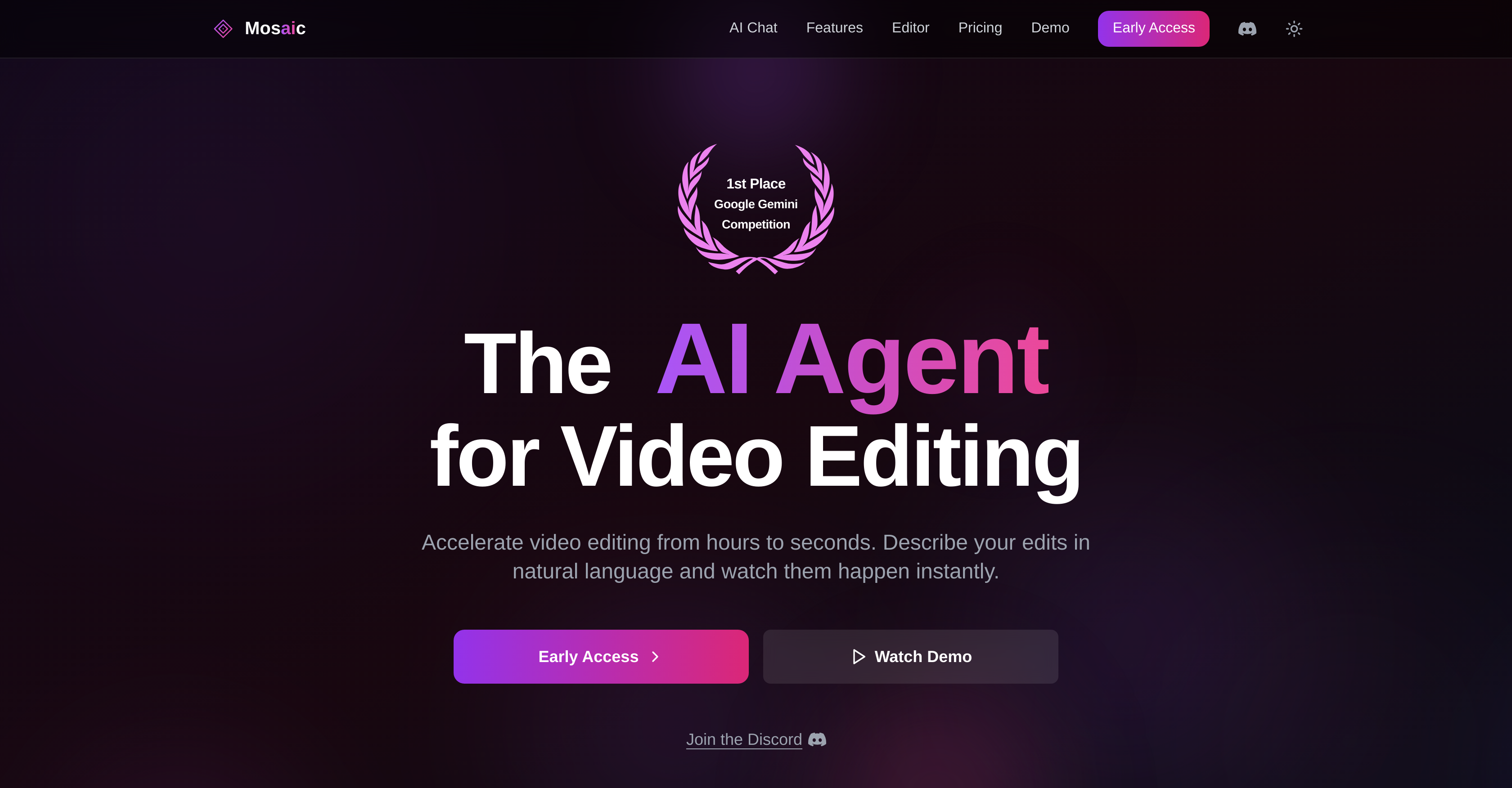
- Edit videos instantly using plain English instead of complex software with natural language processing
- Eliminate manual frame-by-frame editing by describing changes in text for automated video manipulation
- Skip learning complex editing software entirely through intuitive text-based commands that require no technical knowledge
- Accelerate post-production workflows from hours to seconds with rapid AI-powered video content adjustment
- Maintain creative control across personal projects and professional film editing using precise text directives
- Focus on artistic choices rather than technical execution by automating tedious editing tasks
Pros & Cons
Pros
- Natural language video editing
- Swift content manipulation
- Reduced editing time
- No specialised knowledge required
- Suitable for novices and professionals
- Broad application spectrum
- Text-to-edit capability
- Time-saving automated editing
- User-friendly interface
- Aids creative industries
- Eases multimedia production
- Apt for broadcasting
- Accelerates post-production
- Supports content creation
Cons
- Limited to text inputs
- May misinterpret user commands
- Inaccuracy in complex tasks
- Locked to video editing
- Depends on user articulation
- No manual editing features
- Not designed for animation
- Limited application variety
Reviews
Rate this tool
Loading reviews...
❓ Frequently Asked Questions
Mosaic is an AI-powered tool designed to speed up the process of video editing. Users can describe their desired edits as text inputs, and Mosaic will convert these into actions within the video.
Mosaic uses AI to interpret and apply users' text directives, rapidly adjusting the video content. This results in a significant time saving compared to the traditional manual, frame-by-frame editing process.
The key feature of Mosaic is its ability to convert text inputs into video edits. Users can describe their desired edits in natural language, and Mosaic will interpret and apply these directives quickly and accurately.
Mosaic interprets user instructions by leveraging AI programming to understand and apply the users' text directives. By converting natural language commands into actions within the video, user instructions are accurately incorporated into the editing process.
In the context of Mosaic, 'natural language commands' refer to the text inputs users provide to specify desired changes. Rather than requiring technical video editing language or commands, users can describe their desired edits in plain, everyday language.
Mosaic translates text instructions into video edits using AI programming. This technology interprets the natural language commands provided by users and applies these instructions to the video, manipulating the content as specified.
Yes, Mosaic can indeed be used for professional post-production. Its novel approach to video editing simplifies the process, making it a valuable tool across a broad spectrum of applications, including professional settings.
No, specialized knowledge of video editing is not necessary to use Mosaic. The platform is designed to interpret natural language commands, inviting all users to communicate their editing ideas through simple text inputs.
Mosaic reduces the need for manual, frame-by-frame editing by swiftly manipulating video content based on user text directives. However, it is not explicitly stated whether fine-tuned adjustments at the frame-by-frame level are possible.
While the exact time saved using Mosaic may vary depending on the complexity of the edits, the tool significantly expedites the video editing process, potentially reducing editing time from hours to mere seconds.
While it is not explicitly mentioned, given its AI programming and broad application range, it's safe to assume Mosaic can edit various types of video content.
Yes, Mosaic is designed to be user-friendly, particularly appealing to beginners in video editing. Users don't require specialized knowledge as they can express their changes in everyday language.
Yes, Mosaic can be used for personal video editing. It is suitable for a broad range of applications, from novice personnel to experienced professionals, thereby including personal usage.
Yes, Mosaic automates the video editing process. By interpreting and implementing user text directives, the AI tool effectively eliminates the need for intricate manual edits.
Yes, Mosaic can undoubtedly be used in film editing. Its ability to quickly implement desired changes based on text inputs makes it valuable for a variety of applications, including film editing.
While it is not specifically mentioned, Mosaic's application in various sectors, including post-production and general media production, suggest it could be aptly used in broadcasting.
Mosaic supports the creative industry by automating the video editing process, thus freeing creative personnel to focus more on artistic choices rather than time-consuming manual edits.
While the specific types of multimedia content Mosaic can edit aren't mentioned, it's reasonable to assume that it could be utilized for a variety of multimedia content, given its AI-driven video editing capabilities.
Mosaic simplifies content creation in Media Production by executing user-defined edits in real time, which streamlines and accelerates the post-production process significantly.
Mosaic maintains its value across different applications due to its versatility and ease of use. The convenience of using natural language commands to make changes caters to users of all skill levels, from personal video editing to professional post-production.
Pricing
Pricing model
No Pricing
Related Videos
Mosaic Launch
Mosaic•321 views•Feb 28, 2025