Overview
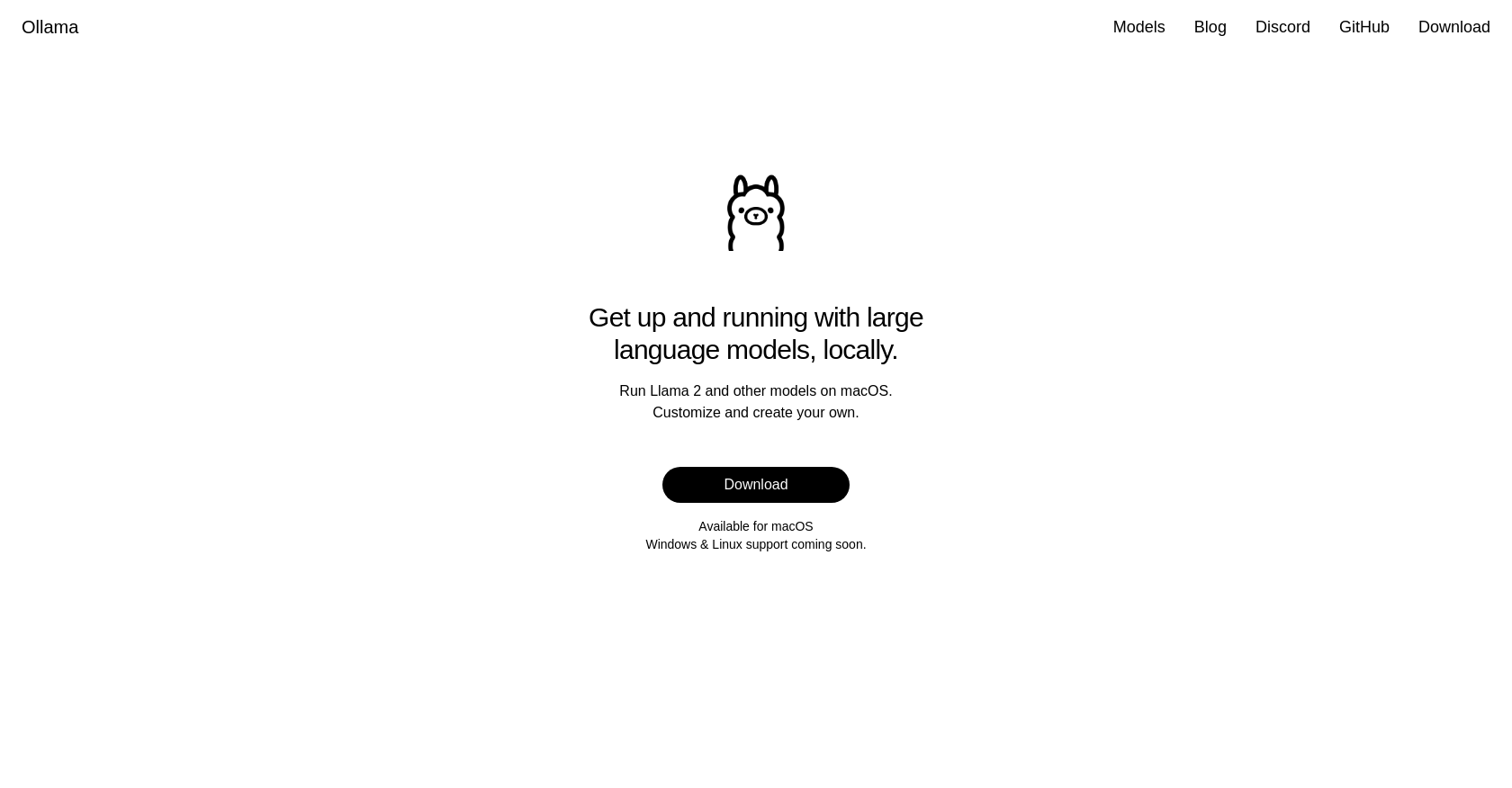
- Run powerful AI models like LLAMA 2 directly on your Mac without relying on cloud services or complex setup, using Ollama's streamlined local installation.
- Customize any large language model to fit your specific tasks and data needs, using Ollama's built-in personalization features.
- Create your own language models from scratch for unique projects, using Ollama's model creation capabilities for complete control.
- Explore and experiment with language modeling safely and privately on your local machine, using Ollama's offline-first, user-friendly interface.
Pros & Cons
Pros
- Streamlined model setup
- Effortless utilization
- User-friendly interface
- Runs smoothly on macOS
- Customization options
- Create own models
- Supports macOS
- Upcoming Windows support
- Upcoming Linux support
- Intuitive interface
- OS versatility
- Enhances language processing tasks
- Facilitates local usage
- Accessible
- Reliable
- Efficient
Cons
- Only works on MacOS currently
- In-progress Windows, Linux support
- Limited out-of-box model support
- Assumes local system power
- Potential lack of updates
- No mentioned cloud support
- Repository not directly accessible
- Limited community support
- Limited customization options
- No API for integrations
Reviews
Rate this tool
Loading reviews...
❓ Frequently Asked Questions
Ollama is a tool designed to help users quickly and efficiently set up and utilize large language models on their local machines. It offers a user-friendly interface and customization options, enabling users to tailor the models to their specific needs. It also allows users to create their own models, enhancing their language processing capabilities.
Ollama simplifies the process of setting up large language models by providing a user-friendly interface that requires no extensive technical knowledge. This allows users to focus on their tasks and tailor the language models to their specific needs.
Yes, in addition to LLAMA 2, Ollama supports running other large language models.
Ollama was initially designed for macOS, but support for Windows and Linux versions is currently under development and will be made available soon.
Ollama offers customization options that allow users to adapt the language models to their specific needs. There's also the capability of creating one's own models for more personalized language processing tasks.
Yes, Ollama offers the function to not just customize but also create your own language models. This gives users the power to further enhance and personalize their language processing capabilities.
Ollama can be downloaded by using the 'Download' link provided on their website.
As of now, Ollama is only available for macOS. However, development for Windows and Linux versions are currently in progress.
Yes, Ollama is planning to extend its support to Windows and Linux in the near future.
Ollama enhances language processing tasks by enabling more effortless set up and use of large language models. Its feature to customize and create user-specific models boosts effectiveness in language processing tasks.
Yes, Ollama is designed specifically for use on your local machine.
Ollama is designed for simplicity and user-friendly interaction, therefore extensive technical knowledge is not necessary to utilize it.
Ollama's kernel features include a streamlined setup for large language models, the ability to run these models locally on macOS, customization options to tailor the models to user-specific needs and capabilities to create new models.
Ollama enables local usage of large language models by streamlining their set up and usage process through its user-friendly interface. Ollama allows you to run these models on your local machine without the need for extensive technical knowledge.
Yes, Ollama can be used for exploring the world of language modeling by enabling easy setup, customization, and running of large language models.
With Ollama, users can leverage the power of large language models effortlessly. They can customize models to their needs or create new models to enhance language processing tasks.
Ollama is highly user-friendly with a simple and intuitive interface which allows even those without extensive technical knowledge to utilize it effectively.
Yes, Ollama is available for download via the 'Download' link provided on their website.
Support for Ollama can be obtained through their Discord channel or GitHub. Links to these channels are provided on their website.
Ollama is currently developing support for Windows and Linux operating systems which will be available soon, thereby making Ollama accessible across different platforms.
Pricing
Pricing model
Freemium
Paid options from
$20/month
Billing frequency
Monthly