

Overview
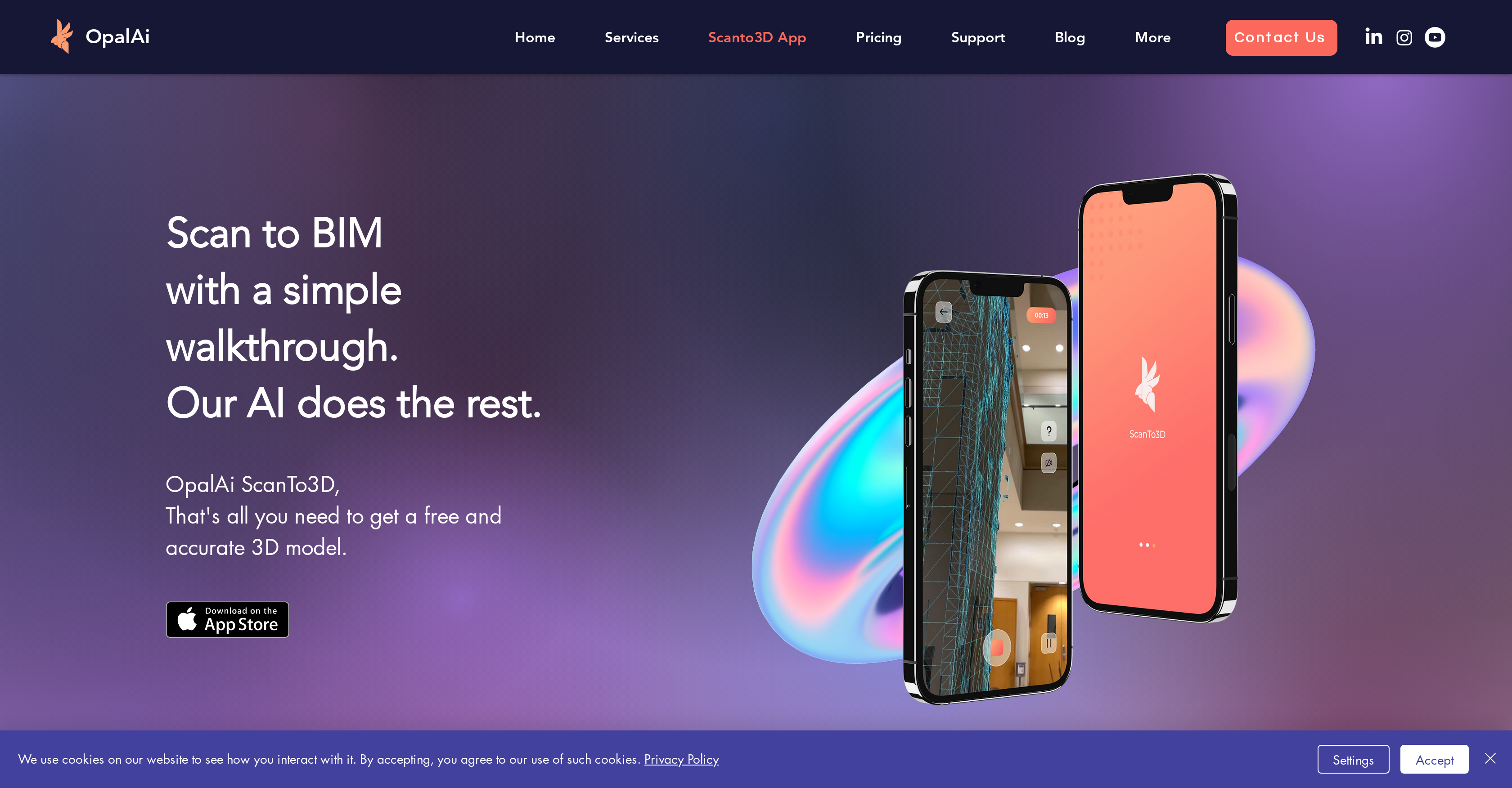
- Create professional 2D floor plans and 3D models directly from your device using built-in LiDAR scanning
- Generate ANSI-compliant GLA calculations automatically with upload-to-floorplan conversion
- Export to industry-standard formats including OBJ, GLTF, GLB, STL, and FBX for seamless workflow integration
- Achieve measurement accuracy within 1 inch per 30 feet through AI-enabled algorithms
- Build digital twins with realistic textures and colors added directly within the mobile app
- Eliminate expensive equipment and trained operators with intuitive scanning that requires no tripod
- Complete on-site scanning and planning in significantly less time than traditional methods
- Edit scans and take measurements in real-time while capturing large environments like houses and buildings
Pros & Cons
Pros
- Scans large environments
- Creates 2D floor plans
- Generates BIM Models
- Offers 3D visualizations
- Texture and color addition
- On-device editing and measuring
- Sharing in multiple formats
- Less than 1 inch error
- Fast and accessible
- Reduces need for expensive equipment
- Reduces need for trained operators
- Multiple pricing plans
- First 2D floor plan free
- Tailored scans and formats
- Useful in real estate, construction
- Reduces on-site planning time
- Offers customer support
- Offers tutorials and FAQs
- Examples of finished projects
- ANSI compliant GLA calculations
- Allows extended scanning
- Offers upload feature
- Suited for remodeling industries
- Applicable for large buildings
- User-friendly design
- Significant time reduction
- Supports multiple sharing formats
- LiDAR camera utilization
- Works on iOS devices
Cons
- iOS only
- Requires Lidar camera
- Limited customization options
- Possible delays in processing
- Incompatible with older devices
- Additional costs for larger scans
- Not designed for small objects
- Not built for outdoors scanning
- Limited export formats
- Requires physical space walkthrough
Reviews
Rate this tool
Loading reviews...
❓ Frequently Asked Questions
You can use any device with a LiDAR camera to take scans with the ScanTo3D iOS app by OpalAi.
The AI-enabled algorithm of the ScanTo3D app is highly accurate with an error less than 1 inch per 30 feet.
You can add texture and colors directly via the ScanTo3D app, making it easier to get a digital twin of your place.
Yes, the ScanTo3D app allows you to take measurements and edit the scan directly on your device.
The scans from the ScanTo3D app can be shared in multiple formats like OBJ, GLTF, GLB, STL, and FBX.
Yes, the first 2D floor plan created with the ScanTo3D app is free.
The ScanTo3D app is suitable for the real estate, construction, and remodeling industries.
The ScanTo3D app by OpalAi reduces on-site planning and scanning time by using AI and machine learning-enabled algorithm to automate the process of creating 3D models from the scans. It does not require a tripod, expensive sets or a trained operator, thus offering a more accessible and time-effective solution.
OpalAi provides customer support for the ScanTo3D app through tutorials, FAQs, and contact forms on their website.
To create a BIM model with the ScanTo3D app, follow these steps: 1. Take a scan of the environment using a device with a LiDAR camera; 2. Add texture and colors directly in the app; 3. Take measurements and continue with your scan on your device; 4. Share your scan; 5. Upload your scan to get a 2D/3D FloorPlan.
Yes, the ScanTo3D app allows you to create a digital twin of your place by adding texture and colors directly in the app.
Yes, you can create accurate 3D visualizations using the ScanTo3D app by OpalAi.
With the ScanTo3D app, you can scan large environments for prominent structures like houses and buildings.
When using the OpalAi's ScanTo3D app, the expected error margin is less than 1 inch per 30 feet.
The OpalAi's ScanTo3D app is designed to be user-friendly and does not require trained operators to run, making it accessible for all users.
Yes, the OpalAi's ScanTo3D app can scan large environments swiftly, making it a highly useful tool in the real estate, construction, and remodeling industries.
Yes, you can view examples of projects completed using the ScanTo3D app in OpalAi's portfolio on their website.
The value propositions of the OpalAi's ScanTo3D app are accuracy, accessibility, and speed, with a focus on simplicity and user-friendliness that makes it a cost-effective solution for 3D modeling needs.
OpalAi ensures accuracy with their ScanTo3D app by employing a machine learning and AI-enabled algorithm. This foundation guarantees accurate floor plans, BIM objects, and 3D visualizations with an error of less than 1 inch per 30 feet.
Pricing
Pricing model
Paid
Paid options from
$0.06/unit
Billing frequency
Pay-as-you-go
Related Videos
SCAN2PLAN - OPAL AI Team
OpalAi•100 views•Sep 23, 2021










