Overview
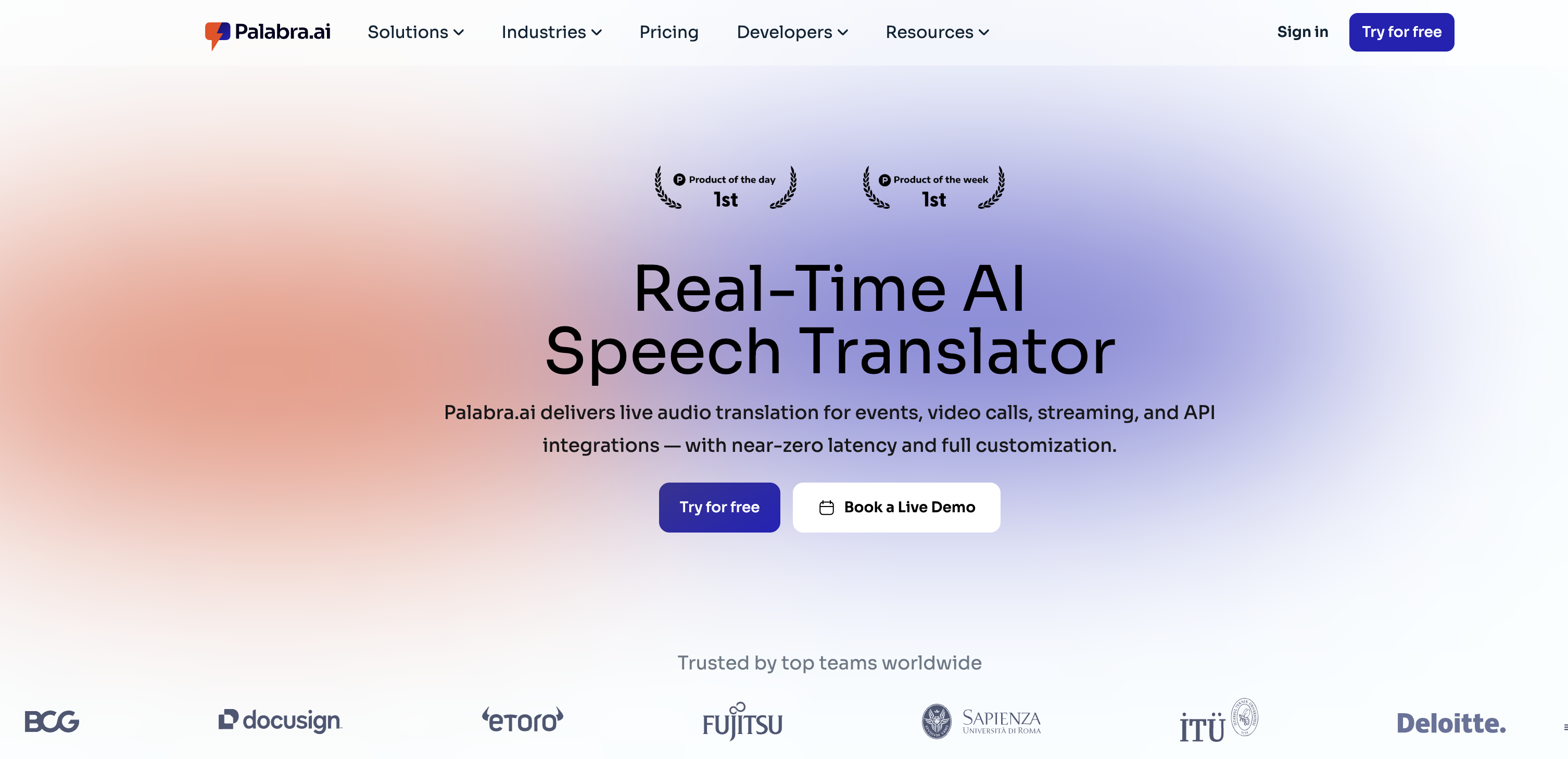
- Host inclusive global meetings and live streams with instant, two-way speech translation powered by near-zero latency technology.
- Ensure accurate, context-aware translations for industry-specific terms using customizable business glossaries.
- Protect sensitive conversations with fully encrypted, enterprise-grade security that never stores your data.
- Add real-time translated captions to your broadcasts and video calls to make content accessible to a wider audience.
- Integrate translation directly into your existing workflows with no-code compatibility for Zoom, MS Teams, and major streaming protocols.
- Maintain a natural speaking experience with voice cloning that replicates the original speaker's tone in the translated language.
Pros & Cons
Pros
- Supports 60+ languages
- Near-zero latency
- Zoom and MS Teams compatibility
- Ideal for different situations
- No-code translation compatibility
- Offers translated captions
- Two-way speech-to-speech translation
- Enterprise-grade security
- Encrypted conversations
- Includes API and SDKs
- Supports custom glossaries
- Understands tone and context
- Easy integration with communication solutions
- User-friendly setup process
- Trusted globally
- Handles event-based/streaming contexts
- Business-specific glossaries feature
- Auto voice cloning functionality
- Prioritizes privacy and data security
- No user data storage
- Compatible with major streaming solutions
- Supports real-time voice streaming
- Accuracy matching professional interpreter
- Enterprise integrations utility
- Voice sounds natural
- Works in any situation
- Use in-person or virtual
- Works with any video call service
- Improves customer interaction
- Content universally accessible
- Deploys on private servers
- Ultra-low latency
- Adds any language on request
- Manages business-specific glossaries
- Emotion transfer (coming soon)
- Speaker diarization
- Replicates your own voice
- Compatible with SRT and RTMP
- Offers translated captions
- Instant setup
- Deeply customizable API and SDKs
- Controls the entire pipeline
- Achieves near-zero latency for streaming ASR and TTS
- Differentiates between male and female voices
- Speaker autodetection
- Adapts translations in real time
Cons
- Limited voice cloning
- Dependent on internet speed
- Emotion transfer feature not ready
- No offline functionality
- Latency issues for low-bandwidth locations
- Specific language pairs performance unclear
- Quality of customized glossaries uncertain
- Unclear data retention policies
- No mobile app versions
- Limited integration options
Reviews
Rate this tool
Loading reviews...
❓ Frequently Asked Questions
Palabra.ai supports translations in over 60 languages.
Palabra.ai offers near-zero latency.
Yes, Palabra.ai can integrate with platforms such as Zoom and MS Teams.
Yes, Palabra.ai can be used for sales and customer support situations.
No, Palabra.ai features no-code translation compatibility with major streaming solutions and protocols.
Yes, Palabra.ai offers translated captions.
Yes, Palabra.ai supports two-way speech-to-speech translation.
Palabra.ai maintains enterprise-grade security with fully encrypted conversations.
The accuracy of Palabra.ai's real-time speech translation is comparable to that of a professional interpreter.
Yes, Palabra.ai comes with an API and SDKs, allowing for full control from ASR through translation to TTS.
Yes, Palabra.ai easily integrates with a range of communication solutions.
Yes, Palabra.ai supports custom glossaries.
Yes, Palabra.ai boasts a deep understanding of tone and context in translations.
Yes, Palabra.ai can be utilized during live streams.
Palabra.ai is compatible with major streaming solutions and protocols.
When using Palabra.ai for streaming ASR and TTS, the latency is near-zero.
You can integrate Palabra.ai's APIs and SDKs with most communication solutions.
Palabra.ai can be implemented by a variety of professional teams across industries.
Yes, along with translations, Palabra.ai supports transcription.
Yes, Palabra.ai supports real-time voice translation offering near-zero latency which ensures smooth communication experience for users in real-time scenarios such as meetings, events, live streams and more.
Palabra.ai supports translations in over 60 languages, making it a versatile tool for international and multilingual communication contexts.
Yes, Palabra.ai can be seamlessly integrated with major communication platforms such as Zoom and MS Teams. This makes it a convenient tool for meetings and events hosted on these platforms.
Absolutely. Palabra.ai is ideal for live streaming and events. It provides live voice translation, has the capability to provide translated captions, and offers customization options that can be tailored to various live scenarios.
'Near-zero latency' means that Palabra.ai provides real-time, instant translations with virtually no delay. 'Customization options' allow users to tailor the software’s performance and appearance in line with their personal needs or brand identity for a personalized user experience.
Palabra.ai maintains enterprise-grade security with fully encrypted conversations. No conversation data is stored, further ensuring user privacy and data security.
Yes, Palabra.ai offers translated captions as part of its translation service. This feature makes content more accessible to a wider audience, including those with hearing impairments or those who prefer reading text.
Palabra.ai provides two-way speech-to-speech translation capabilities. This allows for interactive multilingual conversations, not just one-way broadcasting.
Palabra.ai's real-time speech translation boasts an accuracy comparable to that of a professional interpreter. It has a strong understanding of tone and context which helps ensure accurate translations.
Indeed, Palabra.ai comes with an API and SDKs. These programming tools allow developers to integrate Palabra.ai's translation capabilities into their own applications or services.
Palabra.ai's voice cloning feature replicates the voice of the original speaker in the translated language, providing a natural dubbing effect and a more immersive listening experience.
Setting up Palabra.ai is straightforward and user-friendly. It integrates easily with a range of communication solutions and does not have complex onboarding, hidden fees or time-consuming setup process.
Yes, Palabra.ai supports custom glossaries. This allows businesses to keep translations accurate and relevant for specialized terms or jargon unique to their organization or industry.
Yes, Palabra.ai can be integrated with a wide range of communication solutions. It not only supports major platforms, such as Zoom and MS Teams but can also be integrated with any service that utilizes real-time voice streaming or communication through APIs.
Yes, Palabra.ai's real-time translation capabilities are highly suitable for video calls, particularly in global teams or when collaborating with international contractors.
Absolutely. Palabra.ai is beneficial for sales and customer support teams. It allows teams to communicate with customers in their native language, enhancing customer interaction and satisfaction, and potentially driving sales conversions.
Palabra.ai is adept at handling translations for events and conferences. Whether in-person, virtual, or hybrid, its real-time speech translation feature ensures that every attendee gets a translation, making the events inclusive and accessible.
Yes, Palabra.ai can be used for enterprise integrations. It's compatible with any service that involves real-time voice streaming or communication, making it a versatile solution for a variety of business scenarios.
'No-code translation compatibility' means that Palabra.ai can integrate with major streaming solutions and protocols without the need for coding. This makes it a user-friendly tool for events or online streams.
Palabra.ai is highly reliable and trusted in the industry. It's used globally and has been implemented by a variety of professional teams across different industries, signaling its reliability and effectiveness.
Pricing
Pricing model
Paid
Paid options from
$150/month
Billing frequency
Monthly
Refund policy
You may request a refund within 7 days of the start of your subscription if you have used no more than 20% of the credits included in your plan.
Related Videos
How Palabra.ai Translates Zoom Meetings in Real Time (70+ Languages Demo)
Palabra AI•416 views•Sep 3, 2025