

PalaPili
Get a usable first visual in seconds without setting up a project: Quick Image and Quick Video turn text prompts and reference assets into high-fidelity AI images and animations.
Listing not yet reviewed by our editors · How we check
Overview
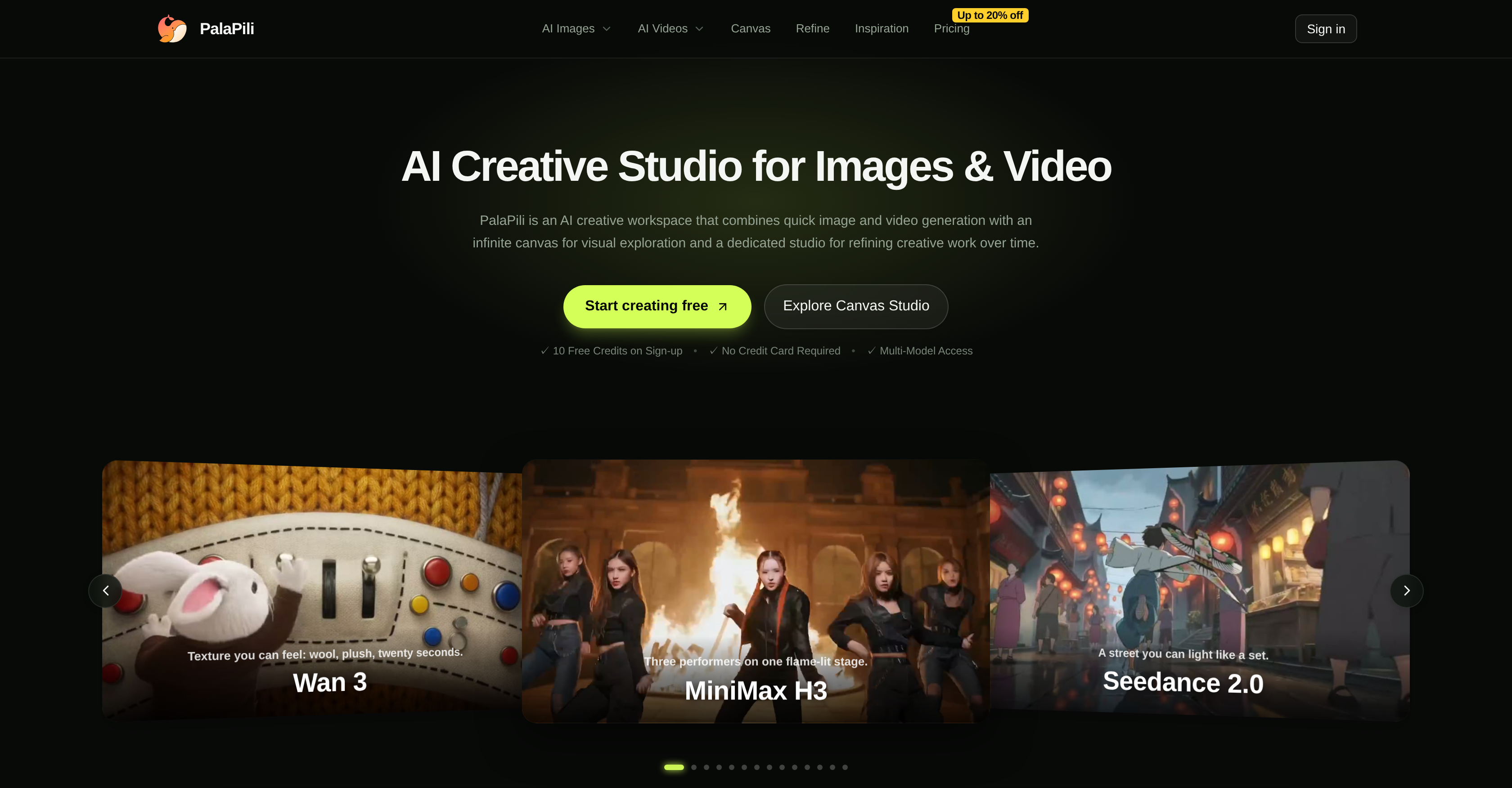
- Get a usable first visual in seconds without setting up a project: Quick Image and Quick Video turn text prompts and reference assets into high-fidelity AI images and animations.
- See every creative direction at once and pick the strongest concept faster: Infinite Canvas Studio places prompts, references, and generated outputs side by side so you can compare prompt variants and build visual moodboards.
- Push an edit as far as you want and still return to the original: Refine Studio's non-destructive versioning and multi-pass refinement keep every iteration while you polish image and video assets.
- Skip prompt trial-and-error and land a consistent look from the start: a curated style and prompt library supplies proven prompt recipes and aesthetic presets you can apply to your own work.
- Move from rough prompt to finished, production-ready visual without exporting between apps: generation, exploration, and editing run in one connected creative workspace that keeps related work linked.
- Handle specialized visual jobs in the same place you ideate: background removal, image editing, video editing, video avatars, and architecture and interior design visuals sit alongside text-to-image and text-to-video generation.
Pros & Cons
From the listing; not yet checked by our editors.
Pros
- Instant visual creation
- Continuous editing and refinement
- Infinite canvas for exploration
- Transforms text prompts into visuals
- Provides a visual styles gallery
- Creates interchangeable media content
- Integrated studio workflow
- Non-destructive editing
- Curated prompt recipes
- Quick image and video features
- Multi-media content creation
- Community inspirations for idea development
- Visual exploration and idea development
- Commercial licensing supported
- No credit card required for sign-up
- Multi-model access
- Enables spatial context
- Version evolution capabilities
- Animation and stylized video capabilities
- Guided by text prompts
- Reference image use
- Video motion control
- Short video creation for social media
- Successful recipe prompts
- Lip sync animation
Cons
- No API mentioned
- Potential data privacy issues
- Limited customization options
- No mobile app support
- Requires continuous refinement
- Complex user interface
- Premium features cost
- Limited video length
- No offline capabilities
- Might over-utilize resources
Alternatives to PalaPili
Tools that share the most tags with PalaPili.
- EzRemove
Browser tool that removes the background from a photo and returns a transparent PNG.
Freemium
Not listed
Nov 24, 2026
- Playground AI
Transform text descriptions into photorealistic images and unique artwork instantly using AI-powered text prompts
Freemium · from $12/month
$12/month
Not yet checked
- daisy | LinkedInPro
Create professional headshots from everyday photos without expensive studio sessions using AI-powered photo transformation
Freemium · from $2.50
$2.50
Not yet checked
- Etsy Media Kit Generator - Image-To-Video.app
Launch professional product listings in minutes instead of days by generating a complete media kit from a single photo in 10-15 minutes
Free trial · from $8.25/month
$8.25/month
Not yet checked
- PNG AI
Instantly create high-quality PNG images from a simple text description using the Flux AI model
Free trial · from $10/month
$10/month
Not yet checked
- Dewatermark
Erase any watermark automatically in seconds using AI detection, even complex multi-layered or color-blended ones
Freemium · from $5/month
$5/month
Not yet checked
Reviews
Rate this tool
Loading reviews...
Frequently asked questions
What is PalaPili's Quick Image feature?
PalaPili's Quick Image feature is designed for instant creation of visuals. Users can generate images quickly from a text prompt or visual reference without having to set up a full creative project.
What is PalaPili's Quick Video feature?
PalaPili's Quick Video feature allows users to turn ideas and references into videos. With this feature, AI videos can be created from prompts and supported visual references in a simple and straightforward workflow.
How does PalaPili's Infinite Canvas Studio work?
PalaPili's Infinite Canvas Studio serves as a platform for aggregation and exploration of prompts, references, and generated visuals in one space. It provides users with an unlimited 'canvas', where different creative directions can be explored, keeping related work connected.
Can I edit my creative work on the PalaPili platform?
Yes, PalaPili offers a dedicated studio for continuous editing of creative work. This allows for progressive refining of the work through successive edits, variations, and non-destructive versions.
How does PalaPili's AI Video Generation feature work?
Palapili's AI Video Generation feature transforms user inputs such as text prompts and visual references into rich, detailed and interchangeable media content. Users can create visuals instantly through AI technology.
How does PalaPili's AI Image Generation feature work?
Palapili's AI Image Generation feature works similarly to its video generation feature. It transforms inputs such as text prompts into images, allowing users instant creation capabilities.
What is the role of the Refine studio in PalaPili's Creative Studio?
The Refine studio in PalaPili's Creative Studio supports the process of continually improving the creative work. It allows users to refine their work through multiple edits and non-destructive versions.
What kind of visuals can PalaPili's AI generate?
PalaPili's AI can generate distinctive images and videos. It can transform text prompts and visual references into rich, detailed visuals and interchangeable media content, creating distinctive visuals with artificial intelligence.