Playground AI
Overview
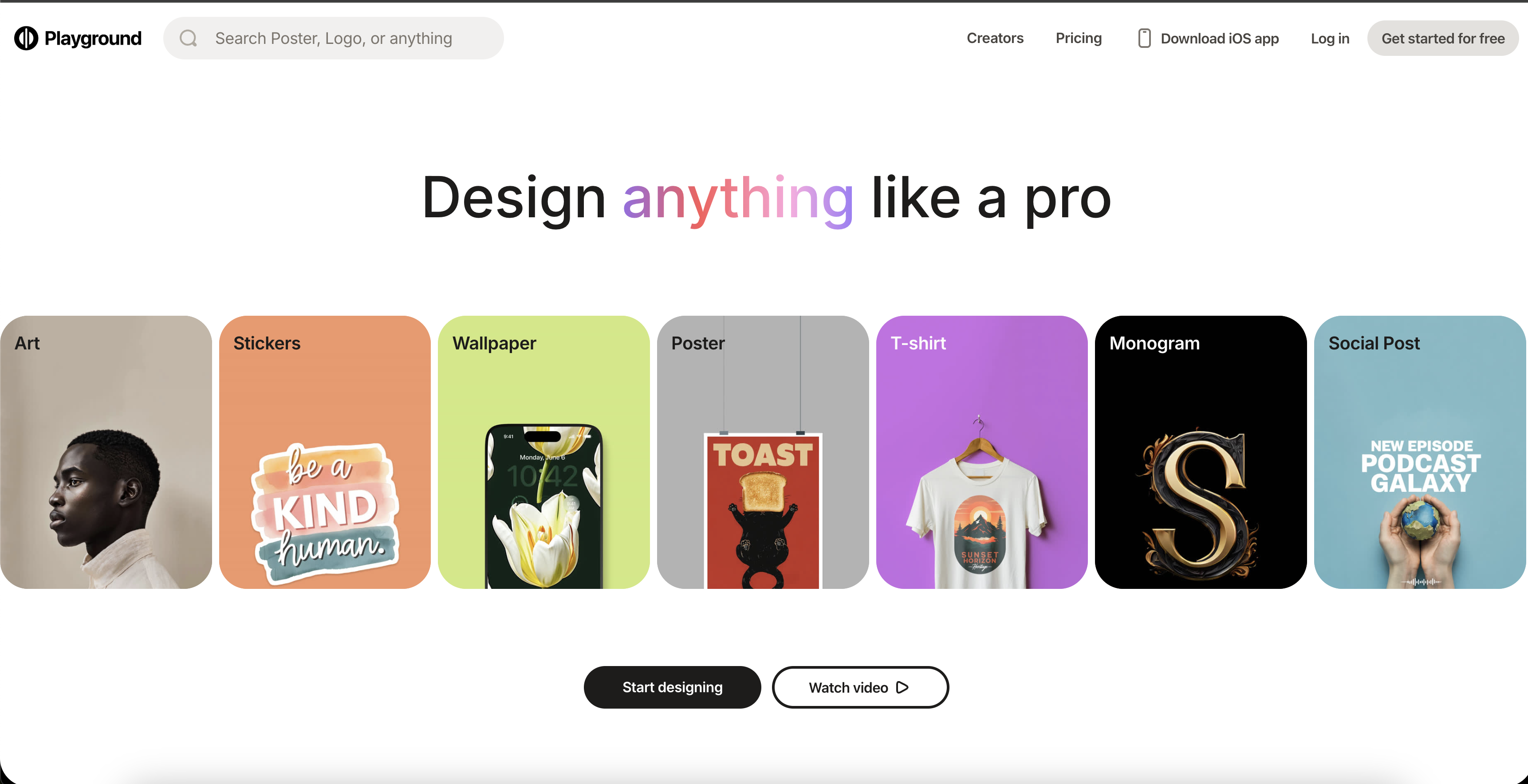
- Transform text descriptions into photorealistic images and unique artwork instantly using AI-powered text prompts
- Generate professional social media posts, presentations, and marketing materials without design experience through novice-friendly editing tools
- Extend images beyond original borders and blend multiple images seamlessly with Mixed Image Editing for unlimited creative compositions
- Create high-resolution 4K and 8K images with volumetric effects and dynamic lighting that work with Unreal Engine and professional platforms
- Produce distinct logos and branded visuals in various styles from retrofuturism to water Genasi for consistent brand identity
Pros & Cons
Pros
- Produces photorealistic images
- Generates images from text
- Multiple design styles
- Customizable images
- Ability to add intricate detail
- Dynamic lighting effects
- 4K and 8K resolution options
- Images compatible with Unreal Engine
- Octane Render compatible
- Studio Ghibli compatible
- Generates volumetric effects
- Free to use
- Generates social media posts
- Creates presentations and posters
- Creates video images
- Design logos
- Highly detailed images
- Generates images in different resolutions
- Capable of creating art
- Analog style generator
- Pltn style generator
- Geo2099 style generator
- Retrofuturism style generator
- Olpntng style generator
- Water Genasi style generator
- Creates art from prompts
- Generates detailed face
- Digital painting capability
- Color explosion effect
- Concept art generation
- Volumetric lighting capability
- Metallic reflections
- 2D render capability
- Able to achieve soft lighting
- Sharp focus rendering
- Can produce hyper detailed images
- Depicts detailed skin
- Ultra realistic rendering
- Bokeh effect creation
- Sharp features rendering
- Pixar render capability
- Accommodates unreal engine cinematic smooth
- Generates detailed oil painting
- Exhibits heavy strokes
- Captures paint dripping
Cons
- No offline usage
- Limited style categories
- Complex interface
- Not beginner friendly
- Poor adaptability to different prompts
- No multi-language support
- Lack of tutorial resources
- No collaboration feature
- No annotation on images
- Limited image customization
Reviews
Rate this tool
Loading reviews...
❓ Frequently Asked Questions
Playground AI is capable of creating various types of images that include art, images for social media posts, presentations, posters, videos, logos, and more. Their creations span a wide spectrum of styles and use-cases.
Playground AI leverages advanced AI-driven algorithms to generate images based on given text prompts.
Playground AI can generate a multitude of styles. These include analog style, pltn style, geo2099 style, retrofuturism style, olpntng style, and the water Genasi style, among others.
Yes, Playground AI allows the creation of images in 4K and 8K resolution, allowing for high-quality image rendering.
Indeed, the images generated by Playground AI are compatible with multiple platforms including Unreal Engine, Octane Render, and Studio Ghibli.
Yes, Playground AI offers customization options, which allows users to modify the image to create a unique look and feel.
Yes, Playground AI can be used to create images for social media posts. It can generate images to visually express a variety of concepts and ideas in a compelling manner.
Requests for help can be made through the 'Request Help' link featured on their website. It is designed to address any issues a user may encounter while using Playground AI.
Yes, Playground AI offers a range of image resolutions, including but not limited to 4K and 8K. This makes the platform versatile and adaptable to various requirements.
Volumetric effects refer to the incorporation of three-dimensional measurement and space in the images, which adds a sense of depth, making the images more visually attractive and realistic.
Dynamic lighting in Playground AI refers to the use of light sources and shadows to add depth and dimension, enhancing the realism in the generated images.
Yes, Playground AI generates images that are highly detailed and photorealistic, mimicking real-world lighting, texture, depth, and coloring for ultra-realistic designs.
Expect a high degree of detail in images created from Playground AI. The images comprise intricate details that add richness and depth, enhancing the realism and aesthetic appeal.
The 'Terms of Service' for using Playground AI can be found on their website via the 'Terms of Service' link.
To start creating images with Playground AI, you can navigate to their website and click 'Get Started'. This allows you to quickly begin exploring the platform's features and creating images.
Playground AI can indeed create art suited for presentations and posters, making it an invaluable tool for visually communicating ideas and concepts in professional settings.
Indeed, Playground AI can be harnessed to create logos. The AI-driven algorithms generate creative and distinct logos based on the provided prompts.
To use text prompts with Playground AI, simply enter the desired prompts into the designated area. The AI utilizes these prompts as an instruction manual to generate a corresponding image.
Playground AI's 'Privacy Policy' can be found on their website via the 'Privacy Policy' link, it outlines the platform's measures pertaining to user data security and privacy.
Pricing
Pricing model
Freemium
Paid options from
$12/month
Billing frequency
Monthly
Related Videos
Amazing New Playground AI 4.o Update! : Design Tutorial Plus 5 Bonus Niches!💲💲💲
Therapy Designs•4.7K views•May 22, 2025