

Overview
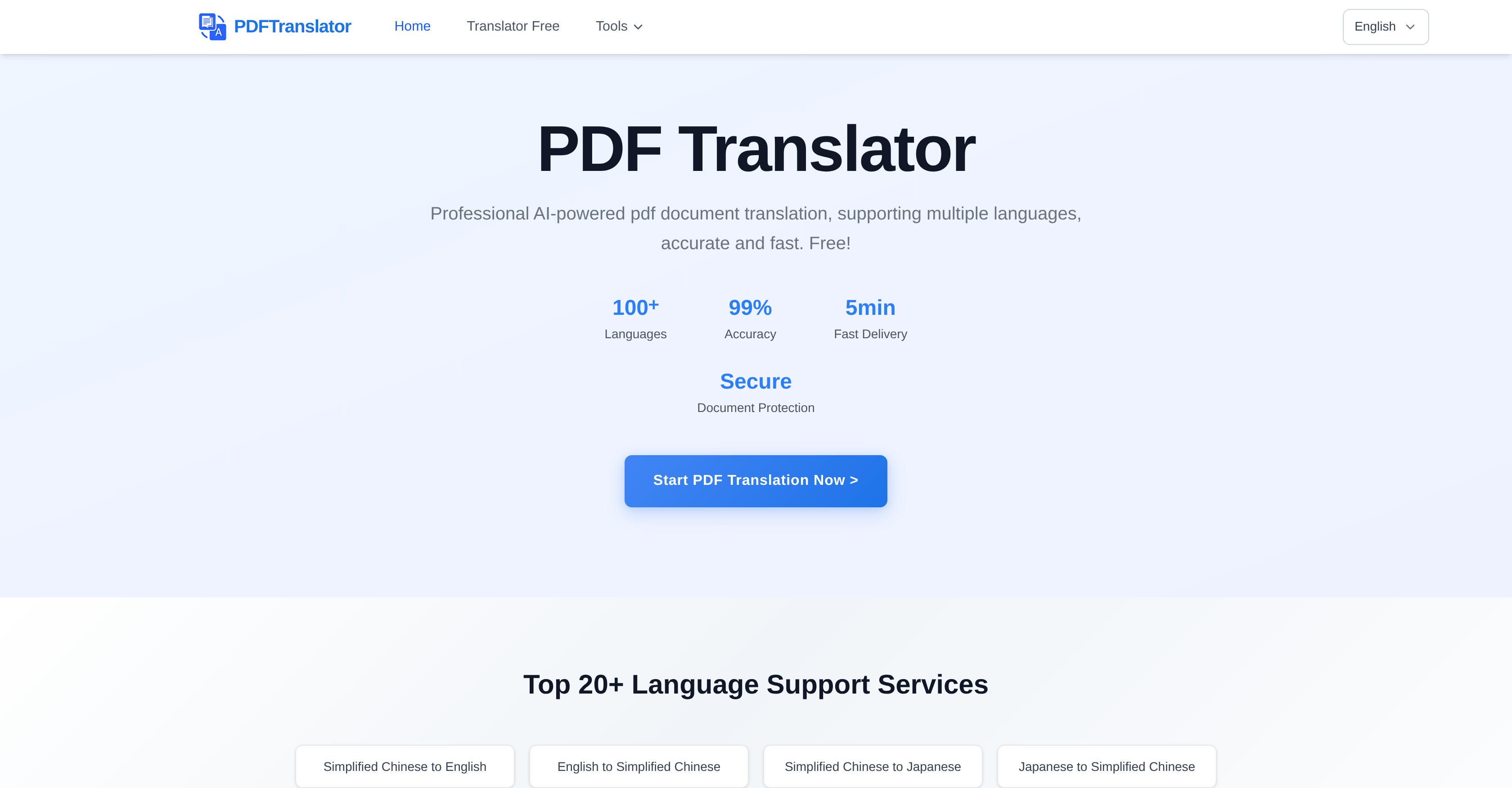
- Get perfectly formatted translations in any language using advanced AI technology that preserves your original document layout
- Download translated documents in editable formats for immediate adjustments and secondary editing without starting from scratch
- Complete translations in under 5 minutes through a simple three-step process that requires no software installation or user registration
- Convert PDFs to Word while maintaining original layouts for seamless document editing and repurposing
- Split large PDF files by pages or chapters to manage document size and organize content more effectively
- Count words accurately across your PDF documents to estimate translation scope and project requirements
- Transform images into PDF format for better document management and universal compatibility across devices
Pros & Cons
Pros
- Translate PDF without reformatting
- Supports nearly 100 languages
- PDF to Word Conversion
- PDF Splitting Tool
- PDF to Image Conversion
- Word Counter for PDF
- Image to PDF Conversion
- Online translation process
- No registration required
- No software installation
- Browser-based service
- Downloadable edited translations
- Allows secondary document editing
- No loss of layout
- Simple three-step process
- Automatic language detection
- Secure document protection
- Quick translation delivery
- Supports large file sizes
- Free service
- Real-time progress display
- Translation maintains original format
Cons
- Limited file size upload
- Relies on internet connection
- No offline functionality
- Potential privacy concerns
- Limited to PDF formats
- No integrated editing tools
- Doesn't support non-mainstream languages
- No batch processing
- Browser dependent performance
- Translation time varies on complexity
Reviews
Rate this tool
Loading reviews...
❓ Frequently Asked Questions
PDF Translator Free processes the translation through an advanced AI technology. It involves three simple steps: uploading the document you wish to translate, selecting the source and target languages, and finally downloading the translated results.
PDF Translator Free supports nearly 100 mainstream languages for mutual translation. This includes languages such as Chinese, English, Japanese, Korean, French, German, Spanish, Russian and many more.
Yes, PDF Translator Free does maintain the layout of PDFs post-translation. This includes the formatting, layout, and image positions in the original document, ensuring the usability of the translated document.
Beside translations, PDF Translator Free offers extra tools like a PDF to Word Converter, a utility for splitting PDFs, a converter that turns PDF into image, a word counter for PDF documents, and a function to convert images into PDF format for better document management.
The process to use PDF Translator Free entails three steps. First, you upload the PDF document. Secondly, you choose the source and target languages. Finally, you download the translated results.
No, PDF Translator Free does not require any user registration or login. You can anonymously translate files.
No, there's no need to install any software to use PDF Translator Free. The entire translation process takes place online in the user's browser.
After translation, users can download the document in editable formats with PDF Translator Free, which allows for further adjustments and secondary editing if needed.
Yes, with PDF Translator Free you can edit the translated documents afterwards. Following translation, users can download the document in editable formats, permitting further adjustments and secondary editing.
Yes, there is a size limit for documents submitted for translation. You can directly upload documents on the webpage, supporting drag-and-drop upload with a maximum file size of 20MB. It only supports PDF format.
Yes, PDF Translator Free supports bidirectional translation between specific languages. Some of the languages include Simplified Chinese to English and vice versa, Simplified Chinese to Japanese and vice versa, Simplified Chinese to Korean and vice versa, and many more combinations.
The translation speed of PDF Translator Free typically completes general documents within 5 minutes. However, the specific time may depend on the document size and complexity.
PDF Translator Free supports nearly 100 mainstream languages for mutual translation.
Yes, the PDF to Word Converter feature of PDF Translator Free also maintains original layouts. It preserves the layout of the PDF document while converting it to an editable Word format.
Yes, the PDF Word Counter feature of PDF Translator Free aids in translating by providing an accurate word count, which can be helpful for understanding the size and cost of a translation task.
The Image to PDF conversion tool of PDF Translator Free benefits document management by allowing users to convert images into a easily manageable and universally compatible PDF format.
Based on the information available on their website, there's no mention of an ability to translate a picture within a PDF file into text.
PDF Translator Free ensures translation accuracy of over 99%. It employs advanced AI translation technology combined with artificial intelligence algorithms.
You would use PDF Translator Free for splitting PDFs for its simple and online function to help manage the size of PDF files by splitting them by pages or chapters.
Yes, you can alter the translated text in PDF documents using PDF Translator Free. After a translation is completed, you can download editable document formats for secondary editing and adjustments.
Pricing
Pricing model
Free
Paid options from
Free


