

Photo to Video AI.io
Overview
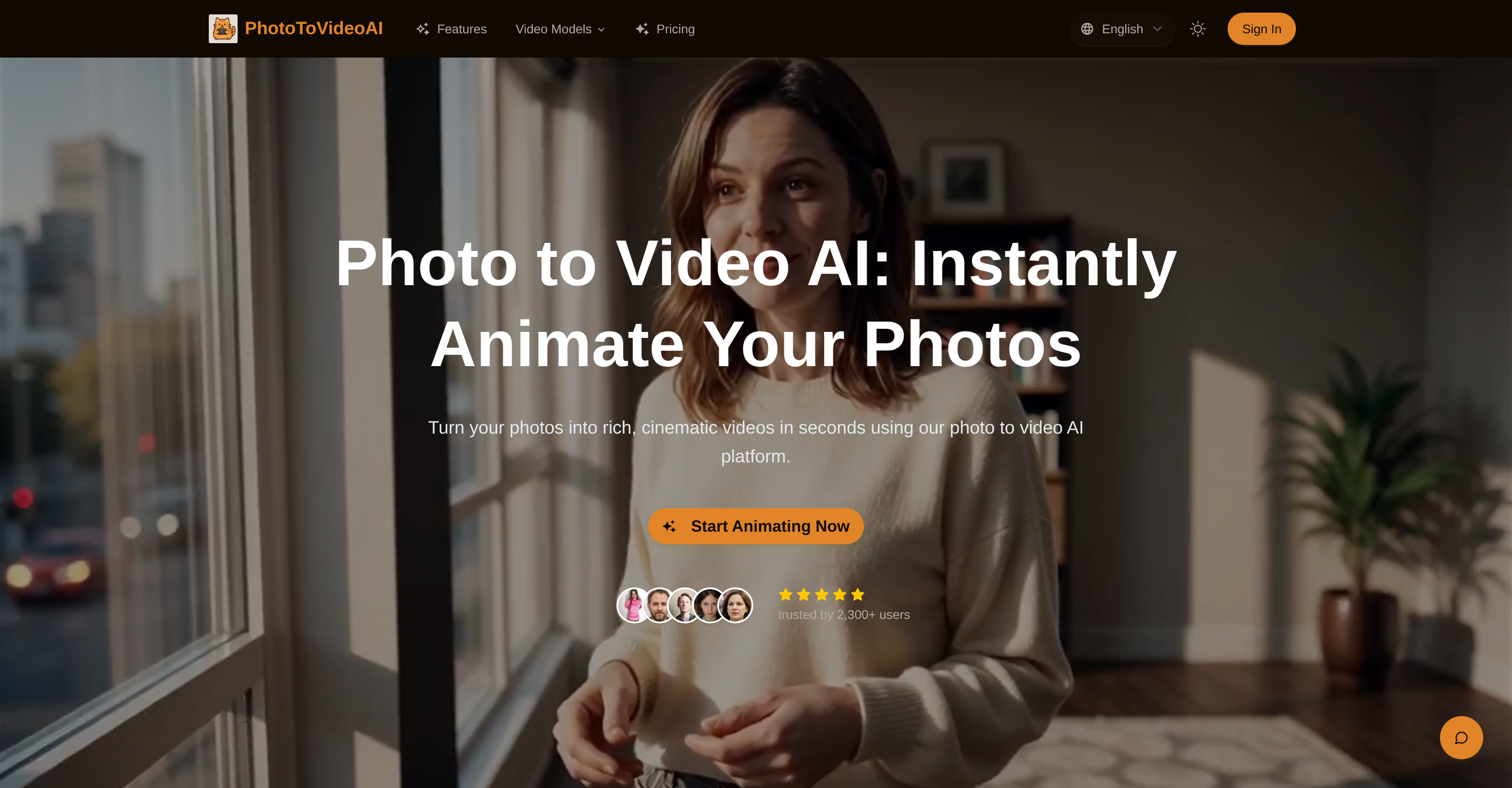
- Transform static photos into cinematic video clips with synchronized dialogue and ambient sounds
- Create compelling social media content that boosts engagement through dynamic movements and eye-catching visuals
- Produce professional explainer videos and commercials from standard images with native voiceover creation
- Achieve your exact visual style using reference images and style tags for complete aesthetic control
- Get realistic animations with natural transitions through advanced motion-modelling technology
- Prototype creative ideas instantly with video previews rendered within seconds
- Scale video production for individual or corporate needs with flexible integration into existing systems
- Maintain visual consistency across frames with precise control over lighting, camera motion, and texture fidelity
Pros & Cons
Pros
- Animation of static images
- Synchronized dialogue incorporation
- Ambient sounds integration
- Dynamic movements creation
- User-guided aesthetic
- Composition and theme control
- Reference images or style tags input
- Continuity and naturalness via motion-modelling
- Adaptable for advertising
- Useful for education and storytelling
- Integration into creator pipelines
- Boosts social media engagement
- Turns images into explainer videos
- Turns images into commercials
- Creates native voiceover
- Includes ambient sounds and effects
- Detailed prompts interpretation
- Video previews within seconds
- Ideal for creative prototyping
- Realistic lighting and texture fidelity
- Adaptable to different needs
- Supports system integration
- Flexible input options
- Supports scalable deployment
- Transforms photos into cinematic videos
- Synchronized audio in video clips
- Creates short video segments
- Image + Text input flexibility
- Fast video rendering and iteration
- High quality cinematic visuals
- Native Audio and Voice Synthesis
- Precise Prompt Adherence
- Commercial Usage License
- Supports Marketing & Advertising
- Social & Content Creation tools
- Education & e-Learning tools
- Fast processing for ideation
- Quality competitive with real filmmaking
- Multiple Pricing plans
- Trusted by 2,300+ users
- Cinematic Visual Quality
- Compatible with various input formats
- Supports commercial projects
- HD (1080p) output support
- Secure and private photo processing
Cons
- No API mentioned
- Possible lack of customizability
- Limited to static images
- No mention of compatability
- Potentially slow render time
- No 4K support mentioned
- Limited video length
- Unclear user interface
- Geared mainly towards advertising content
- Unclear data privacy policy
Reviews
Rate this tool
Loading reviews...
❓ Frequently Asked Questions
PhotoToVideoAI animates static images into lifelike video clips using its artificial intelligence technology. It creates motion by incorporating synchronized dialogue, dynamic movements and ambient sounds. The platform also utilizes advanced motion-modelling techniques for natural and continuous transitions.
PhotoToVideoAI allows aesthetic customization through the usage of reference images or style tags. These tools guide the aesthetic, composition, and theme of the output video. Users can influence the look and feel of the video to represent their unique vision effectively.
PhotoToVideoAI's artificial intelligence algorithms employ motion-modelling technology which facilitates the natural and consistent transition in animations. It ensures continuity and realism from frame to frame, ending up in smooth animations that are free from abrupt jumps or sort of stutter.
PhotoToVideoAI proves versatile for the advertising and education sectors. In terms of advertising, it can enhance stills into compelling short video ads, adding motion, voiceover and ambiance. In the educational area, it can convert illustrations, diagrams, or slides into narrated walkthrough videos, boosting engagement and understanding.
PhotoToVideoAI can definitely enhance social media content. By turning static images into dynamic, cinematic video clips, user engagement can significantly increase. It's tailored for creating content perfect for feed items, TikToks, Reels, and Stories.
The accuracy of PhotoToVideoAI in interpreting detailed prompts is ensured through its AI algorithms. The system stays faithful to user input, and aims to achieve the desired output with minimal iterations. It adheres closely to the specified details in the prompts to render video previews accurately.
PhotoToVideoAI can render a video preview within seconds. This quick rendering time is perfect for immediate creative prototyping, as well as social media experiments.
PhotoToVideoAI ensures realistic videos by focusing on elements such as accurate camera motion, texture fidelity, and proper lighting. It ensures that the videos retain a lifelike appearance and do not come across as artificial.
Yes, PhotoToVideoAI is designed for easy integration into existing systems. Its ability to scale and adapt makes it suitable for both individual and corporate needs making it versatile and easy to use.
Yes, PhotoToVideoAI fully supports the native creation of voiceovers. It also allows for the creation of ambient sounds and effects, blending seamlessly with the visual components of the video to deliver a rich multimedia experience.
In PhotoToVideoAI, users can guide the output by providing reference images or style tags. By inputting these, users can influence the aesthetic, composition, and theme of the final video.
Input options in PhotoToVideoAI are quite flexible. Alongside conventional image inputs, PhotoToVideoAI also accommodates text prompts allowing users to influence style, motion, and narrative. This flexibility enables a more user-specific and targeted style to the video.
Yes, PhotoToVideoAI supports commercial applications. Whether you need explainer videos, advertisements, or other types of content that can be used commercially, PhotoToVideoAI can provide the necessary tools for the task.
By converting still images into dynamic, vibrant video clips, PhotoToVideoAI provides users with a new way to tell their stories. Additionally, the software supports the addition of native voiceovers, ambient sounds, and effects, further enhancing the storytelling experience.
The animation in PhotoToVideoAI takes into consideration several key visual elements. These include the aesthetic, composition, and overall theme of the image. Through using reference images or style tags, the platform ensures consistent visual identity across frames.
PhotoToVideoAI can be a powerful tool to boost engagement on social media. It converts static images into dynamic, visually appealing video clips appropriate for social media platforms. By utilizing features such as adding motion, voiceover, and ambiance to still images, the succinct and eye-catching content can lead to improved engagement.
Yes, PhotoToVideoAI is designed to scale according to user's needs. Whether you are an individual user, a small agency or a corporate entity, PhotoToVideoAI can adapt accordingly.
Yes, PhotoToVideoAI specifically supports the creation of explainer videos. This transformation makes images into a more interactive and understandable form for educational, promotional, or information-sharing purposes.
PhotoToVideoAI offers unique features such as synchronized dialogue, ambient sounds, dynamic movements, and advanced motion modelling techniques for transforming photos into videos. Additionally, it allows for each user to customize the output video through reference images or style tags.
PhotoToVideoAI uses motion-modelling techniques to ensure the smooth and natural transition in its animations. These techniques help to create continuous and lifelike motions, which enhance the authenticity of the video experience.
Pricing
Pricing model
Free Trial
Paid options from
$24.90/month
Billing frequency
Monthly
Refund policy
No Refunds
Related Videos
Turn your photo into an adorable Labubu doll with just one click | Photo to VideoAI
Photo To Video AI•24 views•Jul 15, 2025


