PhotoMentor
Overview
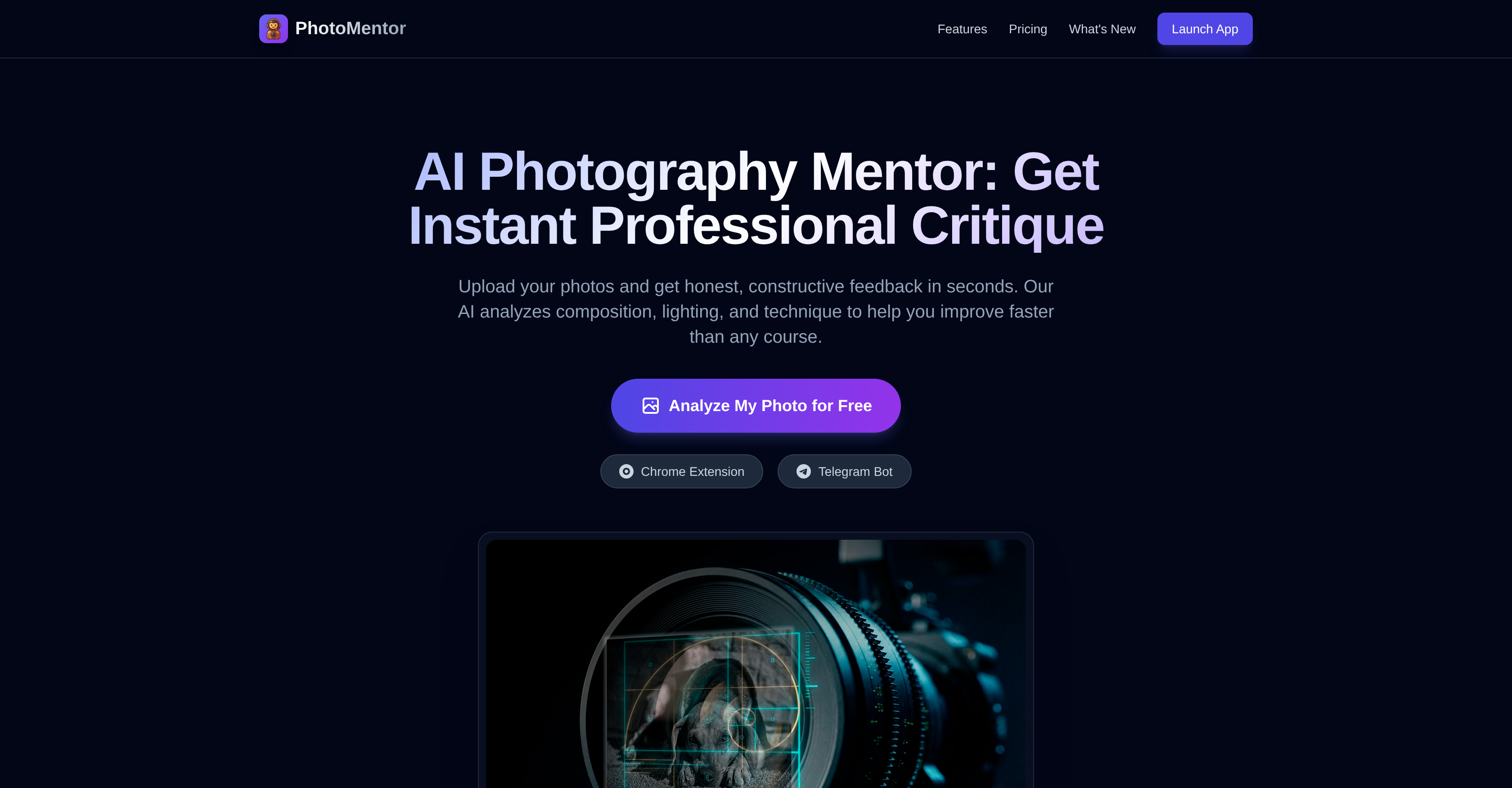
- Improve your photography skills faster than traditional courses with instant, objective feedback on your real uploaded photos, powered by AI analysis of composition, lighting, and technique.
- Identify and correct specific framing mistakes and composition errors with visual bounding boxes that highlight exactly what to fix in your photo.
- Get a clear, quantified benchmark of your photo's quality with a professional score out of 10, based on lighting, composition, and technique standards.
- Receive honest, constructive critiques that explain why a photo isn't working, helping you understand and rectify mistakes without relying on social media validation.
- Quickly screen batches of photos for technical flaws before client presentations, acting as an efficient preliminary review tool to ensure only your best work is shown.
- Build good photography habits from day one with actionable advice on core principles like the Rule of Thirds and Color Grading, tailored for beginners and hobbyists.
- Track your measurable progress over time by comparing current and past photo scores and analyses, visualizing your improvement journey.
Pros & Cons
Pros
- Visual analysis feature
- Unfiltered constructive critique
- Professional level scoring
- Useful for all skill levels
- Frame correction advice
- Detailed breakdown of skills
- Batch photo processing
- Screening mechanism for client work
- Telegram bot service
- Photo quality assessment
- Chrome Extension available
- Free basic functionality
- Premium options available
- Color grading tips
- Rule of Thirds application
- Built-in photography learning
- Instant feedback
- Guidance on photography technique
- Supports professional photography needs
- Hobbyist friendly
- Beginner friendly
- Photo editing capabilities
- Helps build photography habits
- Offers safe space for critique
- Curates faster for professionals
- Highlights technical flaws quickly
- Transparent pricing structure
- History and progress stats available
- Option for lifetime access
Cons
- Limited free analyses
- Basic composition score only
- No team collaboration features
- No mobile app available
- Slow feedback on free version
- Limited feedback without Pro
- No available plug-ins for other editing softwares
- No offline functionality
- Telegram bot only available
- No future updates on Pro
Reviews
Rate this tool
Loading reviews...
❓ Frequently Asked Questions
PhotoMentor is an AI-enabled tool designed to provide real-time critique on photography. It helps users understand and rectify areas of improvement in their photos, thus aiding in the quick enhancement of one's photography skills. It caters to a wide range of users, including beginners, hobbyists, and professionals.
PhotoMentor operates by analyzing key aspects of your photos such as composition, lighting, and technique, and then offers constructive feedback. In addition, it assigns a score out of 10 for each analyzed photo based on these factors. This process underscores areas you need to improve while explaining why your photos may not be getting the desired recognition.
PhotoMentor analyzes several aspects of a photo, including composition rules, lighting, framing, technique, and color grading, to help improve the quality and effectiveness of your photography.
PhotoMentor provides instant, real-time critiques on your photos as soon as you upload them onto the platform. This ensures quick feedback, enabling immediate improvement and learning.
Absolutely, PhotoMentor is designed to help you improve your photography skills. By providing constructive feedback on key aspects like composition, lighting, and technique, PhotoMentor assists in honing your skills. It even offers tips on how to fix framing mistakes, fostering good photography habits from day one.
Feedback from PhotoMentor is comprehensive and constructive, encompassing key aspects like composition, lighting, technique, framing, and color grading. It not just identifies the areas of your photos that need improvement, but also suggests ways to rectify those. The feedback is non-judgmental and continuous, always keeping the focus on your growth as a photographer.
PhotoMentor scores your photos out of 10 to give you a clear, quantified understanding of your photo’s quality. The score provides a detailed breakdown, analyzing factors like composition, lighting, and technique, which helps you pinpoint specific areas that need improvement.
Yes, PhotoMentor assists in understanding why your photos may not be getting the desired recognition. It does this by providing a detailed analysis of what works and what needs improvement in your photos, from the 'Rule of Thirds' to 'Color Grading'.
Yes, PhotoMentor is particularly beneficial for beginners. It aims to foster good photography habits from the onset by providing instant tips on rectifying framing mistakes and improving technique. This hands-on, feedback-driven approach helps beginners understand their photos and build good habits from day one.
Yes, hobbyist photographers can greatly benefit from PhotoMentor. It offers non-judgmental, continuous feedback that's far more objective than what typically comes from social media platforms. This feedback helps to methodically identify areas of improvement and facilitate consistent growth in photography skills.
Professional photographers can leverage PhotoMentor as an efficient preliminary review tool. It helps them detect and correct any technical flaws in their work prior to presenting it to clients. This serves as a second opinion, ensuring their work is technically sound and minimizing any potential rework.
PhotoMentor's framing advice guides you by highlighting any framing mistakes in your photos. It then suggests potential fixes, thereby helping you to improve the structure and overall balance of your photos. This advice is especially useful in cultivating strong composition techniques from the onset.
PhotoMentor was chosen as an alternative to social media platforms for hobbyists because it provides objective, useful critique that drives growth. Unlike the often empty or unfair criticism found on online platforms, PhotoMentor offers non-judgmental, constructive feedback anytime you need it.
PhotoMentor operates on a tiered pricing structure. It offers a basic plan for free, and premium plans at $5 per month or $30 per year. There is also a lifetime access plan with a one-time payment of $49.
The premium plan of PhotoMentor offers a range of additional features such as unlimited analyses, visual bounding boxes, a detailed critique of light and color, progress stats and a history record of your analyses.
Your progress in PhotoMentor is measurable through progress stats feature available in its premium plan. This feature helps you keep track of your improvement journey in photography by comparing current and past scores and analyses.
Yes, PhotoMentor can effectively detect technical flaws in photos. For professional photographers, it serves as an efficient preliminary review tool that can pinpoint and highlight technical issues before presenting work to clients.
PhotoMentor assists with color grading by analyzing the colors in your photos and offering feedback on how they can be improved. It provides a detailed breakdown of the color grading and gives your photo a score out of ten based on these and other factors.
Yes, PhotoMentor offers priority support as part of its lifetime plan. With this feature, users can benefit from prompt and priority assistance whenever needed, ensuring smooth and uninterrupted use of the tool.
The 'Rate My Photo Online' feature of PhotoMentor is essentially its primary function, where users upload their photos onto the platform and get instant, professional, AI-driven critiques on aspects such as composition, lighting, and technique. Each photo is analyzed and assigned a score out of 10 to indicate overall quality and pinpoint areas of improvement.
PhotoMentor uses artificial intelligence to analyze photos. It assesses critical factors including lighting, composition, and technique. It also marks photos with bounding boxes to point out compositional rules and errors. This helps users to visually understand and improve their composition.
The 'Hard Truth' feature of PhotoMentor offers an honest, unfiltered critique of your photos. It provides detailed reasons outlining why your photo may not be working and aims to help you understand and rectify your mistakes.
The professional scoring feature in PhotoMentor gives a score out of 10 to a user's photo, which is quantified based on professional standards of lighting, composition, and technique. This score provides a measurable benchmark for users to evaluate their skills and progress.
The free level of service offered by PhotoMentor provides 5 welcome analyses, 1 Free analysis every day, a basic composition score, and a standard speed analysis. The premium options, on the other hand, offer unlimited analyses, visual bounding boxes, detailed light and color critique, a history of your progress, and faster service.
PhotoMentor assists in photography improvement by offering instant, objective and professional feedback on your photos. By analyzing composition, lighting, and technique, it aids in understanding and rectifying framing mistakes, helps to build good habits, and provides specific feedback on areas like 'Rule of Thirds' and 'Color Grading'.
In batch photo processing, PhotoMentor plays the role of a strict screening mechanism. It allows users to upload a batch of photos and the AI identifies and highlights the technical flaws present. This process helps to refine the final collection before it is presented to clients or audience.
Yes, PhotoMentor can be integrated with Chrome. It offers a Chrome Extension for easy accessibility and seamless user experience.
PhotoMentor's Telegram Bot service operates by providing its photography analysis and critique service via the Telegram platform. However, the exact mechanics of how the service works are not clearly stated on their website.
PhotoMentor helps with framing correction by analyzing photos with AI and highlighting composition mistakes using visual bounding boxes. It provides tips and suggestions to improve framing, enabling users to prevent such errors in future shoots.
'Rule of Thirds' and 'Color Grading' are integral parts of PhotoMentor's analysis. It provides a detailed breakdown on these aspects, educating users about their importance and how they affect a photo's outcome, thereby improving the understanding and implementation of these critical photography principles.
Yes, PhotoMentor can be beneficial for both beginners and professional photographers. It assists beginners in understanding and rectifying framing mistakes, and provides hobbyists with a safe space for objective, constructive criticism. For professionals, it serves as a tool to quickly highlight technical flaws and enables faster curation of their photos.
PhotoMentor offers photography technique feedback by performing an AI analysis of photos, highlighting and explaining the technical flaws, providing a professional score based on areas like lighting, composition, and technique, and aiding in understanding and incorporating the principles of photography properly.
PhotoMentor analyzes lighting in a picture by using its AI technology. Based on the analysis, it gives feedback about the quality of the light and provides suggestions for improvement. However, the exact details of how it analyzes the lighting are not explicitly mentioned on their website.
PhotoMentor's photo analysis includes bounding boxes drawn on your photo to spot shortcomings in composition, an unfiltered critique outlining why your photo lacks effectiveness, and a professional score assessing the lighting, composition, and technique of the photo.
PhotoMentor helps improve photography skills faster than traditional courses by providing instant, objective feedback. It has a quick turnaround that traditional courses can't match. By examining real photos, highlighting mistakes, and suggesting improvements, it provides hands-on learning that helps users improve their skills in real-time.
PhotoMentor assists in screening photographs before presentation by functioning as a rigorous pre-client screening mechanism. It allows batch upload of photos and quickly identifies technical flaws, ensuring only the finest selection are shown to clients or the public.
The purpose of the visual analysis feature in PhotoMentor is to bring attention to composition rules and errors in photos. It uses bounding boxes to highlight these aspects, making it easier for users to understand what needs to be changed or improved in their photos.
Pricing
Pricing model
Free Trial
Paid options from
$5/month
Billing frequency
Monthly
Related Videos
PhotoMentor: Instant AI Photography Critique (Chrome Extension Demo)
Ropeloozo•11 views•Dec 22, 2025