Overview
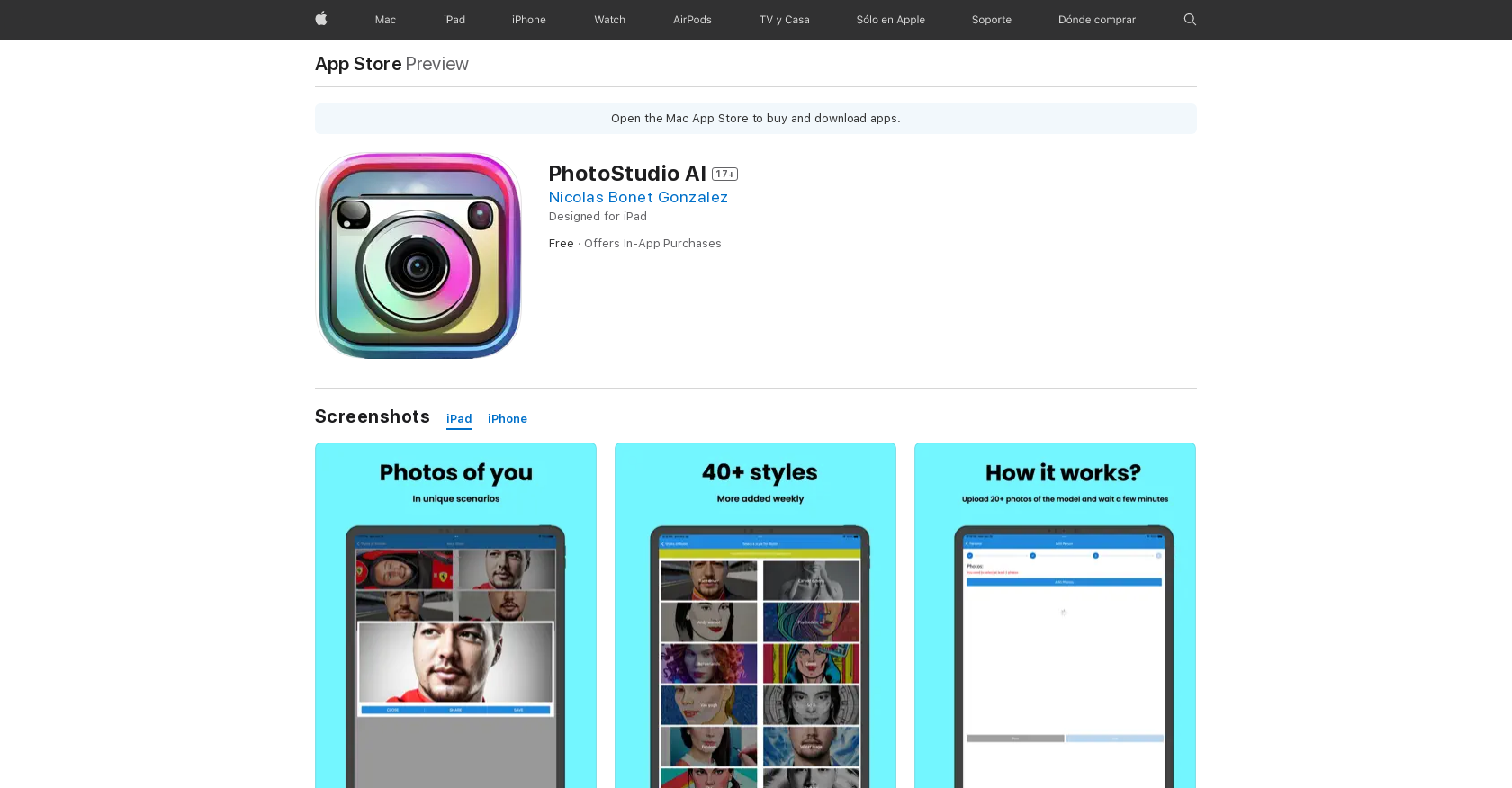
- Transform yourself into any character imaginable with just a few photos using advanced AI technology
- Create unique avatars as a race driver, zombie, or funko pop without professional editing skills
- Edit photos and videos directly on your Apple devices with a compact 16.9 MB app download
- Access specialized character styles through flexible in-app purchase options for expanded creativity
- Maintain privacy with clear data handling practices while creating personalized content
Pros & Cons
Pros
- Works on iOS devices
- Custom avatar creation
- In-app purchases
- Contact information
- User content
- Photo editing tools
- Video editing tools
- Privacy tools
- Race driver avatar
- Zombie avatar
- Funko pop avatar
- Multiple model photo upload
- Comprehensive privacy policy
- Support for iPads
- Support for iPod Touch
- Data linkage for personalization
- Personalized Avatar styles
- Available in English
- Horror/Fear theme styles
- Free to download
- 16.9 MB Size
- Requires iOS 13.0+
- Requires iPadOS 13.0+
- Compatibility with Apple M1 chip
- Size compatibility macOs 11.0+
Cons
- Only for Apple devices
- In-app purchasing required
- Might collect personal data
- Large file size (16.9MB)
- Requires iOS 13.0 or later
- Age rating 17+
- Limited avatar styles
- No multi language support
- No MacOS support
- Expensive in-app purchases
Reviews
Rate this tool
Loading reviews...
❓ Frequently Asked Questions
Photostudio AI is a flexible photo editing app that leverages artificial intelligence technology to enable users to easily generate images of themselves or others in various roles or contexts, such as a race driver, a zombie, a funko pop, and so forth. All it requires are few input photos and the app transforms them into any imagined character.
Photostudio AI is compatible with iPhones, iPads, iPod touches, and Mac computers with an Apple M1 chip or later.
Photostudio AI uses advanced artificial intelligence (AI) technology to process and transform photos. Users need to provide a few photos of the subject (model), then they can use PhotoStudio AI to create unique photos that can reflect their wildest fantasies.
Photostudio AI can be used by anyone with an iPhone, iPad, iPod Touch, or a newer Mac computer. It can be downloaded from the App Store, the official virtual store built into the operating system of iOS.
Photostudio AI offers two in-app purchases. Users have the option to buy five styles for $17.900 or to purchase a single credit for $49.900.
Data privacy in Photostudio AI is handled according to particular practices that may include the management of data as described on their website. This may involve collecting and linking to the user's identity data such as contact information and user content.
Photostudio AI uses cutting-edge artificial intelligence technology, as implied from their description. However, the specific AI technology or algorithms aren't explicitly mentioned on their website.
Yes, Photostudio AI can be used on an iPad. It requires iPadOS 13.0 or later for operation.
Photostudio AI is currently only available in English.
The age rating for Photostudio AI is 17+ and there may be infrequent or mild horror and fear themes.
The size of the PhotoStudio AI app is 16.9 MB.
PhotoStudio AI may collect and link to your identity data that includes contact information. The specifics of the contact information that is collected isn't explicitly stated on their website.
PhotoStudio AI creates personal avatars by manipulating a few input photos of a model. Through advanced AI algorithms, it transforms the photos into whatever avatar is desired.
Yes, you can turn yourself into a zombie with PhotoStudio AI. With few input photos, the AI can transform you into a wide range of roles or characters, including a zombie.
The only given specification for model photos in PhotoStudio AI is that a few photos of the model are required to begin the image transformation process. There are no explicit restrictions or specific details provided on their website about the requirements for these photos.
PhotoStudio AI works with user content, which could include various types of user-generated images. The specifics of this user content are not provided on their website.
The developer of PhotoStudio AI is Nicolas Bonet Gonzalez.
Yes, PhotoStudio AI can be used on a Mac. However, it requires a newer Mac with an Apple M1 chip or later, and macOS 11.0 or later for operation.
Yes, there are infrequent or mild horror and fear themes in PhotoStudio AI. This is reflected in the app's age rating of 17+.
Photostudio AI offers two types of in-app purchases. Users can choose to buy five styles for a price of $17.900 or they may opt to purchase a single credit at a cost of $49.900. However, the specific benefits or uses of these purchased styles or credits are not detailed on their website.
Pricing
Pricing model
Freemium
Paid options from
$19.90
Billing frequency
One-time