

Overview
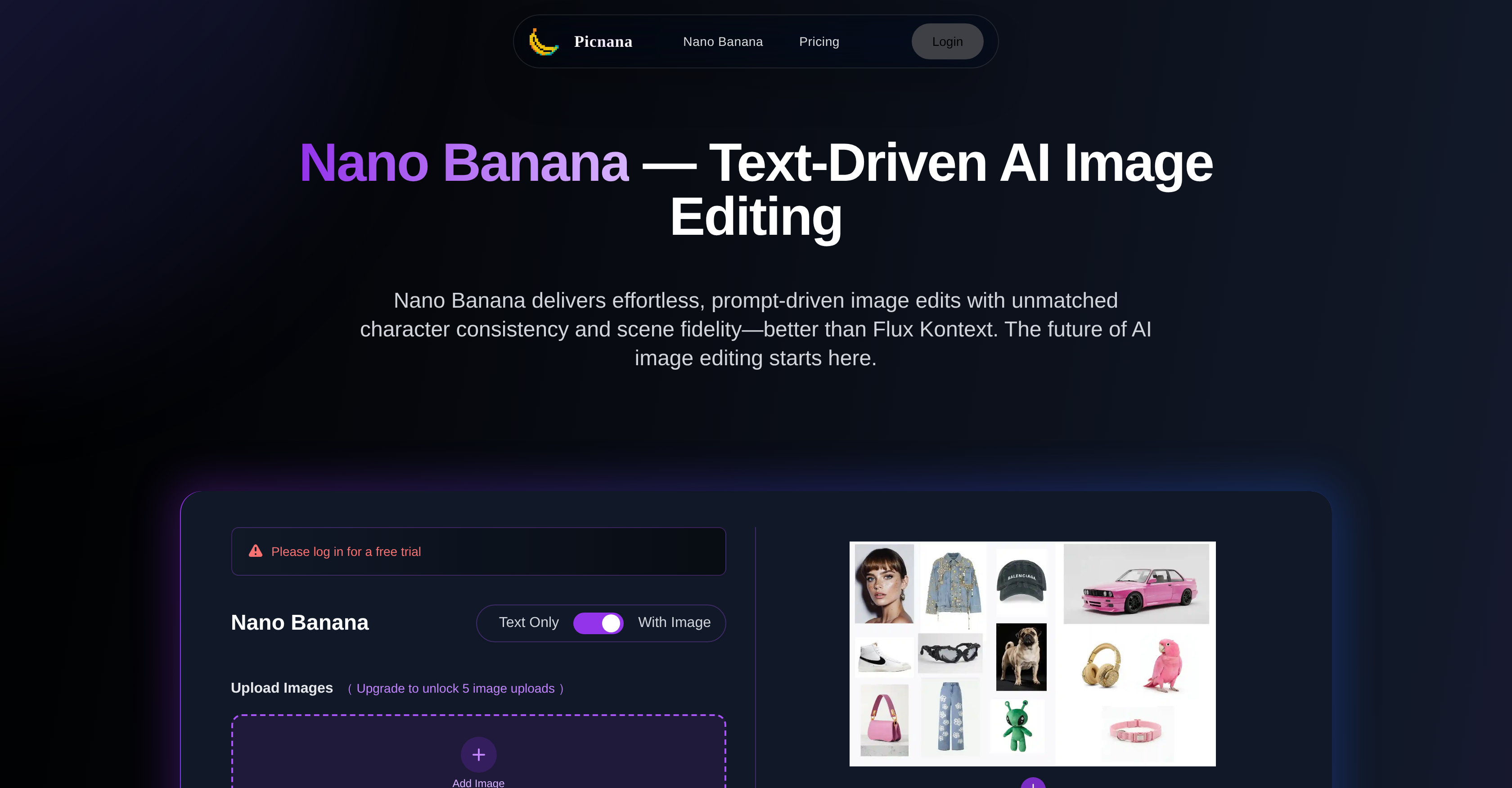
- Transform text descriptions into photorealistic images instantly using AI-driven text-to-image generation
- Maintain perfect scene identity and natural lighting throughout all edits with intelligent scene preservation
- Restore facial features with natural realism using advanced face restoration capabilities
- Adjust colors, materials, and backgrounds with precision control while maintaining overall harmony
- Work efficiently from concept to final delivery with instant previews and quick iteration
- Protect your creative work with built-in privacy controls and user-owned content rights
Pros & Cons
Pros
- Generates images from text
- Edits with text commands
- Consistent character interpretation
- Consistent scene interpretation
- Realistic image results
- Precise color adjustments
- Precise material adjustments
- Precise background adjustments
- Specializes in face restoration
- Maintains scene identity
- Focus on natural lighting
- Produces clean edges
- Suitable for beginners
- Advanced controls for experts
- Priority on privacy protection
- User-controlled content
- Useful for ad production
- Useful for product photography
- Useful for portrait editing
- Useful for creative scenes
- Intuitive interface
- Allows for quick iterations
- Clear controls
- Preview capabilities
- Produces imagery with consistency
- Effortless text-driven editing
- Quick image exports
- Better character consistency than competitors
- Better scene fidelity than competitors
- Specializes in text-guided edits
- Faster results with fewer re-rolls
- Preserves subject identity
- Allows fine-grained editing
- Expressive results with mood, light, and texture
- One-stop studio with text-to-image, image-to-image functions
- Cross-platform compatibility (Picnana)
- Detail consistency across edits
- Adds versions, history, and quick side-by-side compare
- Responsible content process
- Transparent pricing
- Predictable workflows
- Preserved intent while exploring variations
- No plug-in sprawl
- No tool hopping
- Secure payments
- Wide range of payment options
Cons
- No offline usage
- Possibly slow for large images
- Requires detailed text input
- Unclear upgrade benefits
- Missing advanced retouching tools
- Limited file format support
- Restricted Multi-language support
- Dependent on constant updates
- No collaborative features
- Potential long learning curve
Reviews
Rate this tool
Loading reviews...
❓ Frequently Asked Questions
Picnana is an AI-driven tool that specializes in generating and editing images based on text inputs. The AI is specifically designed to provide consistent characterization and scene interpretation, allowing users to guide the system using text-command inputs.
Picnana uses AI to interpret text inputs and match them with relevant visuals. It follows natural phrasing closely, allowing you to describe or upload a detailed prompt and begin editing images accordingly. Essentially, it creates and alters images based on the specific details described in your text.
The images produced by Picnana are highly realistic. The tool maintains the exact identity of the scene while offering precise adjustments in color, material, and background. It concentrates on preserving natural lighting and clean edges, contributing to the overall realism of the generated images.
Key features of Picnana include text-guided editing which enables you to instruct the AI to create or alter images based on your text inputs. It also offers face restoration, scene preservation, color adjustment, material adjustment, background adjustment, and maintains natural lighting and clean edges in the images. Moreover, it provides intuitive controls and preview capabilities for users at all skill levels.
Yes, Picnana offers advanced face restoration capabilities. This means that it can effectively reconstruct or edit facial features while maintaining the natural realism and identity of the character.
Scene preservation refers to Picnana's ability to maintain the integral characteristics of a scene while editing. This means the AI is able to make substantial edits to an image but can still retain the original structure, lighting, and overall feeling of the scene.
Picnana can handle color, material, and background adjustments by allowing precise control over these elements in an image editing process. This means you can instruct it to alter specific items' colors, materials, and background in ways that maintain the overall harmony and realism of the scene.
Picnana helps to maintain natural lighting in images by preserving and enhancing the lighting conditions described in the text prompts or present in the original image. This results in realistic edits that faithfully replicate real-world lighting conditions.
For beginners, Picnana offers a user-friendly interface, clear controls, and sensible guardrails that allow you to quickly iterate and make edits without losing the original intent of the image. For more experienced users, there are advanced controls, giving them greater precision and flexibility in their editing tasks.
Picnana ensures user privacy and content control through its strong privacy-centric measures. The platform processes content responsibly and applies safety filters to prevent misuse. Additionally, the control over rights, licenses, and downloads remains with the user.
Yes, Picnana is very useful for ad production and product photography. Its ability to generate realistic images from text prompts and to make precise adjustments to color, material, and background makes it an effective tool for generating product shots and ad visuals.
Picnana allows you to create detailed prompts for portrait editing and creative scenes. You can instruct the AI to alter specific features of a portrait or create a composite image from scratch. It follows your instructions closely and delivers high-quality, realistic results.
The user interface of Picnana is intuitive and accessible. It provides clear controls and preview capabilities wrapped in a frictionless environment provided by the Picnana studio. This means you can quickly iterate and make edits without any difficulty.
Picnana allows quick iteration by wrapping the editing capabilities within an intuitive environment with clear controls and instant previews. This means you can make changes and see the effects immediately, allowing for fast exploration of different edits without losing the original intent of the image.
Picnana helps maintain clean edges in images by carefully interpreting the text inputs and ensuring sharp delineations between different elements in the image. This not only contributes to the realism of the image but also ensures that each component of the image stands out distinctly.
Yes, consistent results are a key offering of Picnana. Regardless of the complexity or uniqueness of your text inputs, the AI will deliver reliable and consistent visual interpretations, characterized by scene fidelity, natural lighting, and clean edges.
Yes, Nano Banana offers preview capabilities. As part of the Picnana studio, it provides immediate previews of the changes made through the editing process. This instant feedback allows users to iteratively adjust their edits till they achieve the desired outcome.
Picnana platform wraps Nano Banana within an intuitive and accessible environment that provides clear controls, instant previews, and sensible guardrails. This interactive embedding allows users to quickly make and iterate edits, providing a streamlined workflow that preserves the fuller intent of their creative vision.
Picnana is highly efficient, replicating the creative process at a much faster pace. Its text-driven capabilities cut down the need for tedious manual editing, converting prompts into highly realistic images. This leads to time efficiency and consistency, effectively moving creators from concept to delivery swift and seamless.
Picnana studio's privacy protection system is built to respect user's content rights and privacy. It processes content responsibly and applies safety filters to prevent misuse. In addition, control over rights, licenses, and downloads remains with the user throughout. This ensures a secure environment when using Nano Banana.
Pricing
Pricing model
Free Trial
Paid options from
$14.90/month
Billing frequency
Monthly


