
Pixelcut
Overview
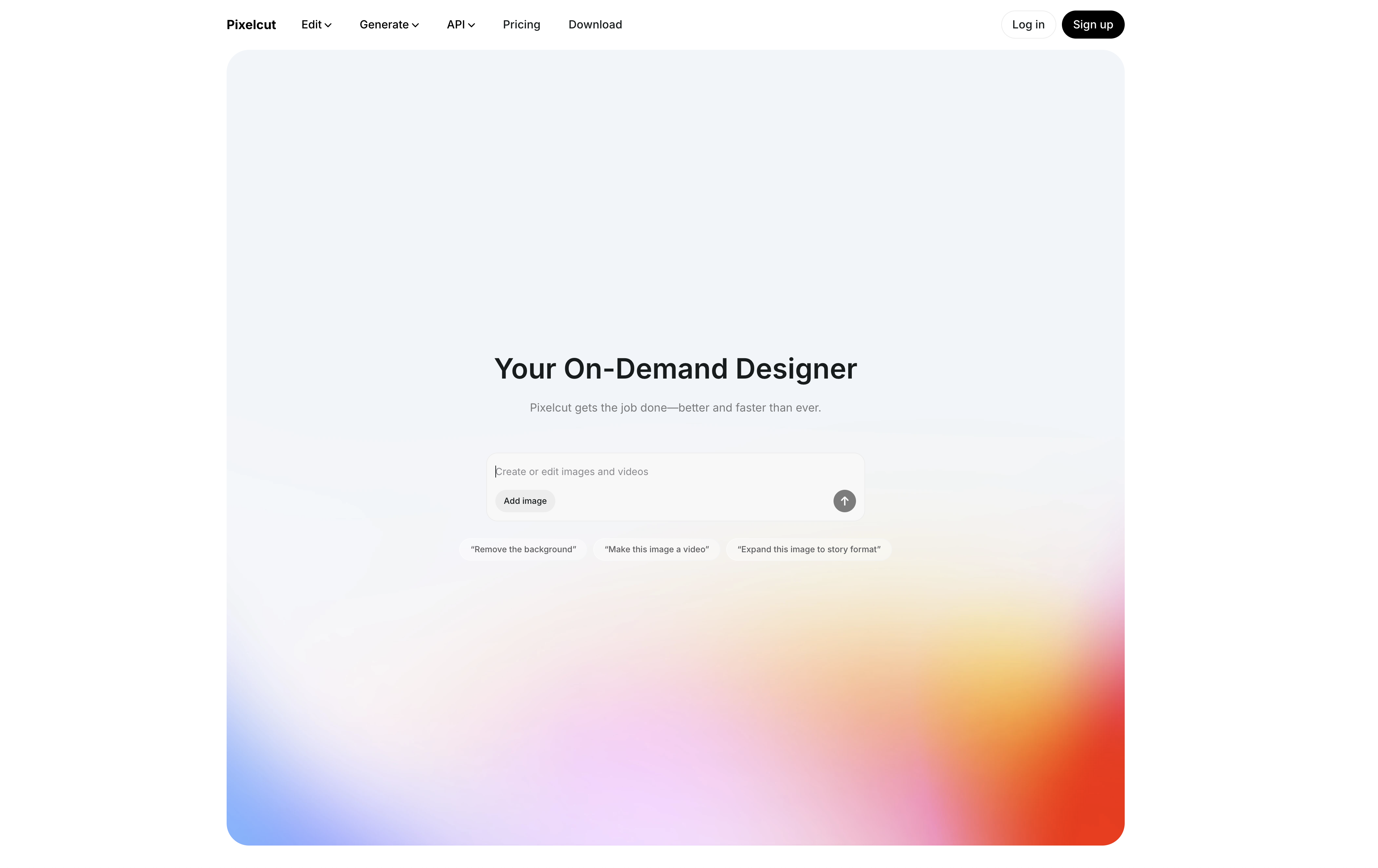
- Launch professional product photos instantly without photography skills using AI-powered background removal and editing tools
- Create converting ads and social content faster using thousands of professionally-designed ecommerce templates
- Eliminate expensive photoshoots and equipment by generating realistic product images in the virtual studio
- Enhance low-quality images without losing detail using the AI image upscaler that improves resolution and clarity
- Remove unwanted objects and imperfections seamlessly with one-click magic eraser technology
- Apply consistent edits across multiple product photos simultaneously with batch editing capabilities
- Adjust colors and perfect image balance instantly without manual editing using AI-powered recolor tools
- Collaborate with your entire team on visual content creation through shared projects and templates
- Edit product photos anywhere using mobile apps that provide full AI editing capabilities on your phone
Related Articles
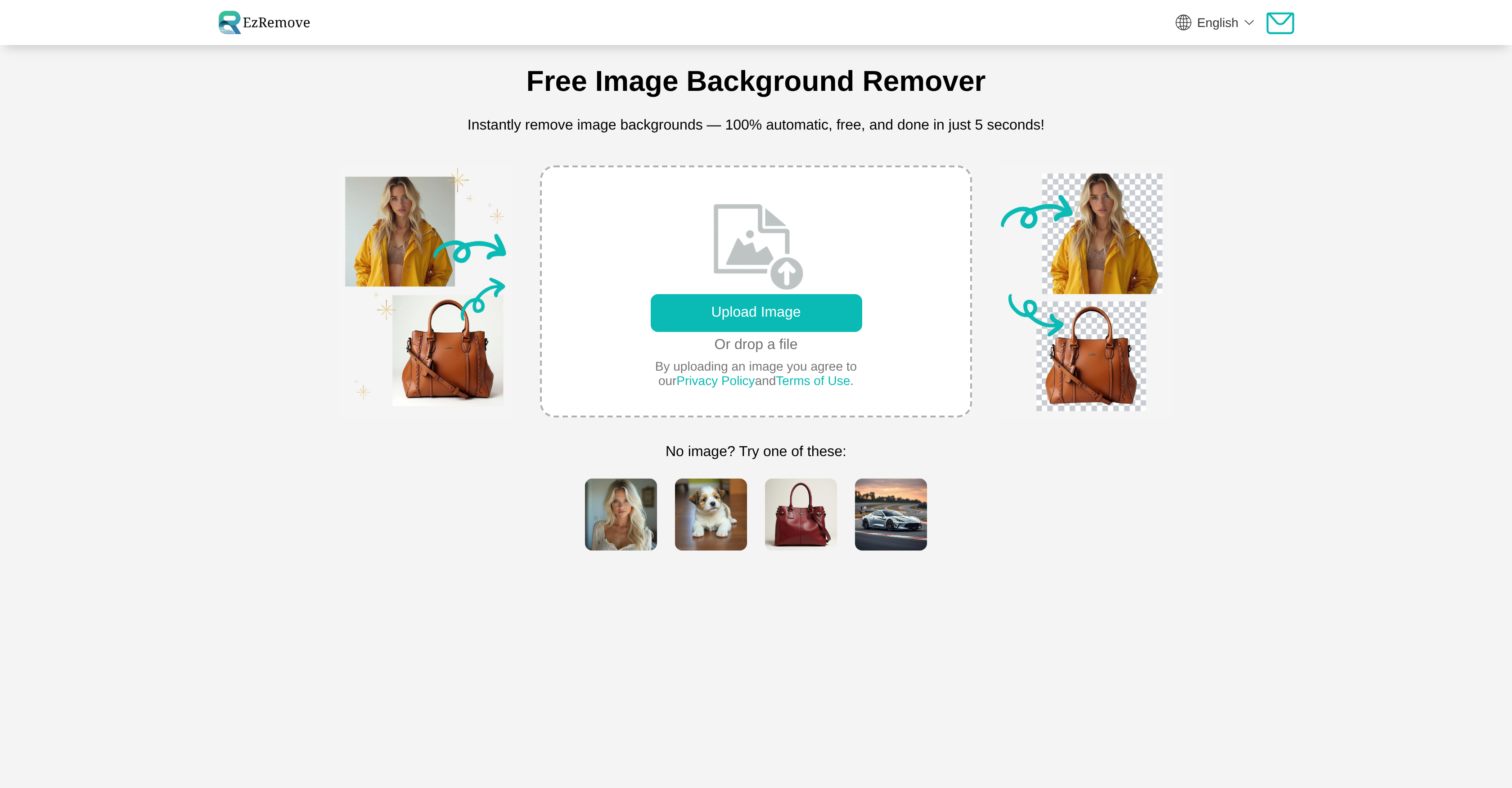
Pros & Cons
Pros
- Removes backgrounds
- Erases objects
- Thousands of templates
- Image upscaler
- Magic eraser tool
- Virtual studio feature
- API availability
- Good for non-designers
- Improves image quality
- Fast visual content creation
- No professional equipment needed
- Mobile app version
- Offers collaboration options
- User-friendly interface
- Transforms photos in one-click
- Recolors image
- Batch editing option
- Profile photo maker
- Colorize image tool
- Customer reviews available
- Variety of resources
- Detailed documentation
- Regular updates
Cons
- Limited to e-commerce design
- Lacks advanced editing features
- Depends on strong internet connection
- No offline mode
- Only supports single user editing
- Requires design aesthetic knowledge
- No multi-language support
- Unable to handle large files
- No option for raw edits
- No custom template creation
Reviews
Rate this tool
Loading reviews...
❓ Frequently Asked Questions
Pixelcut is an AI-powered online design tool that helps users to create product photos, ads, and other visual content for their online stores. It provides a variety of image editing features including background removal, object erasing, image upscaling, and color adjustment, among others.
With Pixelcut, you can create a wide range of images including product photos, ads, profile pictures, and other visual content specifically designed for e-commerce businesses. You can also edit your photos in various ways, such as removing backgrounds, erasing objects, upscaling image quality, recoloring, and more.
Pixelcut provides a tool called 'Background Remover' which uses AI to efficiently identify and remove the background from any images. This feature allows users to isolate the desired subject of their image without the need for complicated software or professional photo editing skills.
The 'Magic Eraser' feature in Pixelcut is another editing tool that enables users to erase unwanted objects or imperfections from their images. This tool uses AI to quickly and accurately remove selected elements from the image.
Pixelcut's 'Image Upscaler' uses advanced AI algorithms to enhance the quality of users' images. It works by increasing the resolution of the image, thus improving the quality and clarity of the details. This feature enables users to upscale their images without losing quality.
Yes, Pixelcut does provide an API. This allows developers to integrate Pixelcut's advanced AI image editing technologies into their own products or services, offering them the ability to enhance the visuals and design elements of their offerings.
Absolutely, Pixelcut offers a streamlined solution for creating product ads. You can use its library of templates and AI-driven design features to create visually impactful ads for your online store. The intuitive design interface allows you to customize your images to match your brand and convert visitors into customers.
Yes, Pixelcut offers an extensive range of thousands of curated templates. These templates have been specifically designed to help convert viewers into customers, making it easier for you to create professional and appealing visuals for your online store.
Absolutely, Pixelcut is designed to be user-friendly and does not require professional equipment or photography skills. Its AI-powered editing tools and range of templates make it easy for anyone to create high-quality images and visual content.
The 'Virtual Studio' feature in Pixelcut allows users to create more product photos without the actual need for physical travel or professional equipment. This feature uses AI technology to create realistic and professional-looking images, enabling users to generate a greater volume of visual content more efficiently.
Definitely, Pixelcut's AI tools can enhance the quality of your images. They offer features like the 'Image Upscaler' which improves image resolution, as well as a 'Magic Eraser' for removing unwanted elements, and a 'Recolor Image' tool to adjust and perfect your images' color.
Using Pixelcut, you can create all kinds of visual content for your online store, including product photos, ads, and more. You can customize your images using the various AI-powered tools that Pixelcut provides, helping you convert viewers into customers.
Absolutely, you can use Pixelcut's AI-powered editing tools on your phone to edit your photos. These tools enable you to easily and quickly transform and perfect your images.
Yes, Pixelcut does offer a team collaboration feature. This feature allows you to work together with your team to create content, enabling you to easily share projects, templates, and more with your entire team, significantly streamlining the content creation process.
'Batch Edit' in Pixelcut is a feature that allows you to apply an edit or series of edits to multiple images at once. It enhances efficiency by saving time on applying repeat edit actions to different images.
Pixelcut's AI tools enhance your photos by automating and refining several editing processes. For example, the AI can effectively remove backgrounds, erase unwanted objects, upscale images all while maintaining quality, and apply color adjustments that would otherwise require skilled manual work.
The 'Recolor Image' feature in Pixelcut allows users to adjust the colors in their images. This tool can be used to change the color of specific objects or the entire image, helping you to achieve the perfect color balance and enhance the overall visual appeal of your images.
Pixelcut simplifies the process of designing product photos by providing simple, intuitive, and powerful AI tools that automate and improve numerous aspects of image editing and design. With features like a background remover, image upscaler, magic eraser, and a vast template library, Pixelcut makes it easy for anyone to create professional, high-quality product images with minimal effort.
Yes, Pixelcut is a free online design tool. It simplifies image editing processes with the help of advanced AI, making it easy for both professionals and amateurs to create product photos, ads, and other e-commerce visuals.
Definitely, you can download Pixelcut for your iPhone from the App Store or for your Android phone from the Google Play store. These mobile apps give you the flexibility to create and edit your images anytime, anywhere.
Pricing
Pricing model
Freemium
Paid options from
$8/month
Billing frequency
Monthly
Related Videos
Pixelcut AI Tutorial & Review | Best FREE AI Image Editor in 2025?
How to Digital•2.6K views•Sep 11, 2025