
Overview
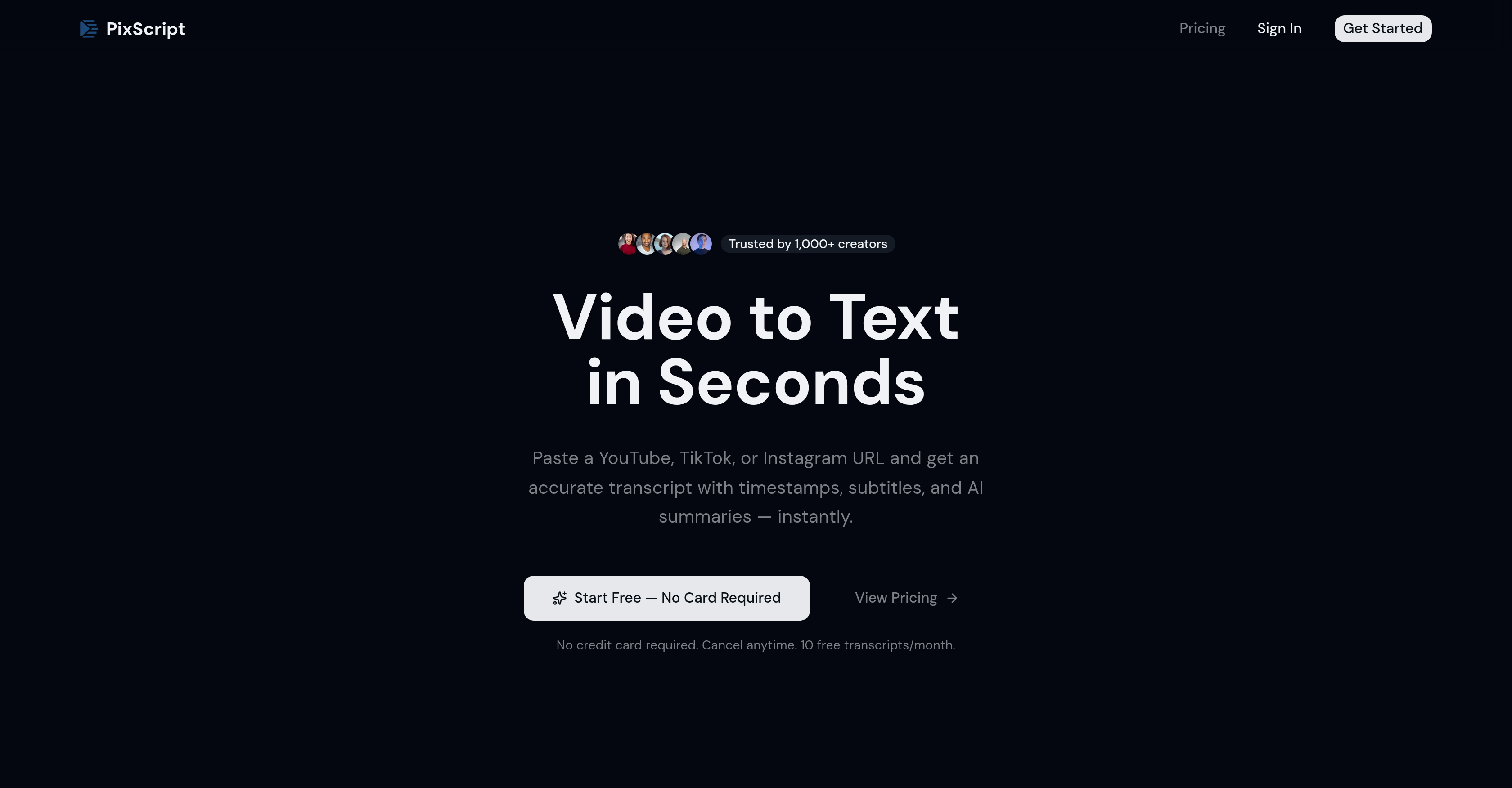
- Turn any video into a searchable, editable text document in seconds by pasting a URL or uploading a file, eliminating hours of manual transcription work.
- Create professional subtitles and captions instantly by exporting transcripts in SRT, VTT, PDF, and other formats ready for video editors and platforms.
- Repurpose a single video into multiple content pieces using AI to generate summaries or rewrite transcripts into blog posts and social media content.
- Reach a global audience by translating your video transcripts into over 50 languages with AI-powered, natural-sounding translations.
- Quickly find and reference any moment in a video with word-level timestamps synced to your transcript for precise navigation and editing.
- Start transcribing for free with 10 monthly transcripts to test accuracy and workflow before upgrading for unlimited use and advanced formats.
Pros & Cons
Pros
- Transcribes video to text
- Rapid transcription service
- Works across platforms (YouTube, TikTok, Instagram Reels)
- Timestamps with each transcription
- Easily navigable content
- Precise understanding of content timeline
- Translation into 50+ languages
- Exportable transcripts (TXT, SRT, VTT, PDF, JSON, Excel)
- Reiteration feature
- Blog post and social media content rewriting
- Advanced speech recognition technology
- Supports direct video or audio uploads
- Freemium model
- Podcast transcription functionality
- Automatic captioning ability
- Supports content repurposing
- Multi-language support
- 10 free transcriptions per month
- Supports live streams transcription
- Instant transcription
- Syncs words with timestamps
- Perfect for subtitles and captions
- Multiple subscriptions plans
Cons
- Free tier limits
- Accuracy issues with accents
- Accuracy affected by noise
- Issues with overlapping speech
- Limited translations for pro users
- Different export formats tier-locked
- No API
- No offline functionality
Reviews
Rate this tool
Loading reviews...
❓ Frequently Asked Questions
PixScript is a tool designed to rapidly transcribe video content to text across various platforms including YouTube, TikTok, and Instagram Reels. Besides transcription, PixScript can translate the generated transcripts into more than 50 languages, and offers export options in numerous formats. It includes features such as timestamping, summary generation, and content rewriting intended for targeted audiences, bloggers, and social media platforms.
PixScript works by extracting audio from a video URL pasted by the user. It then uses advanced speech recognition technology to transcribe the audio to text, aligning timestamps with each word for easy navigation and precise understanding of the content timeline. Users can also upload directly their audio or video files.
Yes, PixScript operates a freemium business model, offering a basic free tier that includes 10 transcripts per month for videos up to 5 minutes long. Additional features are available under Pro and Business plans for more extensive use.
PixScript supports multiple platforms including YouTube, TikTok, Instagram Reels, and Podcasts. It also supports direct video or audio file uploads, and is continuously expanded to include more platforms.
Yes, PixScript can translate transcripts into more than 50 languages using AI-powered natural language results. This powerful translation feature makes it ideal for content creators looking to reach international audiences or those seeking to translate foreign-language videos.
PixScript offers multiple export formats for the generated transcript. Users can export their transcripts as TXT, SRT, VTT, PDF, JSON, or Excel. The wide range of options helps to incorporate transcriptions easily into varying workflows.
PixScript's transcripts have high accuracy, thanks to the state-of-the-art speech recognition technology it utilises. However, factors such as audio clarity, accents, and overlapping speech can affect the exact accuracy of the transcriptions.
The PixScript reiteration feature offers an option where users can get an AI-generated summary of the transcript or rewrite it for use as blog posts or social media content, helping in content repurposing and summarization.
Yes, with its reiteration feature, PixScript enables the generation of social media content or blog posts based on the video transcript. Users can use the rewritten transcript to create targeted and engaging content for their audiences.
In terms of accent and overlapping speech, PixScript's accuracy relies on advanced speech recognition technology. However, heavy accents, background noise, overlapping speech, or unclear audio can affect the exact accuracy of the transcriptions.
Yes, besides pasting a video URL, PixScript allows users to upload direct audio or video files. This enhances flexibility by allowing users to upload files from different sources directly.
In PixScript, timestamps are perfectly synced with every word in the transcript. This offers easy and precise navigation of the content timeline for users. Timestamps also assist in creating accurate subtitles or identifying specific points in the content easily.
Yes, PixScript can efficiently turn video speeches into text-based formats. This feature is particularly handy for repurposing content or for instances where text-based formats are preferred over video speeches.
PixScript operates a free to premium model. The basic free tier offers 10 transcripts per month for videos up to 5 minutes. For additional features like more transcripts and support for longer videos, users can opt for Pro or Business plans.
Additional features in the Pro and Business plans of PixScript include unlocking SRT, VTT, and PDF for Pro users. Business users get access to all these formats plus JSON, Excel, and Markdown formats, and can translate transcripts into 50+ languages.
PixScript can be extremely helpful for creators targeting international audiences as it can translate transcripts into more than 50 languages. This aids in content accessibility across different language speakers, thereby broadening the reach of the content.
Yes, PixScript supports transcriptions from several popular social media platforms including TikTok, Instagram Reels, and YouTube. Users simply need to paste the video URL from any of these platforms to have it transcribed.
Yes, PixScript can translate foreign-language videos. It harnesses AI for natural language translations of transcripts into over 50 languages, making it possible to understand content from foreign-language videos.
PixScript aids in content repurposing by providing feature-rich transcriptions that can be reformatted into different content types like blog posts or social media posts. Additionally, transcriptions can be translated and optimized for different language audiences for broader reach.
Several factors can affect the accuracy of PixScript transcriptions. These include the clarity of the audio, accents of the speakers, and occurrence of overlapping speech. Quality of the audio and the pronunciation of words may also contribute to variability in accuracy.
PixScript transcribes video content into text by extracting the audio from the input video and employing advanced speech recognition technology to convert it into text. The user only needs to paste the video URL from platforms such as YouTube, TikTok, or Instagram Reels, or upload the direct video or audio file, and PixScript gets to work.
PixScript is specifically designed to work with major video-sharing platforms including YouTube, TikTok, and Instagram Reels. Beyond this, PixScript also allows the upload of direct video and audio files, furthering its versatility.
PixScript aligns every word of the transcript with precise timestamps, providing a clear understanding of the content timeline. The exact process is not disclosed, but it can be inferred that PixScript's AI technology syncs the words with the moments they are spoken in the video, and these are included in the final transcript.
Powered by AI, PixScript supports translation of transcripts into more than 50 languages. This feature can enhance the usability of the content, especially for creators striving to reach international audiences or for translating foreign-language videos.
PixScript allows users to export transcripts in multiple formats to provide flexibility according to their needs. These formats are TXT, SRT, VTT, PDF, JSON, and Excel. This is beneficial for a variety of use cases, such as importing the transcripts into different tools or for repurposing content.
Yes, besides video files, PixScript also supports direct audio file uploads. The tool extracts the audio and transcribes it into text in the same manner as it does for video files.
The 'reiteration feature' in PixScript is particularly important for content creators, as it gives them the ability to create an AI-generated summary of the transcript or rewrite it as blog posts or social media content. This is a powerful feature for repurposing content in different formats.
PixScript delivers highly accurate transcripts leveraging advanced speech recognition technology. However, the exact accuracy can depend upon factors such as the clarity of the audio, accents of the speakers, and cases of overlapping speech.
PixScript's transcription accuracy may potentially vary in the face of overlapping speech or heavy accents. While the tool employs state-of-the-art speech recognition technology, these factors may still introduce challenges to the transcription process and reduce the overall accuracy.
In PixScript, the free model allows up to 10 transcriptions per month. For more advanced features such as unlimited transcripts, longer video support, translations into more languages, and access to more export formats, users would need to subscribe to Pro or Business plans.
PixScript aids in content creation and repurposing by providing precise and fast transcriptions. Users can then use these transcripts for creating blog posts, social media content, subtitles, or for other content needs. Furthermore, the tool also offers AI-generated summaries and translations that can be used to create diverse content for various audiences.
Using PixScript's powerful transcription services, users can easily create subtitles and captions for their videos. They can export the transcripts in SRT or VTT formats, which are widely used for subtitling and captioning purposes, ensuring their content reaches a wider audience, including the hard-of-hearing or non-native speakers.
Transcribing a video with PixScript involves three simple steps. First, the user pastes a video URL from YouTube, TikTok, Instagram Reels, or uploads a direct video or audio file. Next, PixScript's AI extracts the audio and transcribes it, aligning the resulted text with precise timestamps. Finally, the user can copy the transcript, download it in one of the various formats, translate it, or create an AI summary.
Yes, PixScript features an AI summary and reiteration tool. This feature provides users with a concise summary of the transcript or allows for the transcript to be rewritten as a blog post or social media content.
For podcasters, PixScript could prove invaluable by transcribing podcast interviews in seconds. The fast transcription, combined with the detailed timestamps and AI summaries, makes the editing process easier, allowing podcasters to focus on creating engaging content.
The free plan of PixScript offers 10 transcriptions per month. This plan is an excellent starting point for users wanting to test the tool's functionality before committing to a premium plan.
While it isn't explicitly mentioned on their website, considering the expansive functionality of PixScript, it can be inferred that translated transcripts might be exportable in the same host of formats as the original transcripts - TXT, SRT, VTT, PDF, JSON, and Excel.
Yes, PixScript is more accurate with clear audio. The website mentions that while the tool employs state-of-the-art speech recognition technology, the accuracy of transcriptions can indeed be influenced by the audio clarity. Factors such as heavy accents or background noise may potentially decrease transcription accuracy.
PixScript's role in Social Media Content Analysis isn't directly specified. However, through its robust transcription and translation services, PixScript could help users analyze the textual content of social media videos more effectively, providing a basis for content strategy, understanding user engagement, and crafting more effective messages.
Pricing
Pricing model
Freemium
Paid options from
$9/month
Billing frequency
Monthly
Refund policy
No Refunds