
Overview
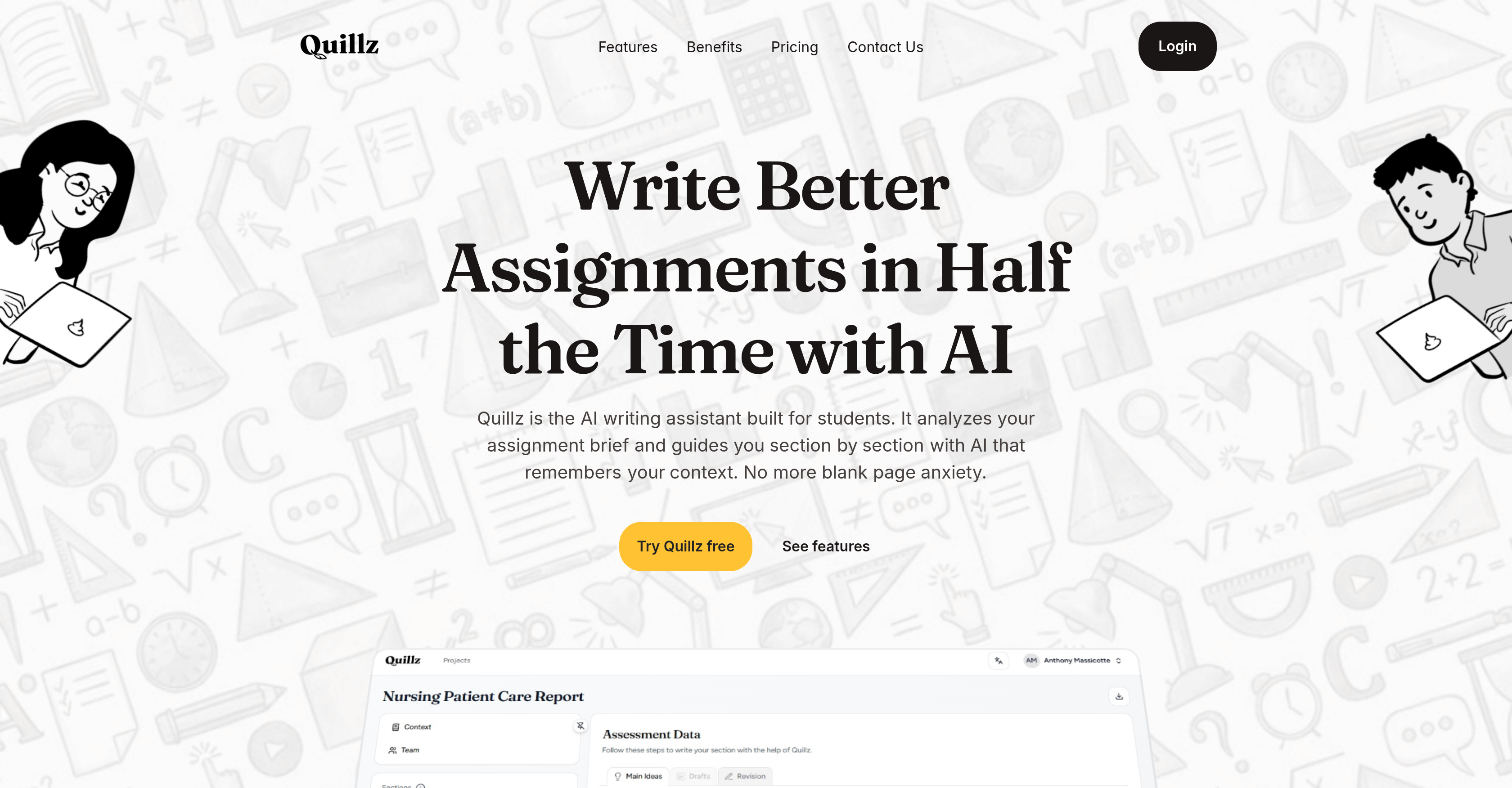
- Overcome blank page anxiety and start writing immediately with guided, section-by-section structuring based on your imported assignment brief.
- Develop your unique academic voice by editing and personalizing three different AI-generated drafts for each section of your work.
- Maintain perfect coherence and logical flow throughout your entire assignment with context-aware AI that remembers your previous sections.
- Download your finished work in one click with all your formatting, headings, and structure perfectly preserved for submission.
- Build lasting writing skills in argumentation, clarity, and structure through a systematic, interactive process designed for learning, not replacement.
Pros & Cons
Pros
- Generates three drafts
- Encourages user editing
- Learning and skill development
- Maintains context awareness
- Format preservation on download
- Features revize and lock
- Sections based writing
- User-input flexibility
- Supports voice-to-text
- Contextual awareness capability
- Facilitates collaboration
- Suitable for group projects
- Editable before locking a section
- PDF and DOCX exports
- Adapts to user thinking style
- Addresses writing anxieties
- Reduces writing time
- Encourages section based writing
- Built for real assignments
- Promotes clarity in writing
- Reinforces unique writing voice
- Helps maintain coherence
- Helps in argumentation
- Overcomes blank page paralysis
- Preserves layout and structure
- Guided writing plan
- Captures ideas on the go
- Assignment import and creation
- Preserves individual writing style
- One-click export
Cons
- Limited to assignment writing
- Requires extensive user input
- Only generates three drafts
- Does not write for user
- Revisions needed on user's part
- No voice-to-text in basic version
- Limited active projects for free version
- PDF export only in premium
- No guarantee of coherent result
Reviews
Rate this tool
Loading reviews...
❓ Frequently Asked Questions
Quillz is an artificial intelligence-powered writing assistant designed specifically to aid students with their assignments. Its primary function is to guide students through their writing assignments, based on the assignment brief provided, allowing them to maintain direction, coherence, and structure in their written work.
Quillz assists in writing assignments by analyzing the assignment brief and guiding the student throughout each section. It allows the student to provide their ideas, insights, and research for each section of their assignment. Quillz then examines the entire project, generating three context-aware drafts for each section, from which the student can choose the draft that best aligns with their vision and further edit it, promoting a unique academic voice.
No, Quillz does not directly write assignments for the users. It aids the writing process, providing guidance and draft options based on the user's input, thus nurturing and enhancing the user's writing skill rather than replacing them.
Quillz differentiates from other AI writing tools in that it doesn't provide a generic response. It instead generates multiple context-aware drafts based on the user’s assignment brief and input. It encourages the user to choose, edit, and consolidate their own voice in their written work. Quillz is developed with a focus on aiding the academic writing process, making it more specialized than general AI writing tools.
In Quillz, the user can either create their assignment brief from scratch or import an already existing brief. After this, the user then inputs their thoughts, research, and insights for each section of the assignment. This allows Quillz to assist in the writing process with a deep understanding of the user's intent.
Quillz generates three 'context-aware drafts' for each section of the user's assignment, taking into account the overall context of the project and the user's input for that specific section. These drafts offer the user different ways to convey their ideas coherently, enabling the user to select the draft that suits their vision and helps to maintain a unique voice.
Quillz allows users to revise and edit the chosen draft of each section as much as they need. The editing process is aimed at ensuring the student's unique voice is preserved within the document. After finalizing the revision, users can lock the section to signify completion.
Yes, Quillz allows users to download their entire project preserving the project's structure, spacing, headings, and other format aspects in their work.
Quillz helps improve writing skills by facilitating a systematic, section-based approach to writing. By generating different drafts for each section and allowing the user to edit them, Quillz aids users in learning important writing skills such as argumentative writing, maintaining clarity, and preserving structure in academic writing.
Quillz provides assignment help by streamlining and guiding the writing process. It begins by interpreting your assignment brief and subsequently generating three context-aware drafts based on your insights, research, and ideas for every section. This allows a clear and coherent work flow while maintaining the essence of your academic voice.
Yes, Quillz is suitable for group projects. It allows for sections to be assigned to different team members, facilitating tracking of progress and maintaining a coherent tone throughout the assignment.
While it isn't explicitly stated on their website, Quillz's approach of generating several versions of drafts and allowing meticulous editing can potentially accommodate various writing styles within a single assignment.
Quillz's context-aware AI analyzes finished sections of the assignment and uses them as context for generating drafts for the following sections. This ensures that the narrative thread of the assignment is maintained throughout the work.
Quillz ensures that a student's unique voice is preserved in the assignment by establishing the student's input as the basis for drafting. It then generates drafts for users to edit line by line, with every edit serving to reinforce and uphold the user's own academic voice.
'Locking a section' in Quillz signifies that the student has finished revising and editing that particular section and is content with its final form.
Yes, Quillz provides the option to export the final document in one go. The export preserves the formatting, structure, and layout of the document as set by the user during the writing process.
Yes, Quillz adapts to different thinking styles during the writing process. Users can follow a clearly guided plan or use the platform to simply get all their thoughts out there. Quillz works with the user's approach to ensure a smooth and personalized writing experience.
Quillz can help write assignments faster by providing structure and guidance for the writing process. With context-aware drafts generated for each section based on the user's input, it simplifies the task of creating structured, coherent, and well-argued assignments. This targeted assistance helps users complete their assignments in less time.
Quillz operates by guiding users through their assignment based on the assignment brief. Users create or import their assignment brief, then provide their thoughts, research, and insights for each section. Quillz then generates three context-aware drafts for each section. Users pick the best draft and edit it to reinforce their unique academic voice. Upon finalizing sections, users can revise and lock them, finally allowing for the download of the completed assignment preserving the preferred format and structure.
No, Quillz is designed to assist users in their writing process, not replace them. It aids students in structuring their assignments by providing suggestions, drafts, and guidance but it does not write their assignments for them. Users provide their own insights and research, and Quillz helps to shape these elements into a coherent, structured assignment.
When Quillz generates three drafts for each section, it means the system analyzes the user's ideas, research, and insights for a particular section of an assignment and presents three different versions of what that section could look like. These three drafts provide various perspectives, allowing the user to choose the one that closely aligns with their vision for their assignment.
In Quillz, every single modification that a user makes to the generated drafts is aimed at amplifying the user's unique academic voice. The iterative process of generating drafts and editing them allows the user's ideas and writing style to shape the text, resulting in a final assignment that reflects the user's individual voice.
Yes, after a user has finalized, revised, and locked their assignment sections in Quillz, they have the option to download the entirety of their work in one go. This downloaded document preserves the user-defined structure, including headings, spacing and other aspects of their preferred format.
Yes, Quillz is designed to aid not only in writing assignments but also in improving the user's writing skills. Through its systematic approach, users can learn vital writing skills such as argumentation, clarity, and structure. This makes Quillz more than just a writing assistant, but a learning platform that helps enhance the user's skills beyond just the assignment at hand.
Quillz is designed to be user-friendly and can be used by someone new to the tool. With its step-by-step process of importing an assignment brief or starting from scratch, adding thoughts and research, generating drafts for comparison, and finally revising and locking sections for export, users can easily navigate and optimize their writing process.
Quillz is designed to be context-aware, meaning that it remembers the overall context of an assignment while guiding the user through each section. As the user progresses with their assignment, completed sections create context for the subsequent ones. This ensures that the entirety of the assignment remains coherent and logically consistent from start to finish.
Yes, Quillz is designed to help users who struggle with structuring their assignments. The AI conducts section-by-section guidance, allowing users to break down their assignments into manageable parts. This not only makes the writing process more manageable, but it also helps to maintain overall coherence and flow in the assignment.
Yes, Quillz is designed to help overcome blank page anxiety. By providing users with clear guidance in the way of importing an assignment brief and then assisting them in generating drafts for each section, the AI breaks down the large task of writing an assignment into manageable steps. This helps users to overcome the obstacle of not knowing where to start, thereby alleviating blank page anxiety.
Yes, a user can import their assignment brief into Quillz. The tool then uses this brief to guide the writing process, helping to structure the work and maintain coherence throughout the assignment based on the instructions given in the brief.
The steps to use Quillz for an assignment are straightforward. Users start by importing or creating their assignment brief in the tool. Next, they input their ideas, insights, and research for each section of their assignment. Quillz then reads the entire project and generates three context-aware drafts for every section. Users compare the drafts, pick their preferred one, and then independently edit it. Once all sections are finalized, users can revise, lock, and download their work while preserving their customized formatting.
Quillz reinforces a user's unique voice in their writing through each edit that a user makes to the AI-generated drafts. When a user edits a draft, they re-shape the text to align closer to their writing style, insights, and broader vision for their assignment. This process of repeated personalization bolsters the presence of the user's unique voice in the final writing product.
Yes, once users are satisfied with a section of their assignment in Quillz, they have the option to revise and lock it. This allows users to finalize sections of their assignment incrementally, ensuring each part of their work is completed to their satisfaction before moving to the next.
Yes, Quillz helps maintain the formatting of user's documents by allowing them to download their entire work in a manner that preserves their designed structure, including aspects like headings, spaces, and other chosen formatting elements.
Yes, Quillz operates as an educational tool aimed at skill development in addition to being an AI-powered writing assistant. As users create, edit, and finalize their assignments using Quillz's section-by-section structure, they are implicitly learning vital writing skills such as argumentation, clarity, and structuring. Therefore, using Quillz can indeed help users learn new writing skills.
Yes, Quillz operates interactively. This means the tool responds to the input provided by the user, such as the assignment brief and the user's ideas, insights, and research. Quillz then generates drafts based on this input, which the user can edit and choose to keep or not, allowing for an interactive and personalized writing process.
Quillz assists in the writing process by analyzing the assignment brief, generating drafts, and guiding users through the writing process section by section. However, Quillz does not replace the user's role in writing their assignments. Instead, it aims to shape and refine the user’s ideas and research throughout the process, ultimately reinforcing the user's unique voice in the writing.
Yes, users can compare and revise the drafts generated by Quillz, choosing the one that aligns best with their vision for the assignment. Quillz produces three different variants of drafts for each section of the assignment. Users are encouraged to choose the one that best fits their assignment, and edit it further for personalization and voice reinforcement.
Yes, the basic version of Quillz is available for free, which is ideal for students and small projects. It, however, limits the number of active projects to one and allows exporting to text formats. The Premium version, on the other hand, is priced at $9.99 per month and offers additional features like exporting to Word and PDF, voice-to-text functionality, and support for up to four active projects.
Pricing
Pricing model
Freemium
Paid options from
$9.99/month
Billing frequency
Monthly
Refund policy
No Refunds