
ReadPDFAloud.com
Overview
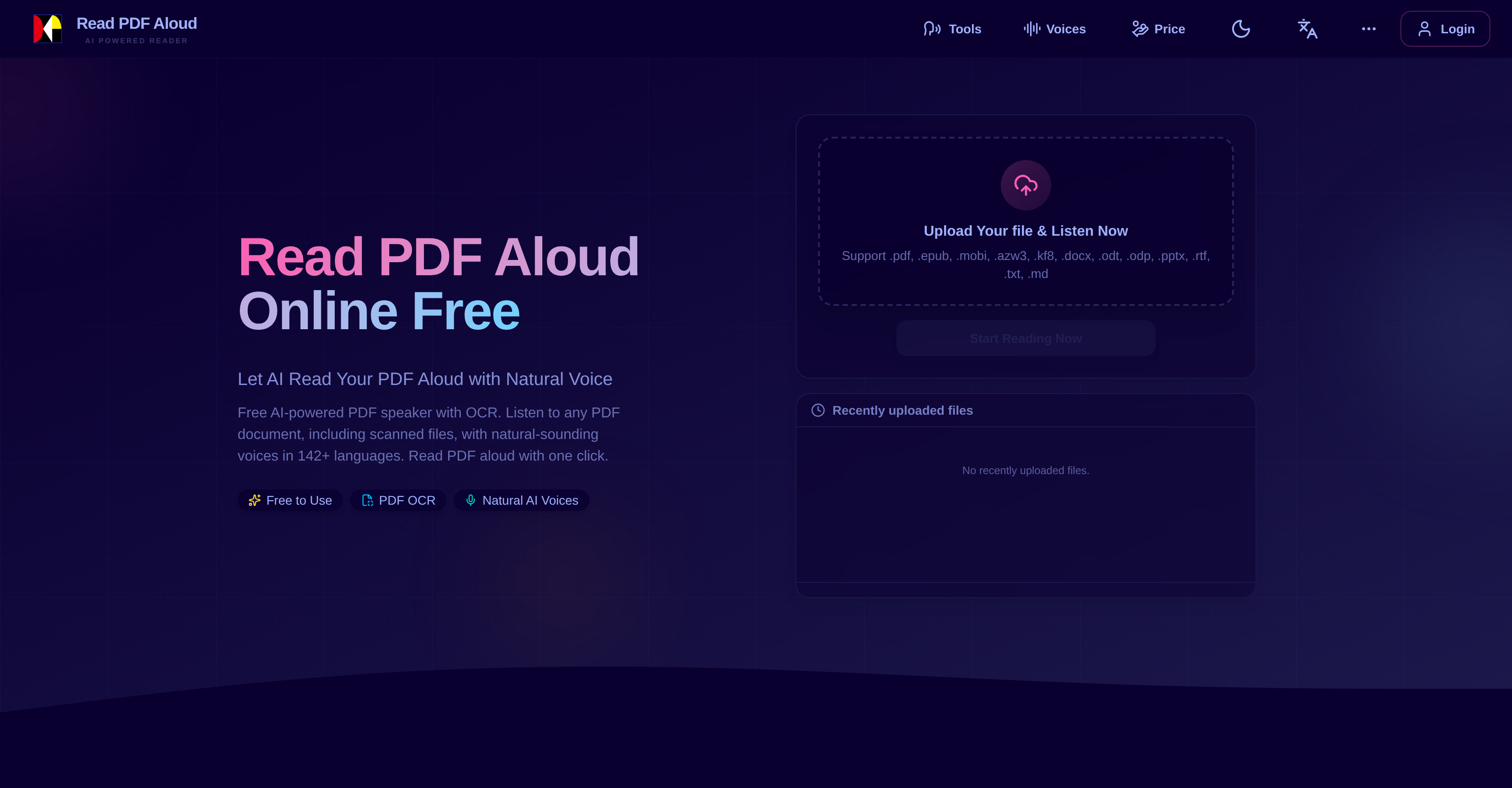
- Listen to any document instantly without waiting for cloud processing, enabled by local-first AI that converts text to audio on your device.
- Access scanned PDFs and complex layouts as audio, using advanced OCR technology that reads text from images and handwritten notes.
- Learn or consume content in your native language with natural-sounding voices, selecting from over 142 languages and multiple accents and tones.
- Create portable audiobooks or podcasts from documents by exporting high-quality, natural-sounding MP3 files for offline listening on any device.
- Maintain full privacy for sensitive documents as text parsing and speech conversion happen locally on your computer or smartphone, not on a server.
- Improve focus and comprehension for ADHD or dyslexia by converting visual text into auditory content that reduces distractions and supports different learning styles.
Pros & Cons
Pros
- Reads 142+ languages
- Voice accents and tones options
- Multiple document format support
- Works on any device
- Offline listening with MP3 export
- Local processing method
- Free-use credits for users
- Instant text to audio conversion
- Reads scanned PDFs with OCR
- Advanced layout support
- Cross-platform compatibility
- Exports audio in MP3 format
- Supports creating audiobooks
- Suitable for language learning
- ADHD-friendly
- Maintains user privacy
- User-friendly interface
- Complex layouts handling
- Supports education and learning
- Easy handling of digital books
- Supports visually impaired users
- Speech sounds natural
- Good for proofreading
- Can read aloud instantly
- Processes large PDFs
- No app installation needed
- Understands complex PDF formats
- Supports diverse voices
- Compatible with all standard PDFs
- Processes non-searchable files
- Exports for offline listening
- Fast loading time for audio
- Increases productivity
- Supports ePub readers
- Ebook reader friendly
- Local-first philosophy
- Transforms PDFs into audio instantly
- Turn novels into audiobooks
- Text-to-speech for foreign languages practice
- Handles images and tables
- Can read handwritten notes
- Turns documents into podcasts
- Offers fine-grained control
Cons
- OCR struggles with handwriting
- Limited daily free-use credits
- Requires modern browser or OS
- Cannot adjust reading speed
- No options for voice speed
- Limited file format support
- No support for encrypted PDFs
- Complex layouts may cause misreads
- No batch processing
- No enterprise features
Reviews
Rate this tool
Loading reviews...
❓ Frequently Asked Questions
Read PDF Aloud Online is an AI-powered tool that reads aloud PDF documents with natural and diverse voices. It supports a wide range of PDF types including text-based, scanned, and complex-layout files, and has a large scope, functioning in over 142 different languages with multiple voice accents and tones per language. The tool features an MP3 export function for offline listening, and does most of its operations locally on the user's device for a smooth experience. It also offers daily free-use credits to registered users, minimizing the waiting time by supporting instant text to audio conversion.
Read PDF Aloud Online uses AI technology in several ways, including natural language processing, text-to-speech conversion, and OCR technology. This AI-powered text-to-speech system converts written text into natural-sounding speech, adjusting the tone, accent and language to suit the user's preference. The cutting-edge OCR technology is used for scanned documents, enabling the tool to read non-searchable scanned PDF files aloud with impressive accuracy.
Read PDF Aloud Online can handle over 142 different languages, providing multiple voice accents and tones per language to cater to a vast user demographic.
Yes, Read PDF Aloud Online can read scanned PDFs. This is made possible by integrating OCR (Optical Character Recognition) technology, which enables the tool to identify and read aloud text from non-searchable scanned PDF files.
Yes, Read PDF Aloud Online works on all operating systems. This includes PCs, Macs, Android, or iOS devices. It is not limited to a specific operating system and works on any device with a modern browser.
Read PDF Aloud Online software is compatible with any modern browser. This generally includes Chrome, Firefox, Safari, Edge, and Opera, among others. The exact list of browsers is not specified on the website, but modern browsers typically refer to the most recent versions of the aforementioned browsers.
Yes, you can export your PDF files into MP3 format with Read PDF Aloud Online. The tool offers an MP3 export function that allows users to listen to their documents offline on any device or audio player.
Conversion of text to audio on Read PDF Aloud Online is instantaneous. The tool is designed for instant conversion of text to audio, significantly reducing waiting time and providing immediate access to your PDF files as audio content.
Yes, you can use Read PDF Aloud Online for creating audiobooks. The tool's capability to convert text to speech makes it possible to turn any PDF file into an audiobook. It can export this audio in MP3 format for easy and convenient offline listening.
Indeed, Read PDF Aloud Online can be used for language learning. The tool supports over 142 languages with several voice options, accents, and tones. This feature can be used to practice pronunciation and improve listening skills in a desired language, thus aiding language learning.
OCR or Optical Character Recognition technology is a tool to translate different types of documents, like scanned papers or photos of documents, into editable and searchable data. The Read PDF Aloud Online uses OCR technology to identify text in non-searchable scanned PDF files, including handwritten notes, and convert it into speech instantaneously.
Read PDF Aloud Online works with text-based, scanned, and complex-layout PDF files by parsing and converting the text into speech through its AI technology. For scanned files, it uses OCR technology to identify the text. Regardless of the complexity of the layout, the tool is able to capture the data, convert it into audio instantaneously, and read it aloud using diverse, natural-sounding voices.
Using Read PDF Aloud Online can be beneficial for ADHD readers as it supports auditory learning, which can be more effective for people with ADHD. By converting the text into natural-sounding audio, it helps to reduce distractions and keep the reader focused on the content.
Yes, Read PDF Aloud Online offers free services. Registered users receive daily free-use credits. The specifics of these free services or the exact number of credits are not specified on the website.
Read PDF Aloud Online operates with a local-first philosophy. Most processing is done locally on the user's device to ensure a smooth experience and maintain data privacy. Additionally, the parsed text from PDF files is saved locally on the user's device.
Yes, Read PDF Aloud Online can be used to convert documents into podcast-style audio. By utilising its immediate text-to-audio conversion, you can transform wide-ranging research reports and documents into natural-sounding, convenient audio files.
Read PDF Aloud Online is user-friendly. It has been designed with an intuitive control experience and offers support across different platforms and devices. With a quick three-step process: 'Upload & Parse PDF file', 'Convert PDF to Audio Instantly', and 'AI Read Your PDF Aloud', it allows users to start listening from anywhere.
Working locally on your device means that most of the operations performed by Read PDF Aloud Online, like parsing and saving of text from uploaded PDF files, are done on your device. This provides a smooth, seamless experience, minimizes loading time, and ensures data privacy.
Yes, you can customize the voice accents and tones on Read PDF Aloud Online. The tool provides options for users to choose from numerous natural AI voices, featuring various accents and tones across 142+ languages.
Read PDF Aloud Online contributes to digital accessibility by enhancing the accessibility of PDF documents. Particularly helpful for visually impaired or dyslexic users, its advanced AI reader can transform PDFs into easy-to-consume, natural-sounding audio. Moreover, by supporting multiple languages, complex-layout files, and offering MP3 export for offline listening, it removes multiple barriers, thus substantially improving digital accessibility.
Read PDF Aloud's OCR technology works by identifying and reading text from scanned PDF documents or those containing images with complex layouts. The technology is advanced enough to rapidly identify and convert the contained text into natural-sounding speech.
Read PDF Aloud supports 142 languages, catering to a wide audience globally. This includes major languages such as English, Spanish, French, German, Chinese, Japanese, Korean, Arabic, and Hindi, among others.
Yes, Read PDF Aloud gives users the flexibility to choose from multiple voice accents and tones for each of the supported languages. This enables customization of the reading experience to complement the user's preferred language and voice type.
To convert PDF to audio using Read PDF Aloud, you need to upload your PDF file. The tool parses the text content of your PDF file directly in your browser and stores it locally on your device. The content is then instantly converted into audio that can be listened to within seconds of clicking a sentence or the play button within the tool.
Yes, Read PDF Aloud is capable of handling complex-layout PDF files. It uses advanced OCR technology to identify and read aloud the text in such files.
Yes, it is possible and indeed a feature of Read PDF Aloud to export the audio into MP3 format. This allows for offline listening and sharing of the audio content on various devices.
Most of the operations of Read PDF Aloud are performed locally on the user's device, not on the cloud. This means that it processes the files directly on your computer or smartphone, which ensures faster processing time and a smooth user experience.
Yes, Read PDF Aloud operates on any modern browser or operating system, which means it can also be used on mobile devices such as Android and iOS.
Read PDF Aloud offers daily free-use credits to registered users. These credits allow users to access and use the tool's features for free on a daily basis.
There are several ways you can utilize the PDF to audio feature of Read PDF Aloud. This includes creating your own audiobooks, converting documents into podcast-style audio, assisting language learning, and providing an ADHD-friendly reading experience.
Read PDF Aloud is compatible with multiple document formats. Apart from the popular .pdf, it can also process .epub, .mobi, .azw3, .kf8, .docx, .odt, .odp, .pptx, .rtf, .txt, and .md files.
Yes, equipped with top-tier OCR technology, Read PDF Aloud can effectively read aloud non-searchable, scanned PDF files.
Yes, Read PDF Aloud not only reads aloud PDF documents, but it also supports multiple document formats including .epub, .mobi, .azw3, .kf8, .docx, .odt, .odp, .pptx, .rtf, .txt, and .md
Read PDF Aloud performs most of the operations locally on the user's device, unlike many other tools that rely on cloud-based processing. This speeds up the processing time, eliminates waiting periods, and offers a smoother overall experience.
Yes, Read PDF Aloud can read aloud scanned or image-based PDFs. It applies high-end OCR technology to extract the text from scanned documents and read them aloud.
Absolutely, Read PDF Aloud can indeed be used for language learning. With its support for over 142 languages, and the ability to listen to the pronunciation in various accents and tones, it can be a potent tool for anyone trying to learn a new language.
Yes, Read PDF Aloud supports instant text to audio conversion. This means there's no prolonged waiting time - your text is converted into audio within moments of being processed by the AI.
Yes, because Read PDF Aloud can convert text into audio, it is a valuable tool for assisting the visually impaired. It enables those with visual impairments to listen to the content of PDF files with ease.
Absolutely, with its ability to convert text into high-quality natural-sounding audio, Read PDF Aloud is a great tool for creating digital books or audiobooks.
Pricing
Pricing model
Free Trial
Paid options from
$5.90/unit
Billing frequency
Pay-as-you-go