

RemoveText.Net
Overview
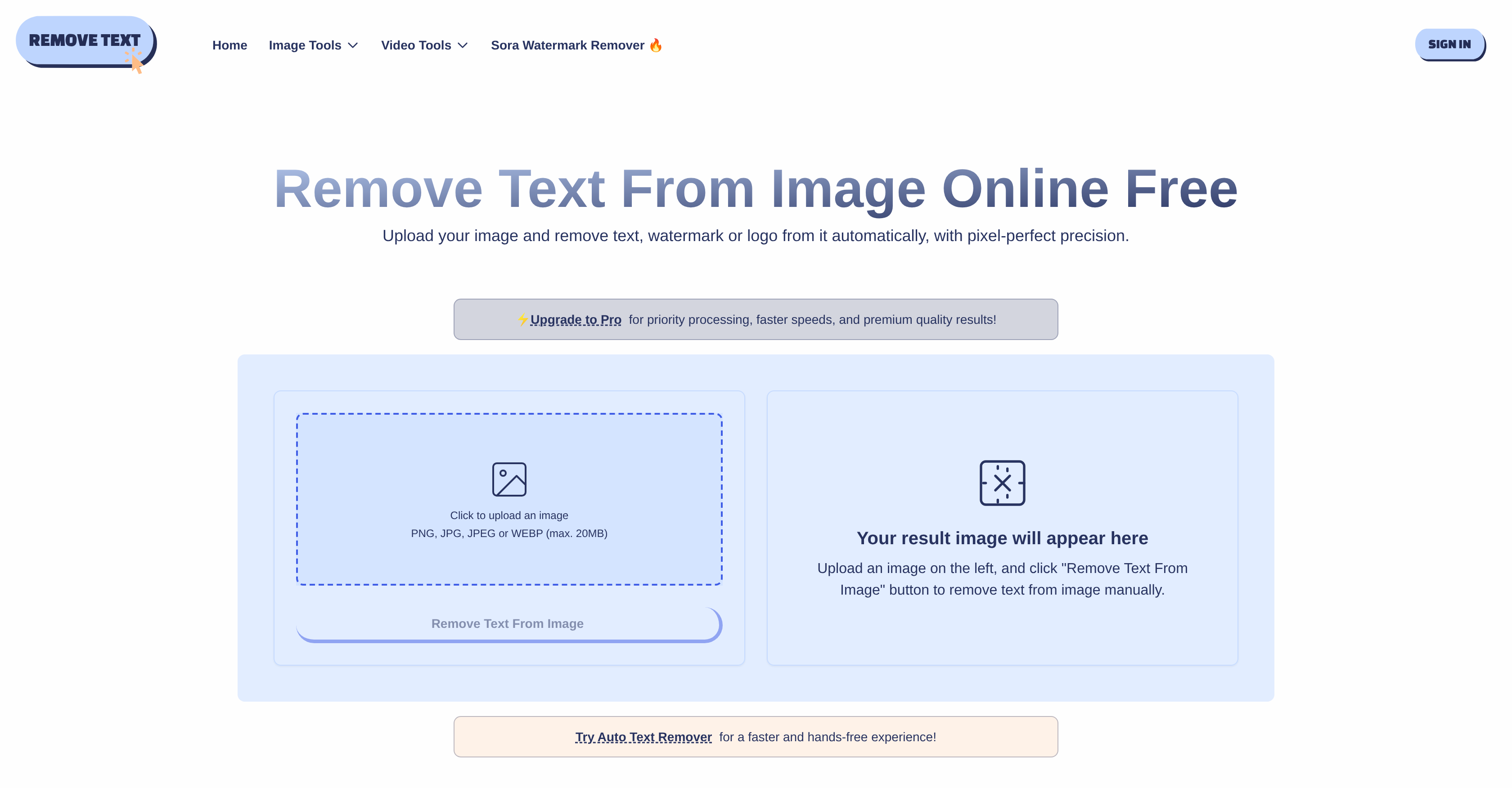
- Erase text, watermarks, and logos from any image without a trace using an advanced AI reconstruction engine that seamlessly regenerates the underlying texture
- Process multiple images at once with batch upload functionality, saving significant time while maintaining consistent, high-quality results across all assets
- Remove text from several areas within a single image in one operation, perfect for cleaning complex images with multiple text blocks or logos
- Preview and fine-tune edits before downloading, ensuring perfect visual results every time through an interactive workspace
- Work with any image format including JPEG, PNG, BMP, and WEBP without conversion, accommodating all your projects from personal photos to professional graphics
- Maintain complete privacy with encrypted processing and automatic file deletion, ensuring your sensitive images are never stored or shared
Pros & Cons
Pros
- Removes text, watermarks, logos
- Advanced text detection tech
- Supports JPEG, PNG, BMP, WEBP
- Advanced reconstruction engine
- Preserves image aesthetics
- Preview and fine-tune edits
- Batch processing capability
- No data or files stored
- Removes from multiple regions
- Online processing
- Robust encryption for user data
- Automatic file deletion
- Pixel-perfect precision
- Intelligent image restoration
- Secure online workflow
- Privacy-by-design approach
- Maintains uniform quality
- Flexible area selection
- Clean, natural look
- Interactive workspace
- Professional image results
- Supports wild range of use-cases
- All processes performed online
- Supports large volumes
- Optimal aesthetic quality
- Analyses surrounding pixels
- Intelligently reconstructs overlapping areas
- Unlimited adjustment before download
Cons
- No offline usage
- Limited file size (20MB)
- No batch processing
- Delayed tool improvements
- Limited file number upload
Reviews
Rate this tool
Loading reviews...
❓ Frequently Asked Questions
Text Remover is an AI-based solution designed for eliminating unwanted text, watermarks, or logos from images, automatically isolating these overlays with pixel-perfect precision and preserving the original texture and aesthetics of the image.
Text Remover operates by employing advanced text detection algorithms that reliably identify and remove unwanted text across varied image backgrounds and styles. Once it identifies and isolates the unwanted overlays, it utilises an advanced reconstruction engine to ensure a seamless regeneration of the underlying image texture.
Text Remover is not restricted to specific image formats. It supports major formats including JPEG, PNG, BMP and WEBP.
Yes, Text Remover is capable of handling batch uploads to facilitate large-scale operations.
Text Remover's advanced reconstruction engine seamlessly regenerates underlying image texture once the text is removed, which helps in preserving the original aesthetics and balance of the image.
Yes, Text Remover allows for removal of text from multiple selected regions within a single image.
Yes, Text Remover can effectively remove overlays across a wide range of image backgrounds and styles thanks to its advanced text detection technology.
Text Remover's Advanced Text Detection feature consists of modern AI algorithms that accurately identify and isolate unwanted text, regardless of its font, color or placement, across diverse image backgrounds and styles.
Yes, users can preview their edits and fine-tune them for optimal visual results prior to downloading the final image.
To ensure user data privacy, Text Remover performs all processes online with robust end-to-end encryption, and it automatically deletes files after exporting. It does not store any user data or files.
Yes, Text Remover can remove both text and logos from images.
Yes, Text Remover supports major image formats including JPEG, PNG, BMP, and WEBP.
No, Text Remover does not store any data or files. All user files are automatically deleted after processing, providing a high degree of privacy and data protection.
Text Remover ensures a natural aesthetic in images after text removal by employing an advanced reconstruction engine. This engine regenerates the underlying image texture once text is removed, maintaining the visual naturalness and balance of the image.
Yes, Text Remover works with any font and color by virtue of its advanced text detection technology, which can identify and isolate text regardless of these factors.
In Text Remover, the AI Reconstructive Engine functions to seamlessly regenerate the underlying image texture once unwanted elements like text or logos are removed. This helps in maintaining the natural aesthetics and balance of the image post-processing.
Yes, Text Remover allows for the removal of text from multiple regions within the same image in just a single operation.
Text Remover uses cutting-edge text detection algorithms to handle complex overlays on images. It accurately identifies and isolates any unwanted text, regardless of its complexity.
Yes, Text Remover can process large volumes of images at once thanks to its batch upload functionality.
Yes, all uploads on Text Remover are encrypted to ensure optimal user data security during processing.
Text Remover is a tool powered by artificial intelligence designed to meticulously eliminate unwanted text, watermarks or logos from images. Users can simply upload their images and Text Remover will automatically detect and remove any unwanted overlays with pixel-perfect precision. It is not restricted to specific formats and supports major formats such as JPEG, PNG, BMP, and WEBP. The tool also boasts a sophisticated reconstruction engine that ensures the underlying image texture is seamlessly regenerated once text is removed, maintaining the natural aesthetics of the image.
Text Remover uses advanced text detection technology to accurately identify and isolate unwanted text across diverse image backgrounds and styles. The system detects fonts, colors, and text locations, ensuring reliable operation even with complex overlays. Its algorithms are designed to detect text of any font, color or placement across varied image backgrounds for efficient removal.
Text Remover supports a wide range of image formats. The tool is compatible with major formats such as JPEG, PNG, BMP, and WEBP. This multi-format support accommodates a broad range of use-cases, including personal snapshots and marketing graphics.
Yes, Text Remover is capable of removing text regardless of the font, color or placement used. It uses modern AI algorithms for efficient and accurate text detection across diverse image styles and backgrounds. This ensures every operation is reliable even with complex overlays involving different fonts, colors, and positions.
Text Remover maintains the natural aesthetics of an image using its advanced reconstruction engine. Once the text is removed from an image, the reconstruction engine seamlessly regenerates the underlying image texture. This ensures there are no remnants of the removed text and the image maintains its clarity and balance, delivering professional, natural aesthetics.
Yes, Text Remover can handle batch operations. It supports batch uploading and processing, allowing for the removal of text from multiple images simultaneously. This feature not only saves time but also ensures consistent quality across multiple assets.
Using Text Remover is highly secure. All processes are performed online, with strong encryption for user data applied in all stages of uploading, processing, and downloading. Additionally, all files are automatically deleted post-processing. No data or files are stored, offering a guarantee of privacy.
Yes, Text Remover allows the removal of text from multiple selected regions within the same image in a single operation. This feature is particularly useful for images containing multiple text blocks, enabling users to select several regions to perform the removal operation in one session.
Yes, Text Remover offers a preview option. This feature enables users to check and approve changes before downloading the finalized image. In addition, it provides an interactive workspace where results can be manually fine-tuned for optimum visual effect.
Text Remover takes data security and privacy very seriously. All user uploads are encrypted and automatically deleted after the processing has been completed. The tool ensures that no user data or files are stored, guaranteeing confidential use for sensitive business images or private documents.
Yes, Text Remover can regenerate the image texture following text removal. It has an advanced reconstruction engine that seamlessly regenerates the underlying image texture once text is removed. This feature ensures that the removal of text does not impact the natural aesthetics of the image.
Yes, in addition to text, Text Remover can also remove watermarks and logos from images. The tool employs advanced AI algorithms to detect and isolate these elements, regardless of their complexity or placement, for precise removal.
Yes, Text Remover supports all major image formats. It is compatible with JPEG, PNG, BMP, and WEBP. This allows users to work with a diverse range of images without worrying about format compatibility.
Yes, with Text Remover, users can edit and fine-tune images for optimum visual results. A preview option is provided to approve changes before downloading the final image. In the interactive workspace, users can adjust and refine results for the best visual effect.
Text Remover is highly efficient for bulk operations. The tool supports batch uploads and processing, allowing users to handle the removal of text from multiple images simultaneously. This batch removal feature ensures consistent quality across multiple assets and saves time.
Yes, Text Remover supports batch uploads. This feature enables the removal of text from multiple images simultaneously for efficient bulk operations. It ensures time-saving and maintains consistent quality across various assets.
Yes, Text Remover can effectively remove text from images with diverse backgrounds and styles. The tool's sophisticated AI algorithms enable it to identify and isolate unwanted text accurately and reliably, regardless of image background or style.
Text Remover processes all operations online. All you need is a browser environment to upload files, process them, and download the results. There is no requirement to download or install any additional software to utilize Text Remover.
Yes, Text Remover can handle images containing both printed text and handwritten notes. Its advanced AI algorithms adapt to all styles and backgrounds, providing clean and legible images after the removal of text, whether it's from printed fonts or handwritten notes.
Pricing
Pricing model
Free Trial
Paid options from
$22.50/month
Billing frequency
Monthly
