PicTextRemover
Overview
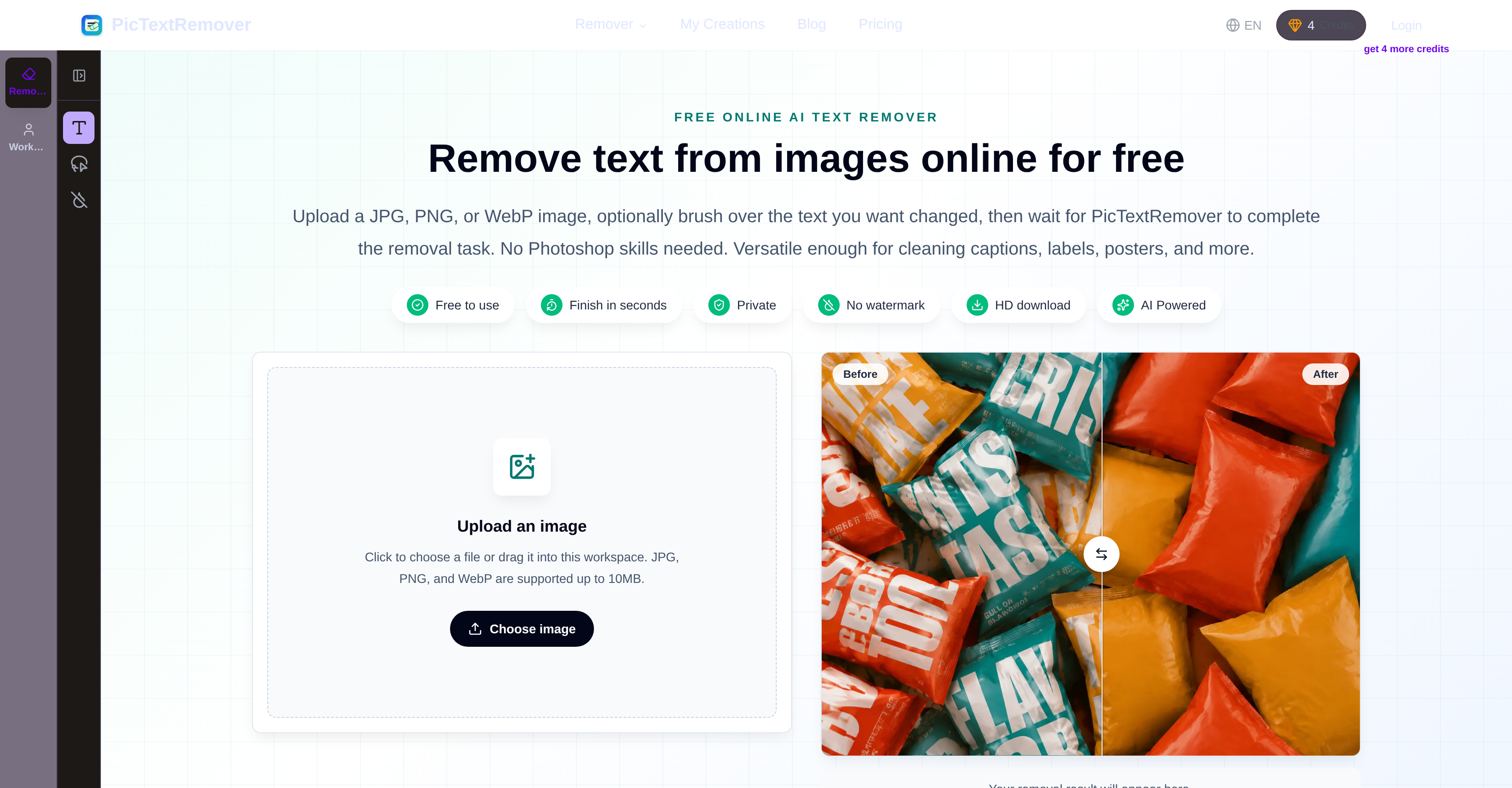
- Clean product photos for e-commerce listings by erasing supplier labels and outdated promo text, using AI that reconstructs the background without distorting edges or colors
- Remove distracting captions, date stamps, and watermarks from everyday photos in seconds, with no signup required and no watermark added to the final image
- Prepare polished presentation slides free from text clutter, as the tool preserves crisp textures and original layout stability after erasing headlines or labels
- Refresh advertisement posters by clearing old dates and captions, while AI matches lighting, shadows, and highlights for a seamless natural look
- Edit screenshots for documentation or social media by brushing over unwanted text and letting automatic background reconstruction maintain object outlines
- Achieve professional-grade text removal without Photoshop or advanced editing skills, thanks to an intuitive brush interface and AI-powered precision in under a minute
Pros & Cons
Pros
- Supports JPG, PNG, WebP
- Preserves original image structure
- Text removal provides clean images
- No advanced skills required
- Simplified removal process
- Keeps user process private
- No watermark on output
- Suitable for beginners and professionals
- Good for ecommerce, presentations
- Can be used for personal use
- Maintains original color, lighting, texture
- Flexible control for users
- Helpful in product photo preparation
- Cleans supplier labels, outdated promo
- Removes text from presentation slides
- Versatile usage scenarios
- Automatic text detection
- Fast, intuitive cleanup
- No blur after removal
- Rebuilds natural-looking background
- Ready-to-use results
- Works on seller photos
- Cleans poster and campaign designs
- Targets visible lettering
- Fast image editing
- Privacy protection
- Results downloadable in HD
- Redeemable free credits
- Doesn't require Photoshop
- Supports up to 10MB image
- Login for extra free removal
- Images deleted after 7 days
- Produces noise-free background
- Removes text from everyday photos
- Simple workflow steps
- Can remove date stamps, captions
- Capable of text de-cluttering
- Provide before and after examples
- Supports precise text removal
- Can handle poster cleanup
Cons
- Only supports JPG, PNG, WebP
- No API described
- No mobile app
- Images limited to 10MB
- No bulk removal option
- No text detection adjustment
- Possible uneven result with complex backgrounds
- No manual adjustment options
Reviews
Rate this tool
Loading reviews...
❓ Frequently Asked Questions
PicTextRemover is an online AI tool specifically designed to erase text from images. It provides a user interface where users brush over unwanted text, allowing the tool to carry out the removal process. It's an efficient solution for cleaning up captions, labels, screenshots, posters, and various other image types.
PicTextRemover uses AI technology to remove unwanted text from images. When an image is uploaded and the text to be removed is selected by brushing over it, PicTextRemover identifies these areas and applies algorithms to eliminate the text. It fills in the vacated space with elements that match the surrounding context of the image.
PicTextRemover supports JPG, PNG, and WebP image formats. It allows users to upload an image in any of these formats for the text removal process.
PicTextRemover meticulously removes text from an image while keeping the rest of the image's structure intact. It utilizes AI technology to fill in the spaces left after text removal with elements that match the surrounding context. As a result, it maintains the original layout, colors, and textures of the image, minus the removed text.
Yes, PicTextRemover can be easily used by beginners. The application is designed to be intuitive, and the text removal process is simplified to a few steps. Furthermore, no advanced editing skills are required, making it accessible to all users regardless of their skill level.
Definitely, PicTextRemover is suitable for professional use by designers, marketers, and sellers. It provides sufficient controls that allow these types of users to achieve polished results, making it ideal for those in ecommerce, presentations, marketing, and more.
PicTextRemover reconstructs the background for a natural look using its AI technology. When text is removed, the application regenerates the now blank areas to match the rest of the image's background seamlessly. Factors such as lighting, texture, and colour of the surrounding areas are taken into account for this process.
In ecommerce, PicTextRemover can be used to clean unwanted labels and text from product images. It can remove outdated promotional text, temporary price tags, packaging notes, and other distracting text elements from product images. This can improve the focus on the actual product, enhancing its visual appeal for potential customers.
PicTextRemover maintains the original color, lighting, and texture of an image by minimizing the alterations made to the non-text areas of the image. As part of the AI-based text removal process, wherever text is removed, the application works to regenerate those areas in a way that aligns with the original color scheme, lighting conditions, and texture qualities of the image.
No, there is no need for any additional editing tools or Photoshop when using PicTextRemover. The tool itself is capable of delivering satisfactory results by maintaining the original color, lighting, and texture of an image with its precise AI-based text removal.
The removal process in PicTextRemover involves a few simplified steps: First, users upload an image in either JPG, PNG, or WebP format. Next, they brush over the area where the unwanted text is located. Finally, they wait for PicTextRemover to complete the text removal process and provide a downloadable image without the removed text.
PicTextRemover ensures user privacy by keeping the entire text removal process private. The images uploaded for text removal are not used for any other purposes and are deleted automatically after 7 days. Users can also manually delete their creations earlier if they need to.
No, PicTextRemover does not leave any watermark on the finished image. The tool not only ensures the removal of unwanted text from the image but also guarantees a clean end-result without any branding or marks.
Yes, PicTextRemover can be effectively used for editing screenshots. It allows users to brush over and remove any unwanted text from screenshots, delivering a clean and text-free screenshot in return.
Yes, PicTextRemover can be used for poster editing. The software is designed to remove text such as old dates, headlines, and captions from poster backgrounds, providing a clean base for the user to add new text or elements.
PicTextRemover handles lighting preservation by intelligently filling in the spaces left after text removal in a way that aligns with the original lighting conditions of the image. The AI technology behind the application considers the lighting form of the surrounding areas of the removed text to ensure a seamless and natural look.
Absolutely, PicTextRemover can remove captions and labels from images effectively. By brushing over the specific areas, users can guide the tool to remove any text, be it captions or labels, restoring the image to its clean, original state.
Indeed, PicTextRemover serves as a robust alternative to Photoshop for text removal from images. It simplifies the process, eliminating the need for advanced skills or knowledge of complex editing tools like Photoshop. Moreover, it offers the added advantages of AI-powered precision and swift processing.
The user interface of PicTextRemover is highly user-friendly. It requires only a few simplified steps to remove unwanted text from images. Optional brush tools give users control over the removal areas, and the no-signup required policy adds to its easy access and operation. Furthermore, the tool is fast and intuitive, making it a handy tool for everyday use.
The AI-based technology in PicTextRemover aids in the text removal process by automatically detecting and removing the specified text from images. With the application of machine learning algorithms, the AI ensures precision in identifying and removing text, and thereafter reconstructing the background for a natural look. The AI does the heavy lifting, providing users with a clean, ready-to-use image in just a few steps.
PicTextRemover operates in a simple yet effective way. Users upload an image in JPG, PNG, or WebP format and brush over the unwanted text. PicTextRemover then automatically removes the highlighted text areas and reconstructs the image for a natural look.
PicTextRemover supports images in JPG, PNG, and WebP formats.
Yes, there is a limit to the file size for images uploaded on PicTextRemover. The platform supports images up to 10MB.
No, PicTextRemover does not add a watermark to the images it processes as it highly values the privacy of its users.
Yes, PicTextRemover is entirely suitable for beginners. It does not require any advanced skills and allows users to easily and effectively remove text from images.
Absolutely, PicTextRemover can be a valuable tool for professionals involved in digital marketing as well as designers and marketers who require polished results for their work.
PicTextRemover can be extremely beneficial for various fields including presentations, ecommerce, digital marketing, graphic design and personal image cleanup.
Yes, PicTextRemover can fully reconstruct the background of an image after text removal by maintaining the original structure of the image.
Yes, PicTextRemover can be used as an alternative to Adobe Photoshop for text removal tasks as it does not require any additional editing skills or Photoshop to achieve a satisfactory outcome.
Yes, PicTextRemover ensures the privacy of uploaded images. It keeps the process private and does not use the images for other purposes.
PicTextRemover keeps your uploaded images and results for 7 days. However, users can delete them earlier if they choose to.
While the primary function of PicTextRemover is text removal, it also offers an Image Object Remover tool to remove unwanted objects from images.
PicTextRemover is engineered for quick processing. It can complete text removal tasks within a few seconds.
PicTextRemover maintains the original image quality and reduces noise by preserving the textures, edges and lighting around the removed text.
Though the information available does not explicitly mention account creation, it does mention that logged-in users have additional control such as early deletion of uploaded images.
For people involved in ecommerce, PicTextRemover is a beneficial tool as it can be used to clean supplier labels and outdated promo text, prepare product photos for listings and more, making images more attractive and effective for potential buyers.
No, PicTextRemover does not distort or blur images after removing text. It generates a clean edit by maintaining the object edges, outline and overall layout stability in the images.
PicTextRemover prioritizes preserving the natural color and lighting of the image. It rebuilds the background with matching colors, shadows and highlights after removing text.
Yes, PicTextRemover offers free services. Anonymous users can clean one image for free. However, upon logging in, they get an additional free removal. No explicit information on paid plans is provided.
Pricing
Pricing model
Freemium
Paid options from
$8/month
Billing frequency
Monthly
Refund policy
No Refunds