

RunwayGen-4
Overview
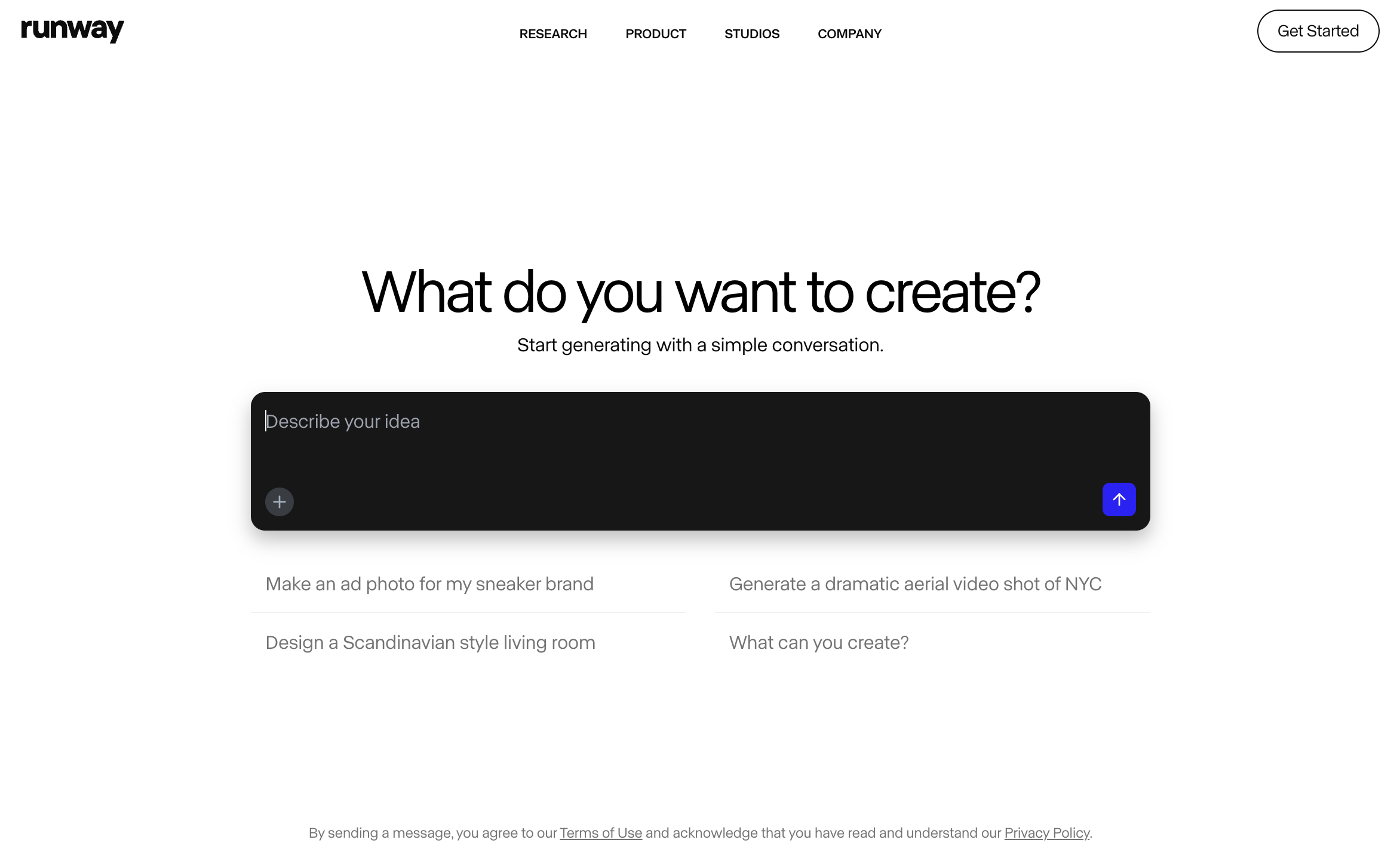
- Generate stunning images from simple text descriptions using text-to-image AI, eliminating the need for stock photos or design skills
- Create cinematic slow-motion footage without expensive high-speed cameras using the super-slow motion tool
- Remove unwanted objects or people from videos with simple brush strokes using the inpainting feature for flawless footage
- Automatically sync video edits to music beats with beat detection, creating perfectly timed content without manual frame counting
- Replace backgrounds instantly with green screen tools and remove distracting background noise automatically for professional audio quality
- Collaborate securely with team members worldwide using real-time sharing and access controls for seamless project workflows
- Customize hundreds of professional templates in clicks rather than starting from scratch, saving hours of design time
- Centralize all creative assets in one secure hub with organized fonts, videos, and images accessible to your entire team
- Transform existing images into infinite patterns or new variations using image-to-image generation guided by text commands
- Apply professional color grading instantly by describing the look you want with text-to-color grade technology
Pros & Cons
Pros
- Browser-based, no downloads required
- Offers text to image generation
- Text to color grade option
- Super-slow motion feature
- Image to image generation utility
- Infinite image generator
- Advanced video editing tools
- Features inpainting and motion tracking
- Secure collaboration tools
- Professionally crafted templates
- Automatic beat detection
- Automatic subtitles feature
- Automatic noise removal
- Advanced security setup
- Team management tools
- Comprehensive asset hub
- Frame interpolation tool
- Background removal tool
- Real-time video editing capabilities
- Text to 3D texture tool
- Audio noise removal
- SRT transcript generation
- Alpha Matte creation
- Automatic motion tracking
- Video background blurring
- Removal of video objects
- Simple brush strokes for video editing
- Removal of video backgrounds
- Automatic beat detection
- Automatic subtitles creation
- Automated noise removal from audios
- Collaboration in real-time
- Secure user management
- View mode and edit mode for team management
- Single hub for all assets, videos, fonts, content
- Professionally designed customizable templates
- More than 400 effects and filters
- Multi-track audio-editing and customization
- Keyframe control for audio tracks
- Content creation from text
- Green screen effect for background replacement
- Context-specific tool like erase and replace for specific part of an image
- Team sharing for assets, projects, compositions
- Real-time object tracking in videos
- Offers asset customization
Cons
- Requires Internet connection
- Limited to browser-based editing
- Limited templates customization
- Limited export formats
- Does not support VR
- No offline editing capabilities
- Limited advanced video editing
- No high-end 3D features
Reviews
Rate this tool
Loading reviews...
❓ Frequently Asked Questions
RunwayML offers a wide range of AI-powered features for content creation and editing, such as text to image generation, erase and replace, AI training, text to color grade, super-slow motion, image to image generation, infinite image, green screen, inpainting, and motion tracking. It also provides automatic tools like beat detection, subtitles, and noise removal. Additionally, it offers collaboration tools, hundreds of customizable templates, team management functions, and a centrally organized asset hub.
RunwayML's AI-powered content creation utilizes various intelligent tools that automate and enhance the creative process. It can generate images from text, create color grades based on text inputs, and develop infinite image patterns. It can also train itself to automate and simplify complex and repetitive tasks like removing background noise, detecting music beats, and generating subtitles.
For video editing, RunwayML offers several features including tools for green screen manipulation, inpainting, and motion tracking. It permits real-time editing, the usage of hundreds of effects, filters and LUTs, and multi-track audio editing with keyframe control and audio customization. It also provides features like automatic beat detection and generating subtitles automatically.
RunwayML's image to image generation works by modifying existing images guided by text inputs. So, a user provides a text description, and the AI alters the existing image according to the specified instructions. This tool enables users to create a variety of different versions of an image based on the text commands.
RunwayML provides AI Magic Tools that include functionalities like text to image generation, erase and replace, super-slow motion, image to image generation and infinite image. Other automatic magic tools include beat detection, subtitles, and noise removal. These tools are designed to significantly increase the efficiency and output quality of the content creation process.
The Automatic Beat Detection feature in RunwayML works by analyzing the audio track attached to a video. It identifies the beats in the music then allots markers at these points. Users can then easily snap their edits or transitions to these beats to ensure the video syncs with the music.
Yes, RunwayML's suite allows users to collaborate with their team on projects. They can securely share compositions, assets, and content with their team, managing access with view mode and edit mode. This enables real-time collaboration from anywhere in the world and simplifies the process of sharing and working on projects as a team.
RunwayML provides hundreds of professionally crafted templates that users can utilize and customize for their content creation needs. These templates cover a wide range of themes and formats, which can be customized with just a few clicks, providing a convenient starting point for content creation.
Yes, RunwayML does have an Automatic Noise Removal functionality. This feature operates by analyzing the audio track of a video and algorithmically removing background noise, resulting in cleaner and higher quality audio.
The Text to Color Grade feature in RunwayML operates by generating color gradients guided by user-provided text instructions. The AI interprets the intention and direction from the text and accordingly adjusts the color grading of the video, offering a unique and intuitive approach to color grading.
For content creators, some of RunwayML's most useful features include its AI-powered content generation tools, video editing capabilities such as green screening and inpainting, the convenience of customizable templates, automatic beat detection, automatic subtitles, and real-time collaboration tools. Its asset hub is also valuable as it provides a centralized place to manage resources.
RunwayML's super-slow motion effect can be used to create dramatic and high-quality slow-motion footage without requiring a high-speed camera. It's a beneficial tool for emphasizing certain points in a story, creating eye-catching content, or eliciting strong emotional responses. It is also beneficial in sports broadcasts, action scenes, and art projects.
The Erase and Replace feature in RunwayML allows users to remove parts of an image and replace it with something else. This is done using machine learning algorithms that intelligently 'understand' and replicate the visual context of the surrounding area, making the replacements seamless and natural-looking.
RunwayML offers a range of tools for collaborative teamwork. It provides built-in secure collaboration and user management features. This includes controlling access levels with view or edit modes, sharing individual assets, compositions, and all content with team members, and creating a central asset hub where all assets can be organized and accessed by everyone in the team.
Yes, RunwayML provides AI training capabilities. The AI learn from the user's tasks and actions and can adapt to simplify complex and repetitive tasks, enhancing efficiency and the quality of the output over time.
RunwayML's infinite image tool generates a continuous and unlimited pattern from an input image. It uses AI to comprehend the image and extrapolate it into an infinite design, maintaining the visual style and characteristics of the original image.
RunwayML's green screen tool allows for precise background replacements in videos. It easily isolates the subject and replaces the green screen with a new background. Inpainting, on the other hand, can be used to remove unwanted objects or persons from the video. It works with a few simple brush strokes that indicate what you want to remove, making it a useful tool for easy and precise editing.
RunwayML provides advanced security features to offer peace of mind to its users. This includes secure collaboration tools and comprehensive user management systems to assure that only authorized team members get the access they need. The asset hub keeps all their assets, videos, fonts, and content in one secure, centralized place.
Yes, RunwayML's Asset Hub provides a centralized place where all assets, videos, fonts, and content are kept. This allows for seamless and secure sharing of assets across a team, making it simpler to manage and organize resources in a collaborative project.
Pricing
Pricing model
Free Trial
Paid options from
$15/month
Billing frequency
Monthly
Related Videos
Create Cinematic Ai Videos with Runway Gen-4 (FULL COURSE)
Tao Prompts•94.9K views•Apr 10, 2025


