

Rusheslab
Overview
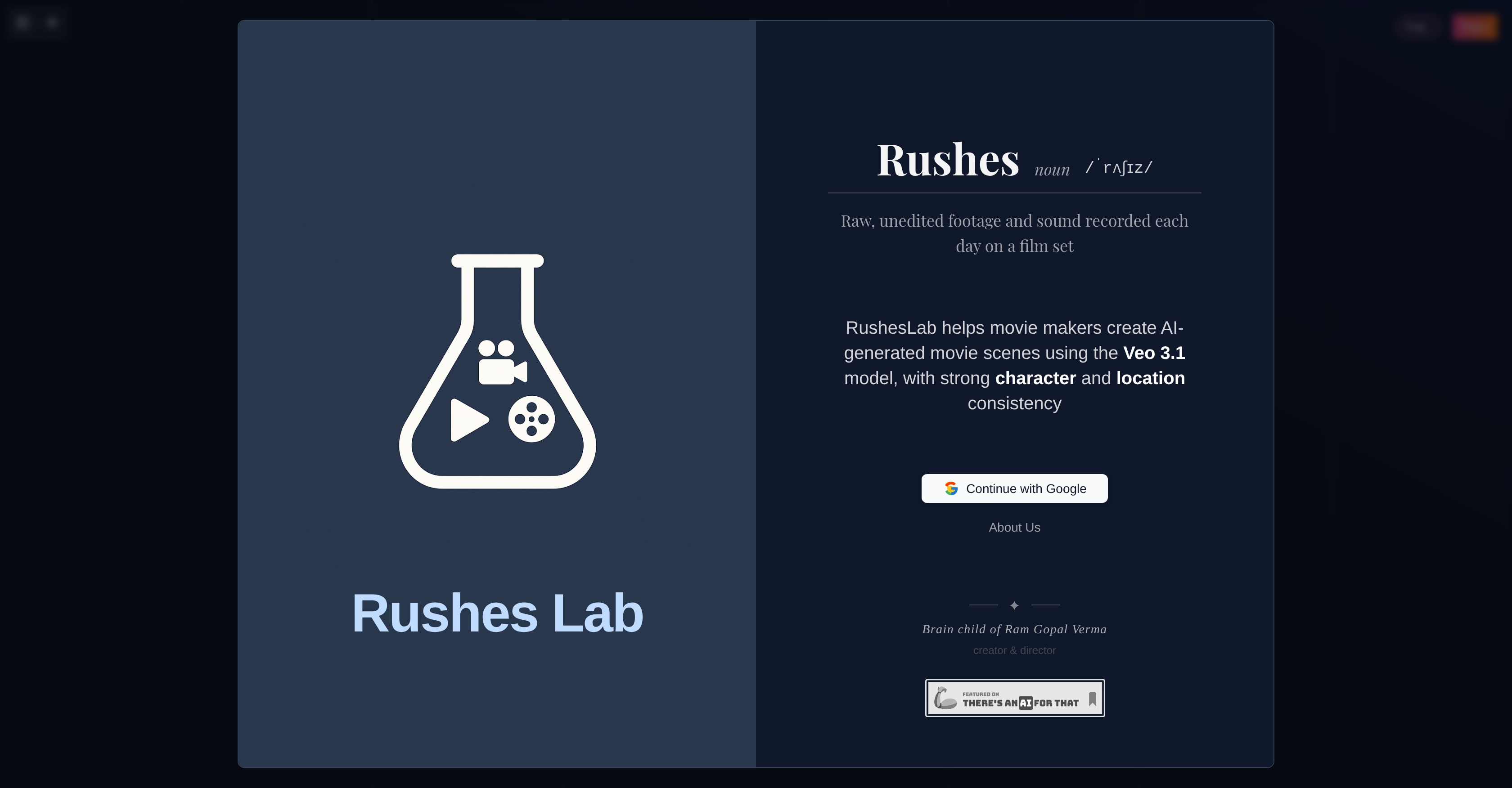
- Transform rough ideas into detailed, shot-accurate previsualizations in minutes, powered by Veo 3.1 to accelerate your pre-production timeline
- Maintain perfect character and location consistency across all scenes, ensuring seamless world-building and narrative cohesion for your film
- Visualize and refine every scene before shooting with detailed conceptual representations, enabling precise planning and resource optimization
- Manage multiple projects and scenes effortlessly with an intuitive sidebar and project management tools, keeping your entire pre-viz workflow organized
- Easily modify saved scenes and projects as your creative vision evolves, accommodating adjustments throughout the pre-production process
Pros & Cons
Pros
- Designed for filmmakers
- Features Veo 3.1
- Generates cinematic scenes promptly
- Provides consistent characters and locations
- Converts rough ideas into pre-viz
- Detailed scene rendition
- Rapid turnaround
- Ensures continuity and cohesion
- Supports consistent world-building
- Tracks character progression
- Incorporates project management
- Facilitates accurate realization of vision
- Combines previsualization and continuity
- Streamlines pre-production
- Provides shot-accurate previews
- Accommodates user's core scene ideas
- Innovative scene creation tool
- Accessible and easy navigation
- Helps manage different project scenes
- User-friendly interface
- Supports creativity in film production
- Efficiently translates ideas into visuals
- Promotes productivity
Cons
- Depends on Veo 3.1
- Exclusively for filmmakers
- May lack freedom in character design
- No compatibility data
- Project management not detailed
- No multi-user collaboration
- Not suitable for live-action
- Limited to pre-production stage
- No version control
- No API integration
Reviews
Rate this tool
Loading reviews...
❓ Frequently Asked Questions
Rusheslab is an AI-powered tool designed primarily for filmmakers. Its primary function is to aid in the pre-production stage of filmmaking by converting rough ideas into accurate previsualization or 'pre-viz'. It also ensures consistency in characters and locations, aids in world-building and character progression, and offers project management capabilities.
Rusheslab utilises an underlying system named Veo 3.1 to function effectively.
Rusheslab creates cinematic scenes by leveraging the Veo 3.1 system. The process involves turning the filmmakers' ideas into detailed previsualizations, accurately portraying the intended scenes with consistent characters and locations.
In the context of Rusheslab, previsualization is the process of conceptualizing and visualizing the scene layout before the actual shooting begins. It turns filmmakers' rough ideas into accurate and comprehensive visual representations, greatly aiding in efficient planning and execution.
With Rusheslab, filmmakers can envisage a detailed rendition of their scenes in just minutes.
Rusheslab ensures consistent characters and locations by leveraging its advanced AI technology to handle and maintain continuity and cohesion. This ensures consistency in world-building and character progression across different scenes.
In the digital production process, continuity and cohesion are crucial for maintaining a consistent flow throughout the film. Rusheslab's ability to maintain consistency in characters and locations helps to maintain a seamless narrative and visual structure, thereby enhancing the overall quality of the film.
Rusheslab aids in world-building and character progression by ensuring consistency in all aspects of the film. The tool effectively handles the consistency in characters and locations across multiple scenes, which greatly aids in creating a cohesive world and developing characters progressively throughout the film.
Yes, Rusheslab has project management capabilities that allow users to handle multiple scenes and projects effectively.
Rusheslab handles the project management aspects by providing a robust feature set that allows users to effectively handle multiple scenes and projects, maintain continuity, and manage pre-production planning seamlessly.
Yes, one of Rusheslab's core features is its ability to generate concepts based on the user's core idea of the scene, further aiding in the accurate realization of the filmmaker's vision.
Rusheslab streamlines the pre-production stage of filmmaking by offering rapid and accurate previsualization, continuity management, effective project management, and concept generation based on the filmmaker's core ideas. This results in more efficient planning, better realization of the filmmakers' vision, and ultimately, a smoother filmmaking process.
Rusheslab facilitates efficient planning by offering accurate and rapid previsualization. It converts the filmmakers' rough ideas into detailed visual renditions of scenes, enabling them to envision and plan their work in detail and save significant time and resources in the actual production process.
Rusheslab plays a crucial role in visual storyboarding by aiding filmmakers in previsualizing detailed renditions of their scenes. This allows them to plan out the visual aspects of their scenes in advance, leading to more accurate and efficient execution during the actual shooting.
Rusheslab contributes to creative conceptualization by allowing filmmakers to generate concepts based on their core ideas. This helps them visualize and refine their creative ideas efficiently, leading to a more accurate realization of their vision in the final product.
Yes, Rusheslab can support you in ensuring consistent world-building in your film. It does this by maintaining the continuity and cohesion in characters and locations across different scenes, enhancing the overall cohesiveness of the narrative and visuals of your film.
Veo 3.1 aids Rusheslab in generating cinematic scenes by powering its previsualization process. Through this, filmmakers can quickly convert their rough ideas into accurate and detailed previsualizations, enhancing the efficiency and quality of their pre-production planning.
Veo 3.1 is leveraged by Rusheslab to essentially transform creative ideas into accurate previsualization. It allows for the rapid generation of cinematic scenes, character consistency, and location management.
Yes, Rusheslab can manage multiple film projects. It has project management capabilities that allow filmmakers to handle different scenes and projects effectively.
'Pre-viz' or previsualization in the context of Rusheslab refers to the visual planning process of a film scene through animated storyboards in advance of filming. It allows filmmakers to turn their ideas into shot-accurate previews in just minutes.
Rusheslab contributes to the continuity and cohesion in filmmaking by consistently handling characters and locations throughout the scenes. This ensures that the scenes' ambiance and character development remain unbroken and logical as the film progresses.
Yes, Rusheslab can handle consistent world-building and character progression. Through its AI capabilities, it manages characters and locations in a consistent manner, which is particularly useful in creating scenes where consistent evolution of the world and characters is crucial.
Rusheslab can turn a filmmaker's concept into accurate previsualization in just minutes. This capability accelerates the pre-production stage of the filmmaking process.
Rusheslab is designed to be user-friendly for all users, including those new and inexperienced in using such tools. It features a toggle and open sidebar for easy navigation and intuitive functionalities.
Rusheslab streamlines the pre-production stage of filmmaking by generating conceptual scene representations quickly. It offers filmmakers the ability to visualize their scenes before actual shooting, facilitates the efficient conversion of ideas into tangible previews, and provides robust project management capabilities.
Rusheslab can help achieve more efficient planning in filmmaking by allowing filmmakers to envision and conceptualize scenes before starting the actual filming. Once a scene is visualized, it allows for better planning and optimization of resources.
Rusheslab ensures a detailed rendition of scenes by allowing filmmakers to define the essential aspects of their scenes. This is achieved by generating concepts based on the core idea of the scene provided.
Rusheslab provides a toggle and open sidebar for easy navigation. This feature assists users in accessing various functionalities and managing their projects efficiently.
Yes, after saving, filmmakers can modify the scenes or projects on Rusheslab as needed. This feature helps in making any necessary adjustments or changes in the scenes or projects.
Rusheslab handles different locations and characters in a scene through the powerful AI capabilities of Veo 3.1. It maintains character and location consistency across scenes, which is crucial for maintaining the integrity of the story.
Using Rusheslab, filmmakers can define the essential aspects of their scenes by providing the core idea of the scene. Based on this information, Rusheslab generates concepts and translates these into tangible previews.
Yes, Rusheslab can accommodate and facilitate adjustments as the filmmaker's vision evolves. Its project management features allow for changes and updates to saved projects and scenes as needed.
Rusheslab promotes productivity and creativity in film production by allowing filmmakers to rapidly convert their ideas into tangible cinematic visuals. It fast-tracks the pre-production process and aids in more efficient planning, which in turn allows filmmakers more time for creative endeavors.
Rusheslab can create various types of scenes used in filmmaking. Its AI capabilities, enhanced by Veo 3.1, allow it to handle different characters, locations, and story complexities.
Based on the website, it is indicated that Rusheslab does offer a guest trial, allowing new users to experience its features and capabilities before deciding on a plan.
To convert your ideas into concrete cinematic visuals using Rusheslab, you simply need to input the core idea of your scene. Rusheslab then generates concepts based on this and quickly turns these into shot-accurate previsualization.
Pricing
Pricing model
Free Trial
Paid options from
$20/month
Billing frequency
Monthly
Refund policy
No Refunds


