Overview
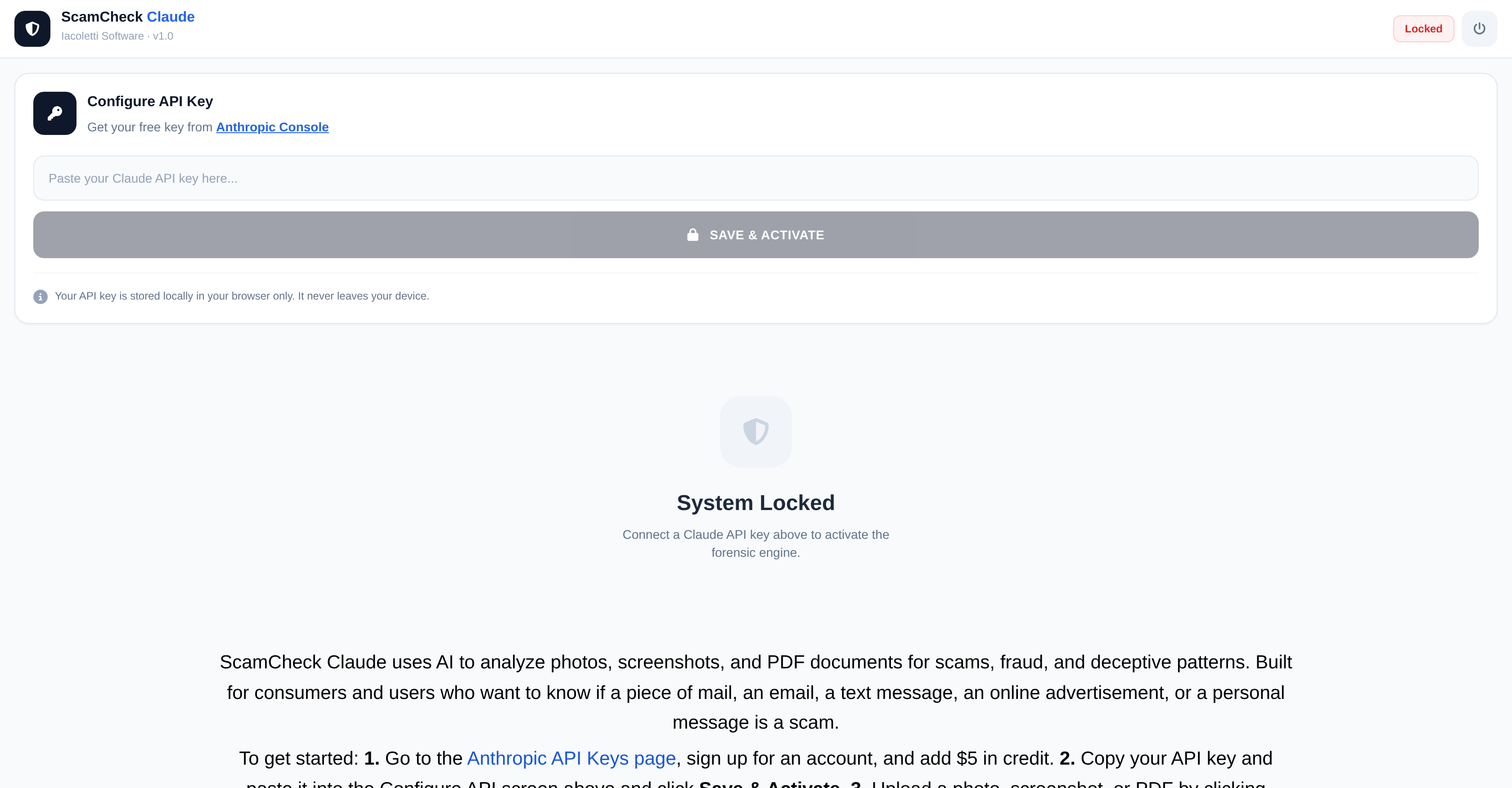
- Instantly verify suspicious emails, ads, and messages by uploading a screenshot or PDF for AI scam analysis.
- Receive a clear, actionable report with a risk score, final verdict, and specific fraud indicators for confident decision-making.
- Keep your data private with end-to-end encryption and a BYOK (Bring Your Own Key) architecture that never stores your credentials or scanned content.
- Save your scam analysis reports as text or PDF documents for record-keeping or sharing with authorities.
- Analyze a wide range of digital content including personal messages, online advertisements, and text messages from a single, simple interface.
Pros & Cons
Pros
- Analyzes photos, screenshots, PDFs
- Identifies scams, fraud, deceptions
- Useful for consumers, businesses
- Analyzes mails, emails, texts, ads
- API key activation
- 'Begin Scan' feature
- Generates analysis report
- Provides Risk Score
- Provides Verdict
- Identifies Fraud Indicators
- Report savable as PDF/Text
- BYOK architecture
- Protects user privacy
- Encrypts user's API keys
- Supports Online Advertising Security
- Email Security feature
- Digital Media Analysis
- Screenshot Analysis capability
- Has Personal Communication Security
- Risk Assessment functionality
- End User Agreement compliance
- Terms Of Service adherence
- Privacy Policy enforcement
- Scans not stored
- No forwarding/accessing user content
- Secure data transit
- API key encryption
- Analysis of personal messages
- ScamCheck Claude User Manual
- Anthroware API Integration
Cons
- Requires API key acquisition
- Manual clearing between scans
- No automatic report saving
- BYOK architecture learning curve
- Strict Terms of Service adherence
- Limited to photos, PDFs
- Risk assessment not automated
- Needs manual report review
- No built-in encryption methods
Reviews
Rate this tool
Loading reviews...
❓ Frequently Asked Questions
ScamCheck Claude v1.0 is a tool developed by Iacoletti Software that employs artificial intelligence for the purpose of scrutinizing and pinpointing potential fraudulent activities, deceptive patterns and scams. It handles this task through the analysis of photos, screenshots, and PDF documents.
ScamCheck Claude v1.0 uses artificial intelligence to scrutinize and pinpoint scams, fraudulent activities, and deceptive patterns. This process takes place through an advanced analysis of photographs, PDF documents, and screenshots, scouring for possible deception, scams, or fraud.
ScamCheck Claude v1.0 is capable of analyzing different types of content. This includes photos, screenshots, PDF documents along with various contents including mails, emails, text messages, online advertisements or personal messages.
ScamCheck Claude v1.0 is designed to be used by a diverse range of users. This includes ordinary consumers as well as businesses who are interested in confirming the legitimacy of various kinds of content.
To start using ScamCheck Claude v1.0, a user has to acquire an API key first from the Anthropic API Keys page. The key is then pasted into the Configure API screen on ScamCheck Claude v1.0 followed by clicking Save & Activate. The user then proceeds to upload the file they want to scrutinize by clicking on the options - Camera or Import. A click on 'Begin Scan' initiates the process of analysis.
An API key for ScamCheck Claude v1.0 can be obtained from the Anthropic API Keys page. The user will need to sign up for an account and add $5 in credit. The API key can then be copied and saved for use.
To upload a file for analysis on ScamCheck Claude v1.0, a user just needs to click on the Camera or Import options. This enables them to upload a photograph, screenshot, or PDF document that they wish to examine.
'Begin Scan' in ScamCheck Claude v1.0 initiates the process of analysis. This involves running an advanced examination on the uploaded file and subsequently generating a report.
The analysis report provided by ScamCheck Claude v1.0 includes crucial information that helps in determining the authenticity of the scanned document. This comprises a Risk Score, a Verdict, and various Fraud Indicators.
An analysis report from ScamCheck Claude v1.0 can be saved easily. Users need to click on the document icons to save the report in their preferred format - either as a Text or PDF document.
'Clear Staged Evidence' is a feature on ScamCheck Claude v1.0 that allows the user to erase the scanned file or document from the system. This ensures the tool's readiness for another scan.
Yes, a user ought to clear the staged evidence after every scan on ScamCheck Claude v1.0. This step helps prepare the tool for a new scan by removing the currently scanned file or document.
The purpose of the Risk Score in ScamCheck Claude v1.0 is to provide an estimate of the scanned content's potential risk level. It is part of the analysis report produced after each scan and helps users make informed decisions about the scanned content.
The Verdict in the ScamCheck Claude v1.0 report represents the final conclusion or judgement about the scanned content. It is based on the accumulated analysis findings and determines whether the content is likely to be fraudulent or not.
ScamCheck Claude v1.0 provides Fraud Indicators as part of the report from each scan. These are specific elements or patterns recognized by the AI that suggest potential fraud or scam in the analyzed content.
ScamCheck Claude v1.0 ensures data security through robust procedures to protect users' information and respects their privacy. Adherence to the End User License Agreement, Terms of Service, and Privacy Policy helps maintain the security and privacy of users' data.
The terms of service for ScamCheck Claude v1.0 are available in the user manual. Users must agree to these terms before using the service, and they cover important aspects such as acceptable use, data privacy, and responsibilities and obligations of the user.
The privacy policy of ScamCheck Claude v1.0 is included in the ScamCheck Claude User Manual. The policy outlines how user data is collected, stored, protected, and utilized.
Yes, users must agree to the End User License Agreement to use ScamCheck Claude v1.0. The agreement stipulates the terms under which the software can be used, and it is included alongside the Terms of Service and Privacy Policy.
ScamCheck Claude v1.0 validates the authenticity of online advertisements by scanning and analyzing the content for potential scams, fraud, and deceptive patterns. The result is delivered in a report that includes a Risk Score, Verdict, and Fraud Indicators that help to establish the legitimacy or otherwise of the advert.
The main purpose of ScamCheck Claude v1.0 is to use artificial intelligence to analyze and identify potential scams, fraud, and deceptive patterns in photos, screenshots, and PDF documents.
ScamCheck Claude v1.0 uses artificial intelligence algorithms to scrutinize various forms of digital media for signs of fraudulent behavior or deceptive patterns which could indicate a scam.
ScamCheck Claude v1.0 can analyze photos, screenshots, and PDF documents.
Yes, ScamCheck Claude v1.0 can certainly be used for business purposes. It is designed to service a broad range of users, from common consumers to businesses.
To get started with ScamCheck Claude v1.0, you need to sign up for an account on the Anthropic API Keys page, add $5 in credit, copy your API key and paste it on the 'Configure API' screen, then upload the file you wish to analyze.
The ScamCheck Claude v1.0 report provides vital information like a 'Risk Score', a 'Verdict', and 'Fraud Indicators', which will be helpful in determining the authenticity of the analyzed document.
Yes, you can save the ScamCheck Claude v1.0 analysis report in either Text or PDF format.
Clearing the staged evidence in ScamCheck Claude v1.0 resets the software and makes it ready for another scan.
By using ScamCheck Claude v1.0, users agree to the tool's End User License Agreement and Terms of Service.
Privacy policies regarding the use of ScamCheck Claude v1.0 are outlined in the tool's Privacy Policy. Users must agree to this policy when using the tool.
BYOK, or Bring Your Own Key, is an architecture that ScamCheck Claude v1.0 uses to protect the users' privacy. This structure ensures that the AI tool does not store, forward, or access user API credentials or the content being analyzed.
No, ScamCheck Claude v1.0 does not store or have access to your API credentials. It operates on a Bring Your Own Key architecture, which ensures your privacy is protected.
ScamCheck Claude v1.0 ensures the security of your data by encrypting it with your own API key during transit. This means your data travels securely between your browser and Anthropic.
Yes, ScamCheck Claude v1.0 can be used for scanning online advertisements for potential scams.
Yes, ScamCheck Claude v1.0 can analyze personal messages for potential scams.
Risk Score in the ScamCheck Claude v1.0 report refers to the quantitative representation of the chance that the analyzed file is a scam.
Verdict in the ScamCheck Claude v1.0 report is the final decision on whether or not the file analyzed is a potential scam, based on the analyzed factors.
Yes, ScamCheck Claude v1.0 does offer email security features. It can analyze emails for potential scams.
Fraud Indicators in the ScamCheck Claude v1.0 report are signs or hints that the software identifies which could point to the possibility of a scam or fraudulent activity in the analyzed file.
Pricing
Pricing model
No Pricing